The Hidden Details of Actiontec Router Firmware Update Process Revealed
Actiontec GT784WN Firmware Upgrade Guide
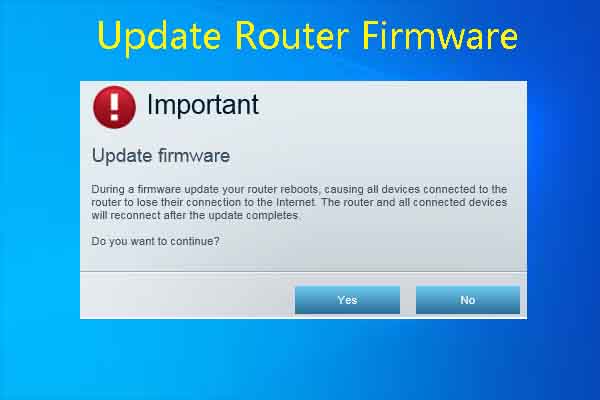
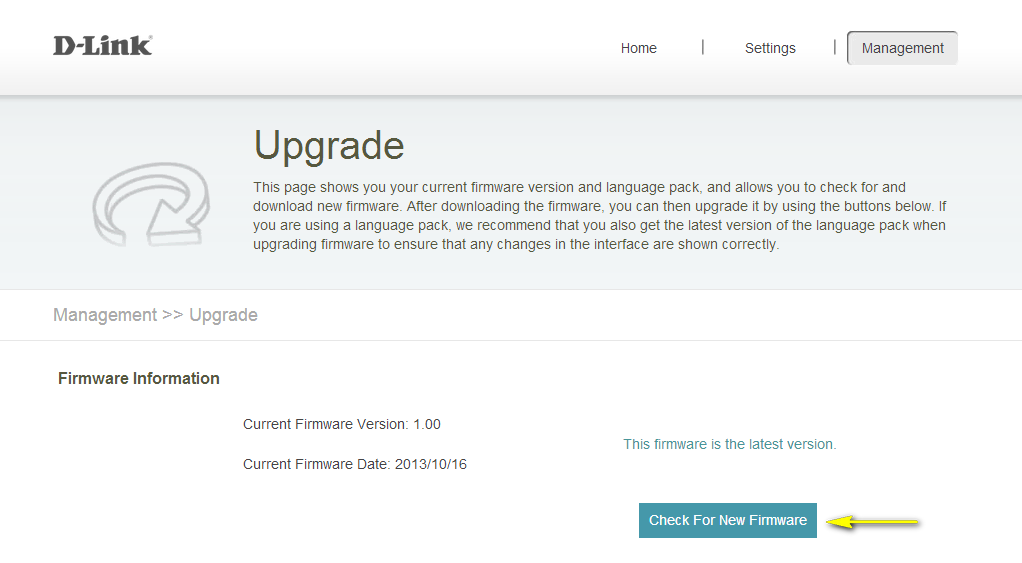
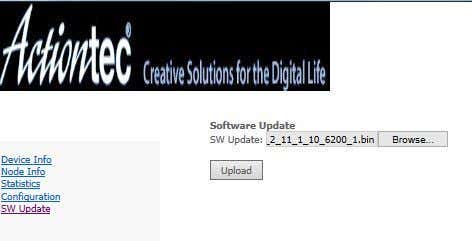
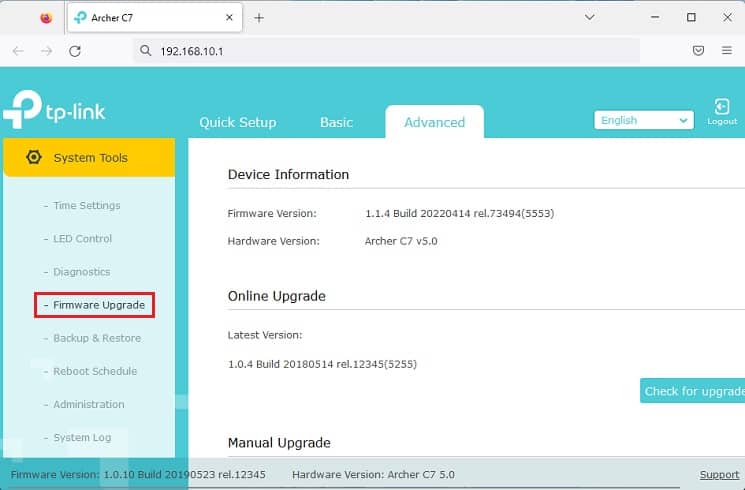
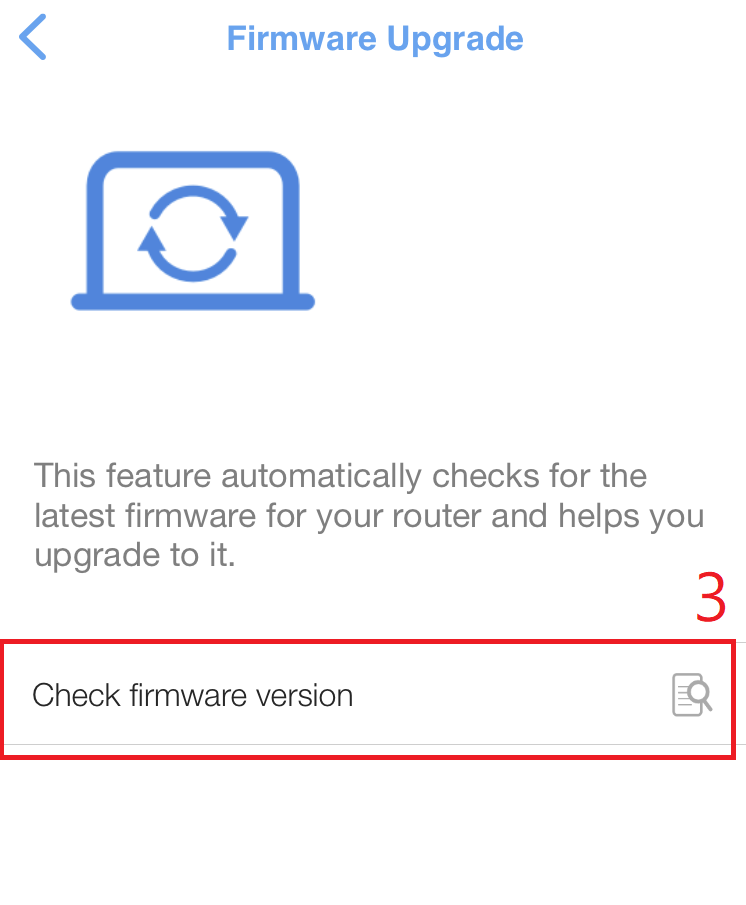
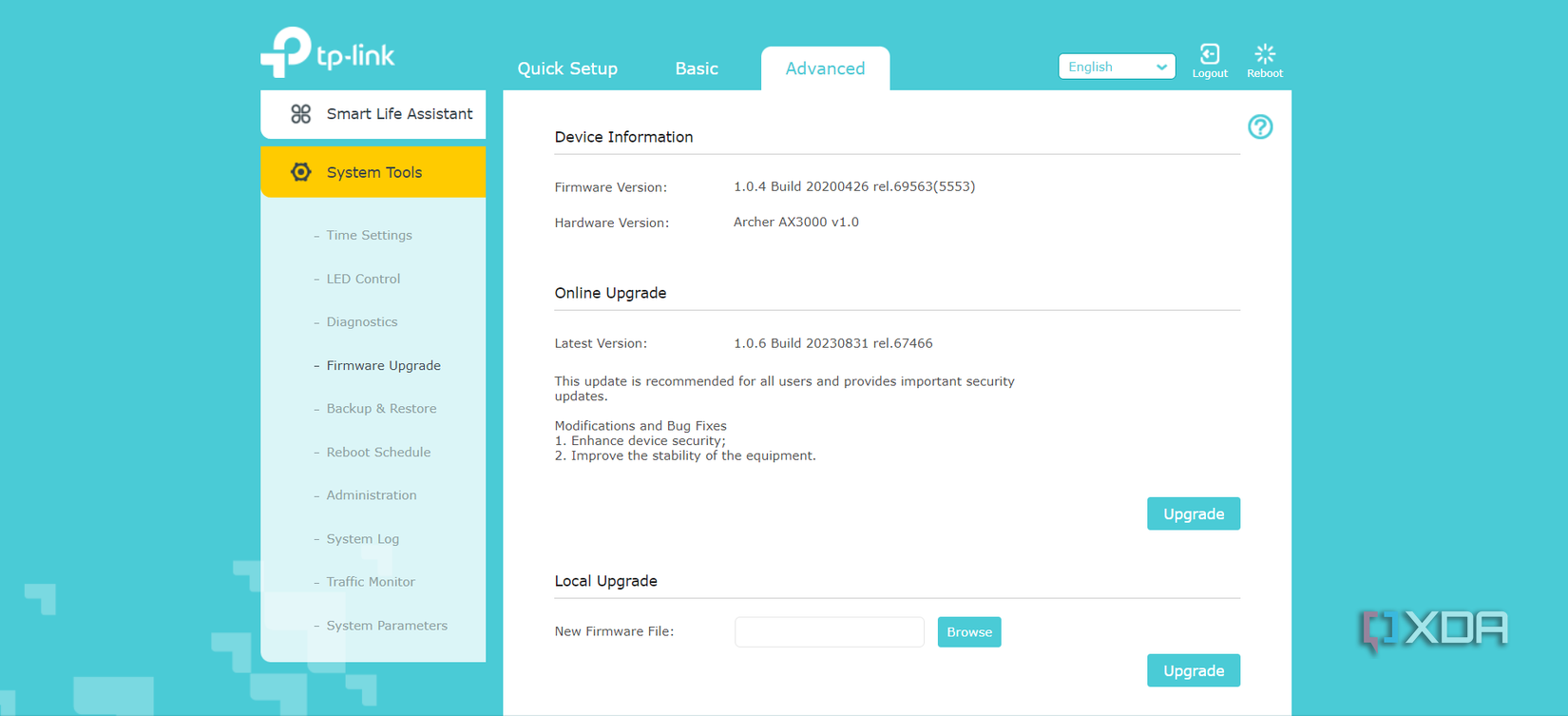
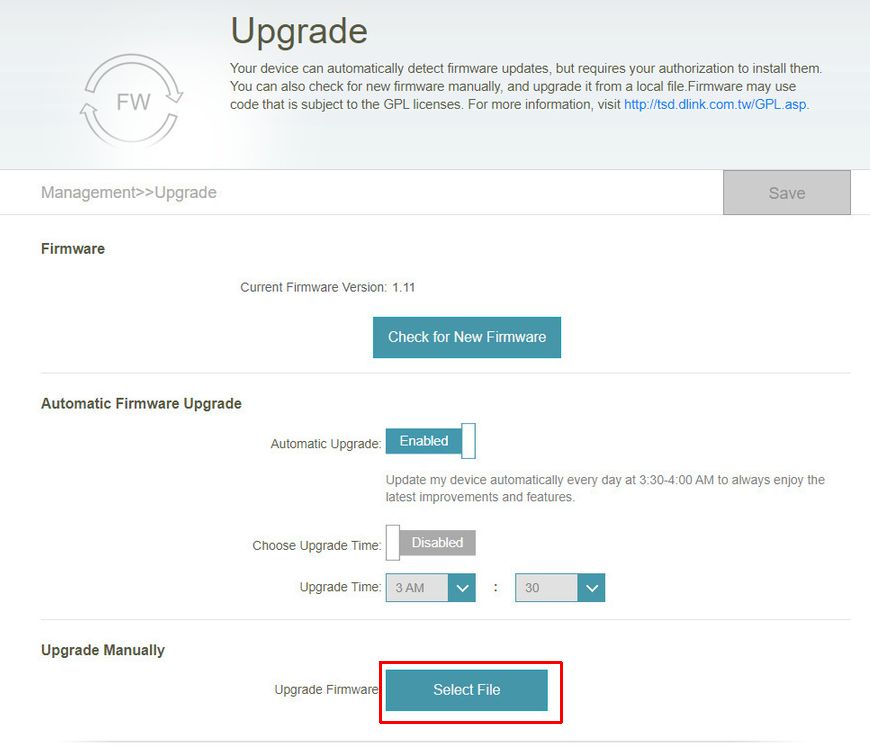
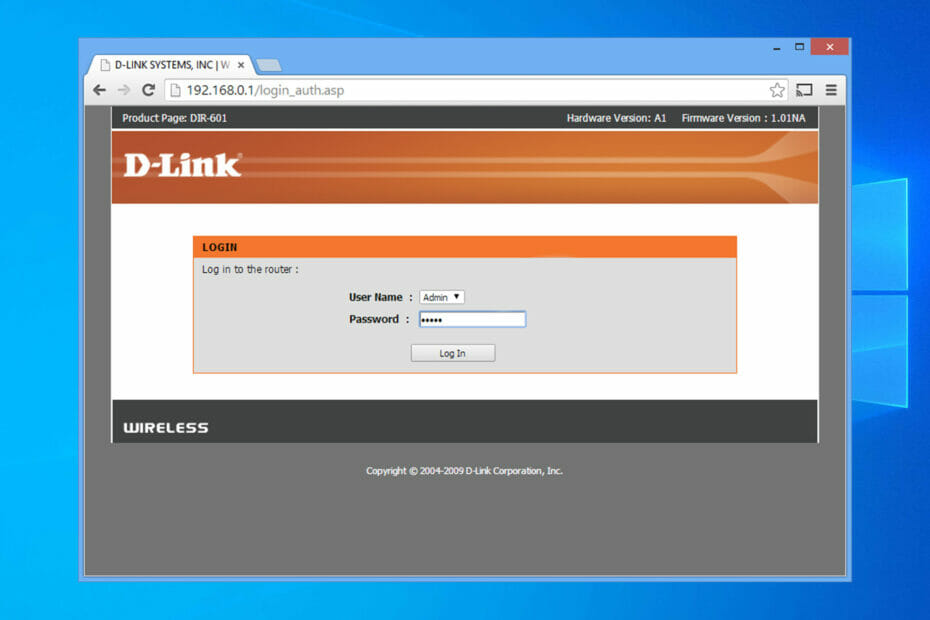
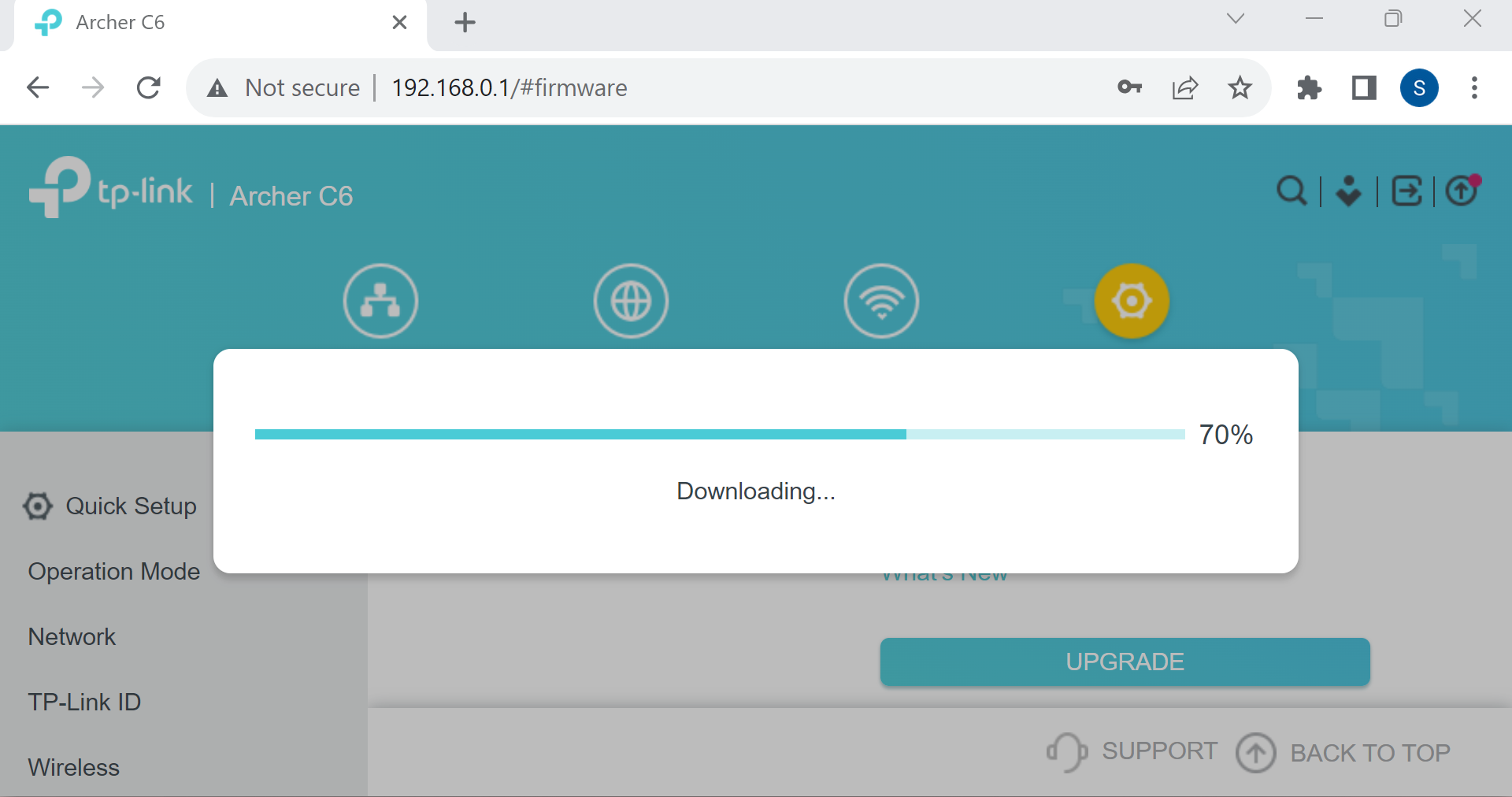
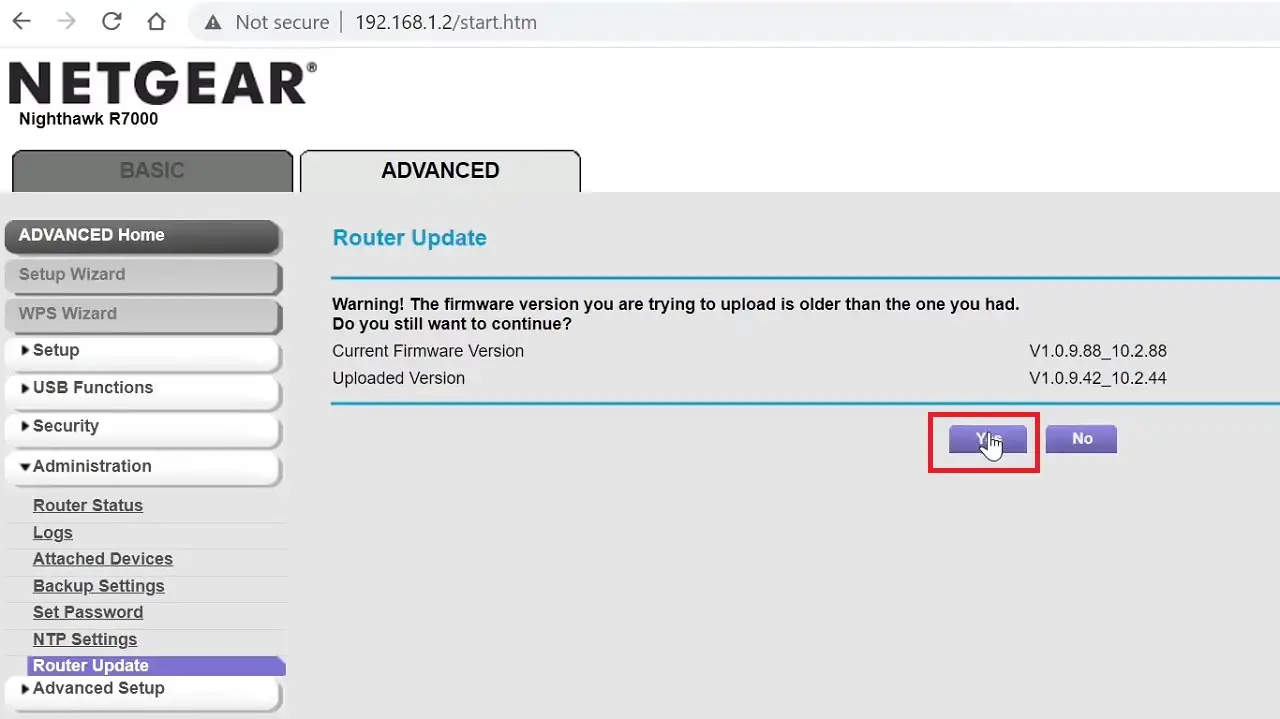
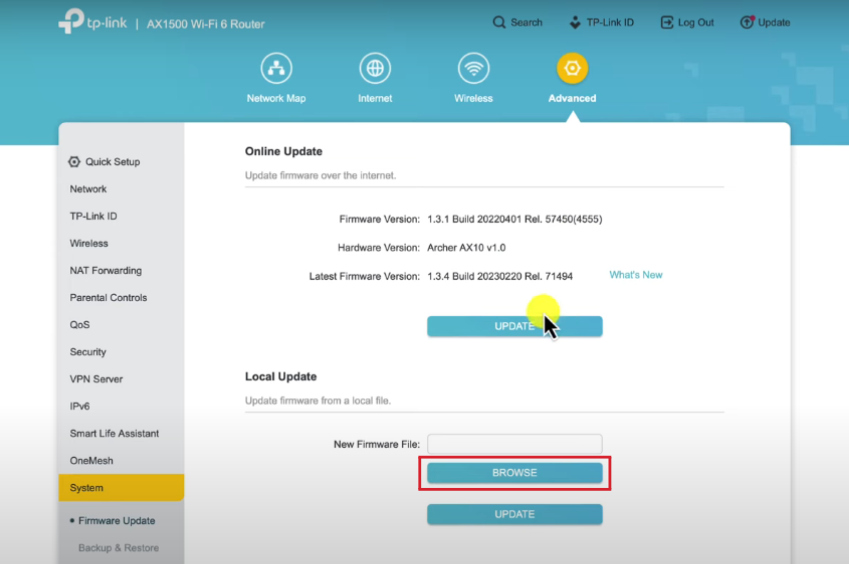
First, you need to download firmware from the official website of your router manufacturer. Next, login into the router , check how to Open Admin Page. Now choose Maintenance and find Update or Firmware Update . Then, press on Choose file and pick downloaded Firmware . At last, click on Upload and wait for a moment. Fantastic!
Actiontec Router Firmware Update Process
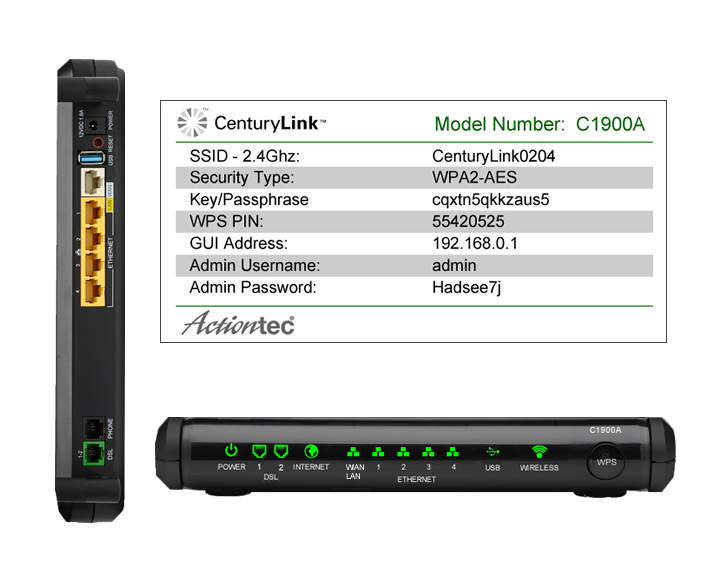
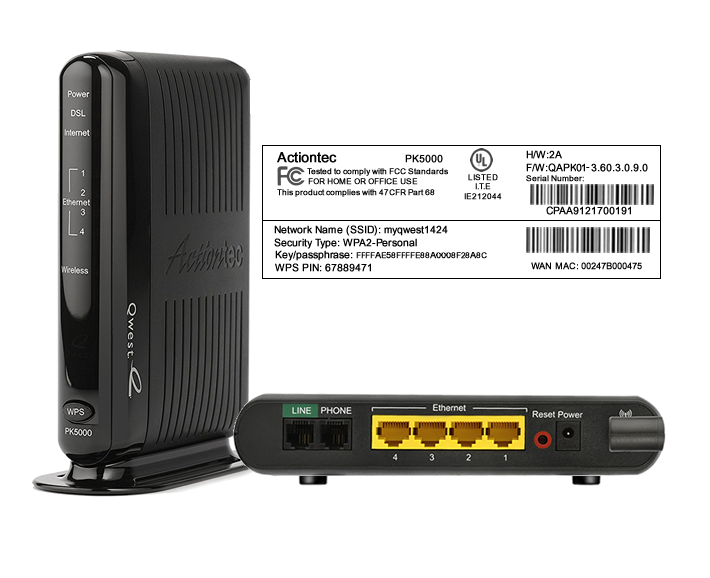
Actiontec GT784WN Wireless
Actiontec Router Firmware Update Process
This firmware update us for the Actiontec GT784WN/R3000 Router please try to do an over-the-air update when the modem is connected to the Internet as downloading a Firmware update from a third party site such as ours isn't ideal.
Learn how to upgrade the firmware on your Actiontec Wireless N DSL Modem Router GT784WN using this easy-to-follow guide. Download the latest firmware and follow the step-by-step instructions.