How to Reset Router Password
Learn how to reset your default router password on common routers - including Linksys and Netgear - to improve your network security.
How to Reset a Router Password
This particular example perfectly highlights why Buser Roccione Comm Router Password Reset is so captivating.
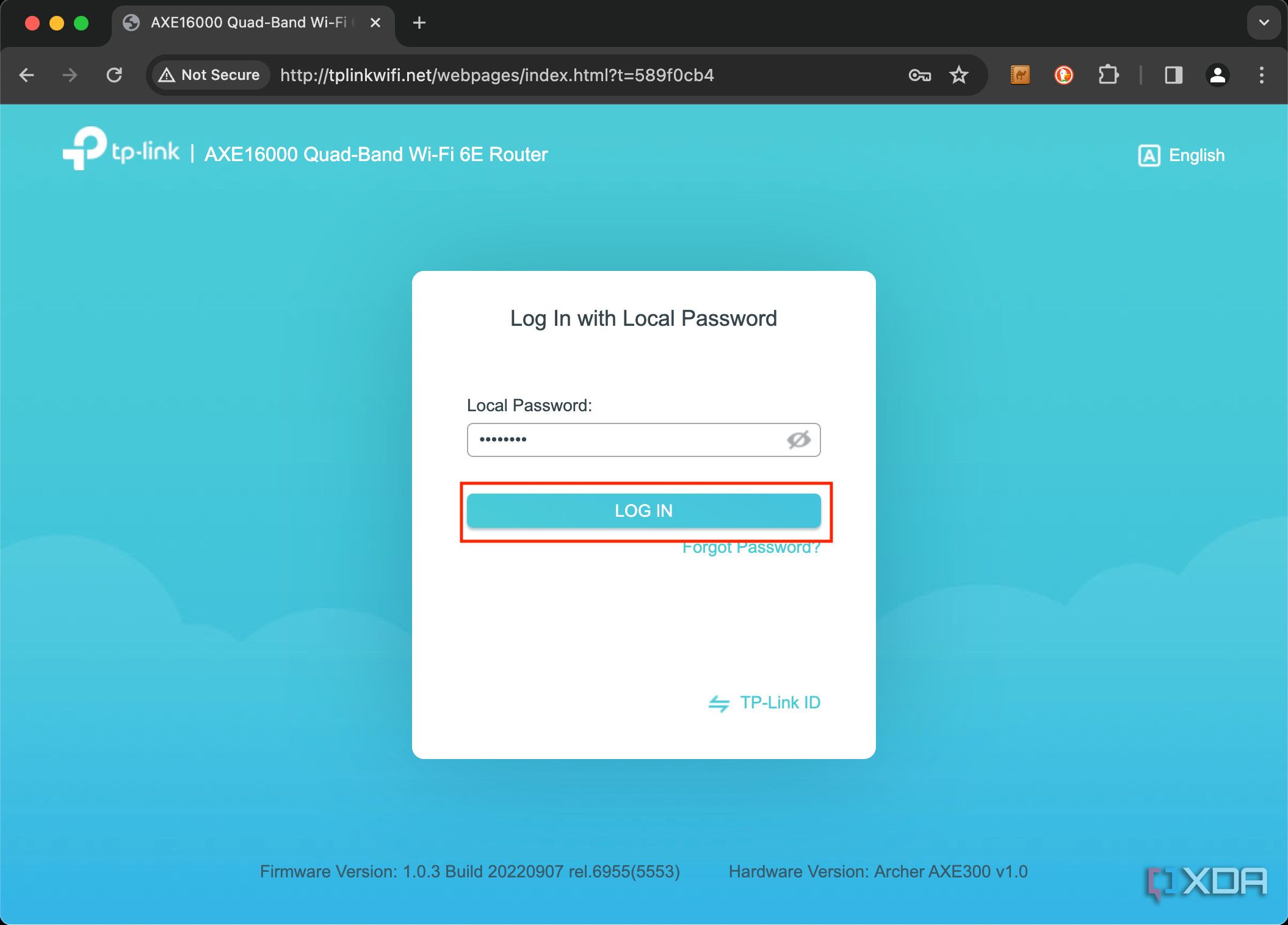
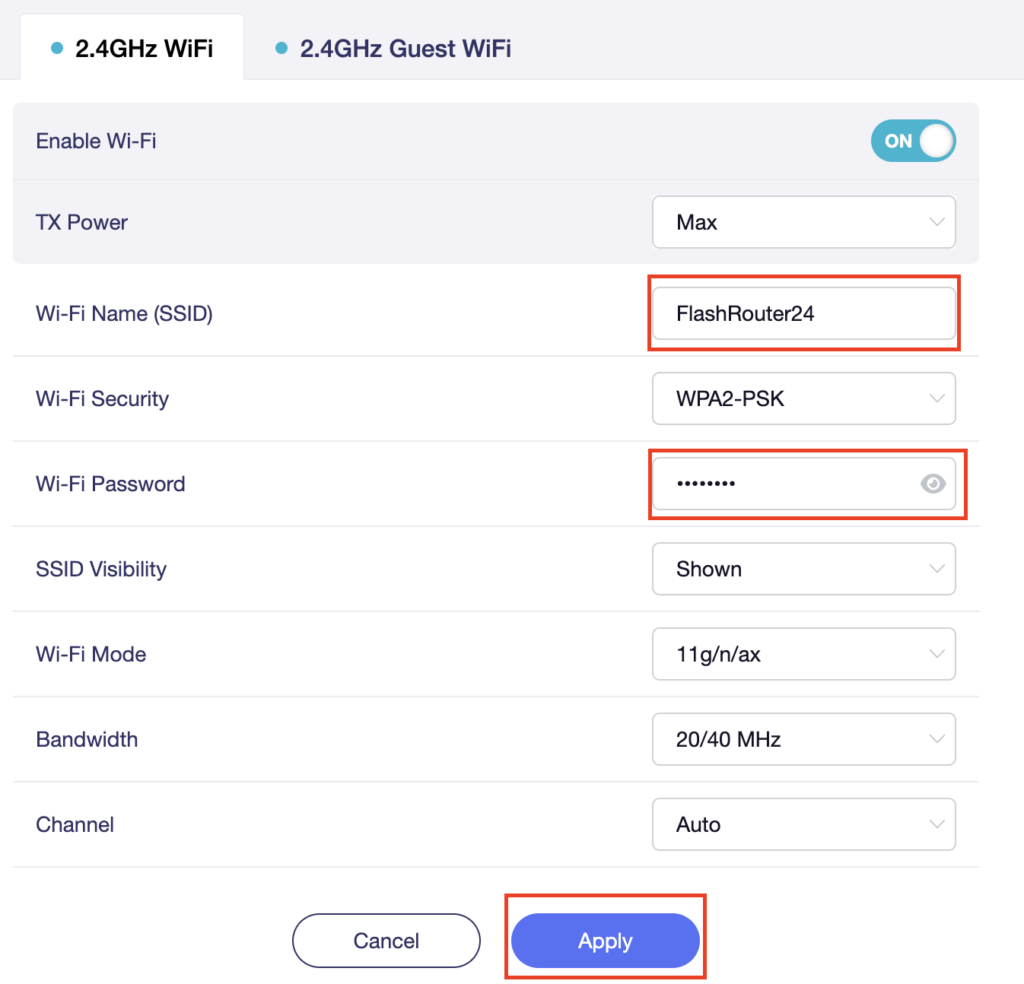
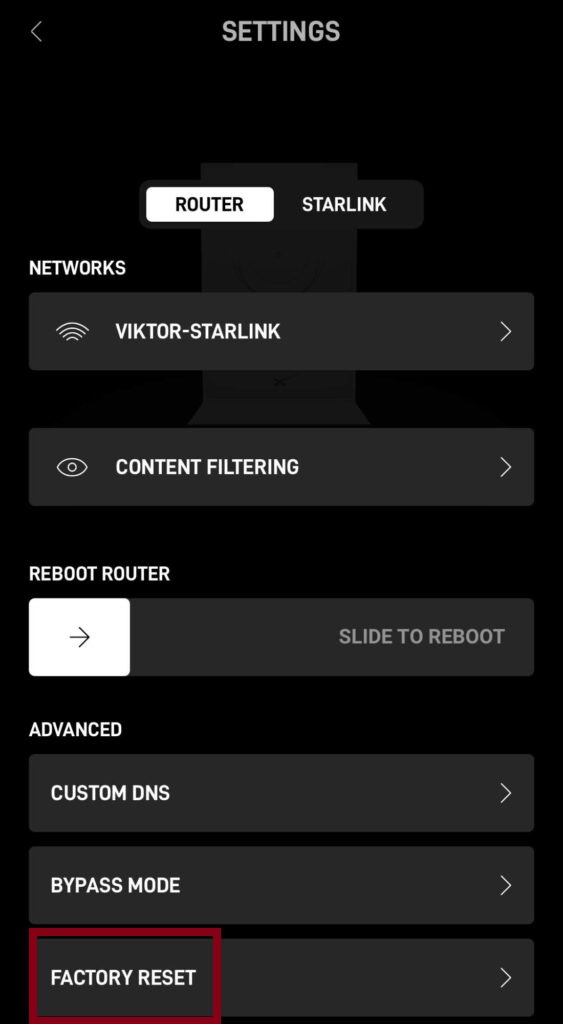
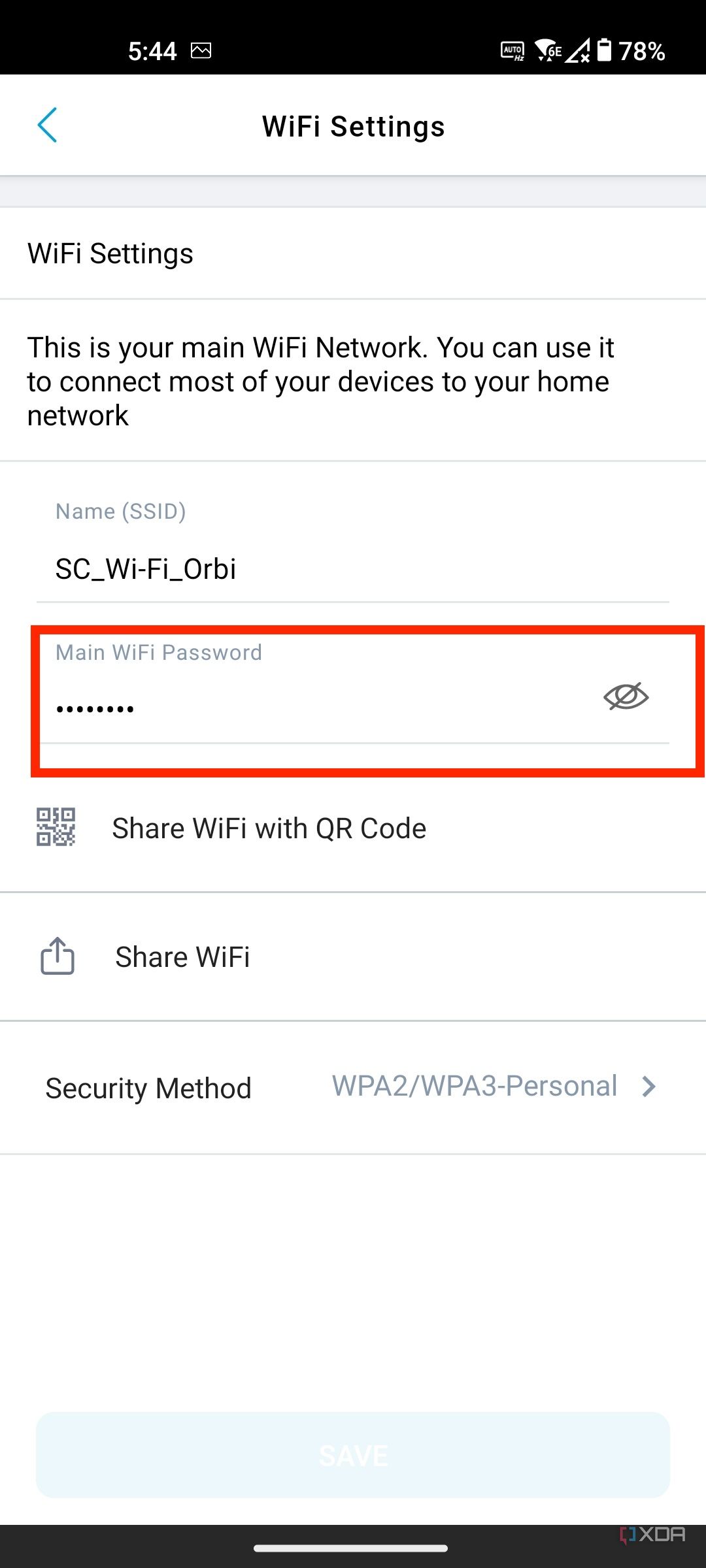
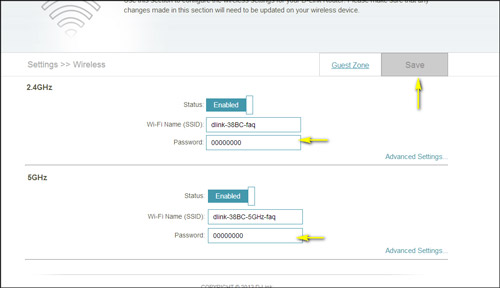
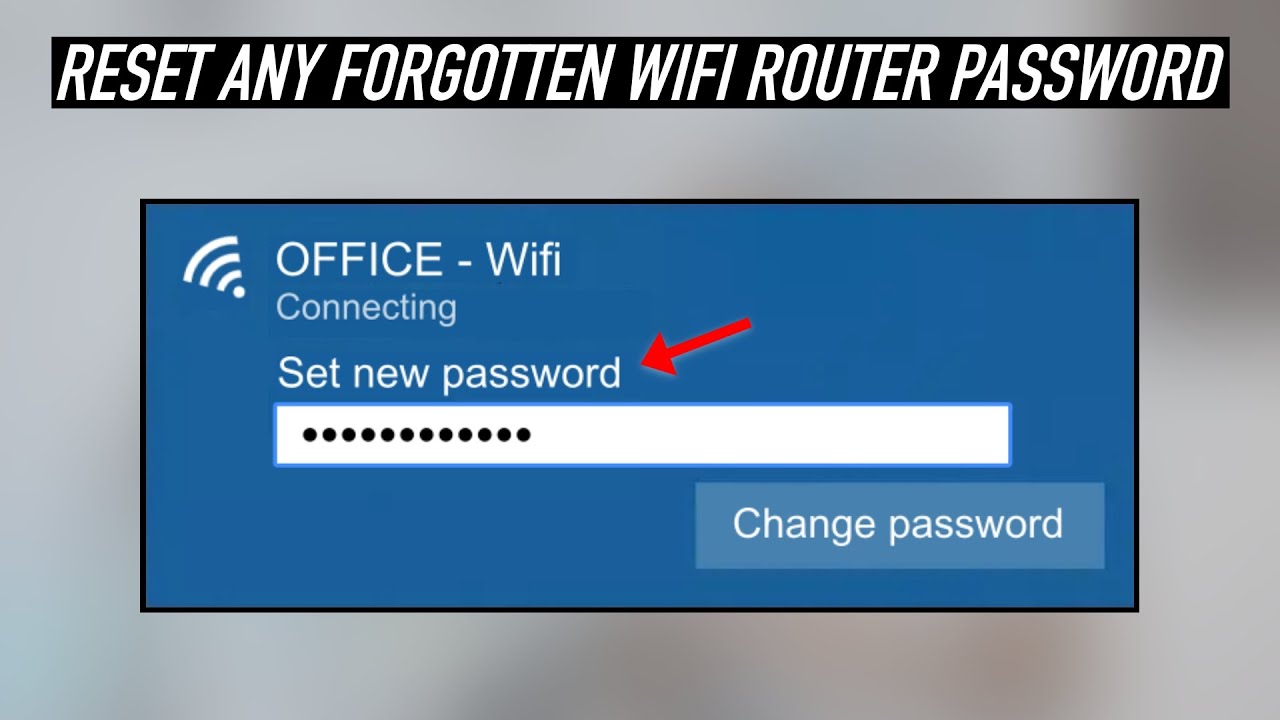
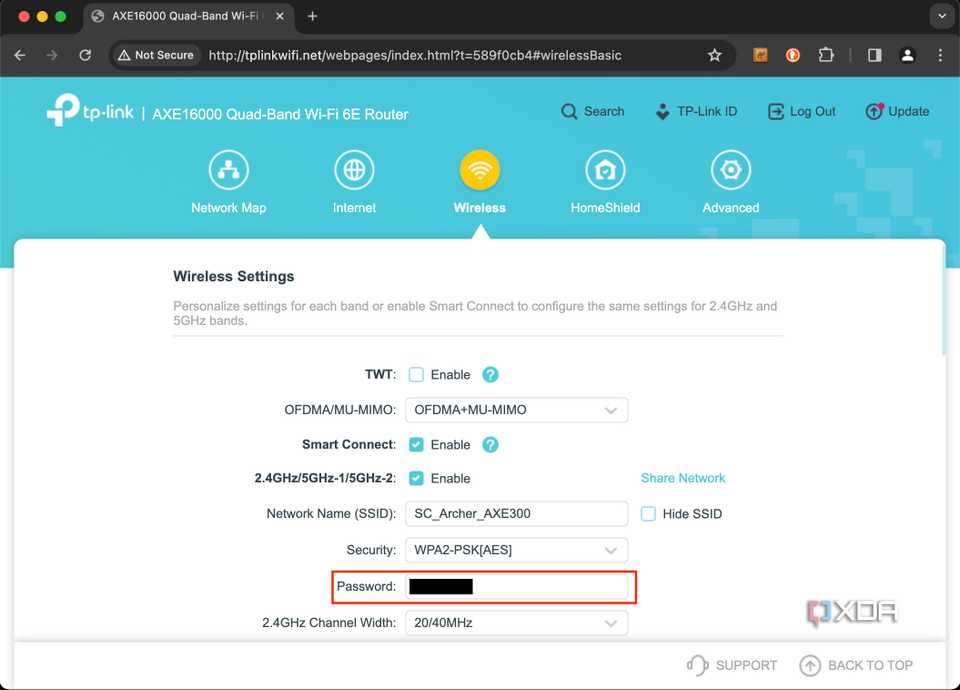
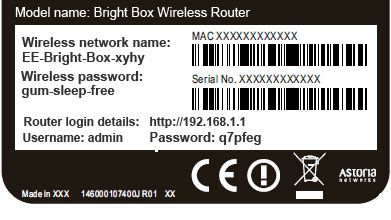
Forgetting your router password is frustrating. Thankfully, resetting your router's password is pretty easy; all it takes is a factory reset . This, however, will erase all of your custom router settings. But if you can't access your router , this is the only way to get back in and change its settings.
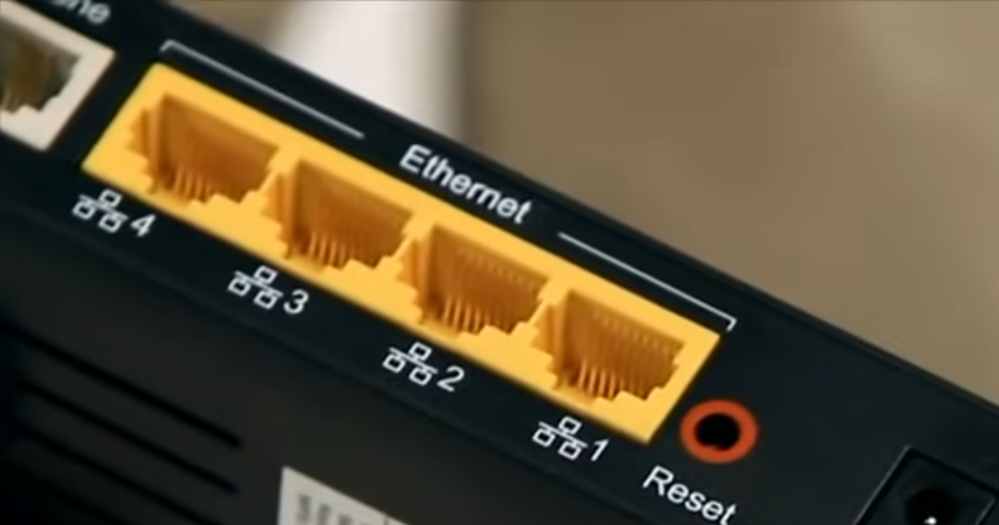
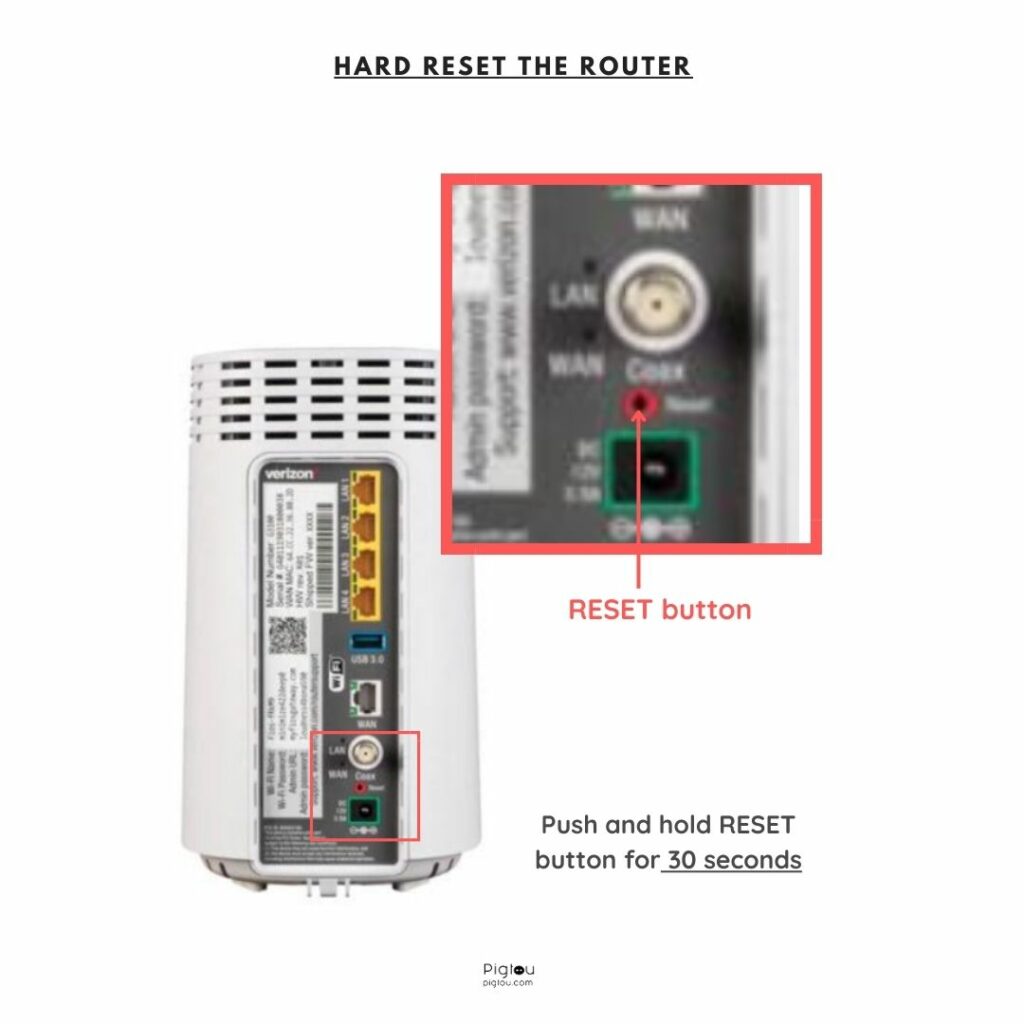
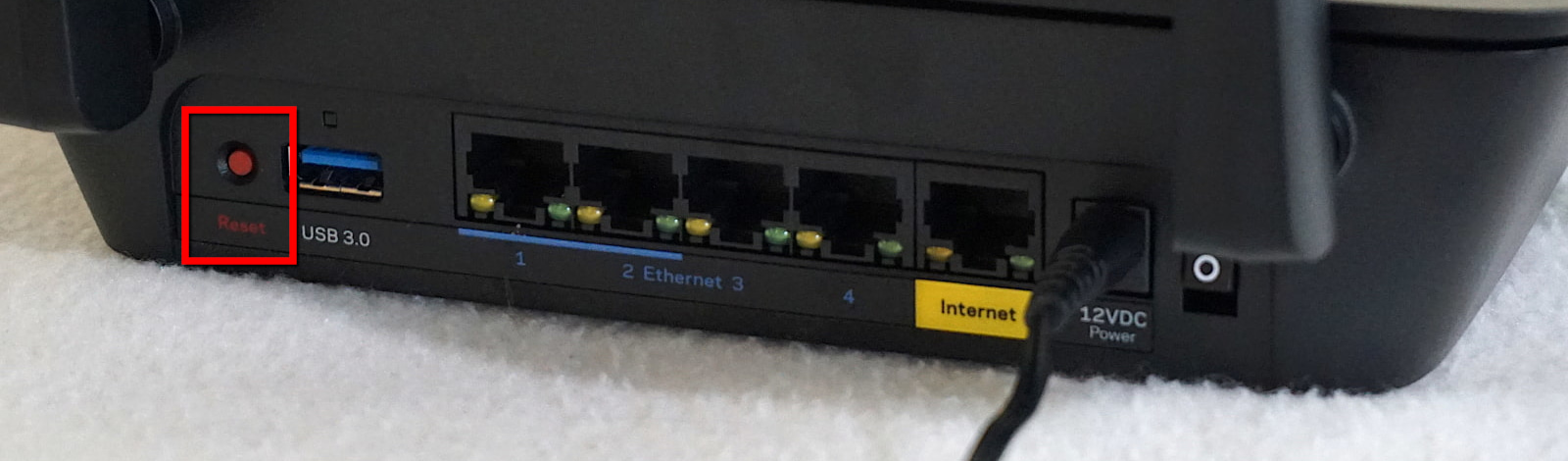
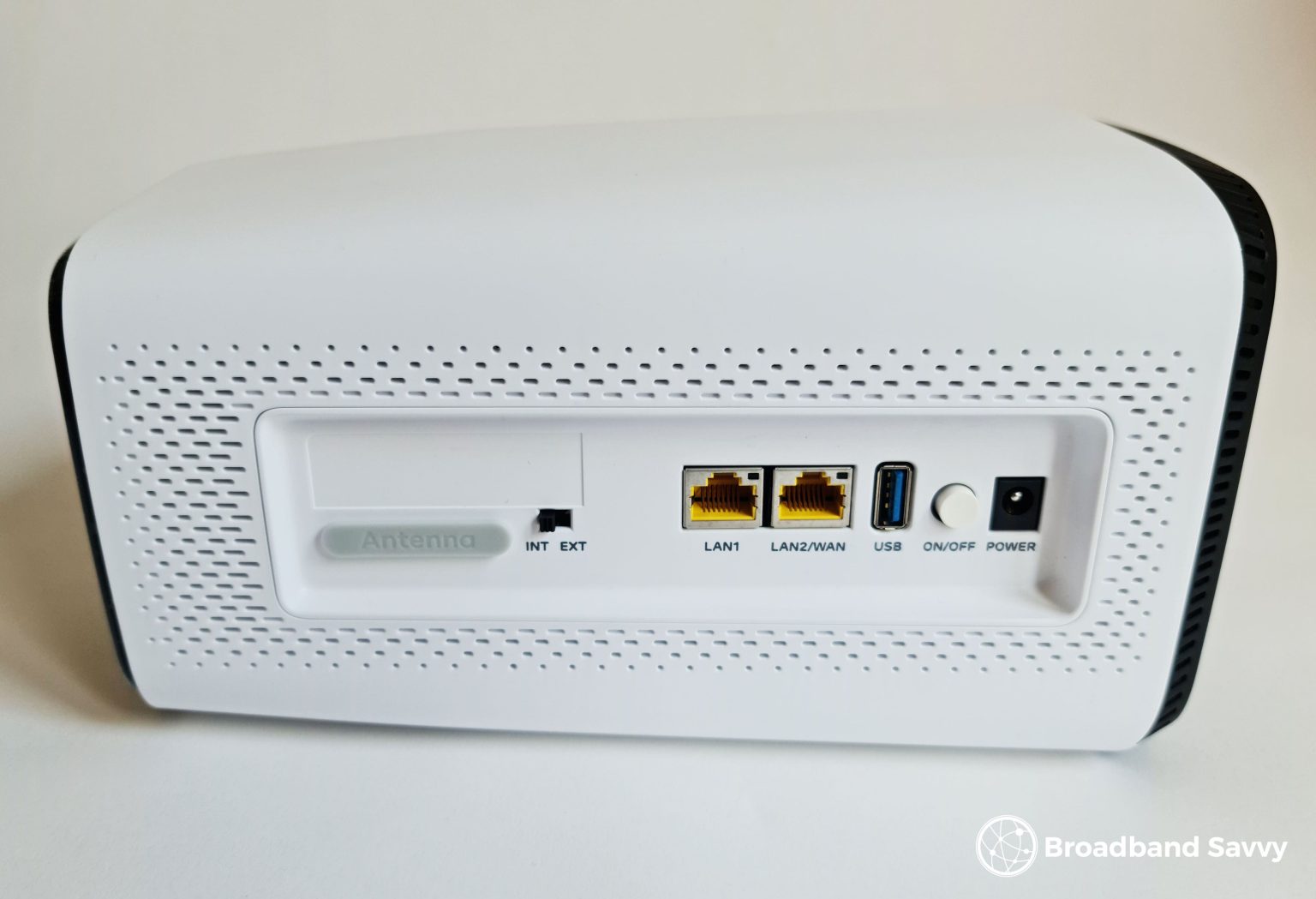
To reset the password , I followed the procedure below: Unbend an end of a paper clip and put it in the Reset hole, which is on the back of the router near the top of the router . Hold it in place for about 20 seconds.

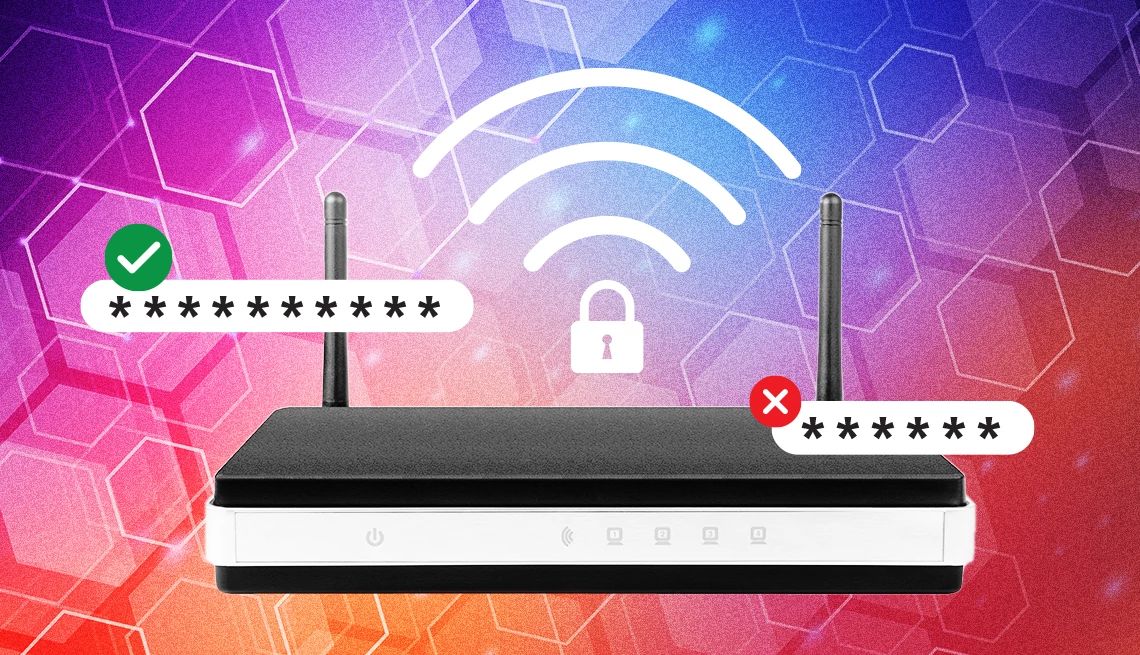
As we can see from the illustration, Buser Roccione Comm Router Password Reset has many fascinating aspects to explore.
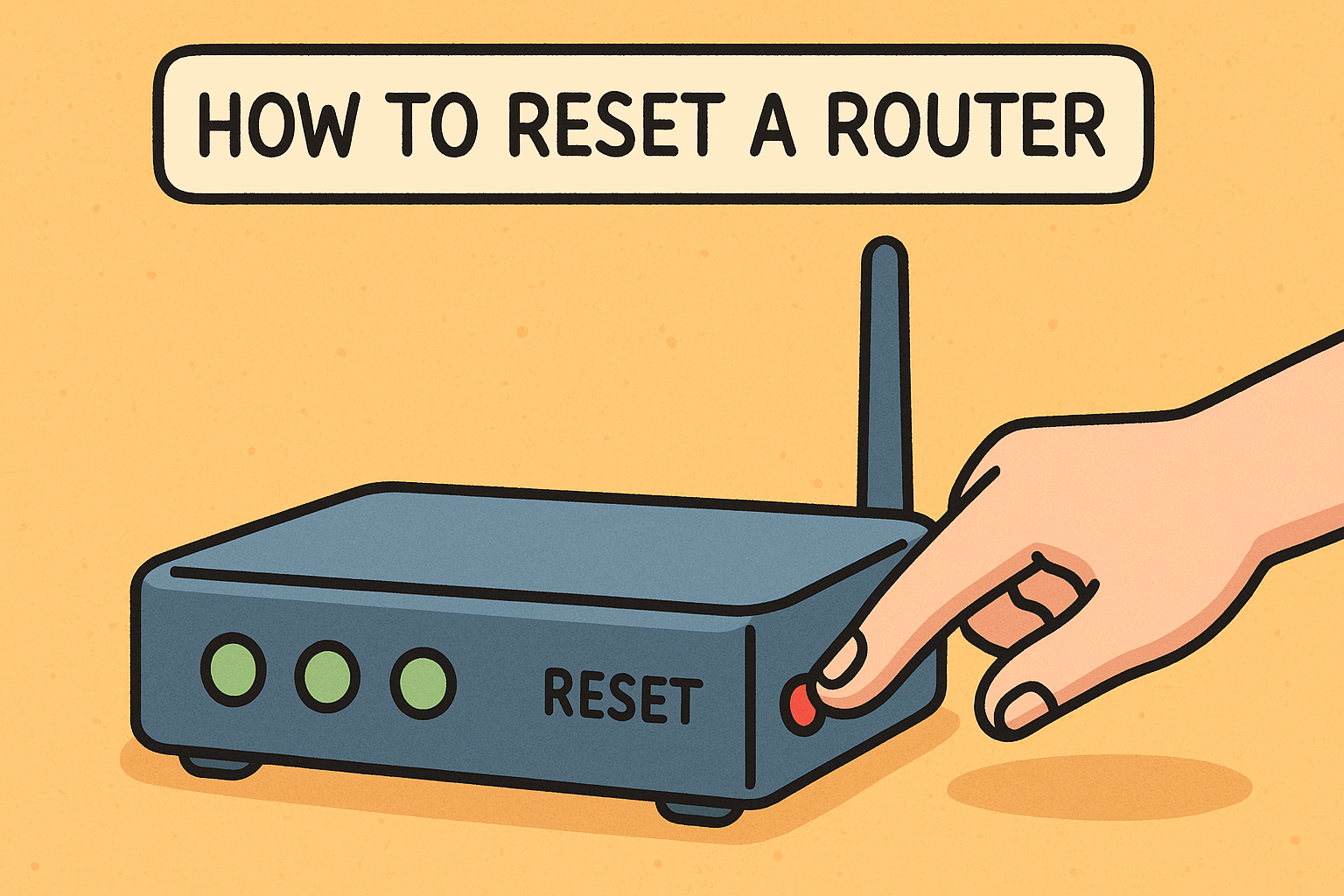
How to Reset Your Router in 2026
This guide covers the difference between a restart and a factory reset , when to do each one, how to handle a forgotten password , when your modem needs a reset too, and what to do when a reset doesn't actually fix the problem.
Here's how to reset access and get back in. An easy solution if you can't get into your router settings. Network professionals know this information about their router by heart or have stored...