Comcast Small Business Router Setup And Management
Comprehensive Insights and Gallery of Comcast Small Business Router Setup And Management
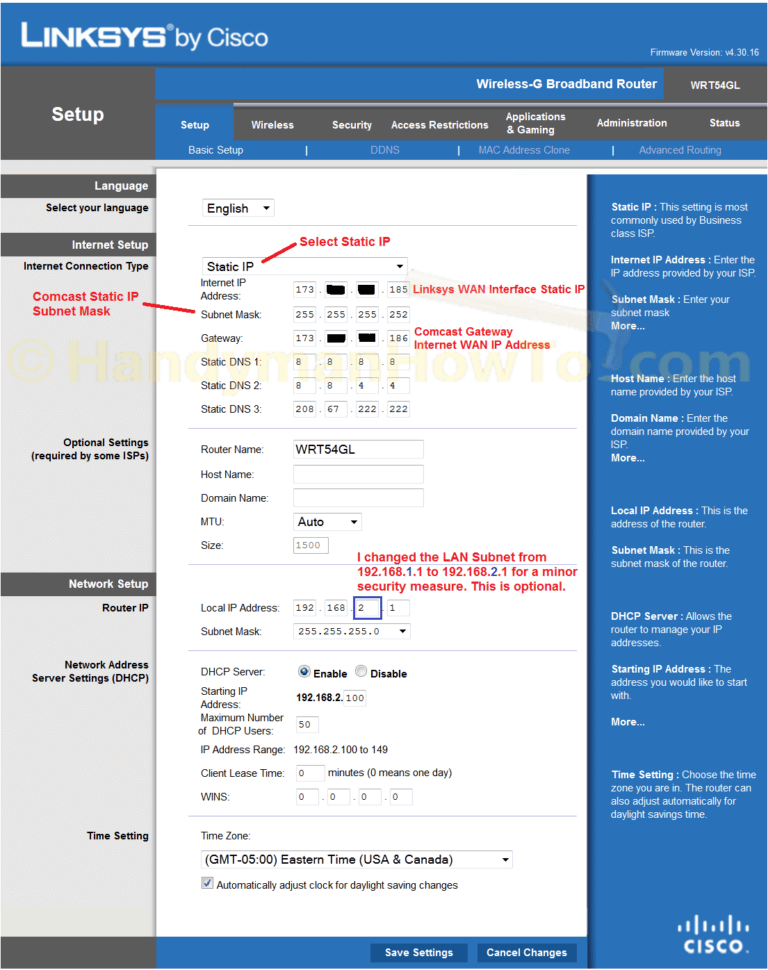
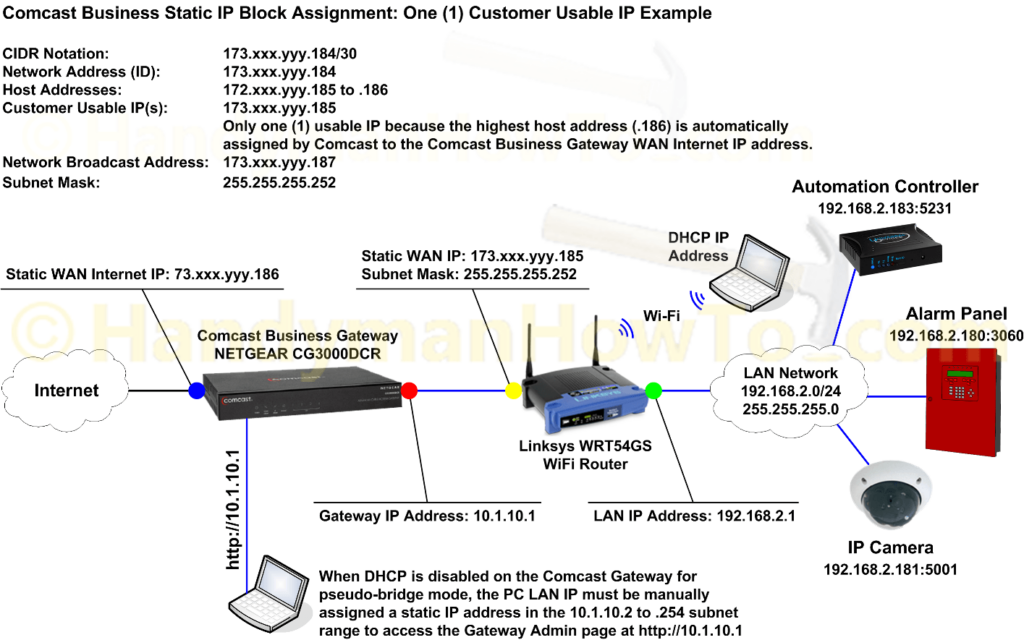
How To Configure a Comcast Business Class Static IP Address
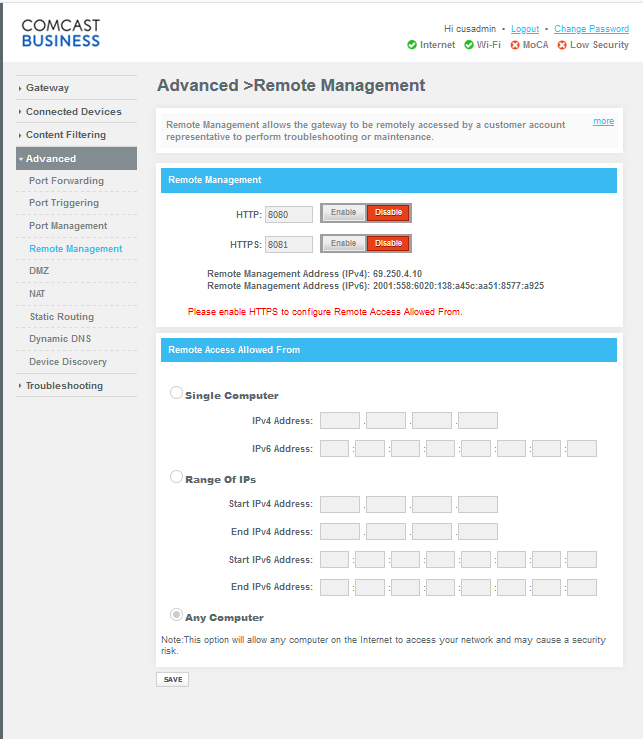
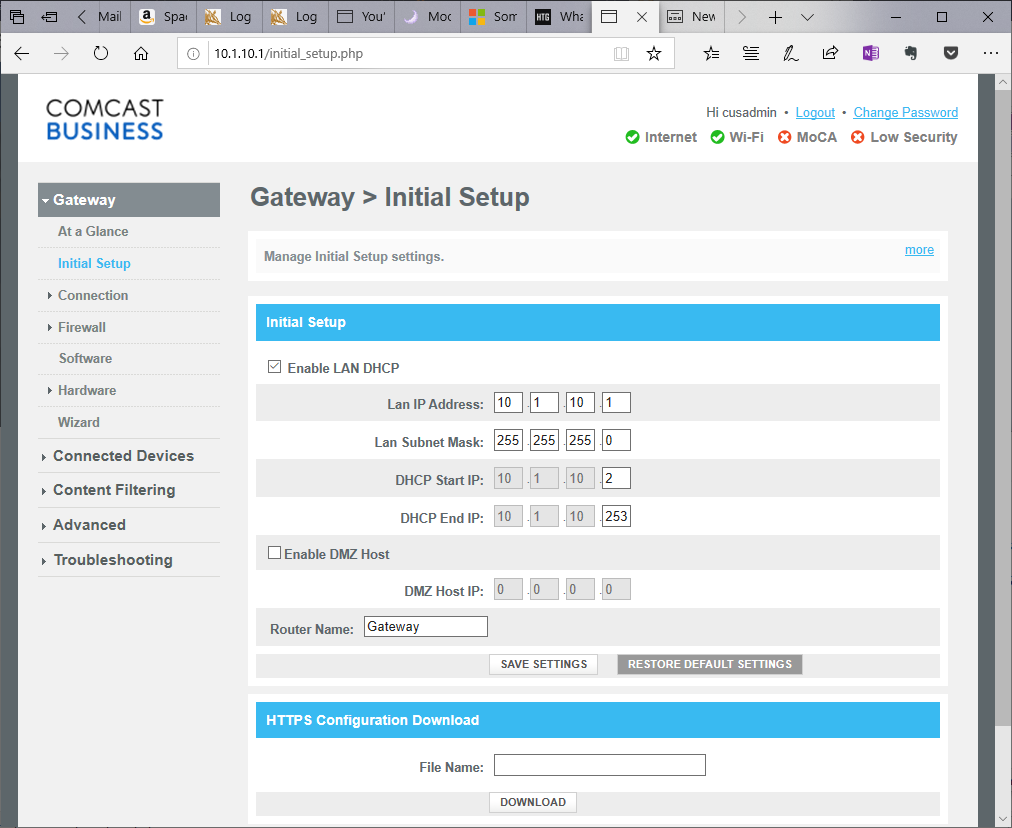
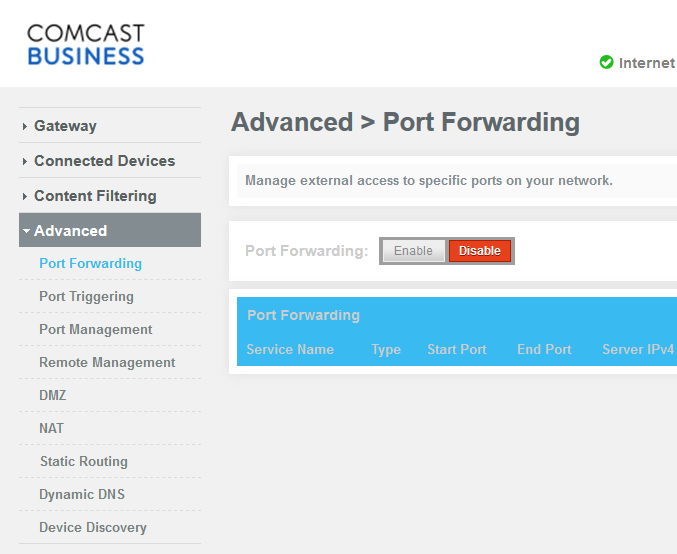
Remote Internet Access Problem I was helping a small business setup IP network cameras with the Comcast Business Class cable modem service but ran into a problem with Internet remote access: the DDNS agent in the Linksys WiFi router was showing a 10.1.10.10 ("10 space") non-Internet routable private IP address.
Comcast Small Business Router Setup And Management
This particular example perfectly highlights why Comcast Small Business Router Setup And Management is so captivating.
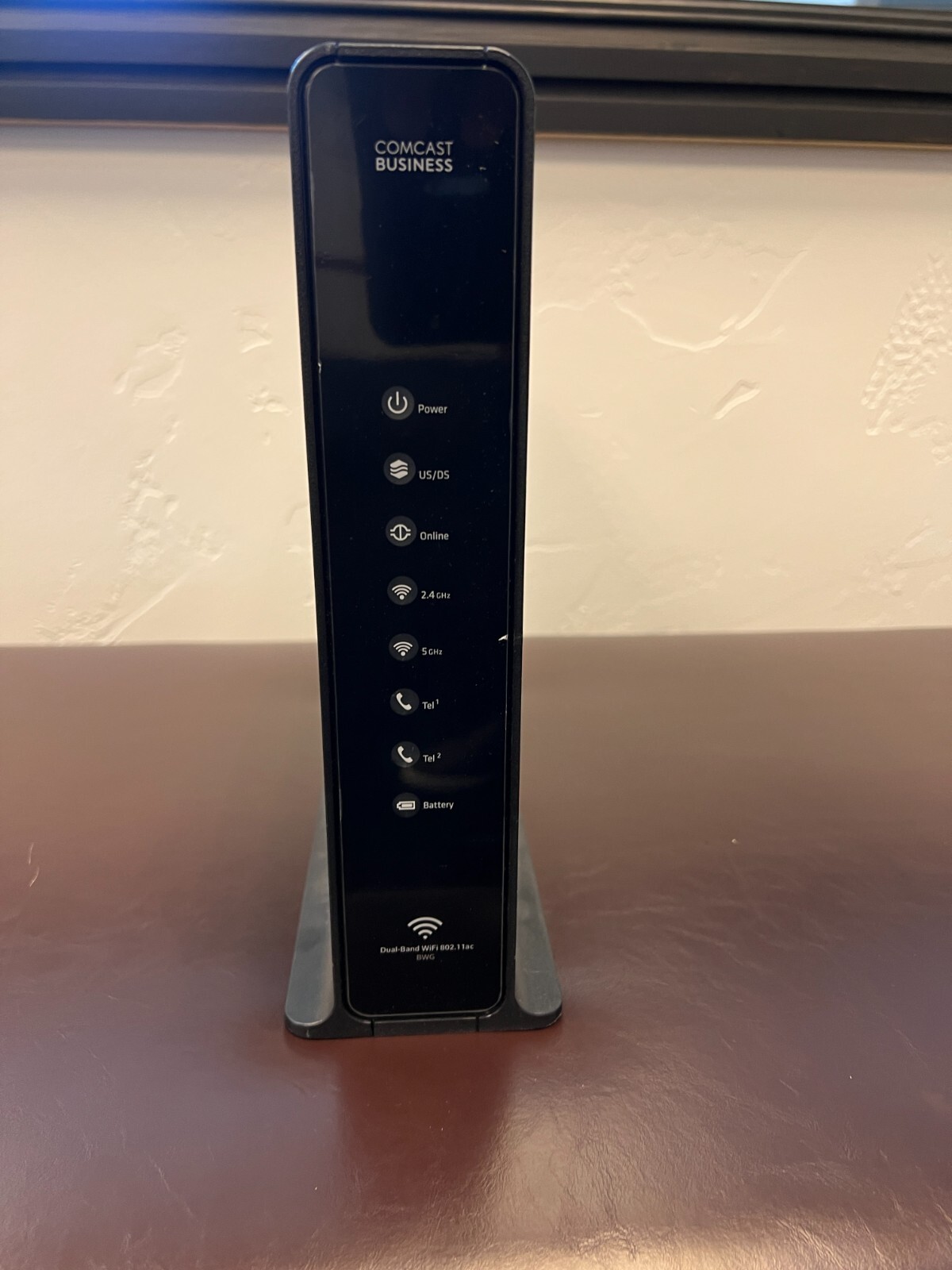
Quick Links 1 Setup and User Guide 2 Back Panel 3 Admin Tool Download this manual Comcast Business Router v2 (CBR2) Model- CGA4332COM The Comcast Business Router v2 (CBR2) DOCSIS® 3.1 Cable Modem, with
Comcast Small Business Router Setup And Management
So after many grueling hours on the phone with Comcast , as well as just trying different things out, I have finally discovered the correct way to setup your own router without having a double NAT. Step one: Find out what your static IP assignment is, you will need your Static IP, the subnet mask, and the gateway information to create a static assignment on your 3rd party equipment. step two ...
Comcast Small Business Router Setup And Management
Comprehensive Guide to Setting Up Your Comcast Business ...
Navigating the complexities of a wireless router can be intimidating, especially if you're also managing a business . That's likely why you're here, to understand how to efficiently set up and manage your Comcast Xfinity Wireless Gateway.