Unveiling the Magic of Configuration Wifi Security Settings Windows with Stunning Visuals
How to Check Wi
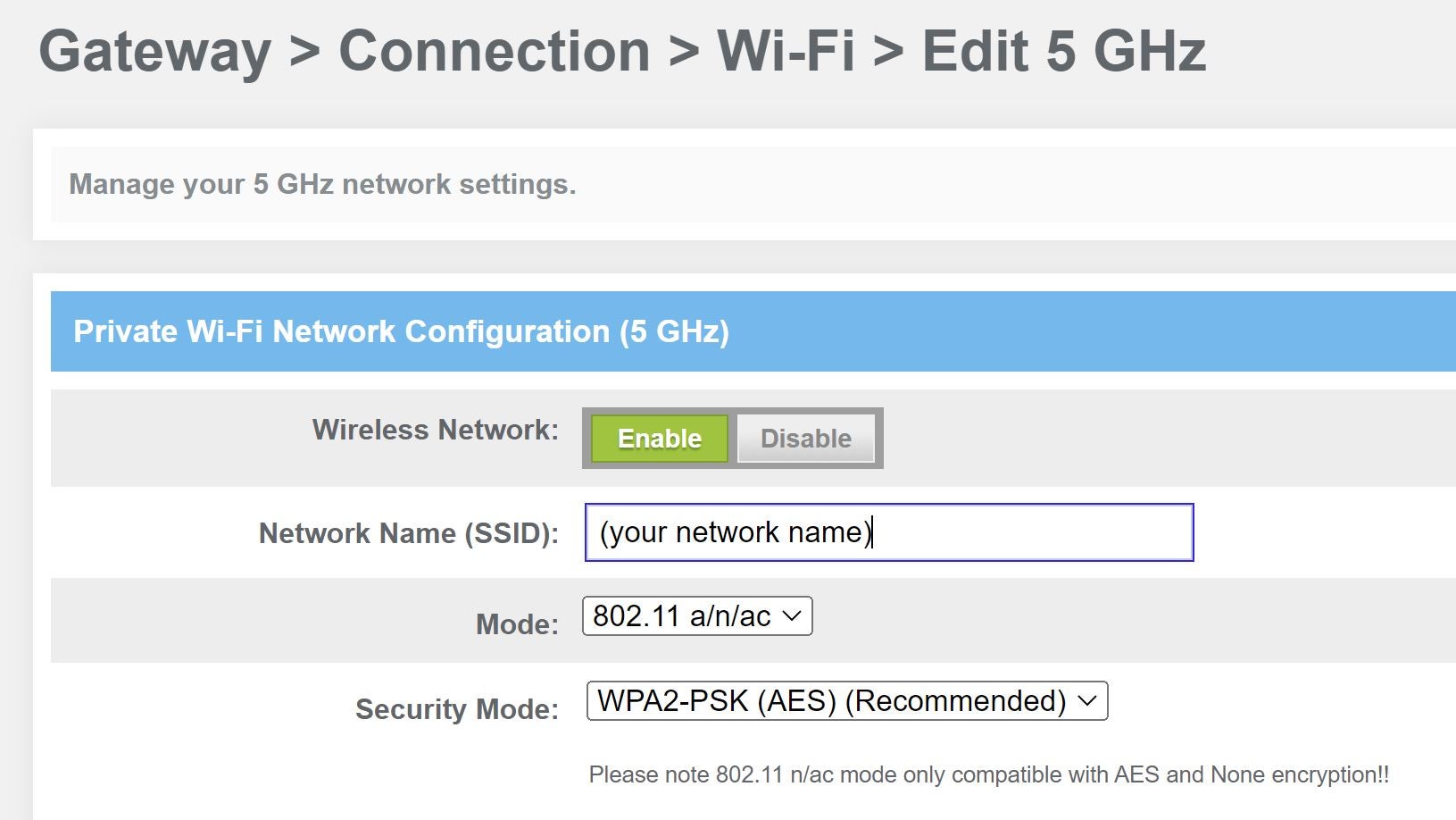
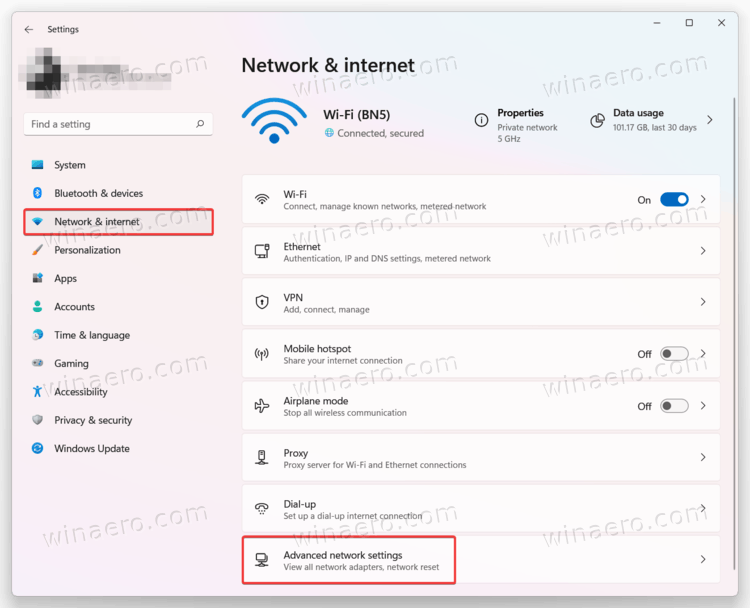
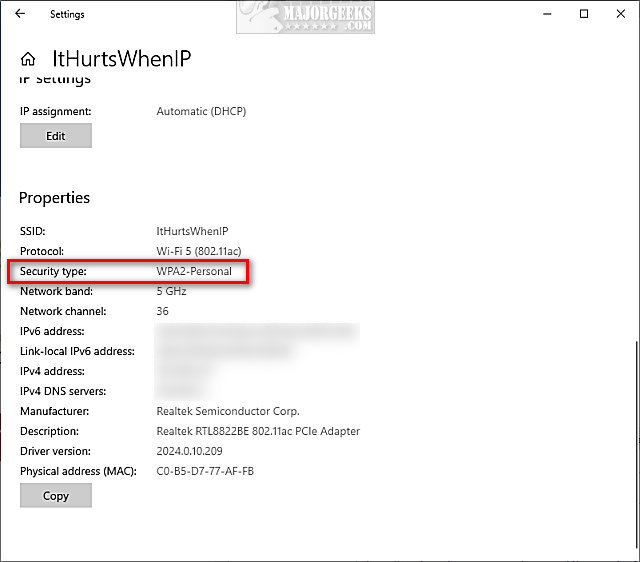
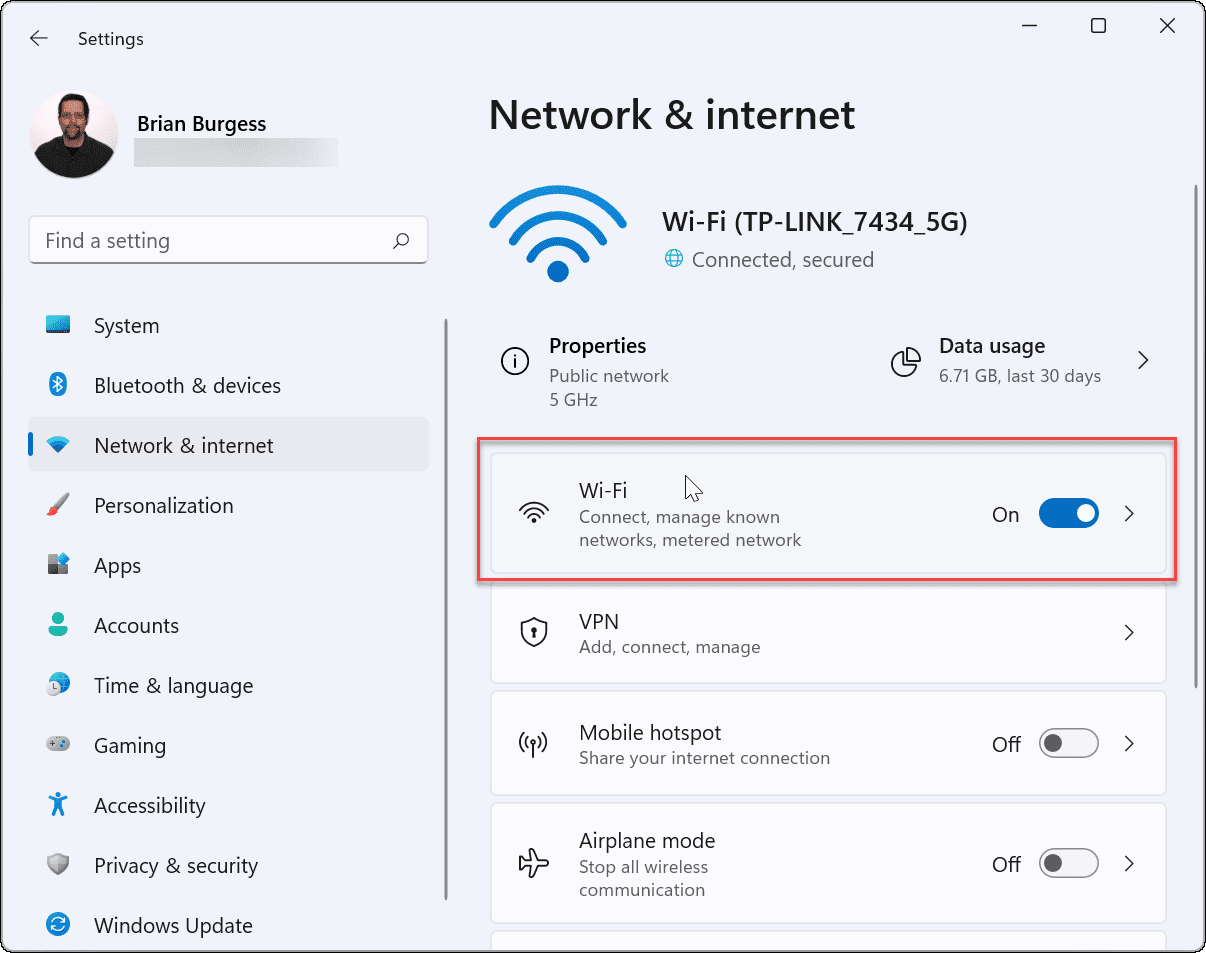
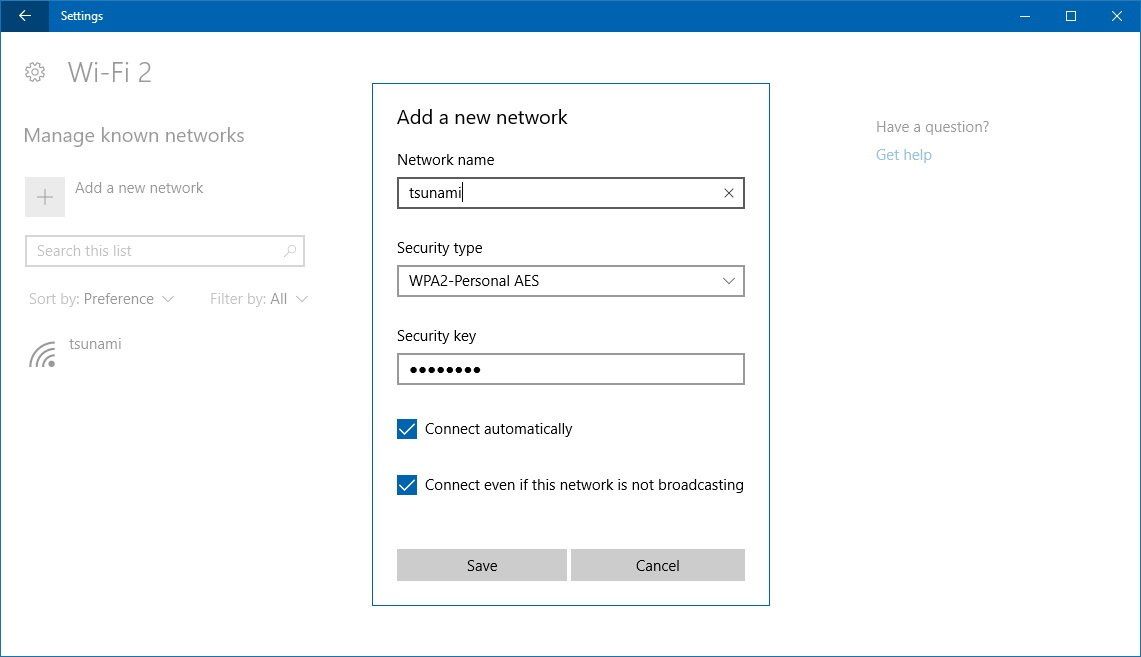
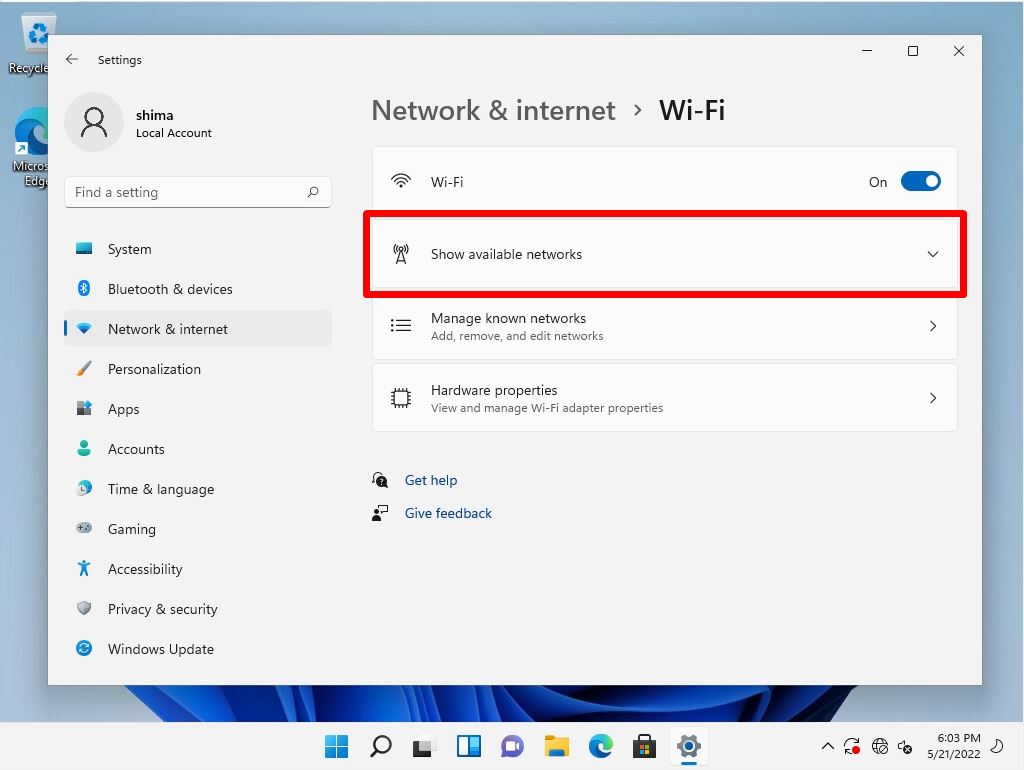
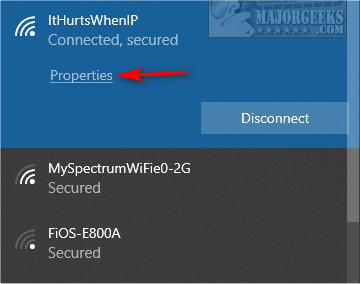
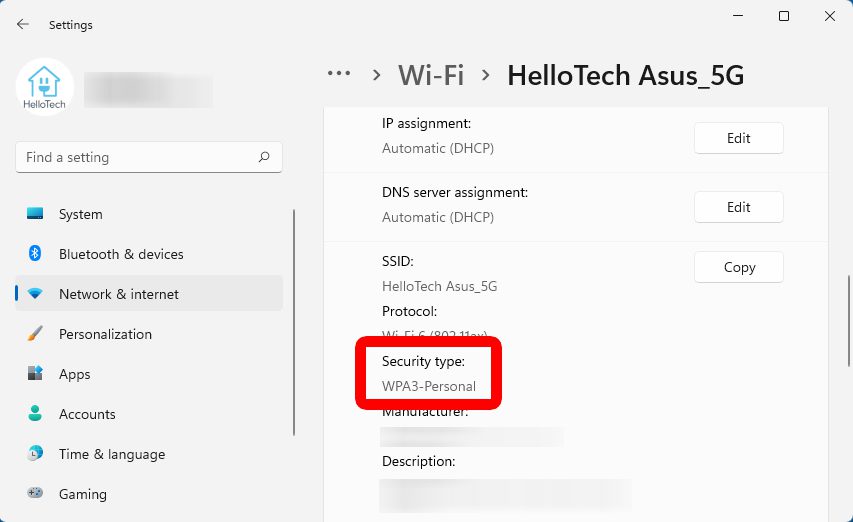
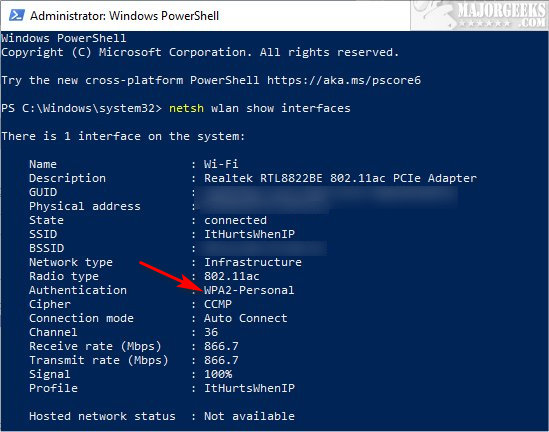
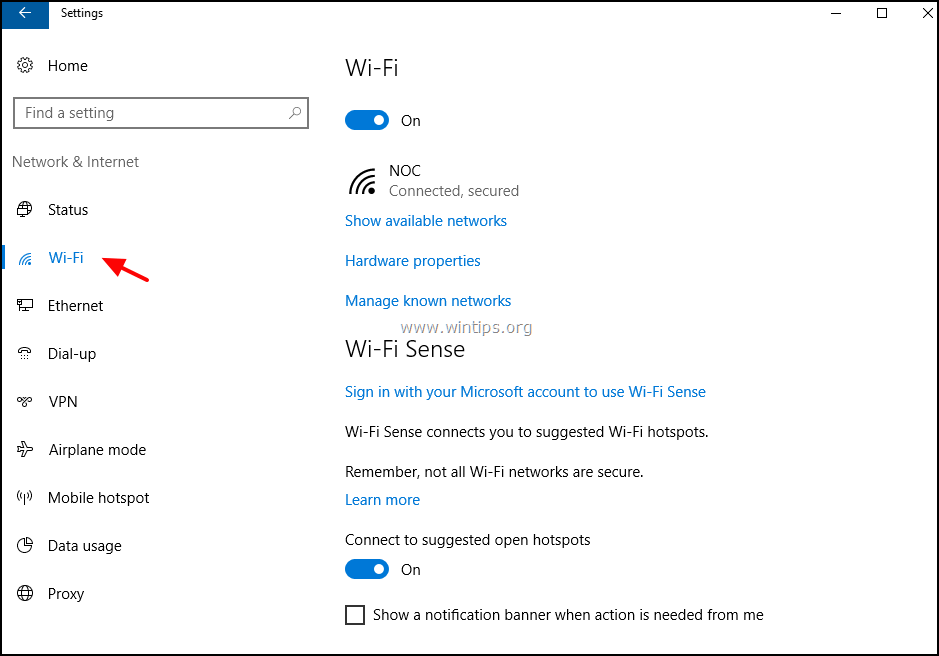
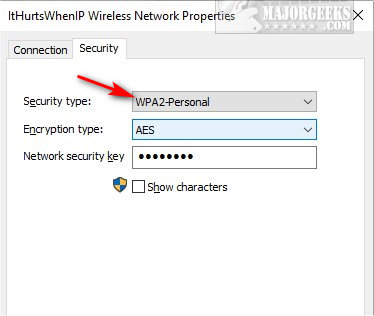
The configuration is also expected to be simplified. To check your current settings , we can use Settings , Control Panel, or the Command-Line. Check WiFi Security Settings in Settings or Control Panel Click on the Wi-Fi icon in the system tray. Click on Properties of your network adapter. Scroll down to Properties Look for Security Type.
Learn how to check the Wi-Fi network security type of your connection via Network settings , Control Panel or Command line in Windows 11/10.
Configuration Wifi Security Settings Windows
Change Wi
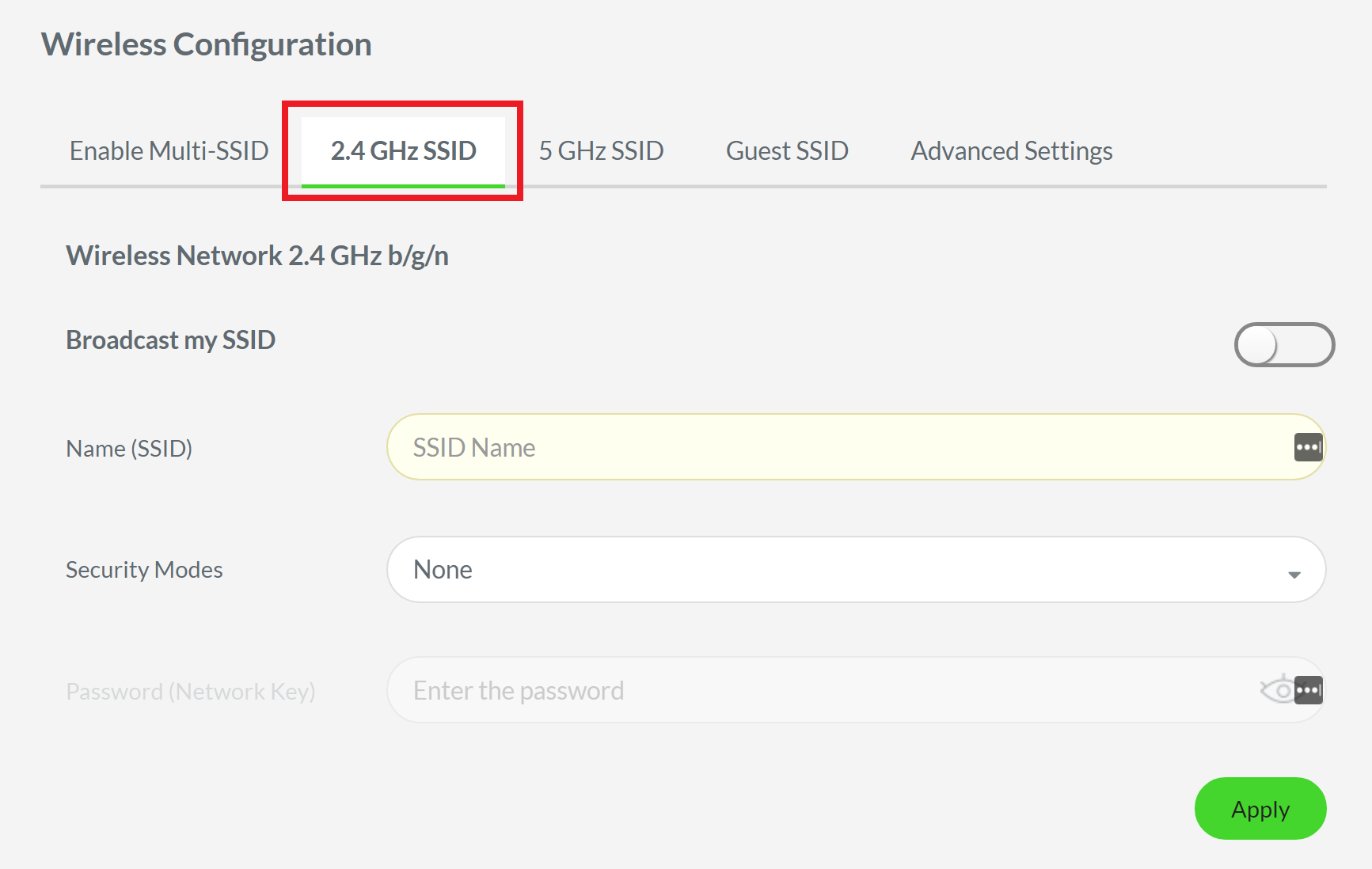
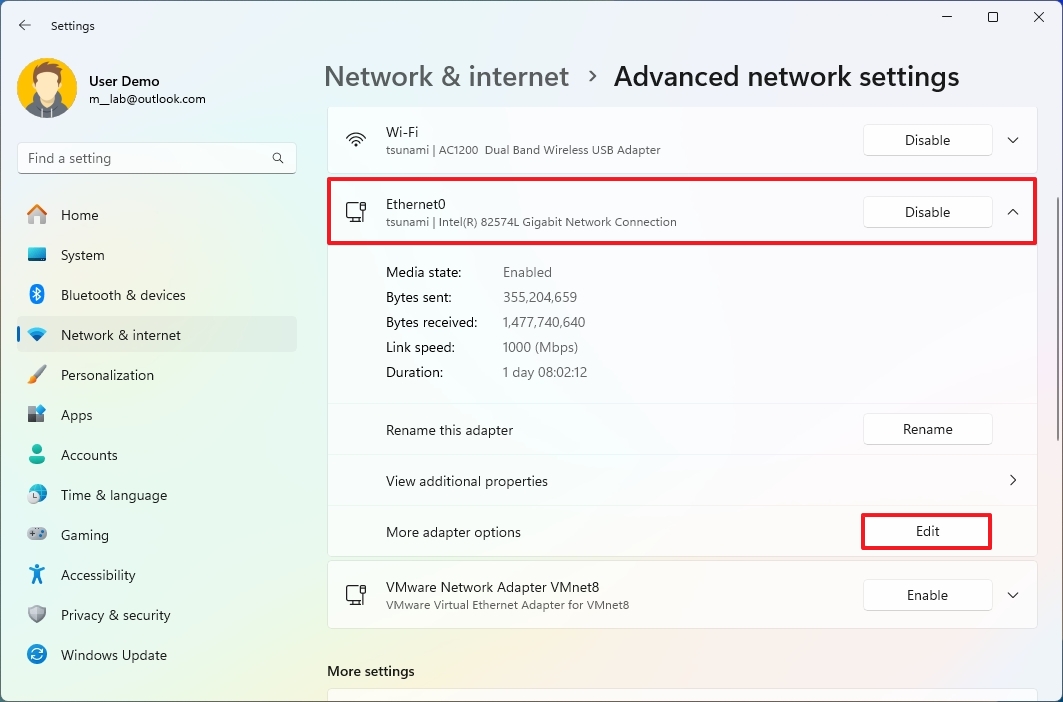
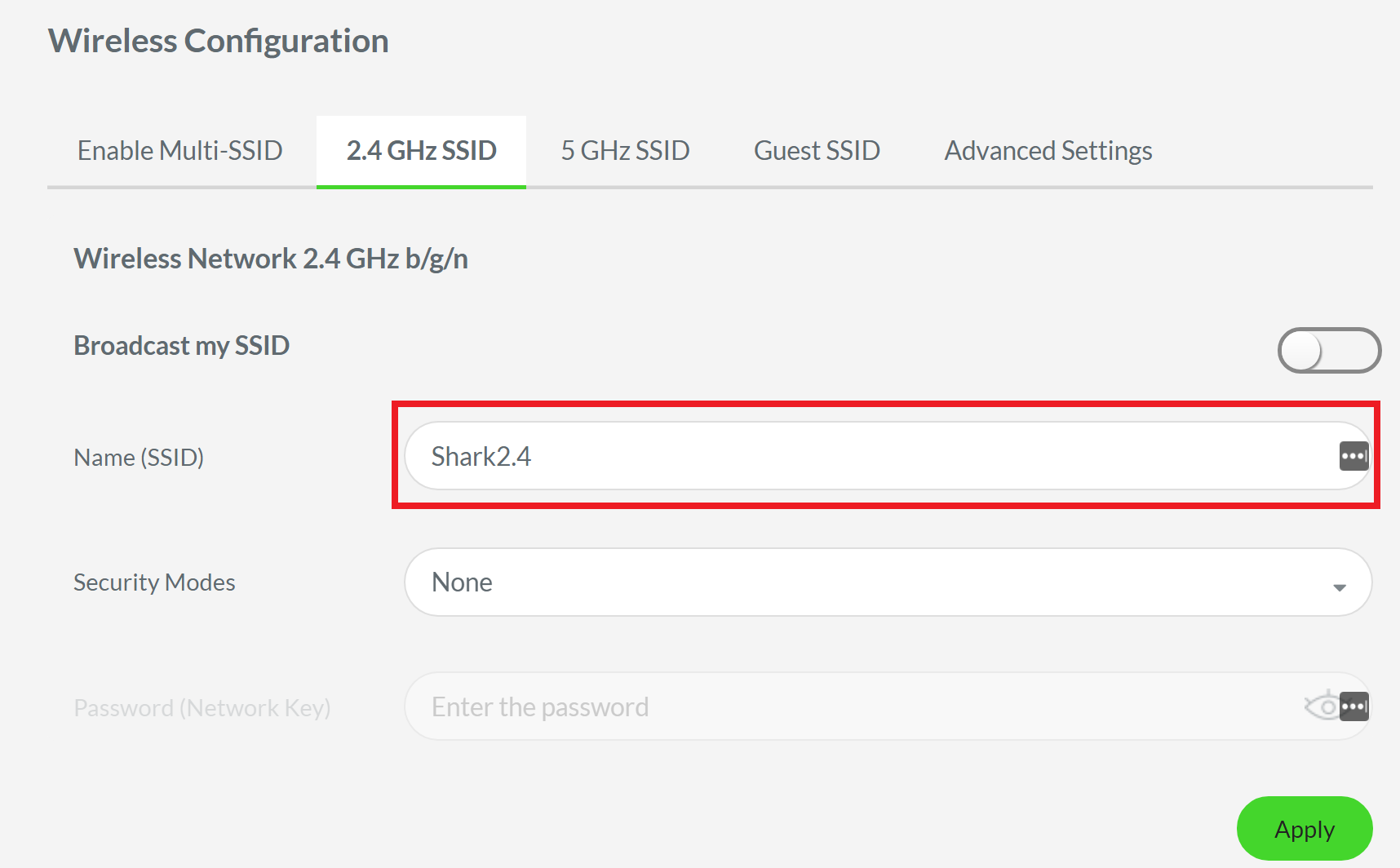
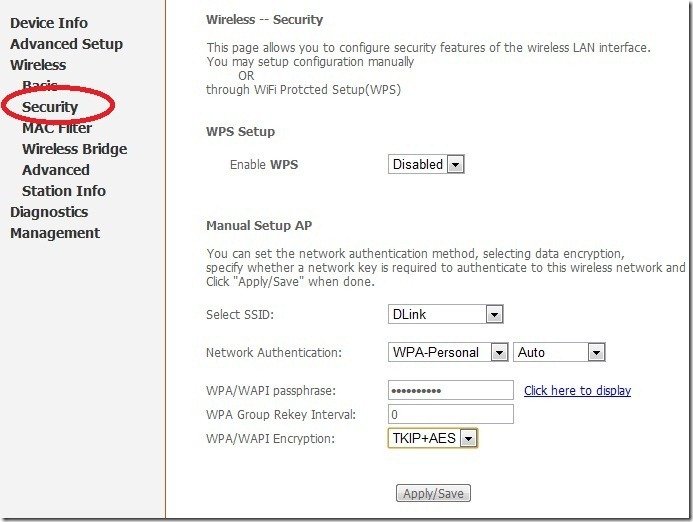
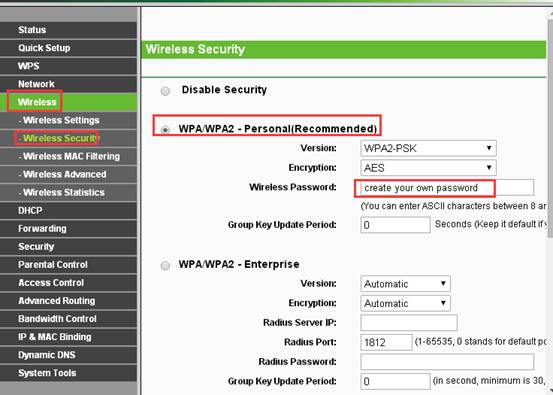
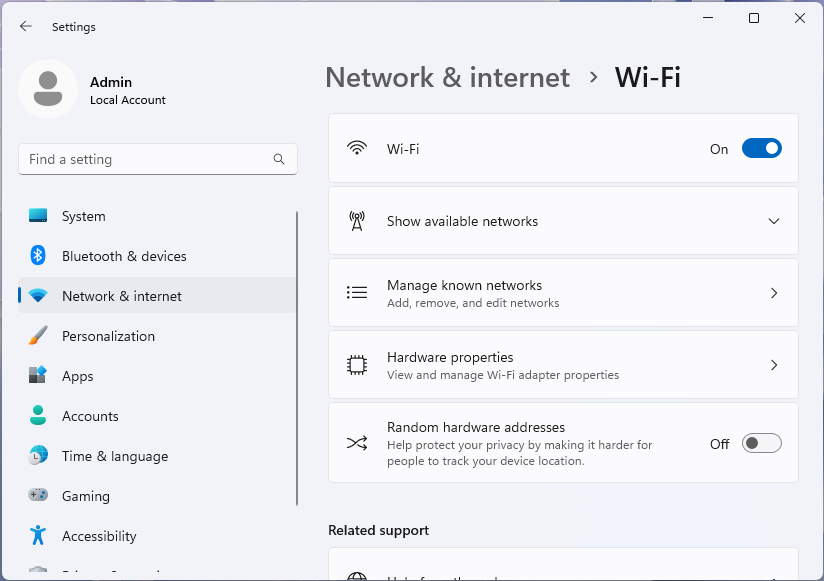
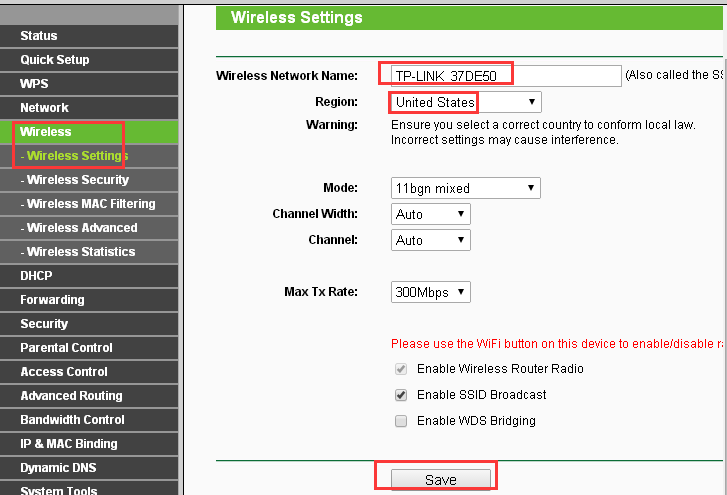
This tutorial will show you how to change the connection and security settings of an existing known Wi-Fi network profile in Windows 11. Wi-Fi is a wireless local area network (WLAN) technology and standard that uses high-frequency radio waves to provide wireless Internet and network connections to your Windows device.
Configuration Wifi Security Settings Windows
Moving forward, it's essential to keep these visual contexts in mind when discussing Configuration Wifi Security Settings Windows.
Windows 11 Network and Sharing Security Settings Overview
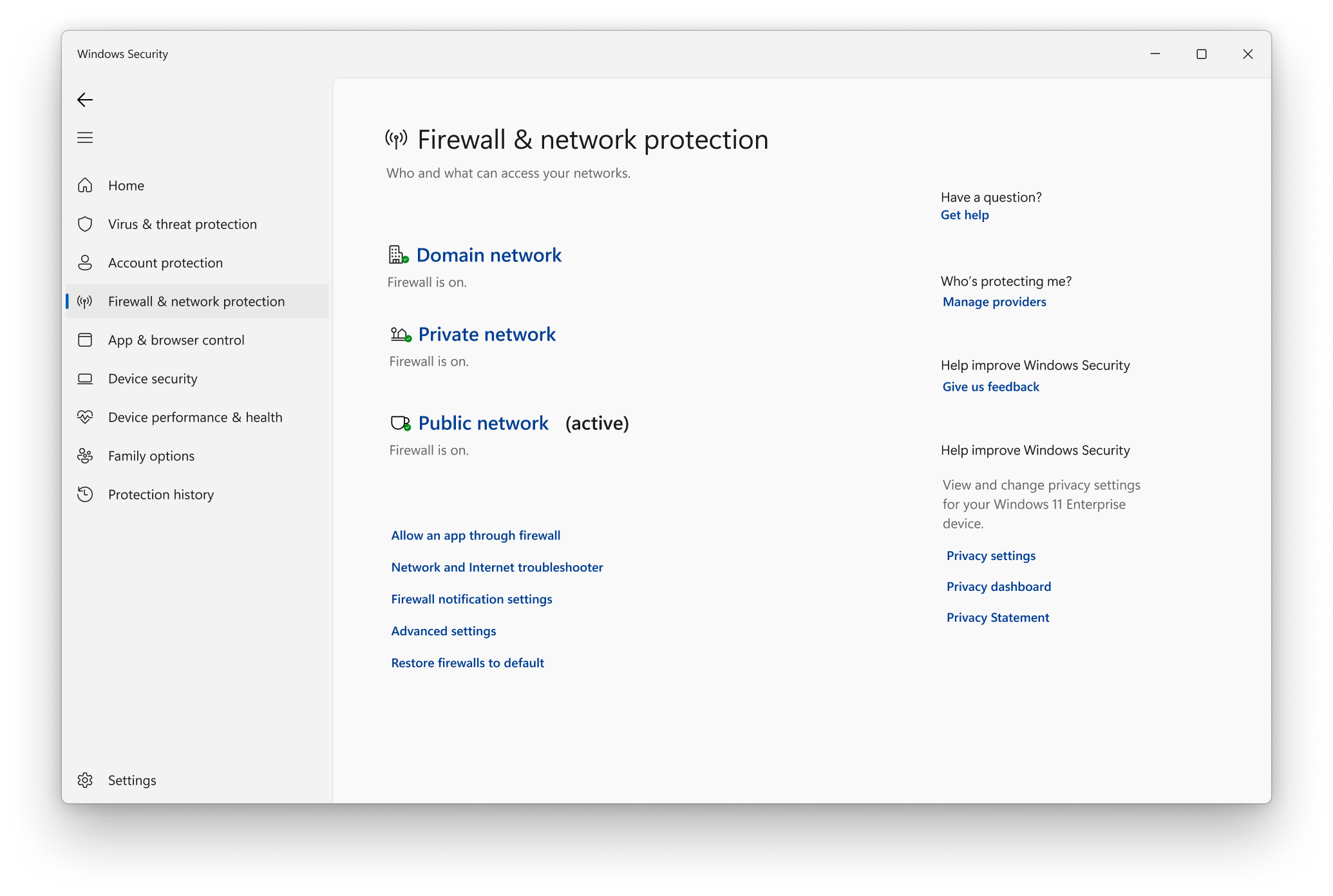
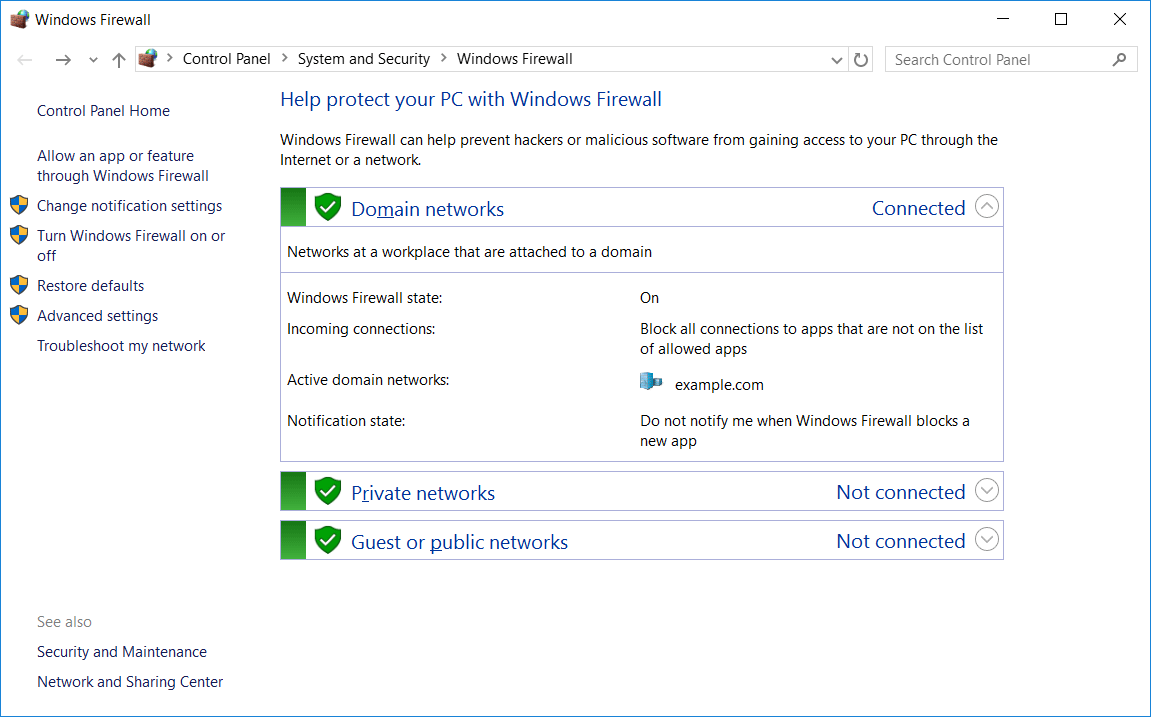
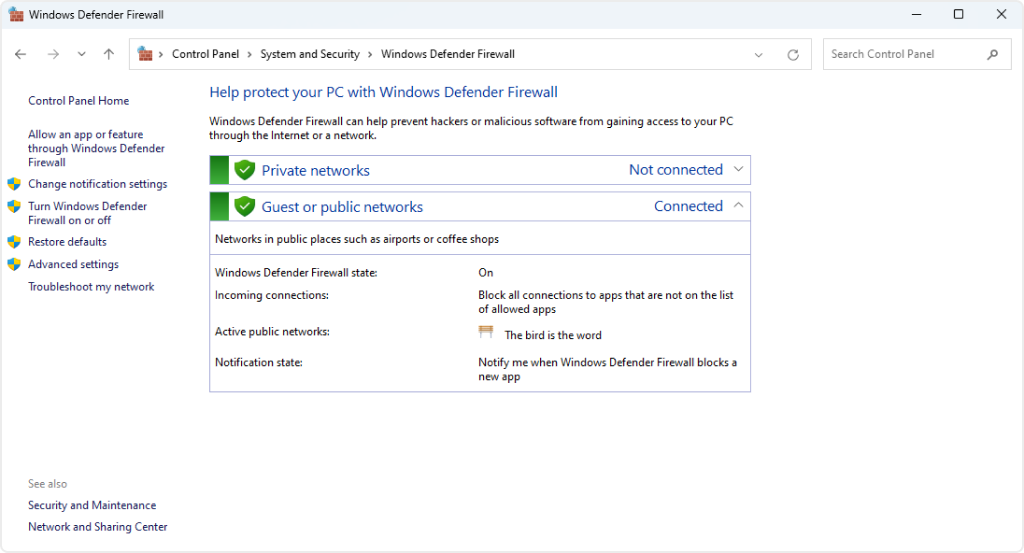
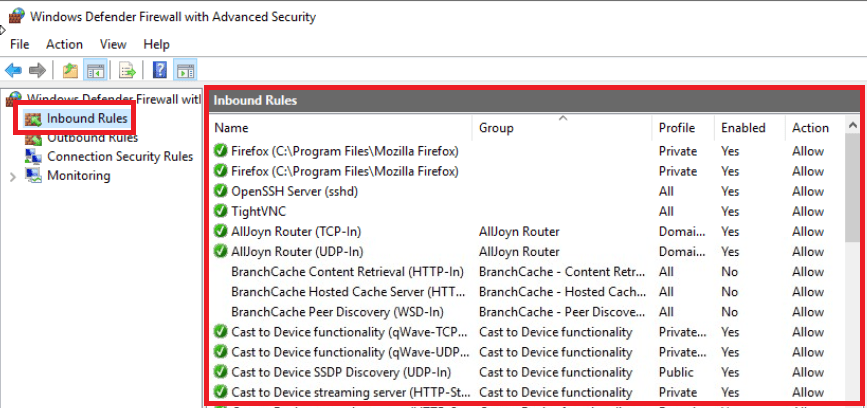
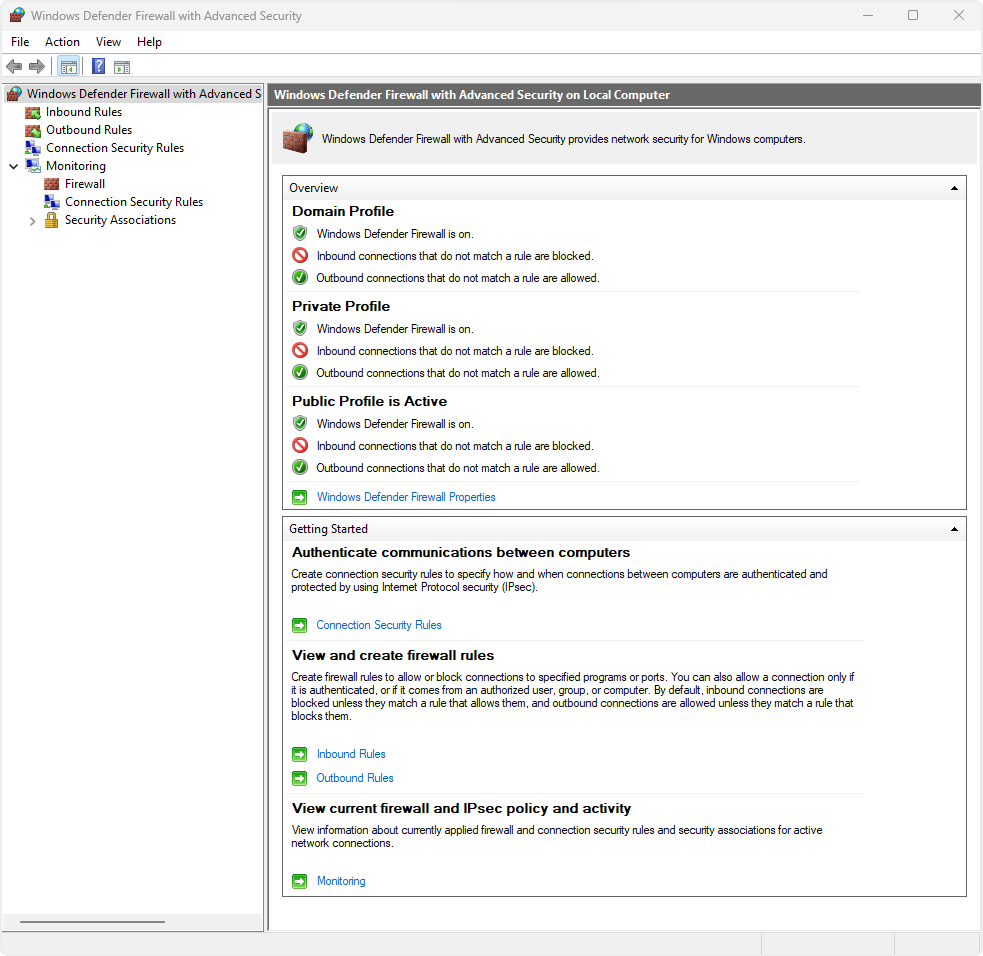
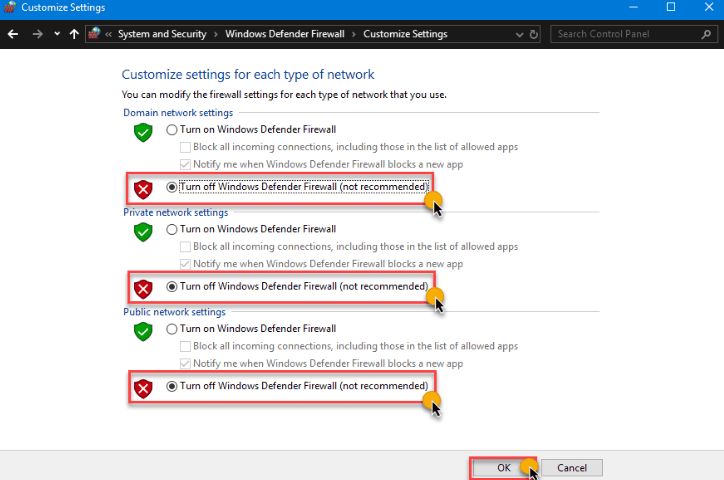
Windows 11 offers a range of built-in security measures designed to protect your device and data when connected to networks. These include the Windows Defender Firewall, Network Profile settings , and sharing options that can be tailored for different network types—public, private, or domain networks. Each profile has specific rules and permissions, ensuring that your device maintains the ...