A Closer Look at Delete Instagram Account From Root Account Online: Gallery & Guide
Help Center
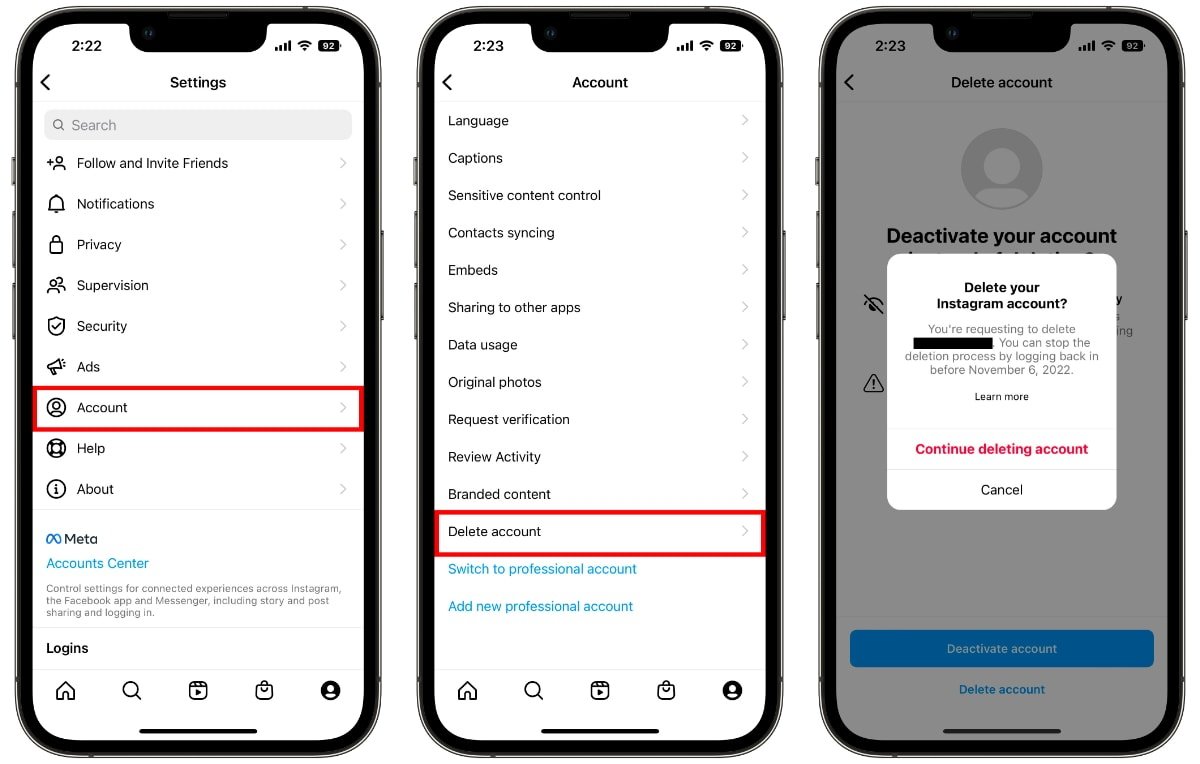
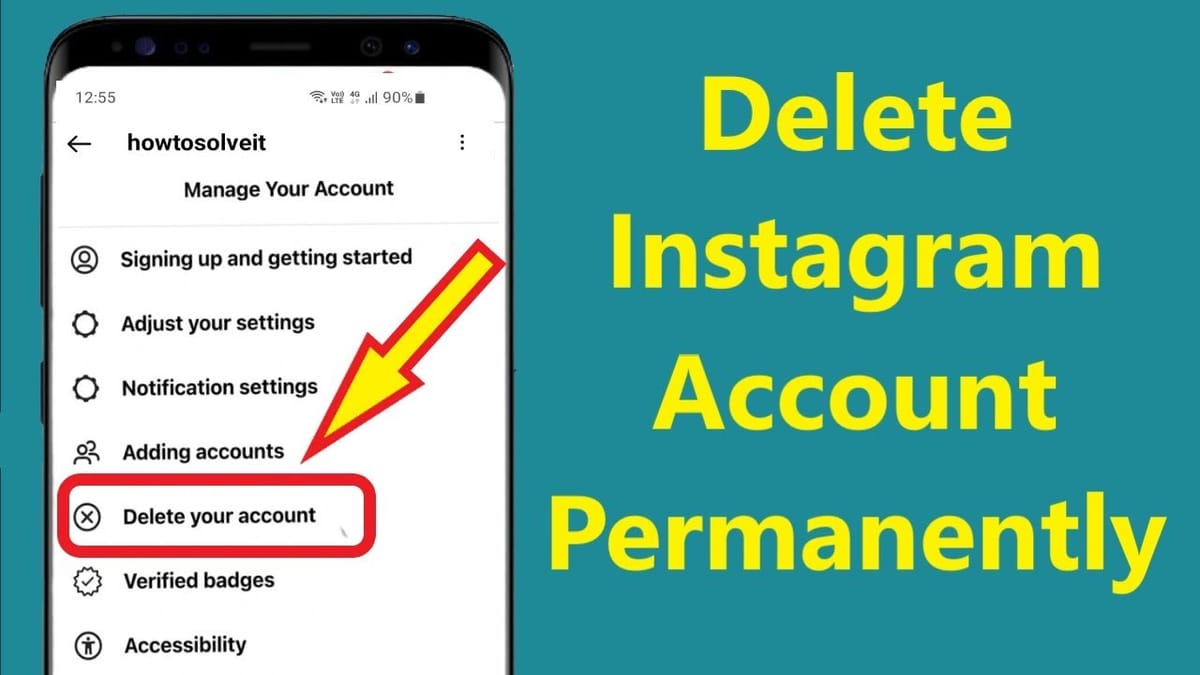
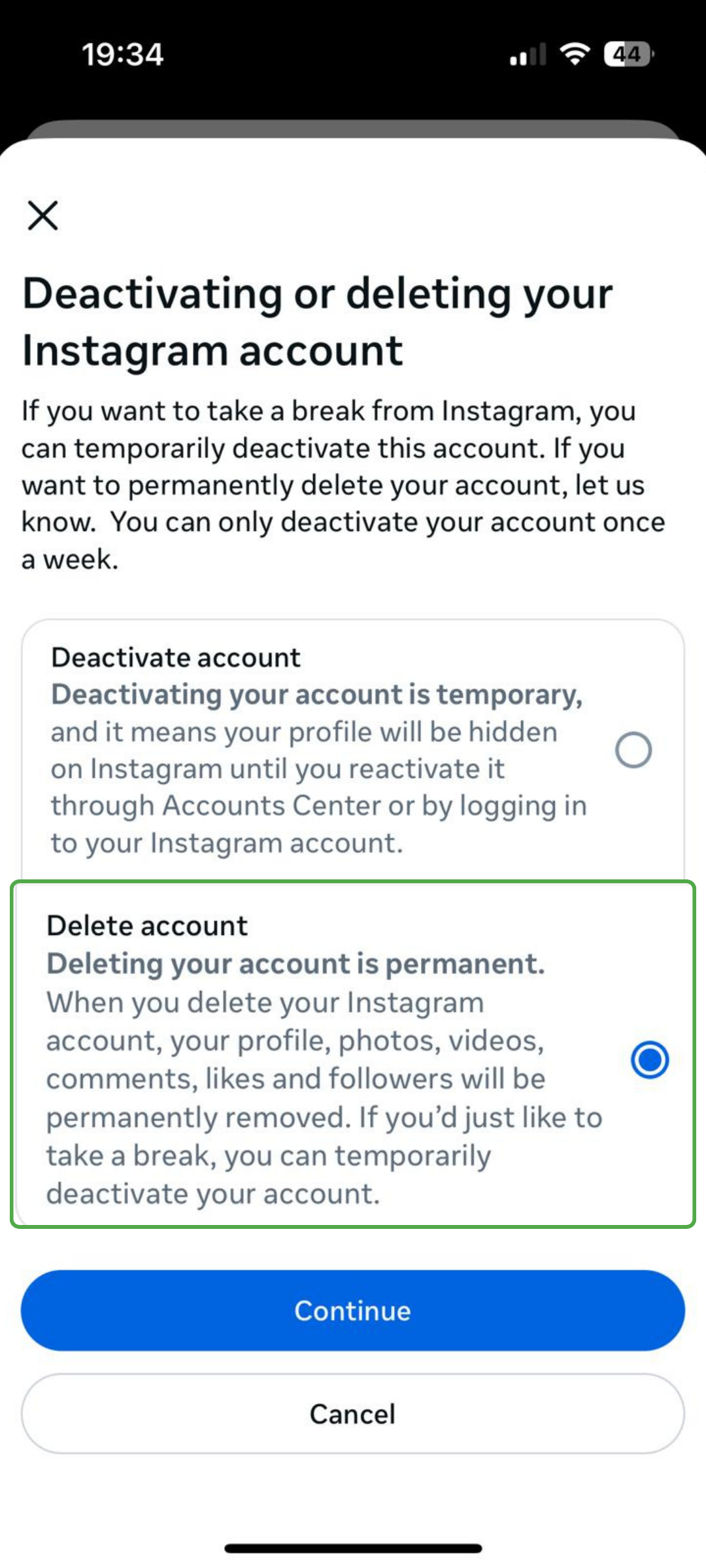
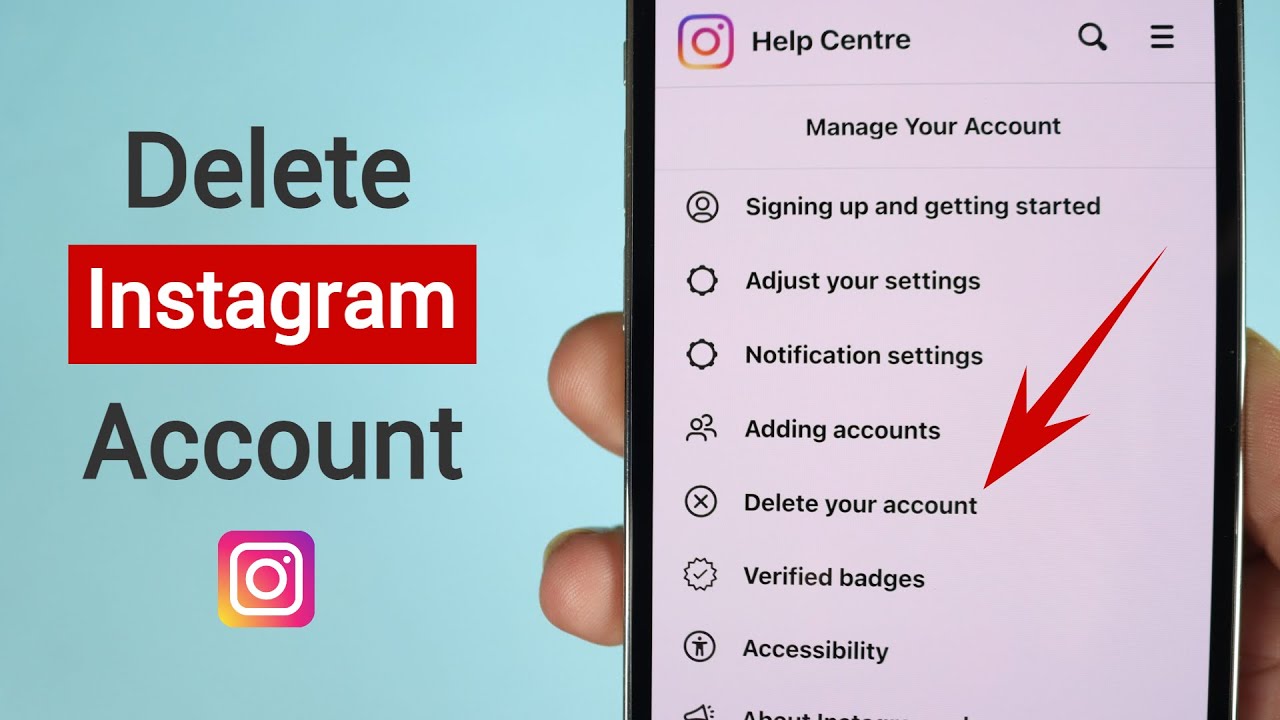
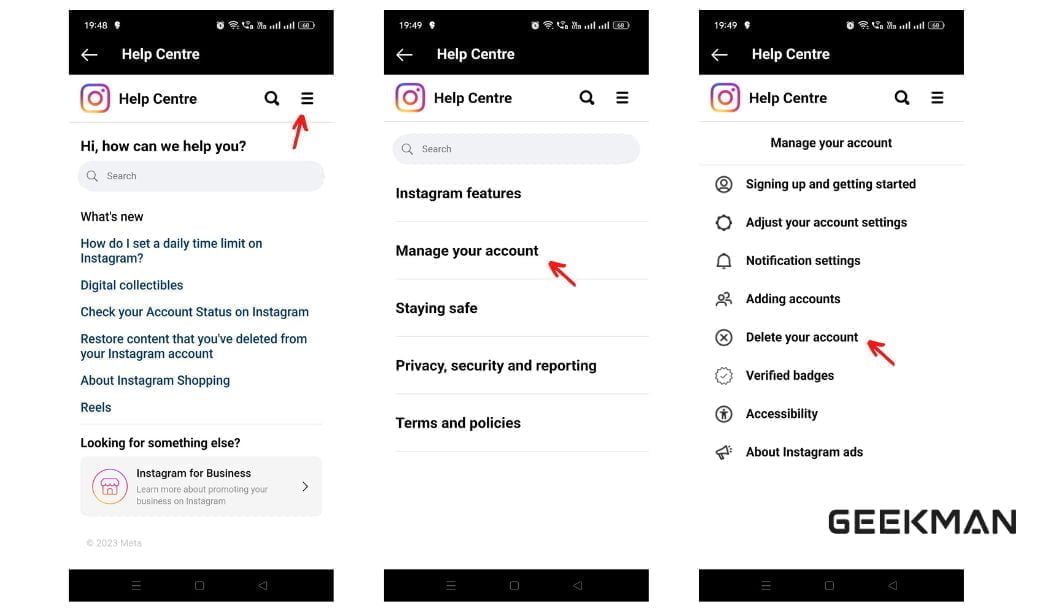
Learn how to delete your Instagram account permanently or temporarily with step-by-step instructions.
How to delete an Instagram account without login
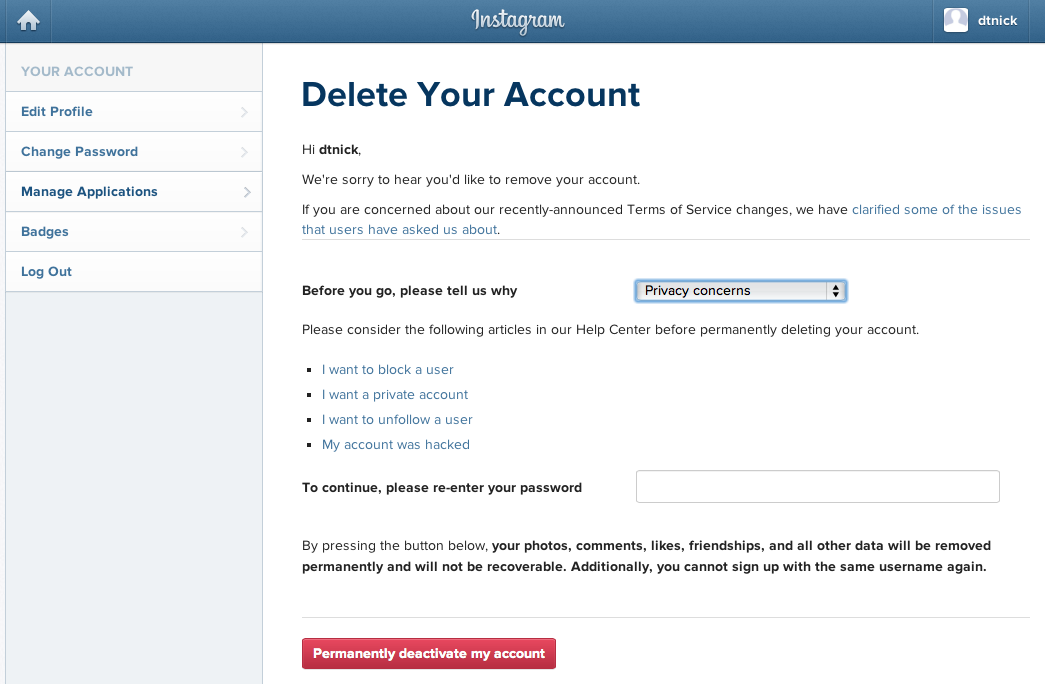
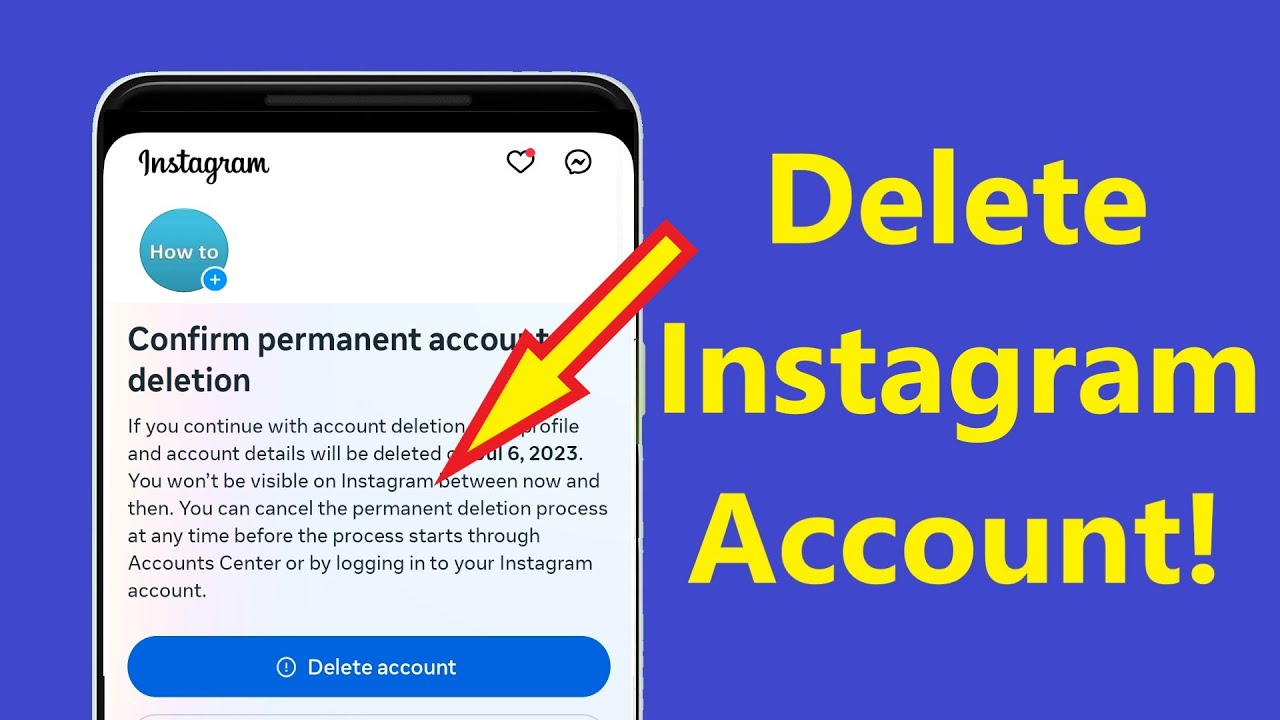
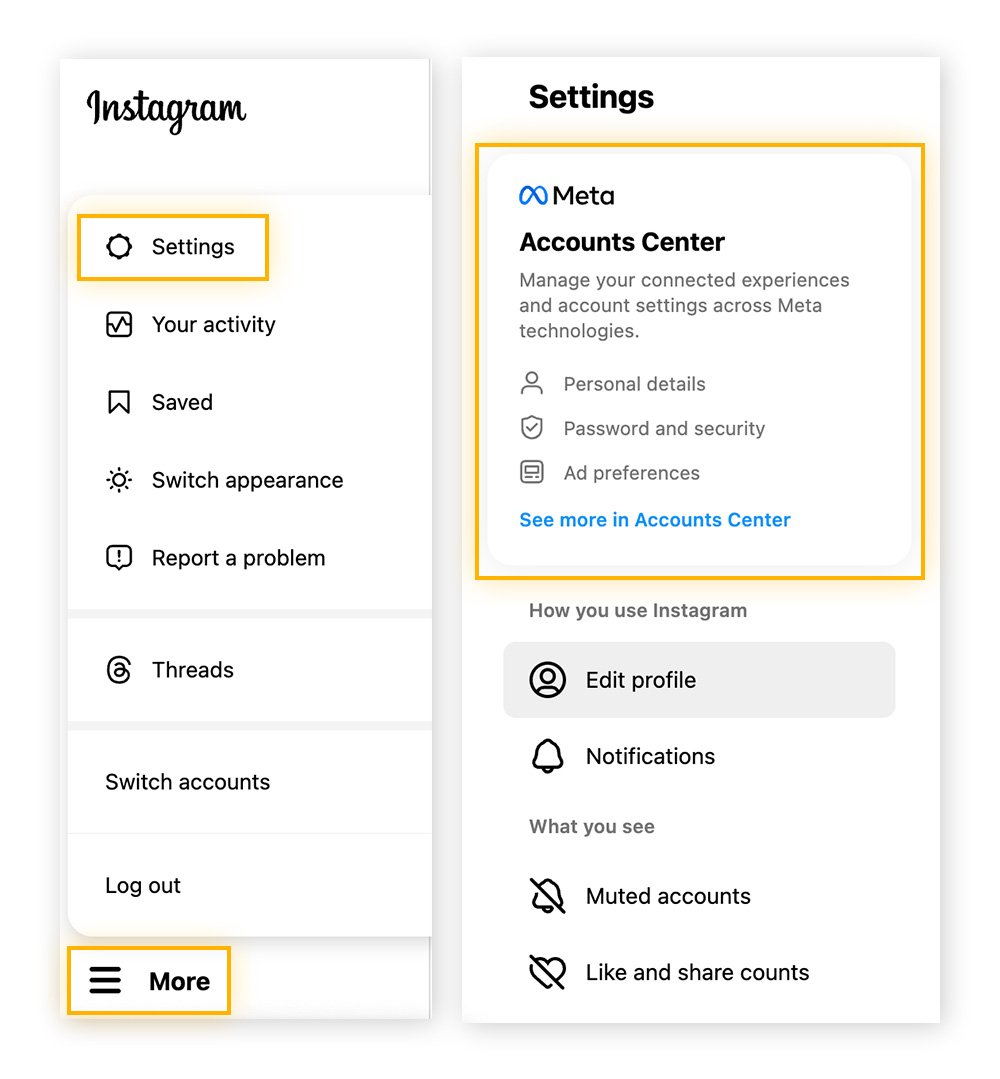
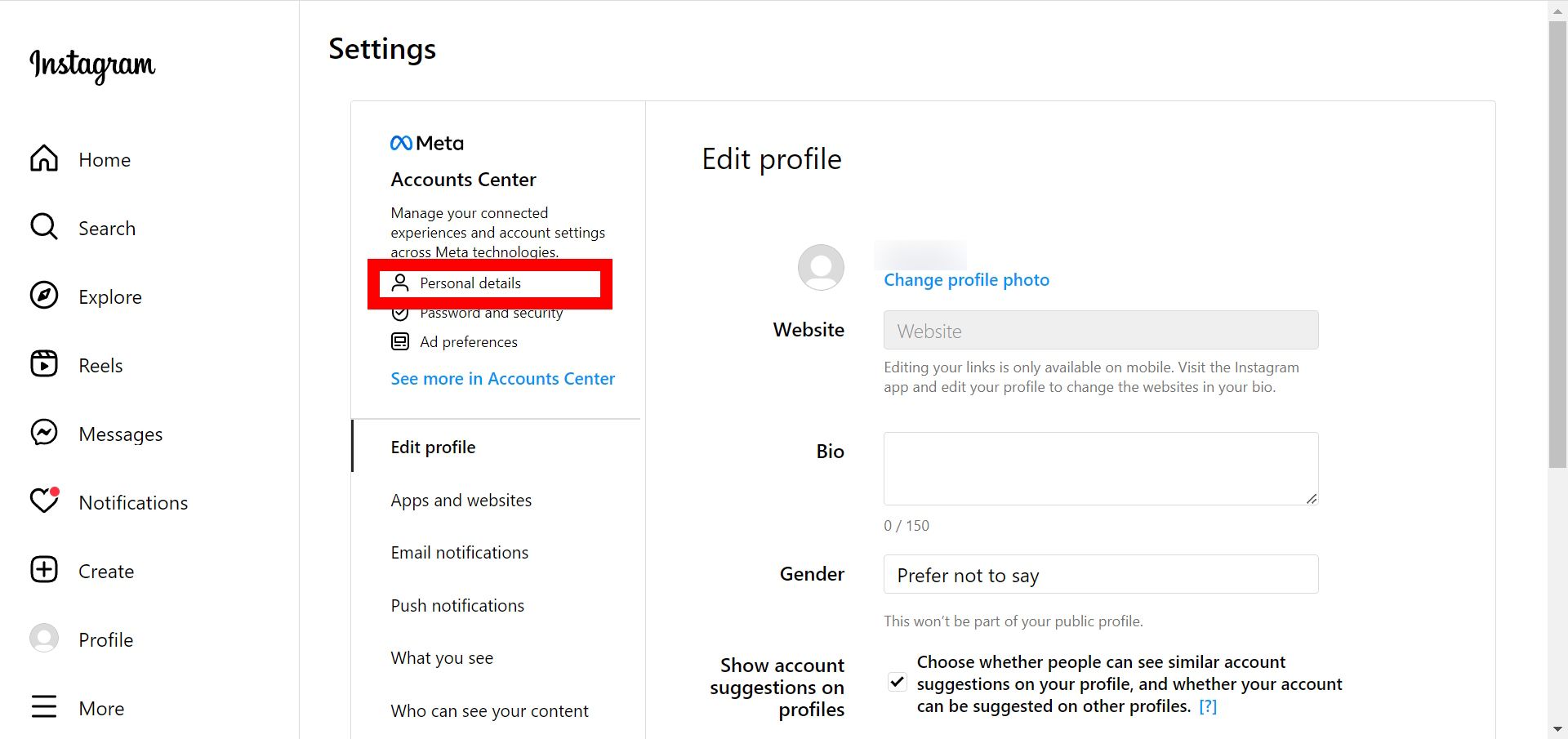
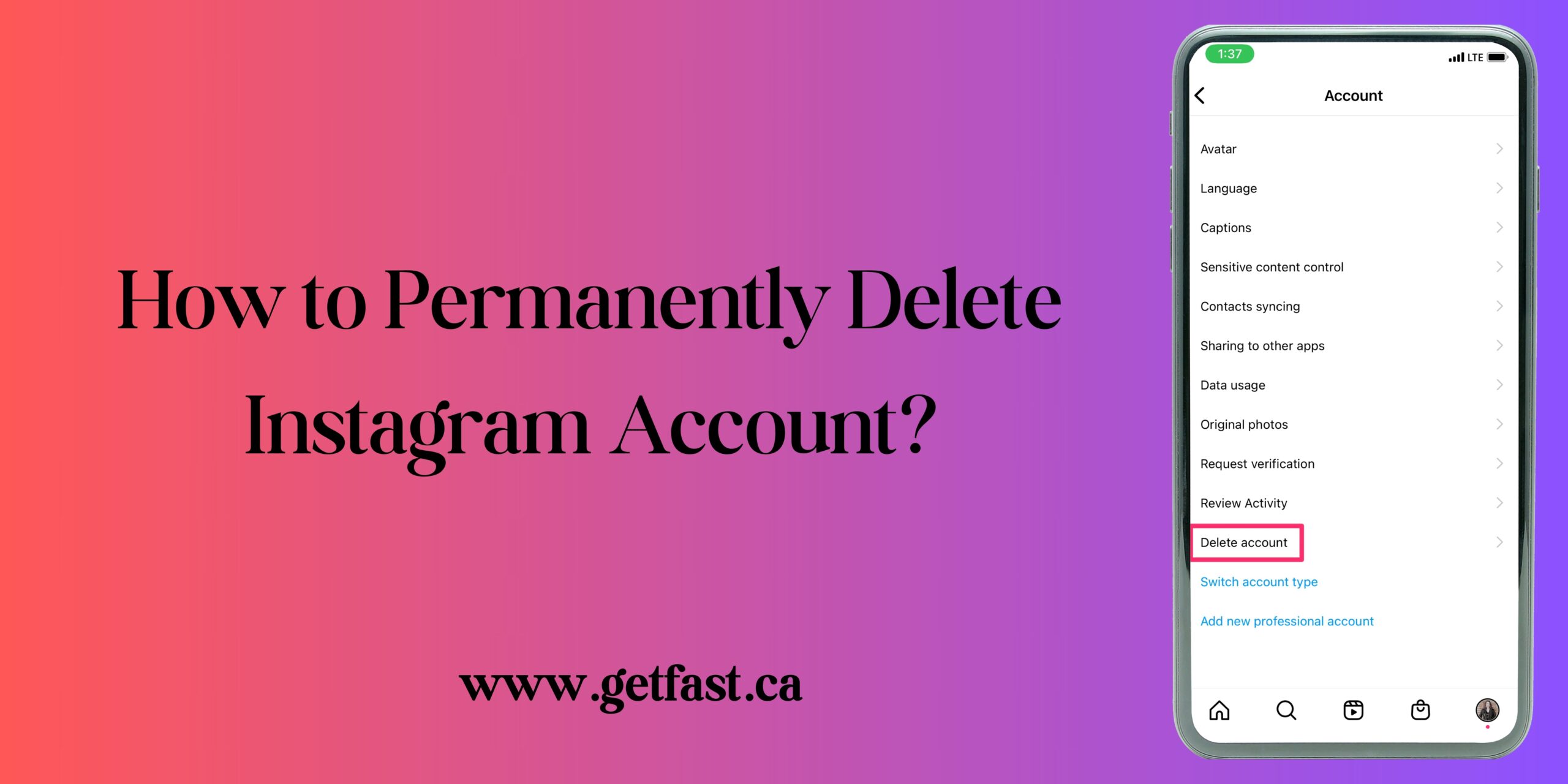
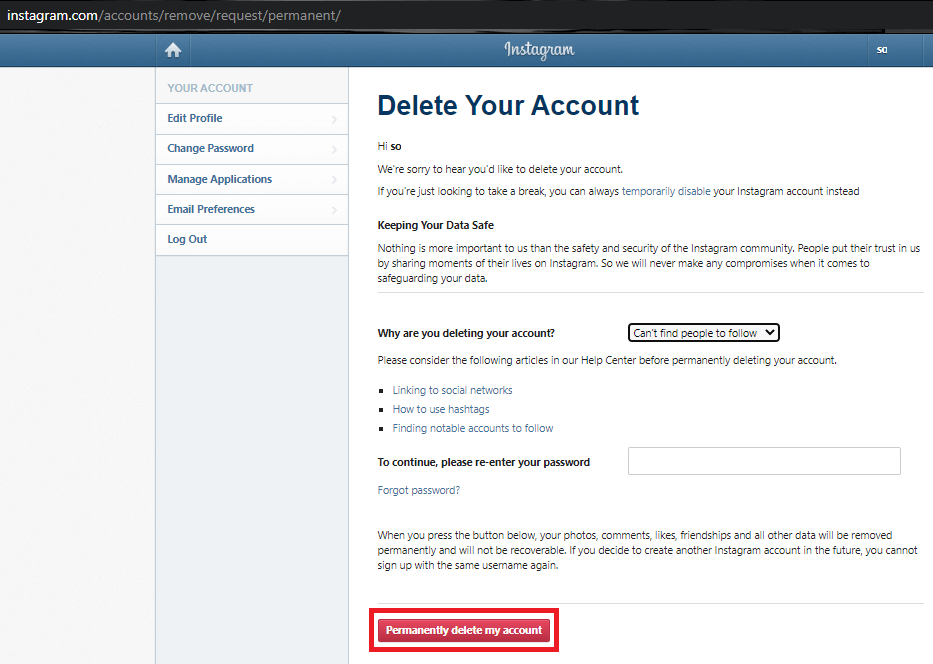
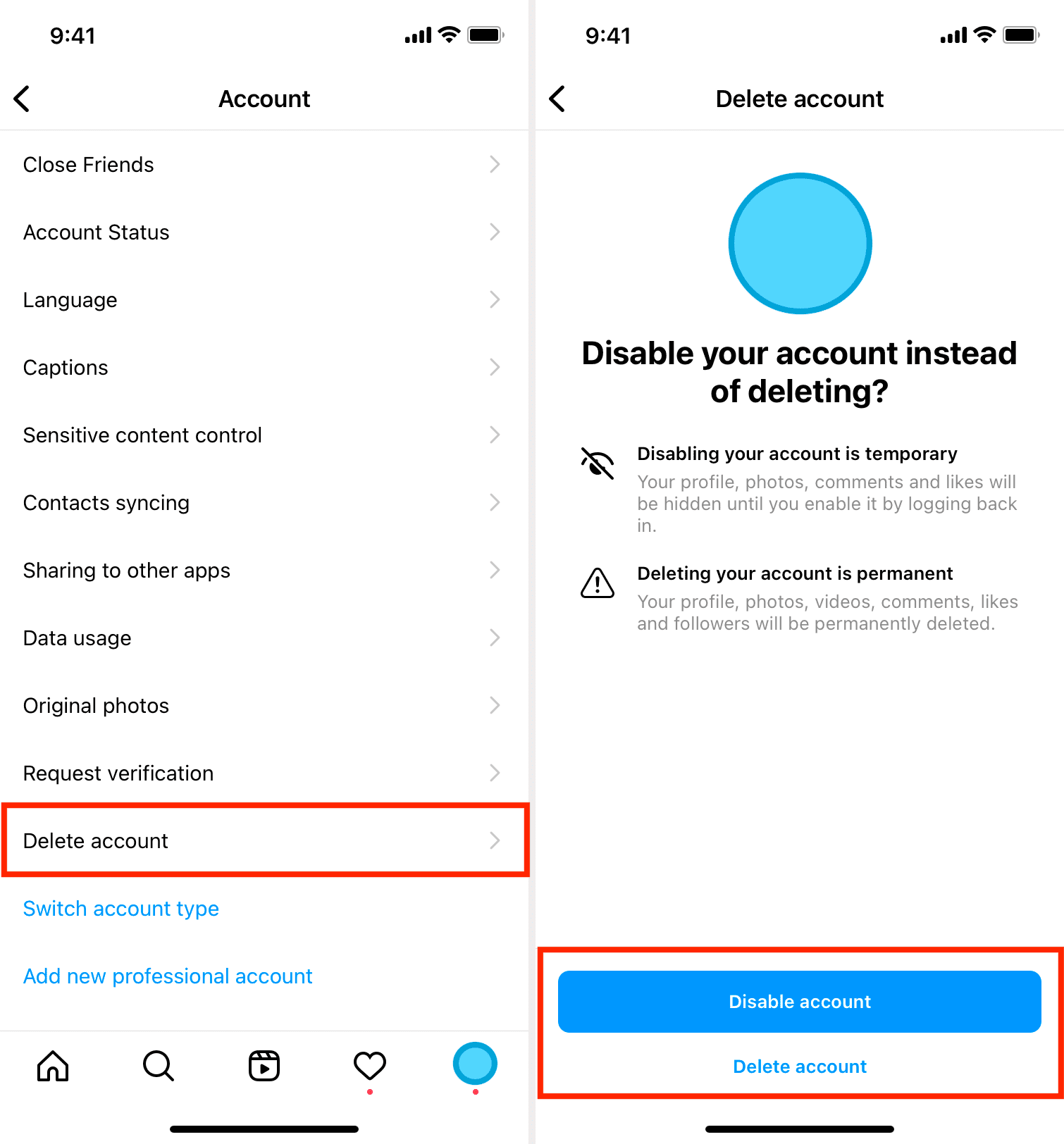
Delete Instagram Account From Root Account Online
Motivations for Account Deletion Without Login Several key factors can precipitate the need to delete an Instagram account without the standard login procedure: Credential Loss and Account Lockout: The most prevalent reason is the loss of login credentials, specifically the password, coupled with the inaccessibility of associated recovery mechanisms such as linked email addresses or phone ...
To do this: [2] Open the Instagram app and enter the last email address or phone number you remember using with your account . Tap Forgot password? or Get help logging in. Select Need more help? Follow the prompts to submit a request for help restoring access to your account .
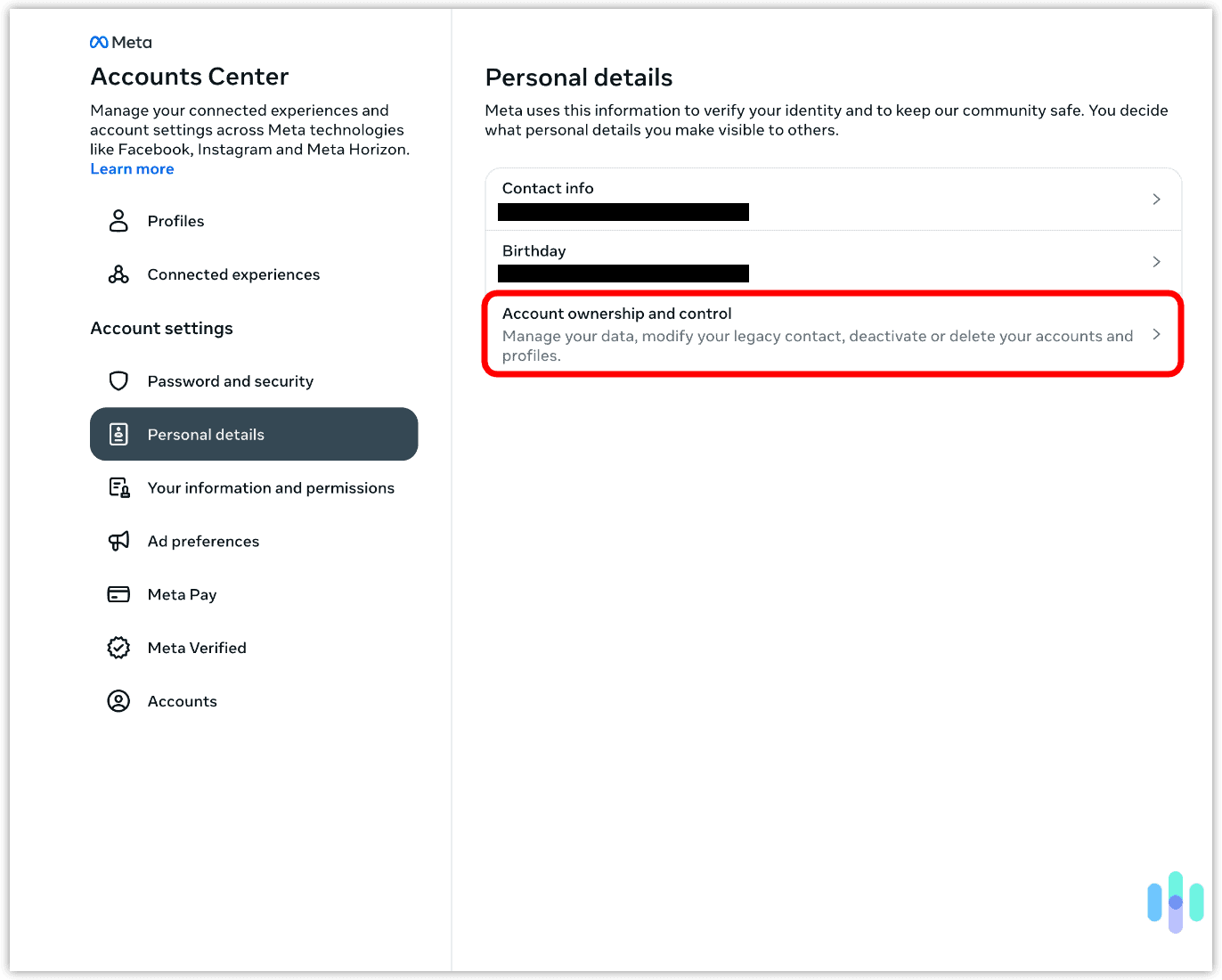
Delete Instagram Account From Root Account Online
As we can see from the illustration, Delete Instagram Account From Root Account Online has many fascinating aspects to explore.
How to Delete Your Instagram Account
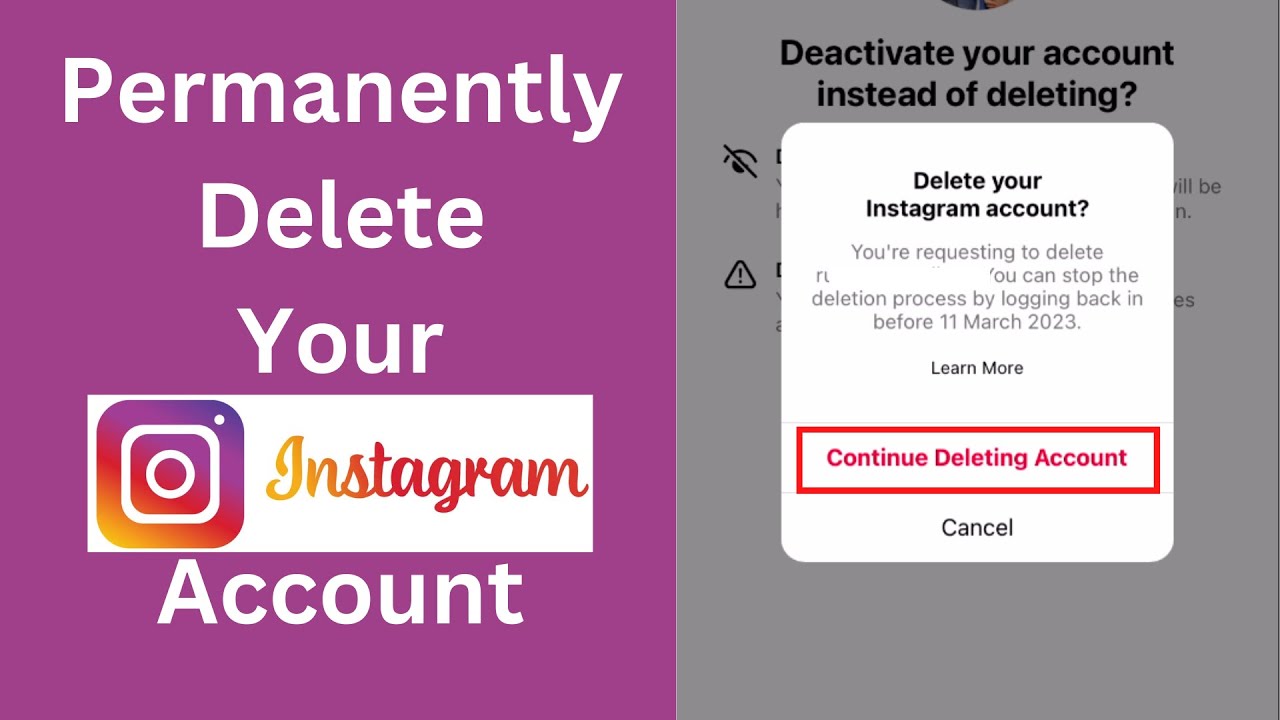
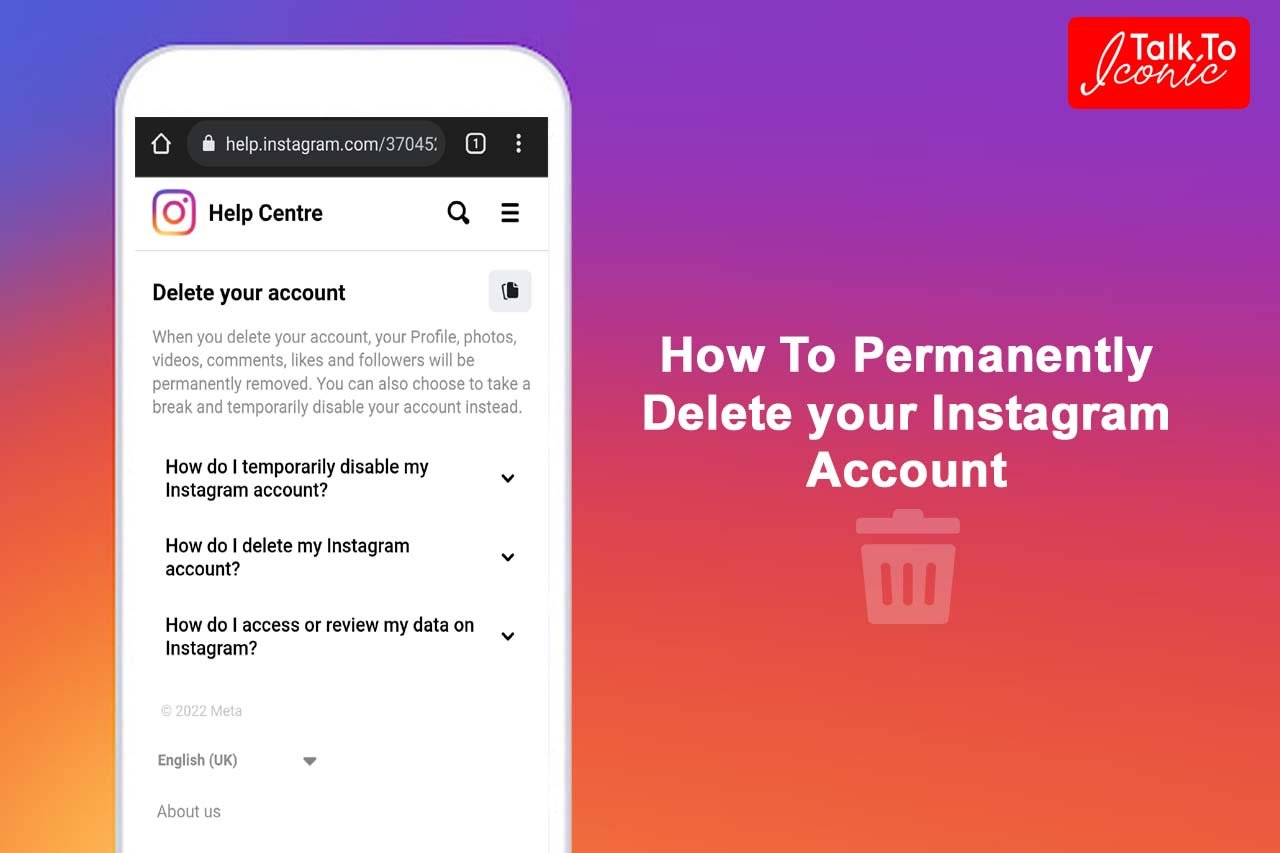
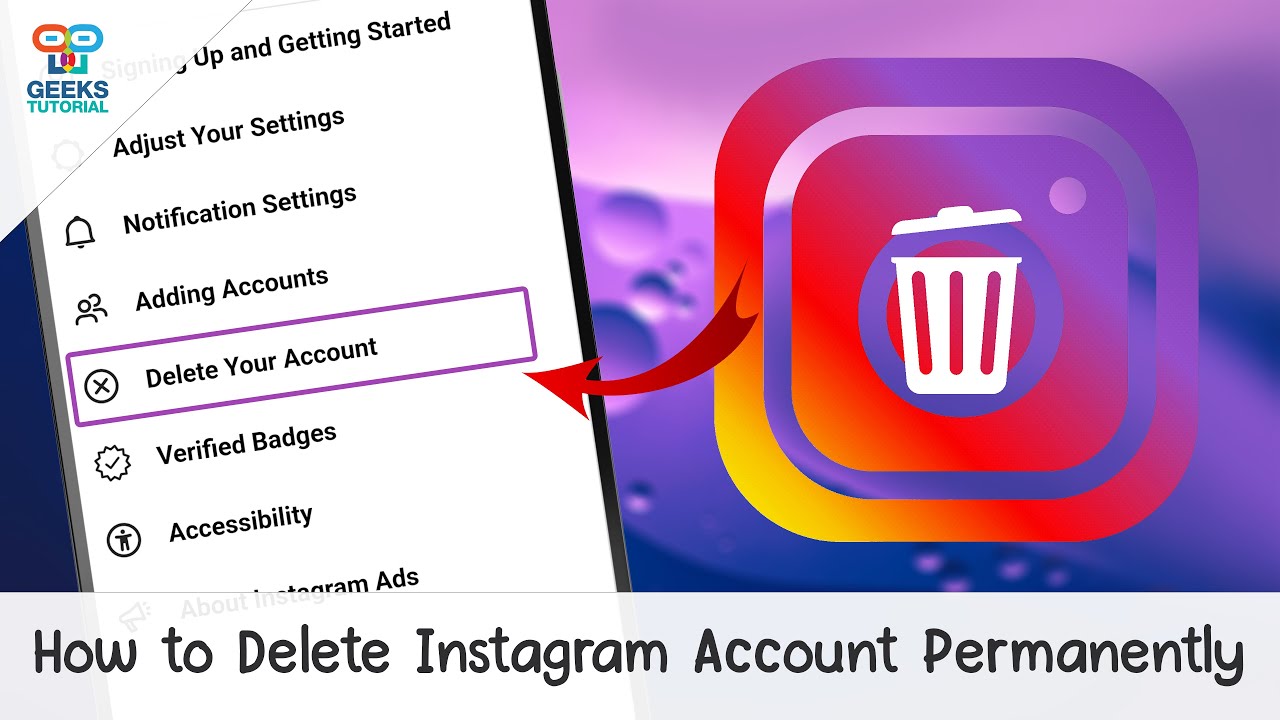
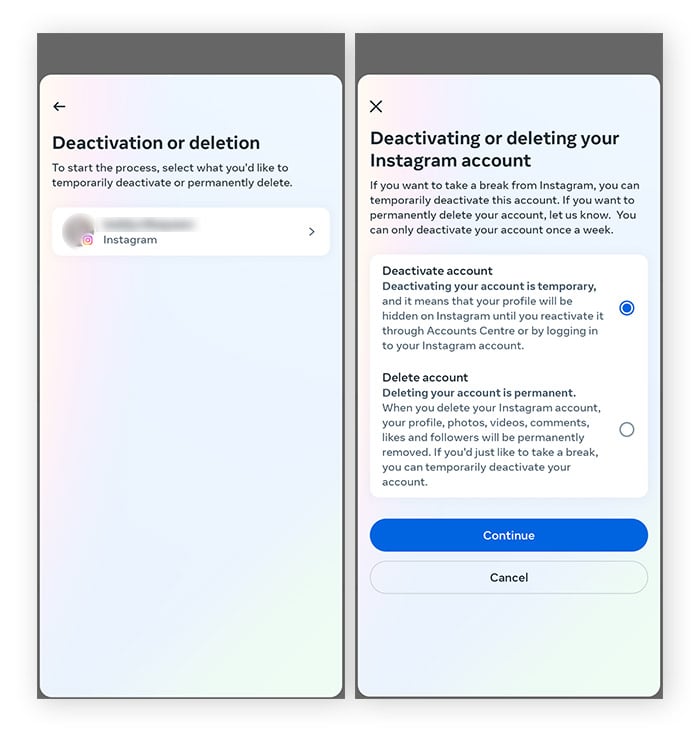
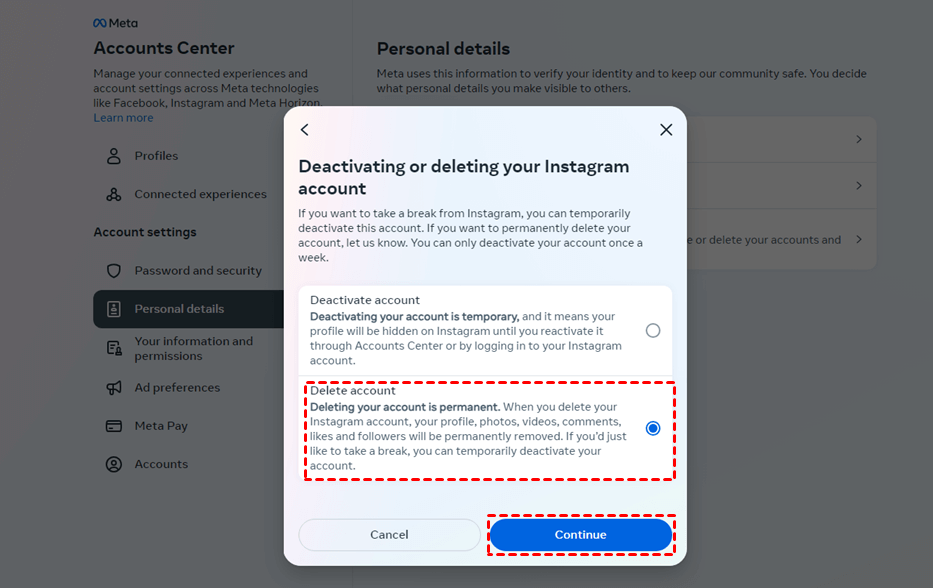
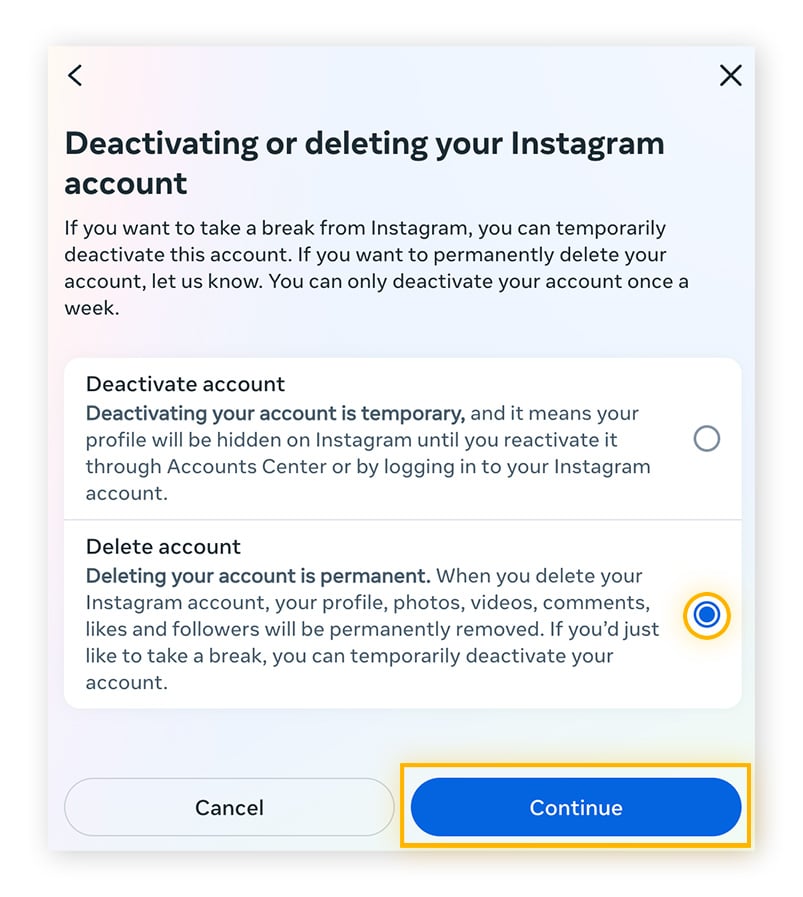
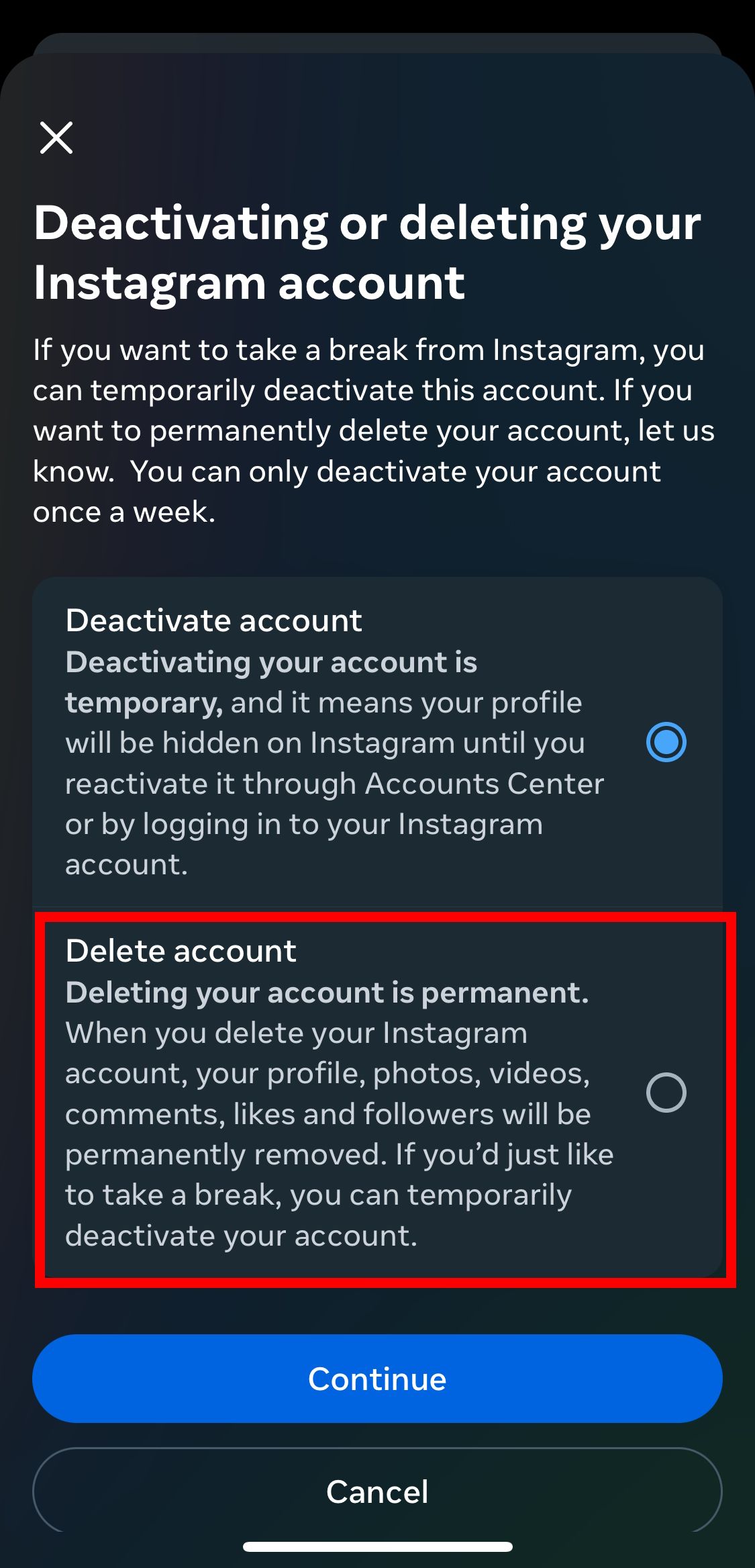
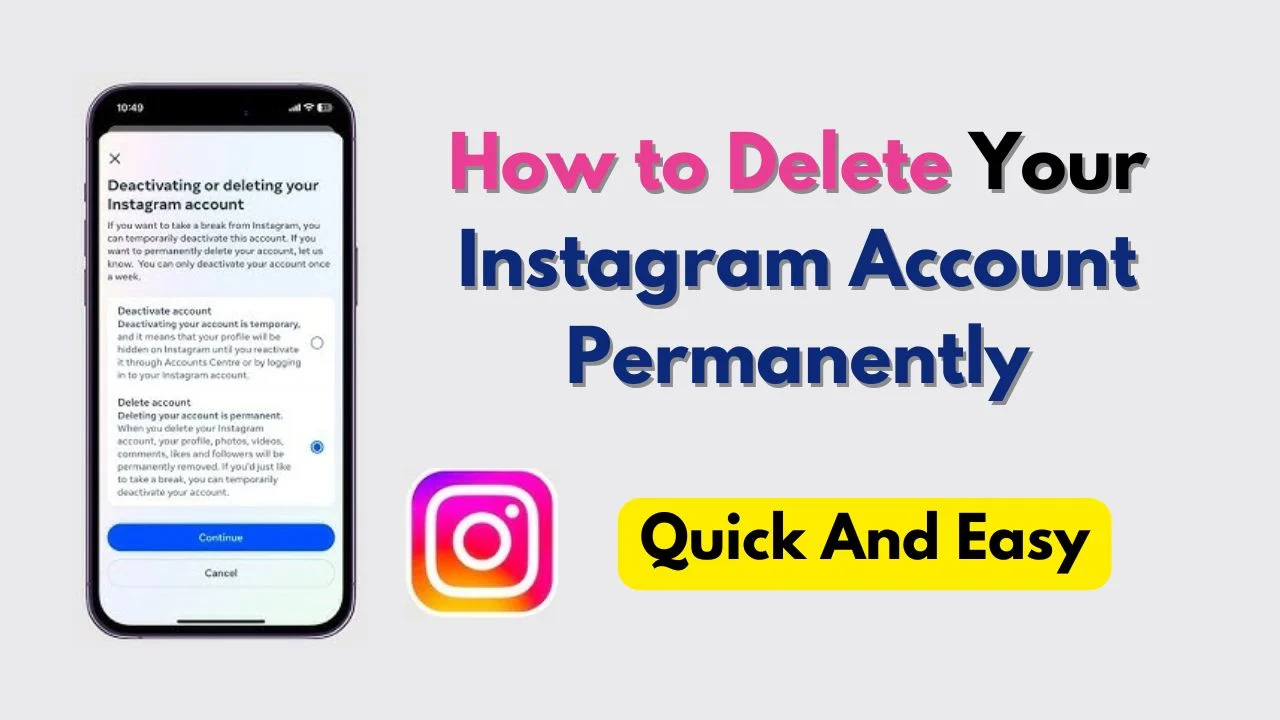
Learn how to permanently delete your Instagram account , or just deactivate it temporarily. Protect your data, but know that deletion isn't immediate.
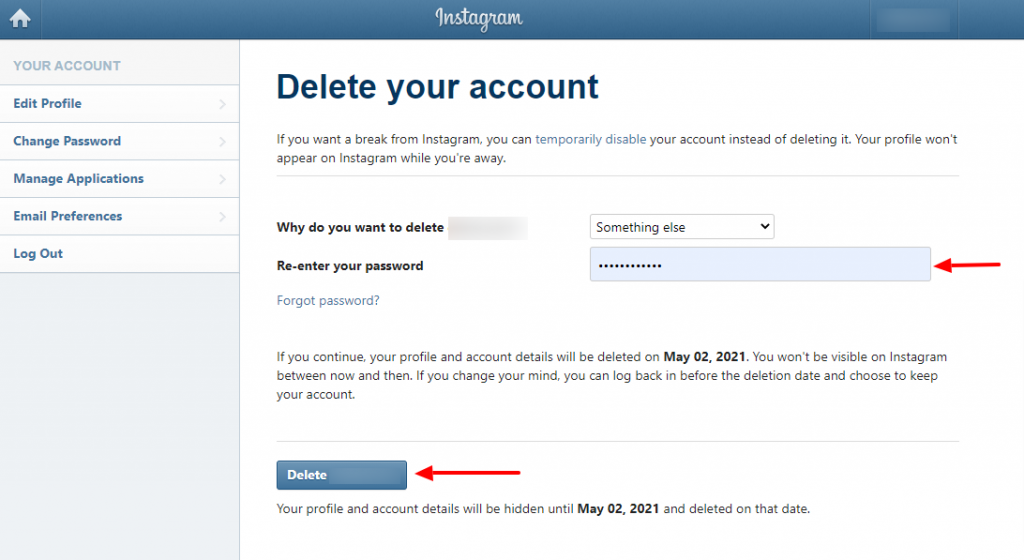
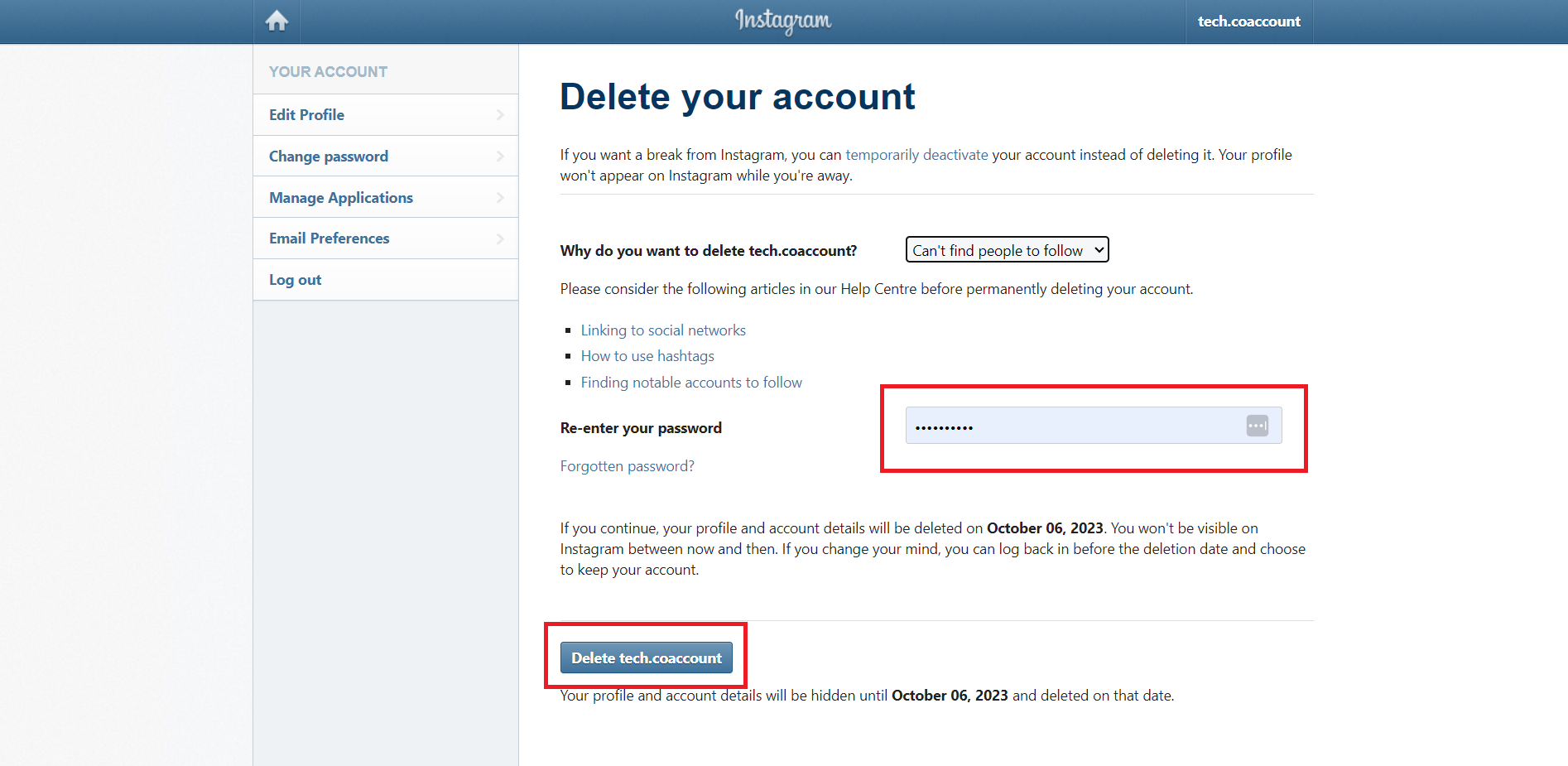
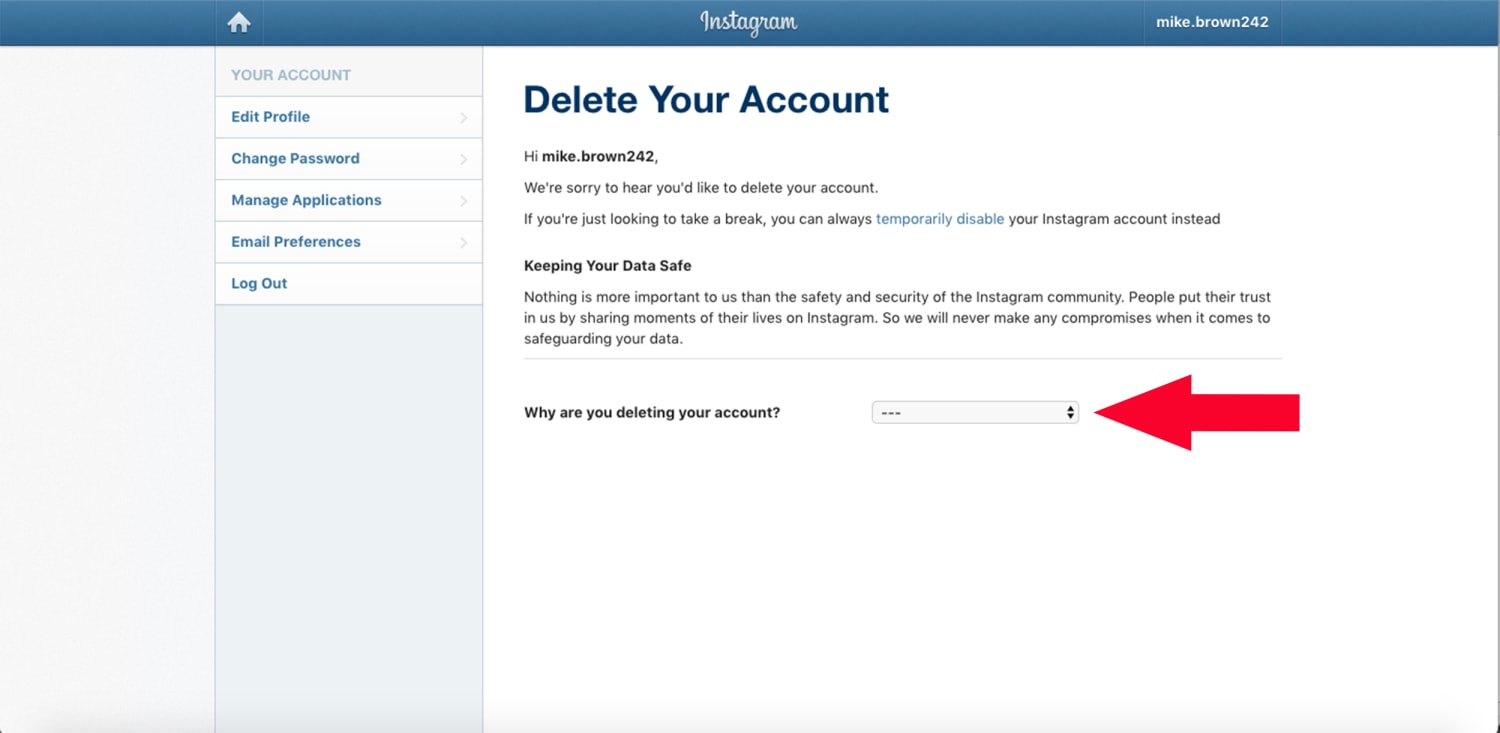
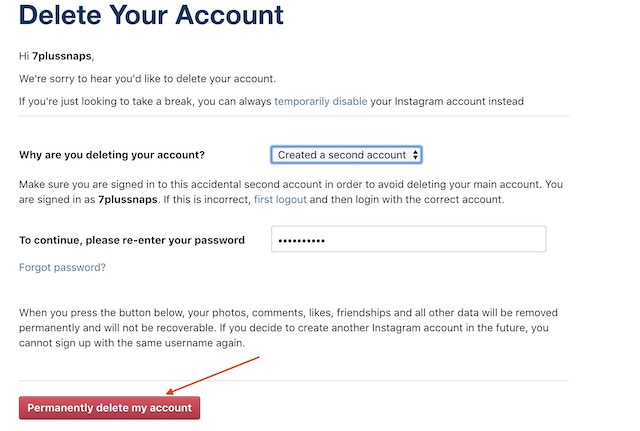
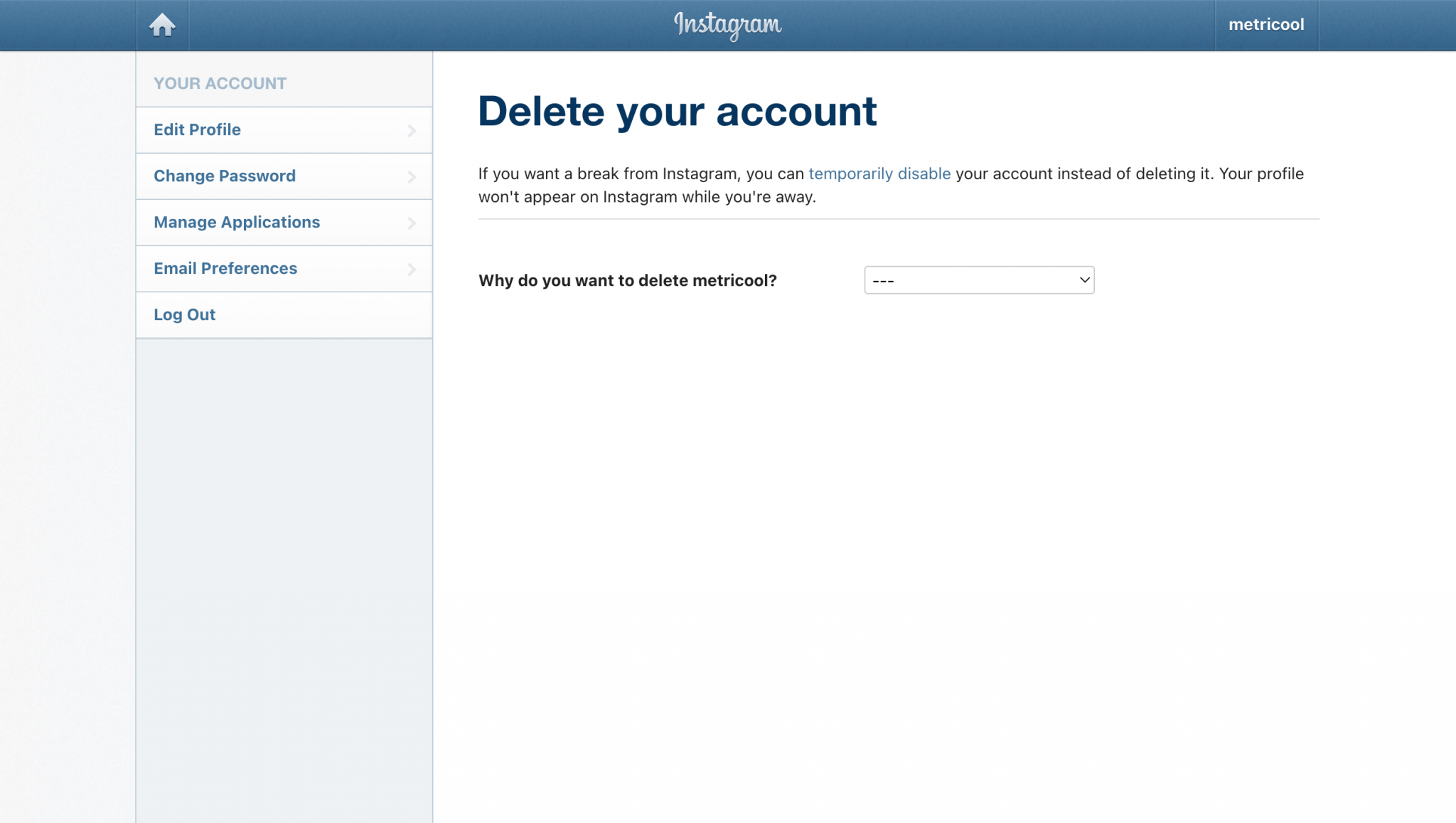
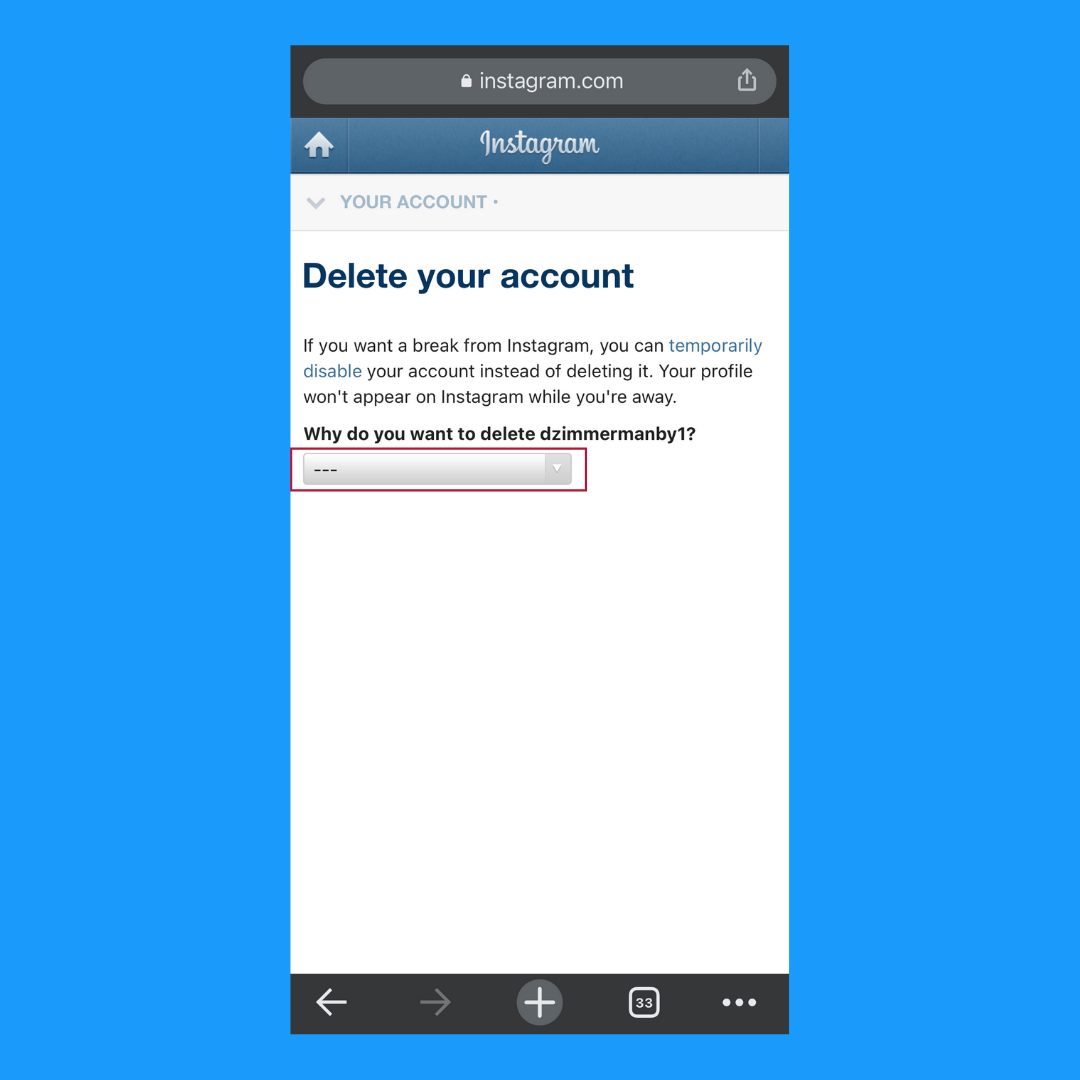
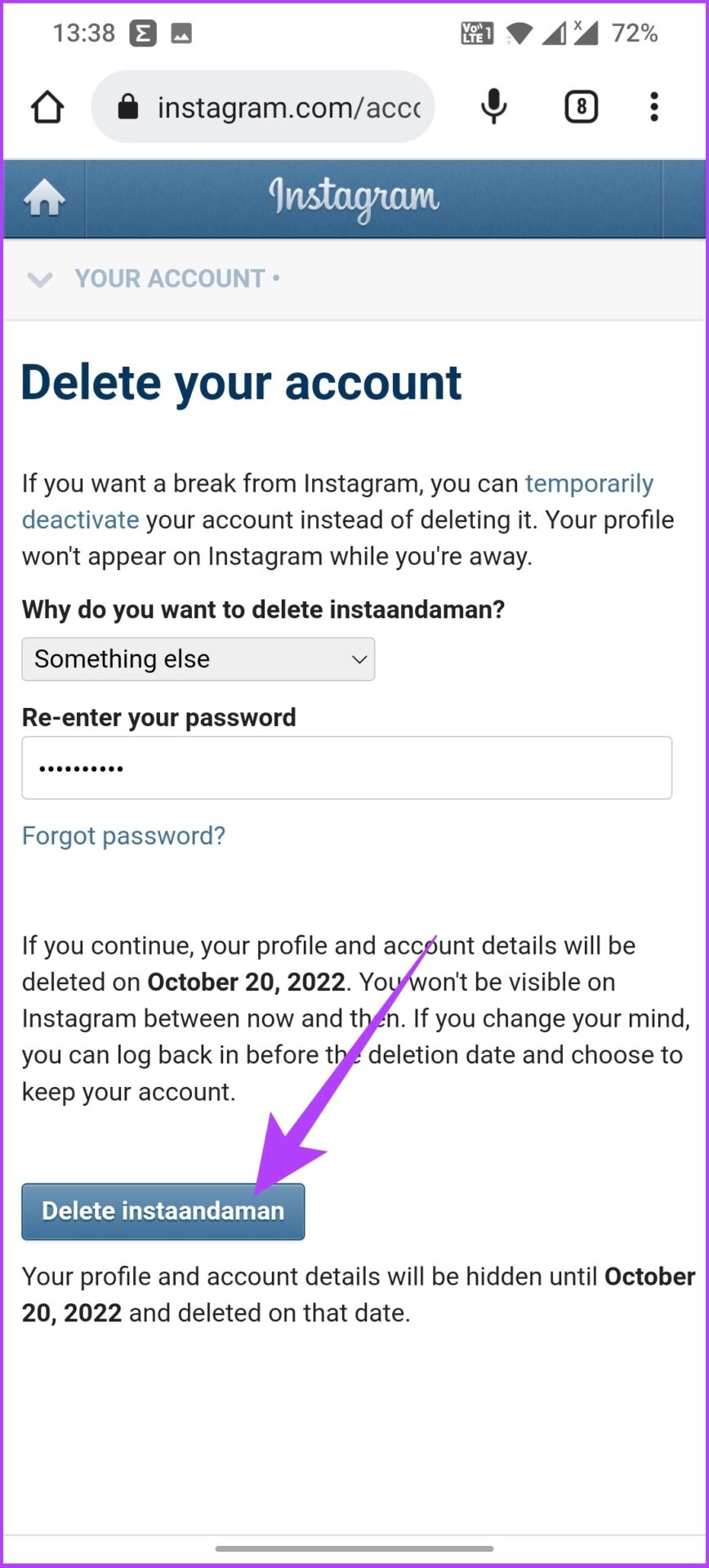
For example, if you selected Too busy/too distracting, Instagram may suggest removing the application from your mobile device instead of deleting your account . If you want to go ahead with the account deletion, enter your password and select Delete [your account name]. Deletion is permanent.