Download D
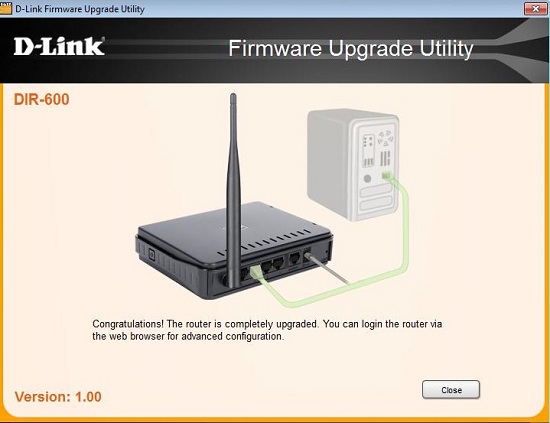
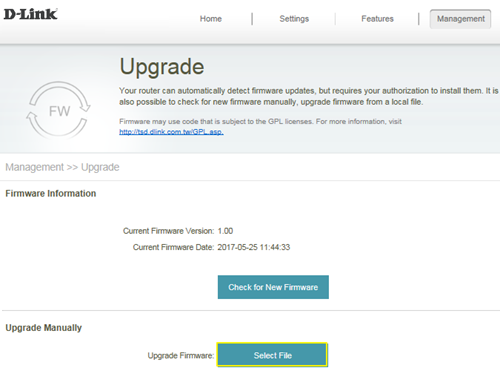
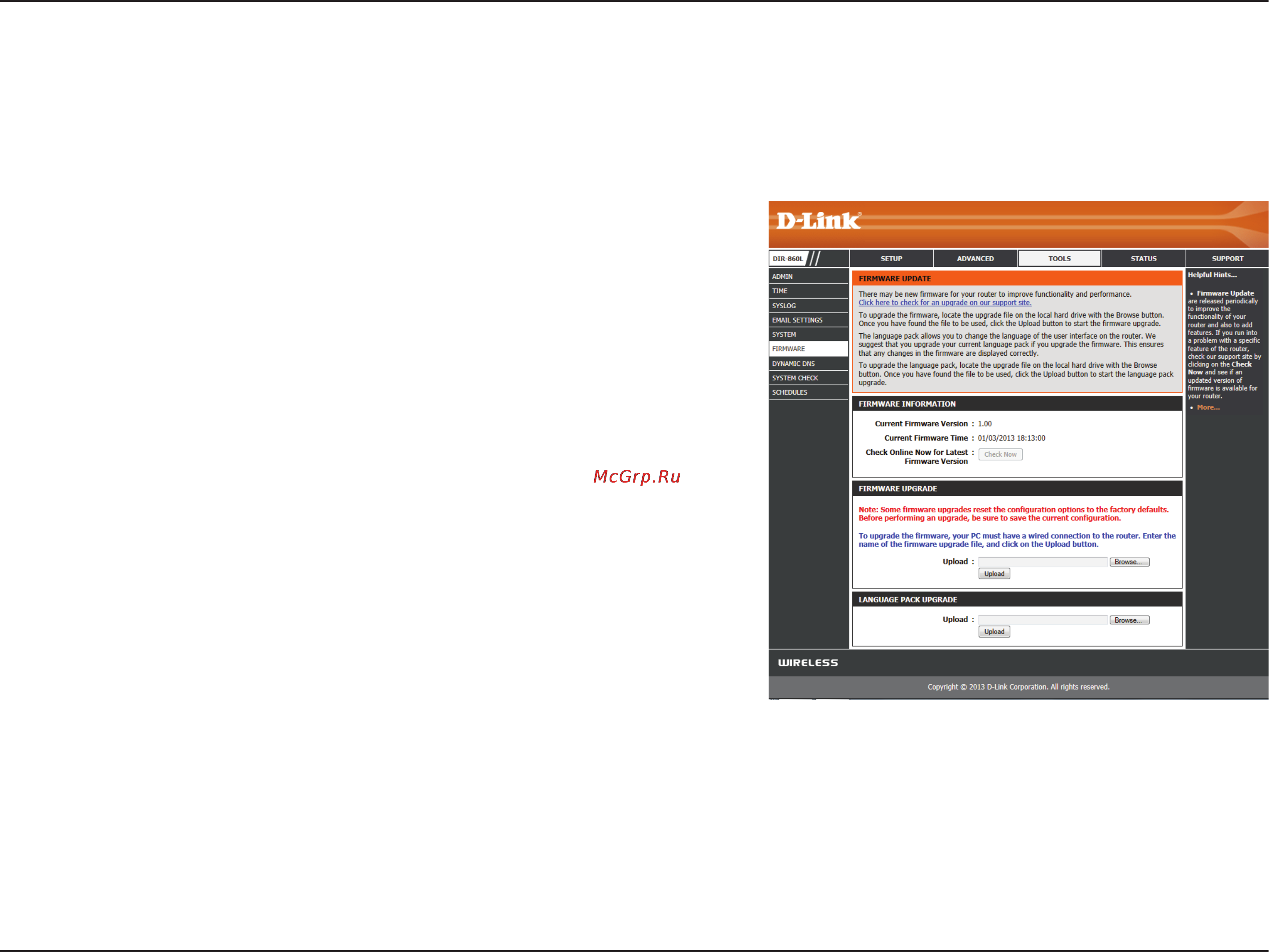
How to Update Dlink DIR-860L . How to update firmware on Dlink DIR-860L . How to actualize software on Dlink DIR-860L . How to update Dlink DIR-860L : First, you need to download firmware from the official website of your router manufacturer. Next, login into the router, check how to Open Admin Page. Now choose Maintenance and find Update or Firmware Update. Then, press on Choose file and pick ...
Key Details About Download D-Link Dir-860L Firmware

[To Parent Directory] DIR -860L_REVB_FIRMWARE_2.00.B13.ZIP DIR -860L_REVB_FIRMWARE_2.01.B03.ZIP DIR -860L_REVB_FIRMWARE_2.03.B03.ZIP DIR -860L_REVB_FIRMWARE_2.04B04_ic5b ...
Downloads You will be directed to the "Total Resource" page for your product, where you will find the latest, drivers, firmware , manuals, applications and the Tech Support contact number for your product.

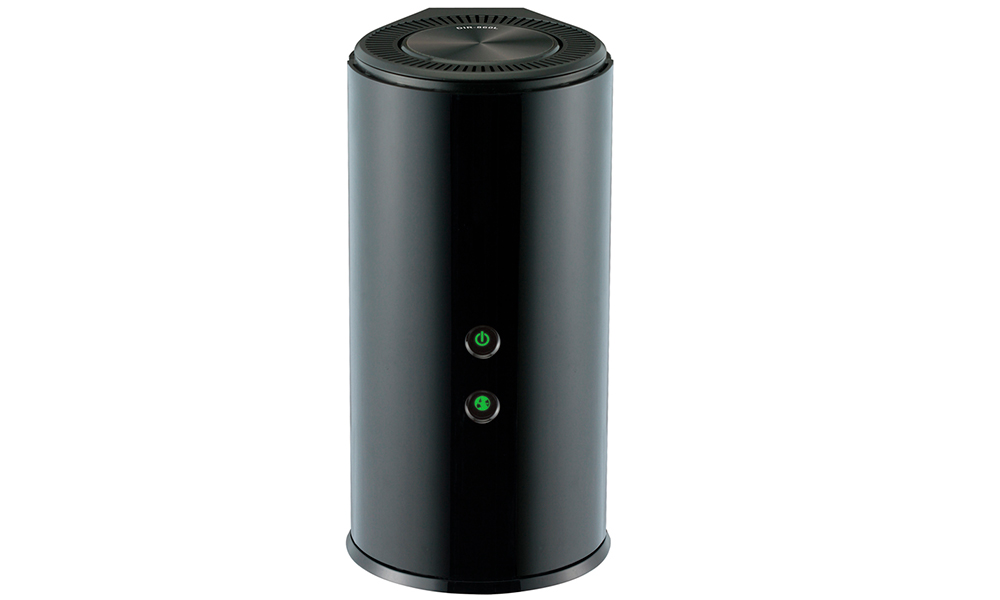
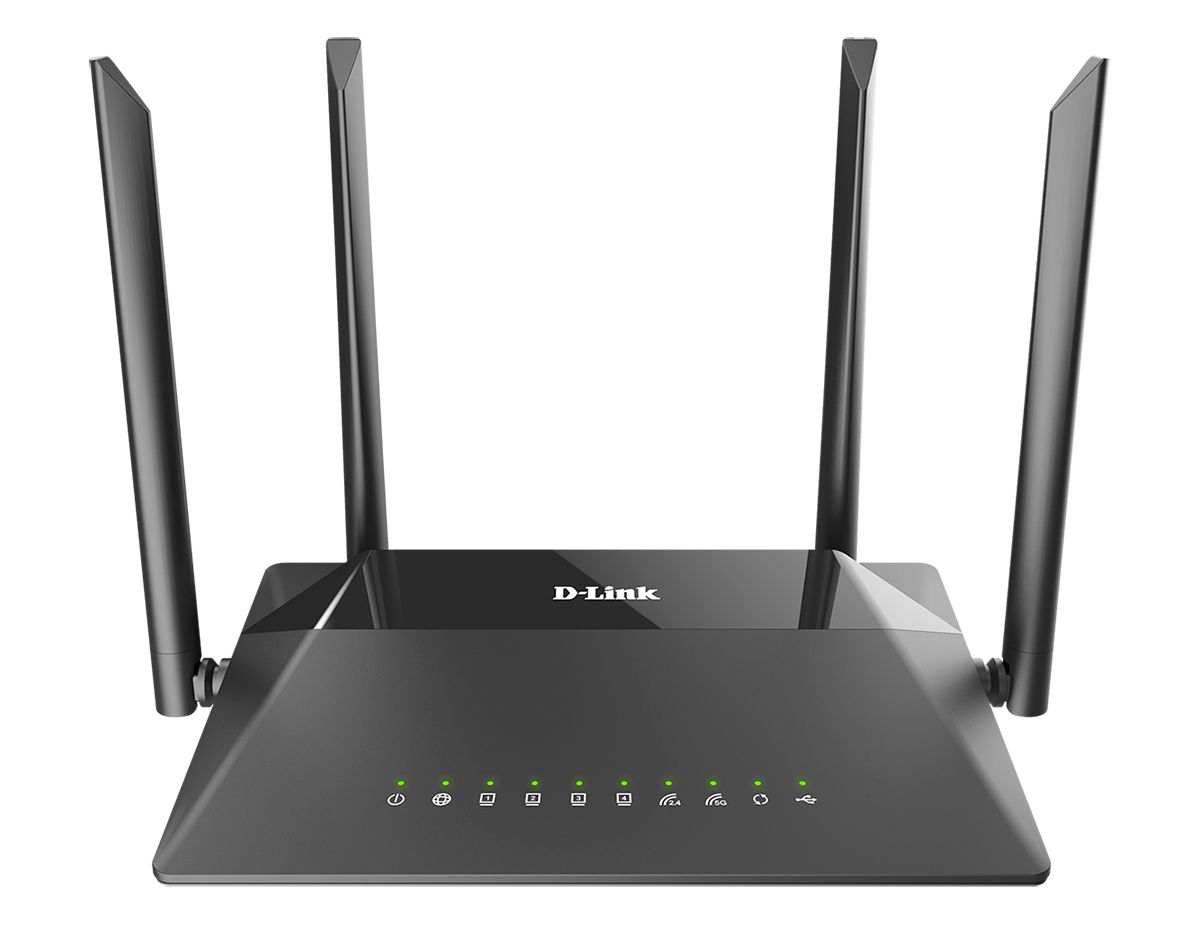
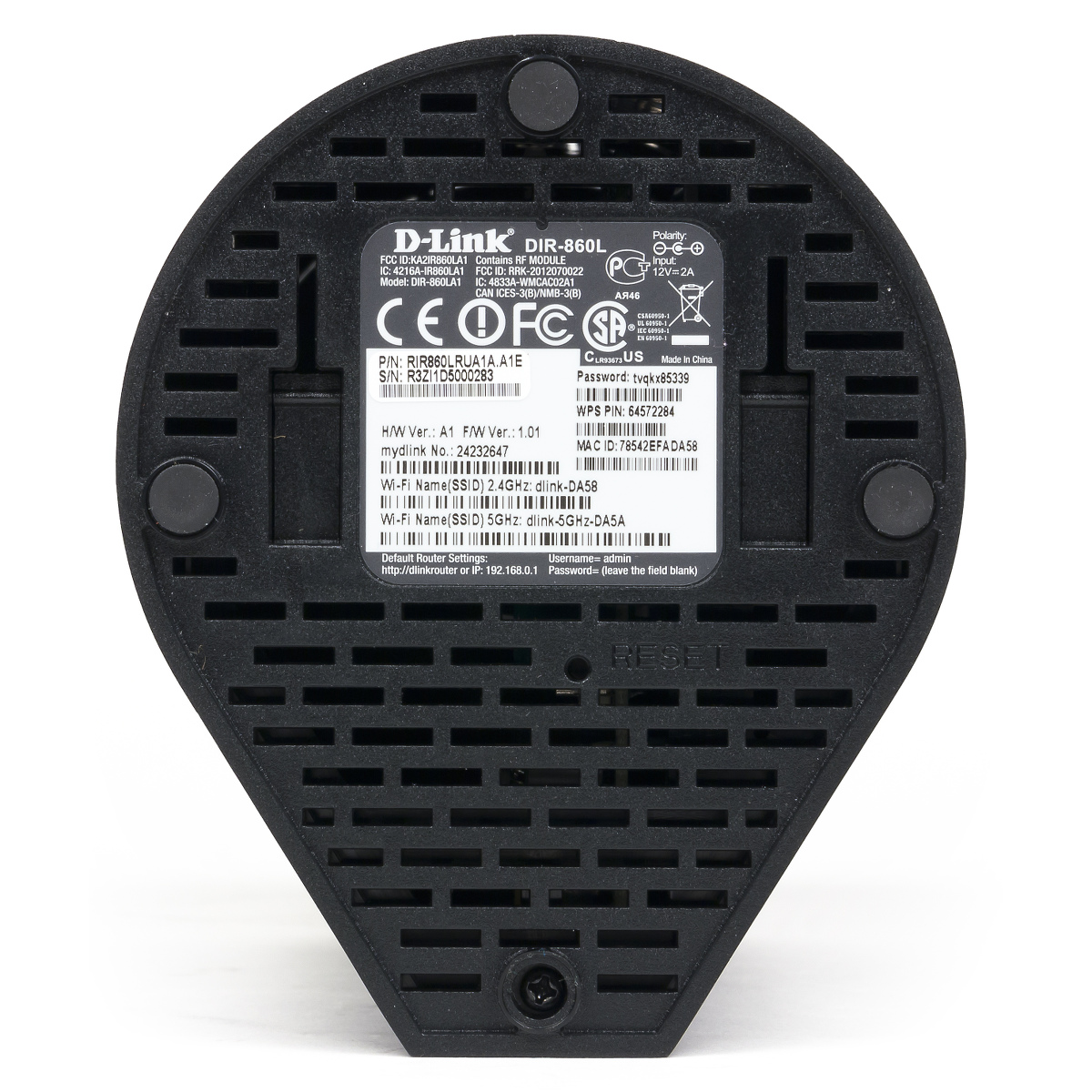
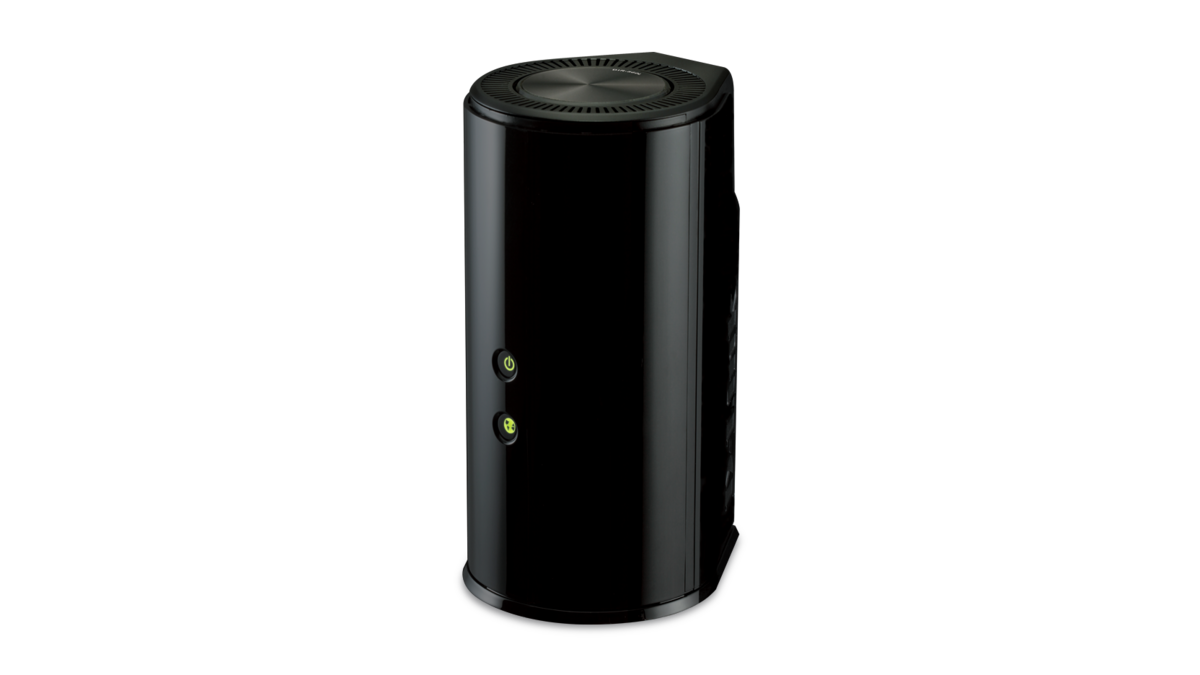
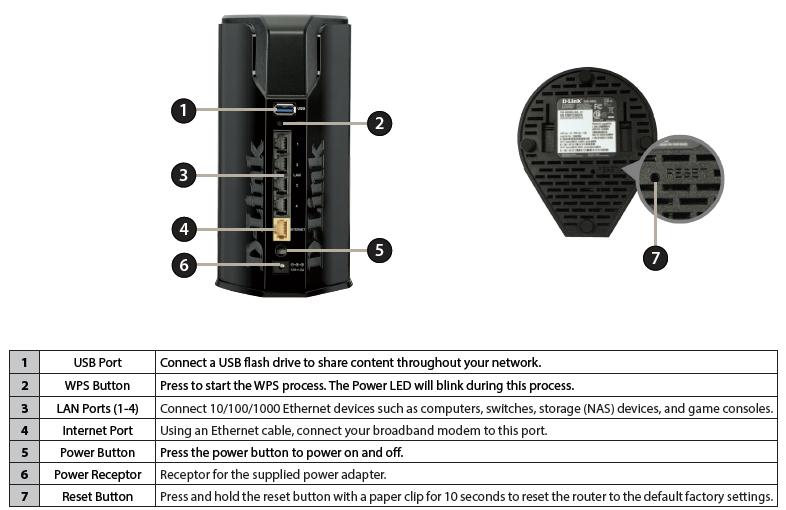
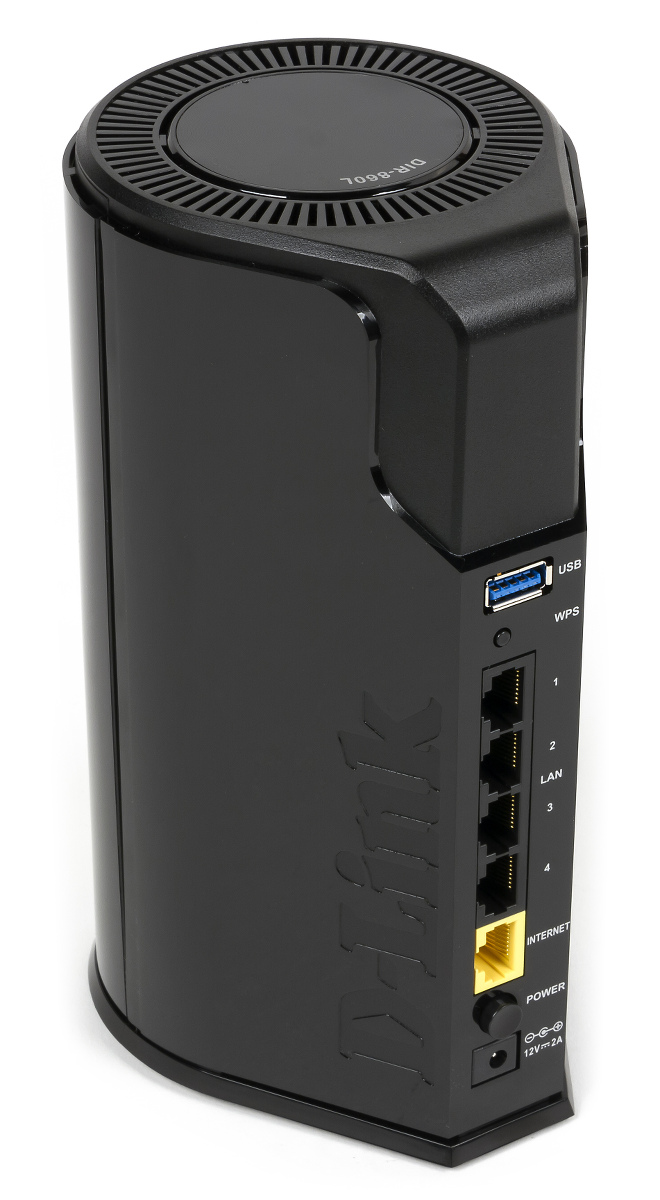
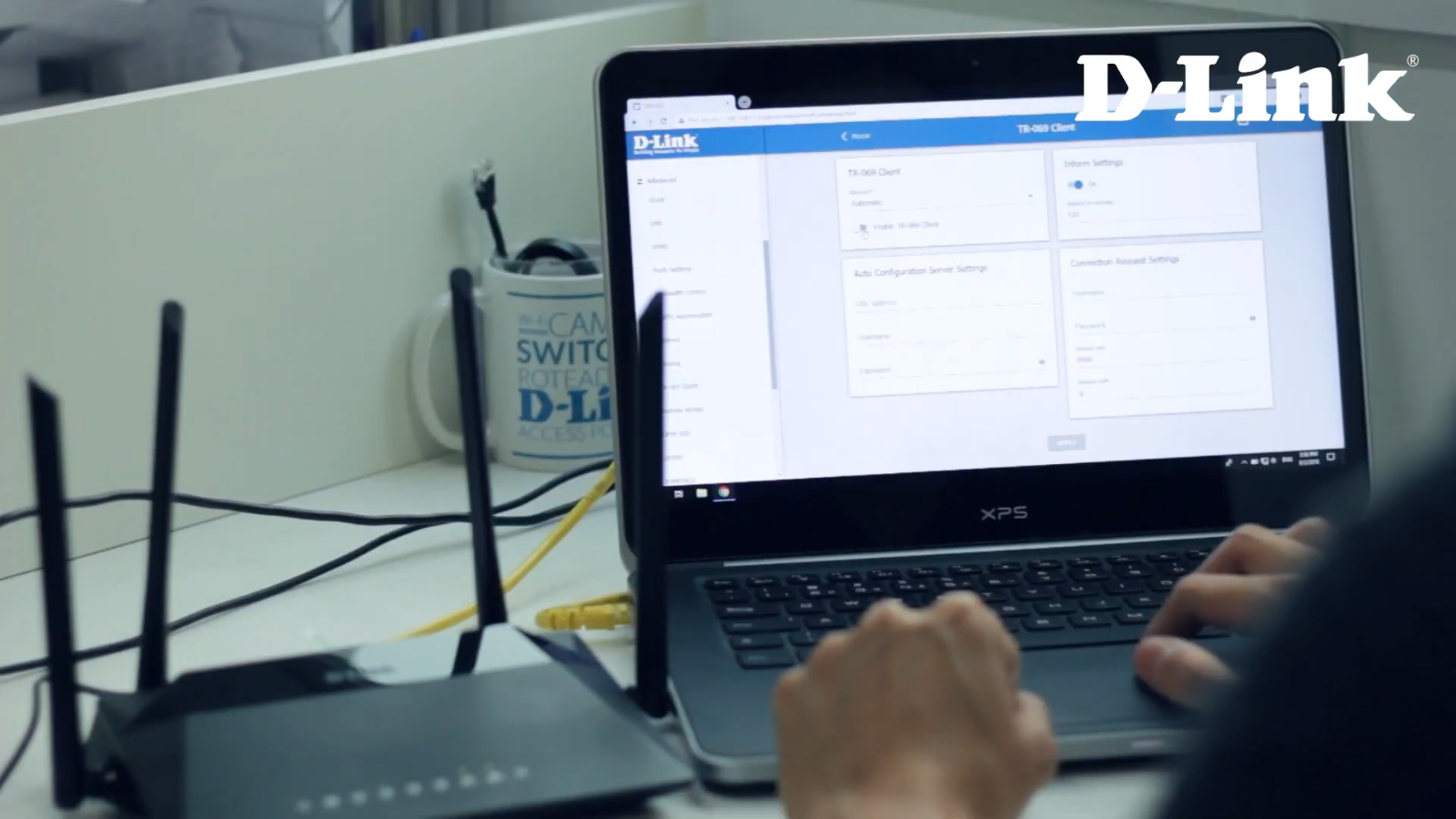
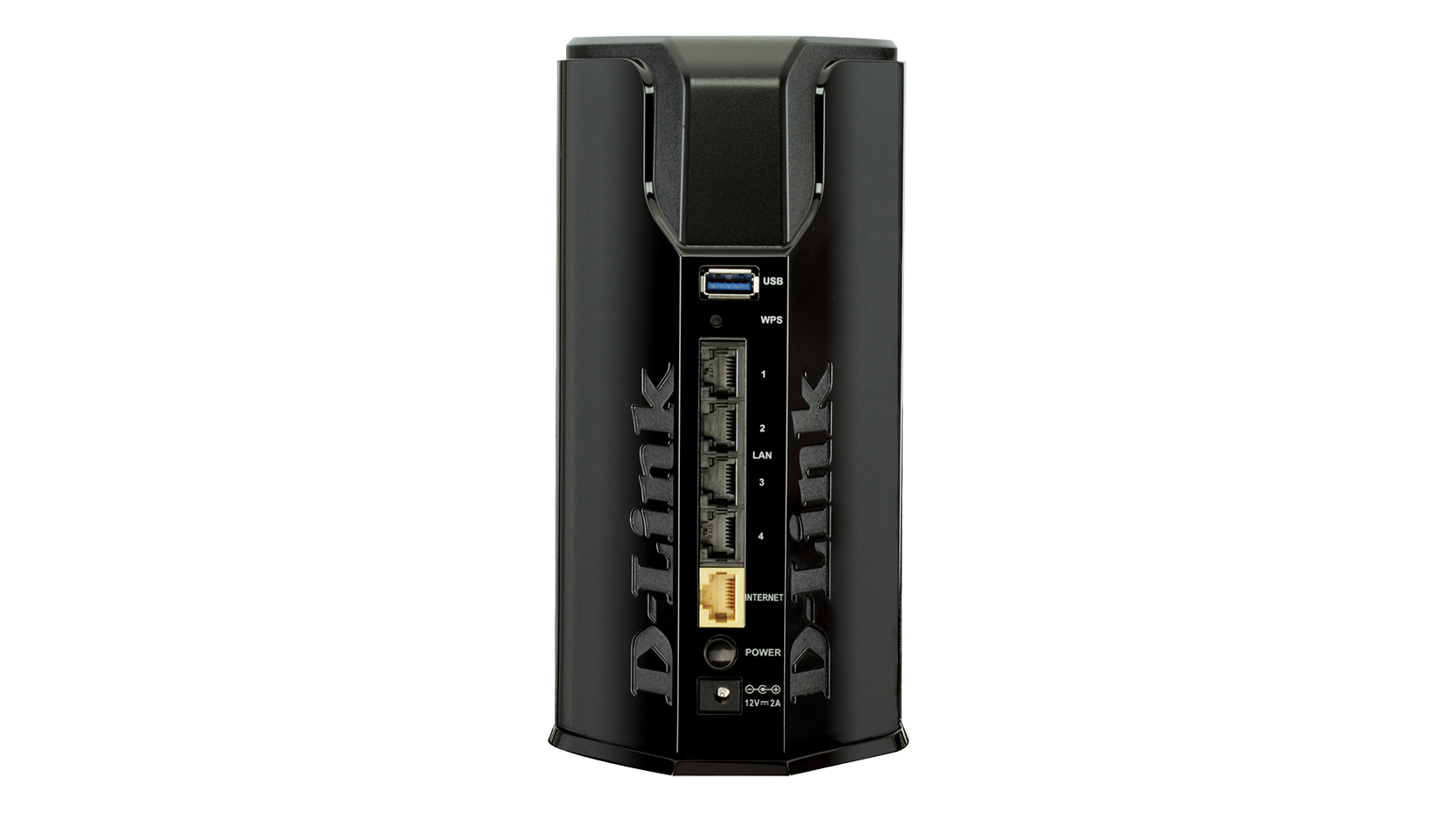
As we can see from the illustration, Download D-Link Dir-860L Firmware has many fascinating aspects to explore.
Useful Notes on Download D-Link Dir-860L Firmware
DIR-860L Singapore - downloads . dlink .com.sg ... site_support
Download the latest D-Link DIR-860L device drivers (Official and Certified). D-Link DIR-860L drivers updated daily. Download Now.