How to Add Safe Senders to the Gmail Approved Sender List
To add an approved sender to a personal Gmail account, add their email address to your contacts. You can also create a filter in See all settings > Filters and Blocked Addresses for trusted email addresses and domains and select "Never send it to spam."
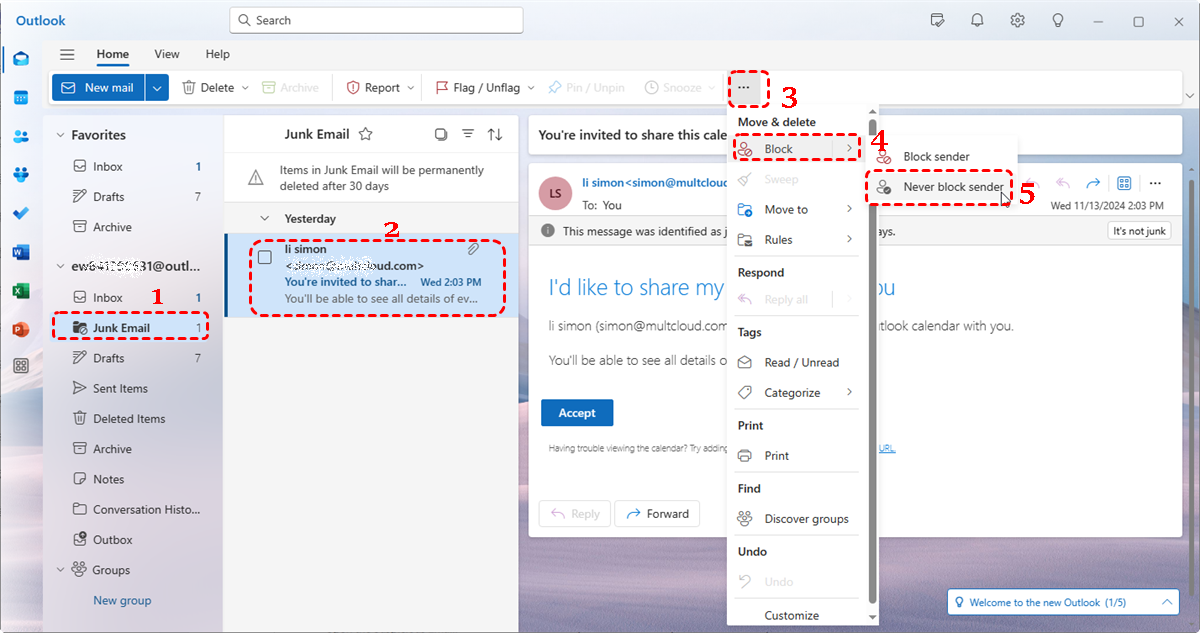
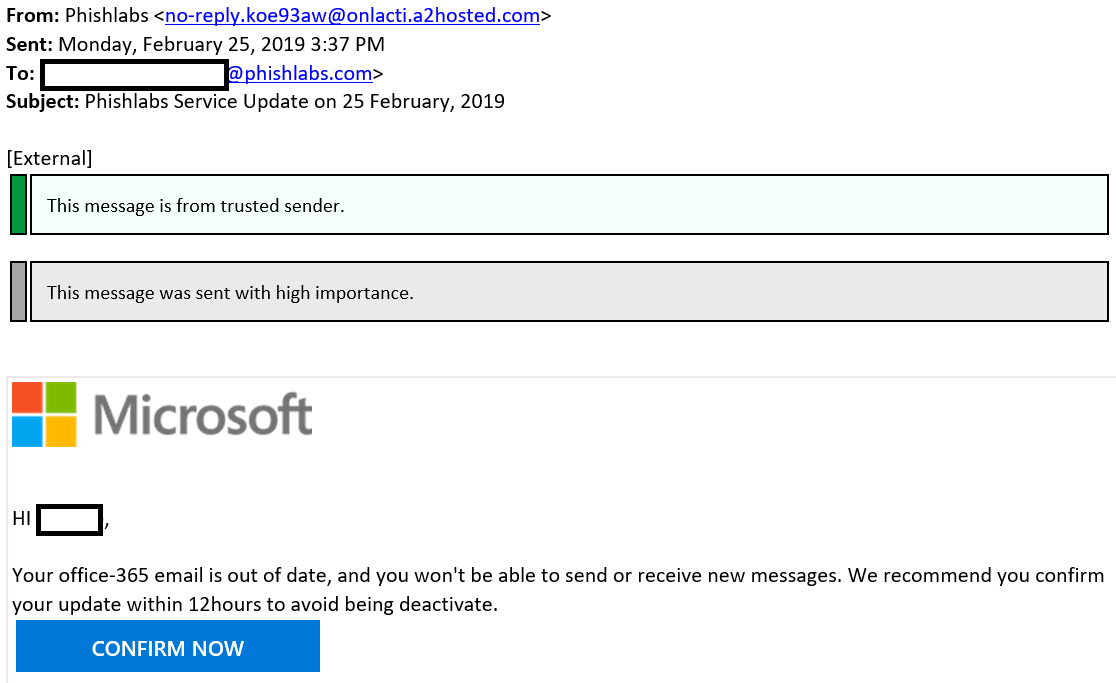
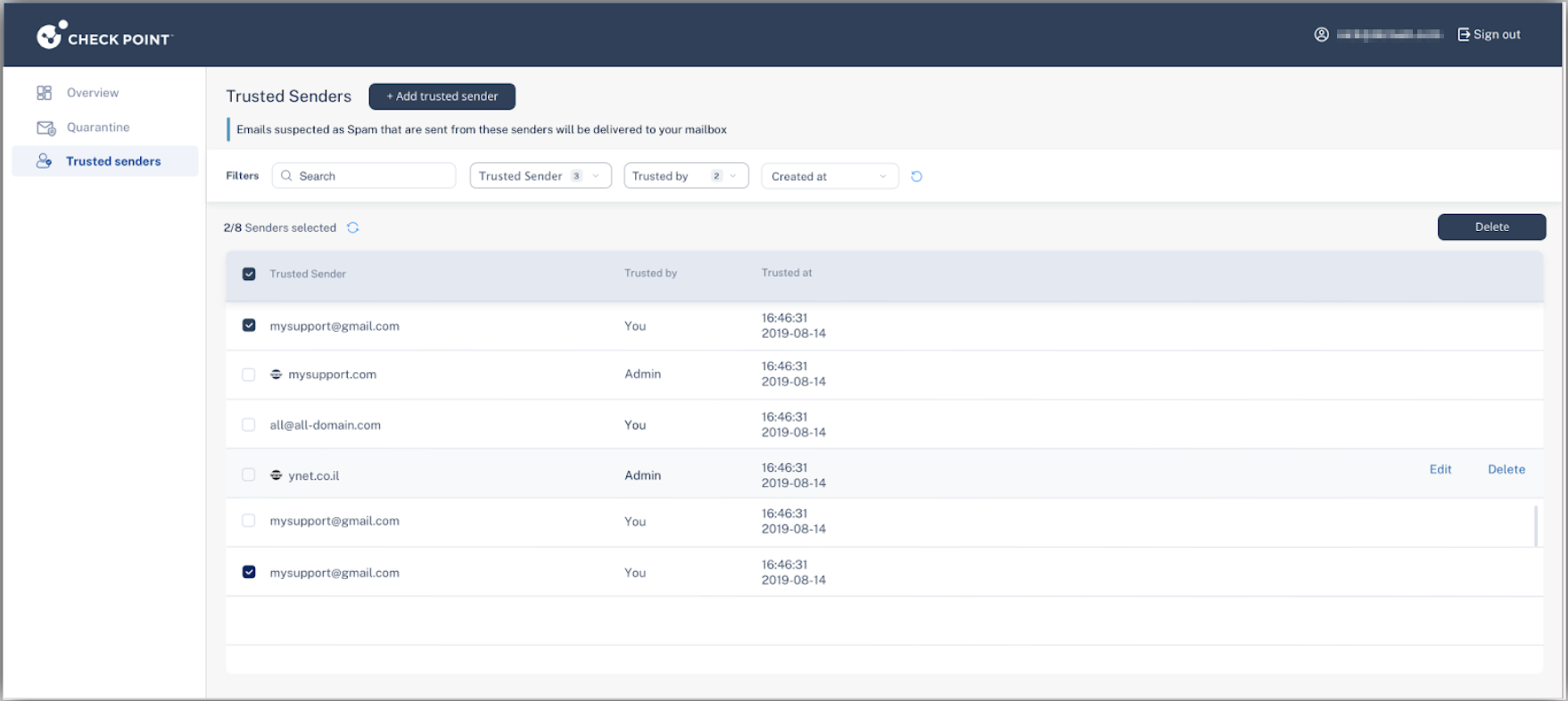
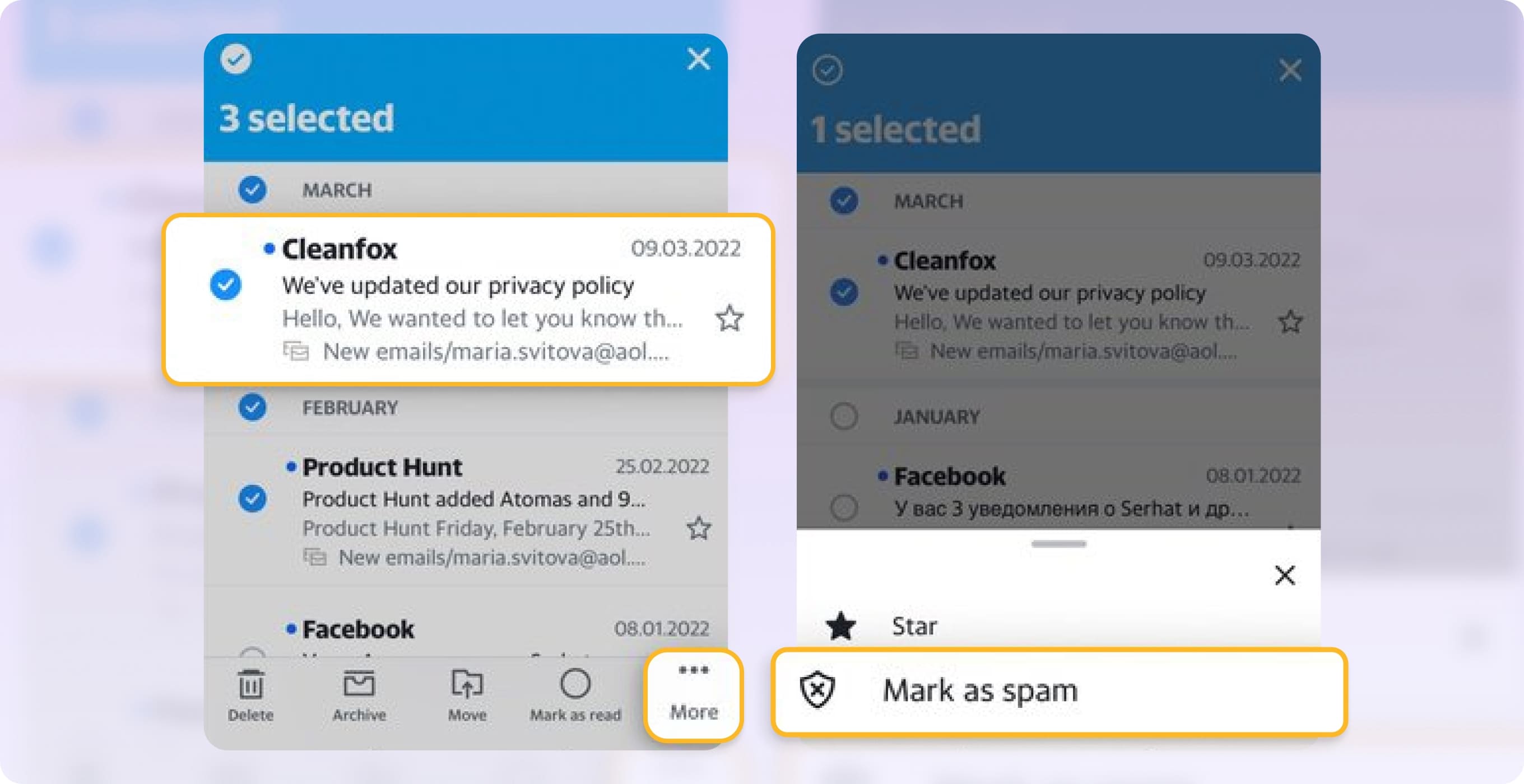
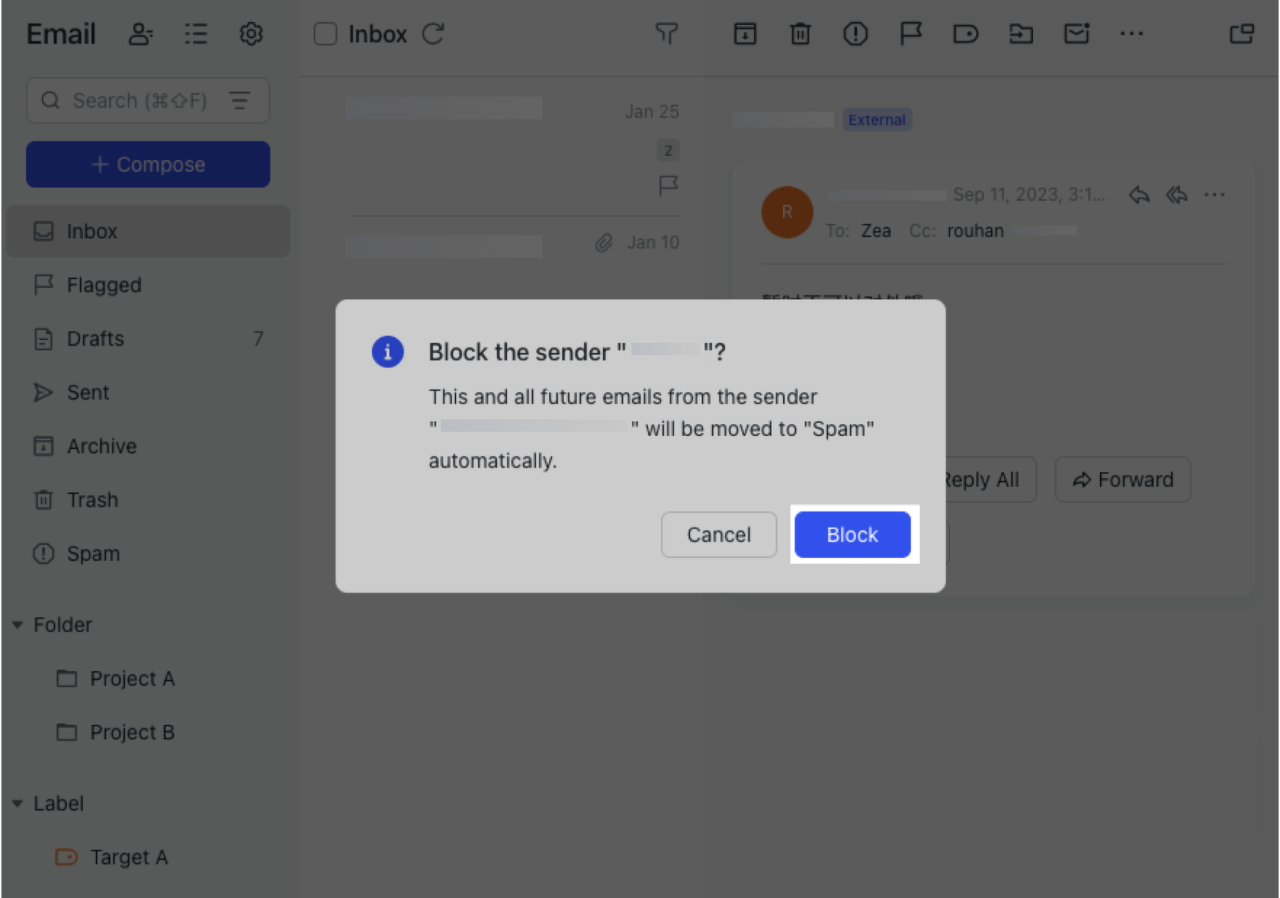
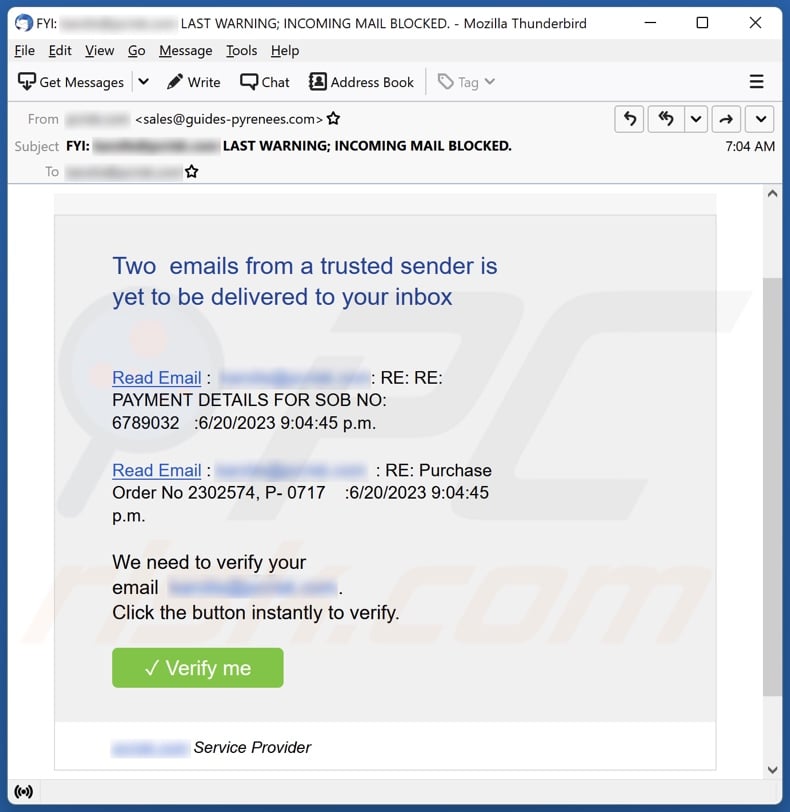
Furthermore, visual representations like the one above help us fully grasp the concept of Email Trusted Sender.
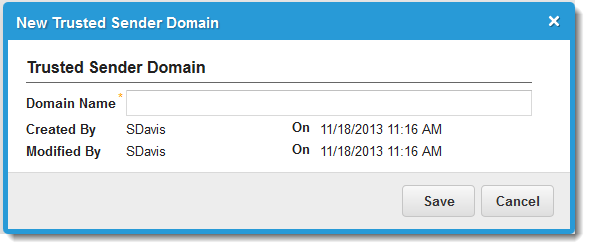
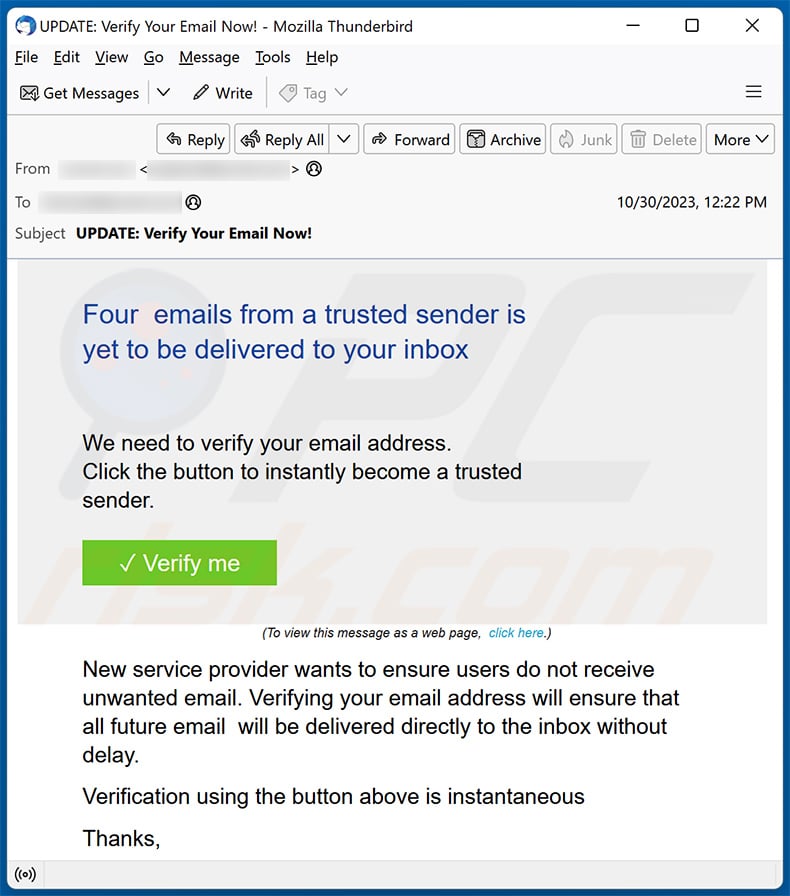
TrustedSend authenticates and encrypts every email , ensuring only verified trusted senders (safe senders ) messages are sent from your domain and reach inboxes securely.
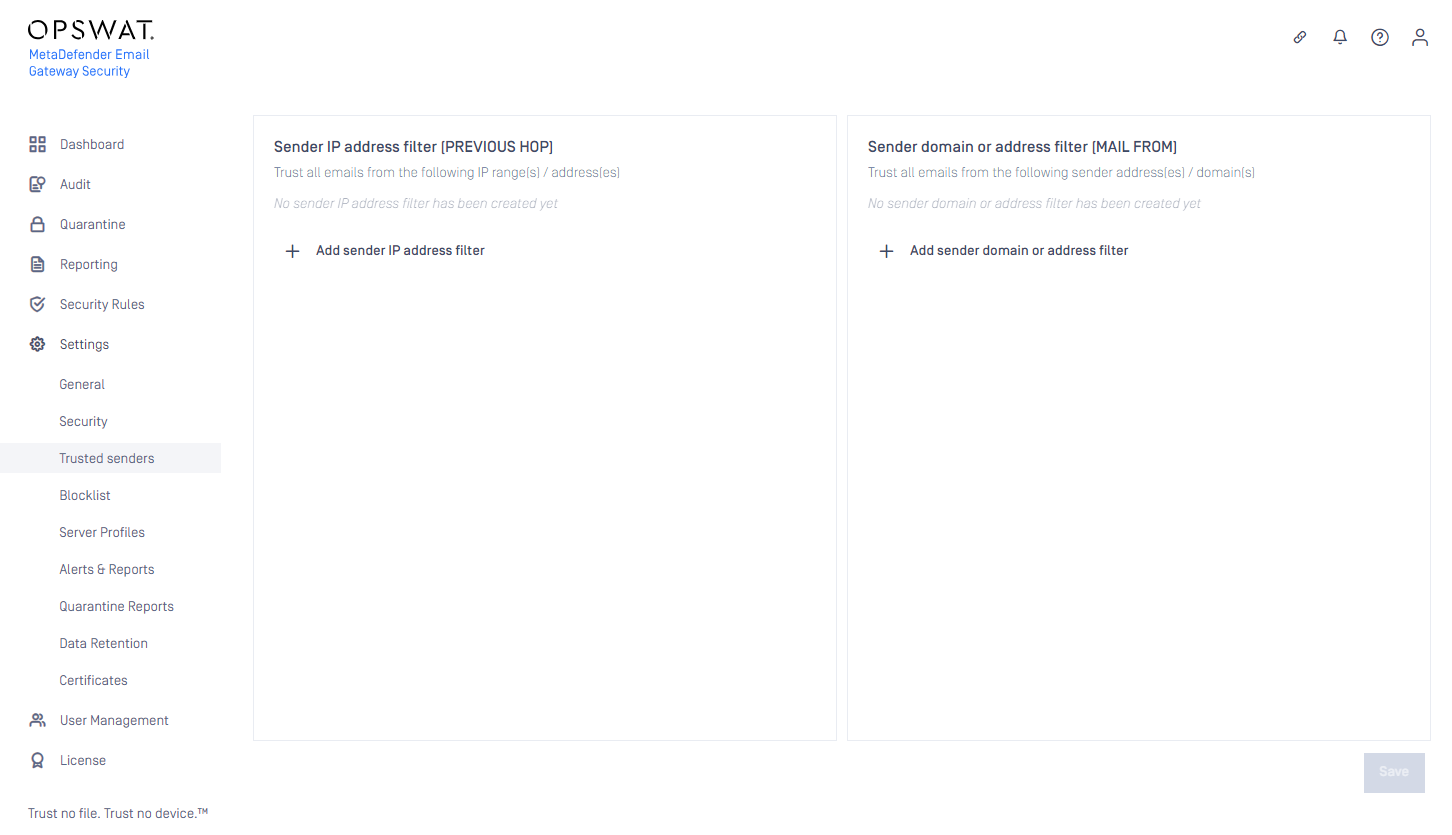
Furthermore, visual representations like the one above help us fully grasp the concept of Email Trusted Sender.
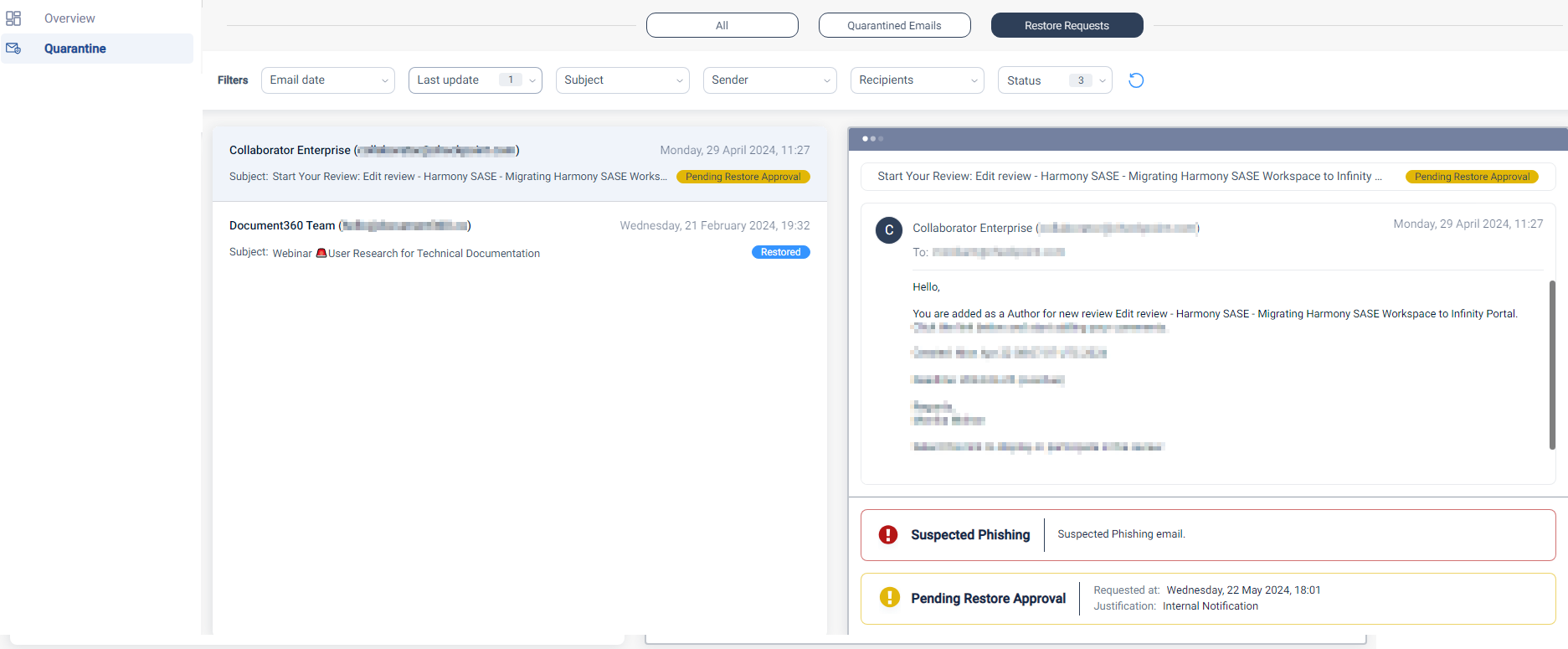
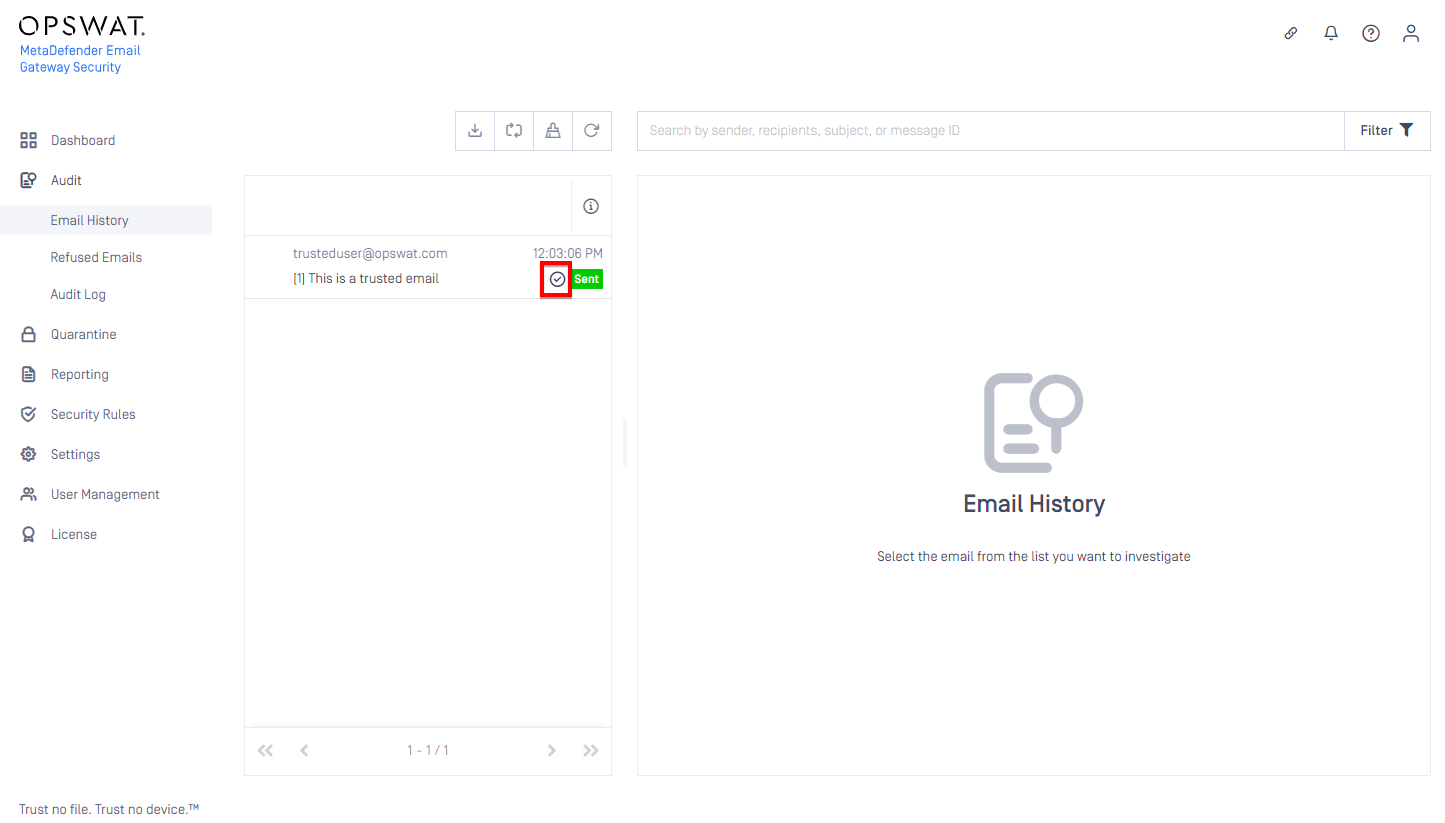
Deliverability Trusted sender allowlisting in Microsoft 365 (warnings ...

Moving forward, it's essential to keep these visual contexts in mind when discussing Email Trusted Sender.
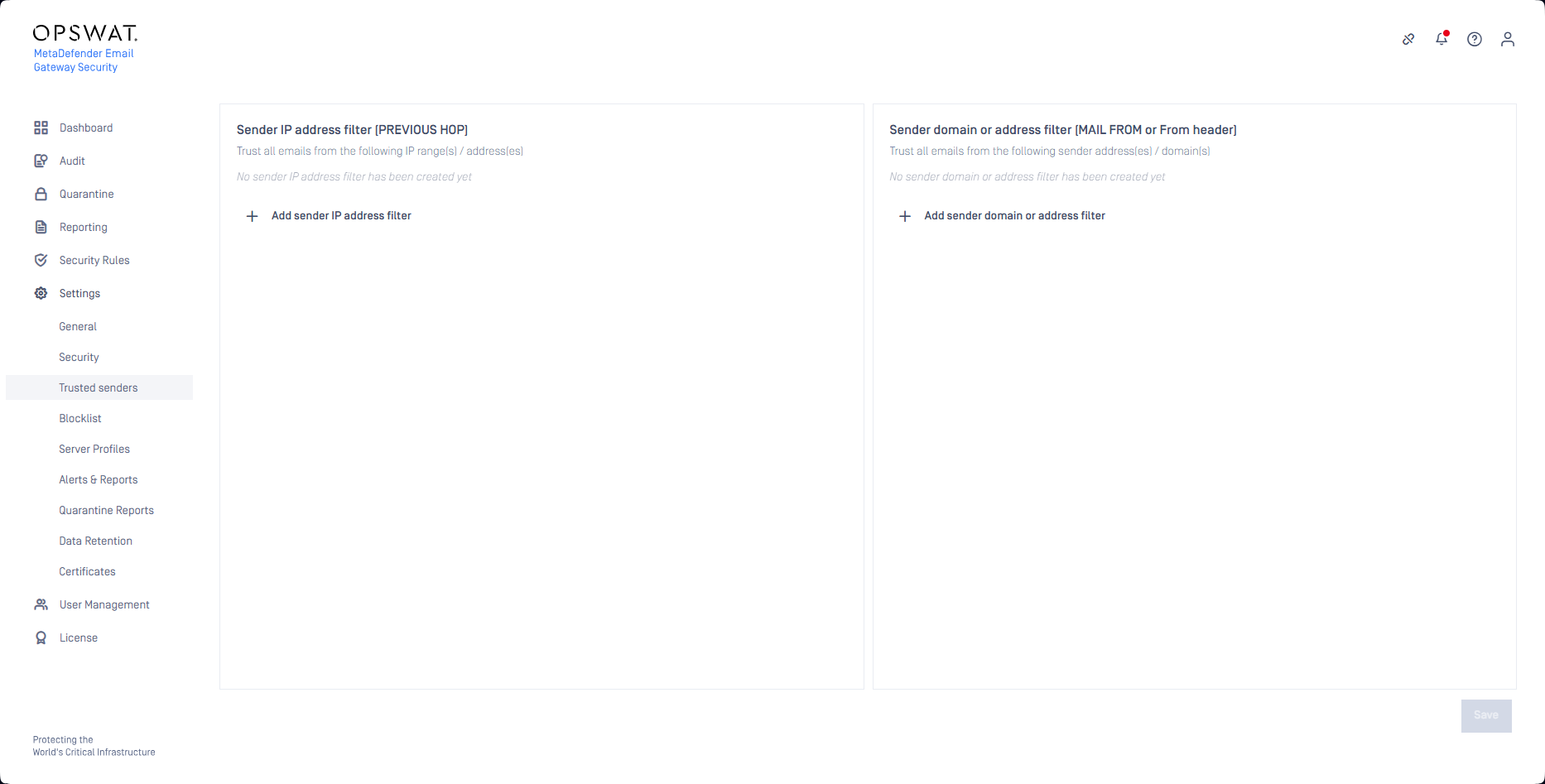
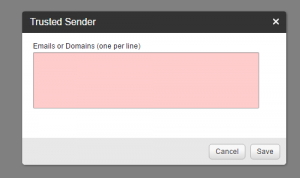
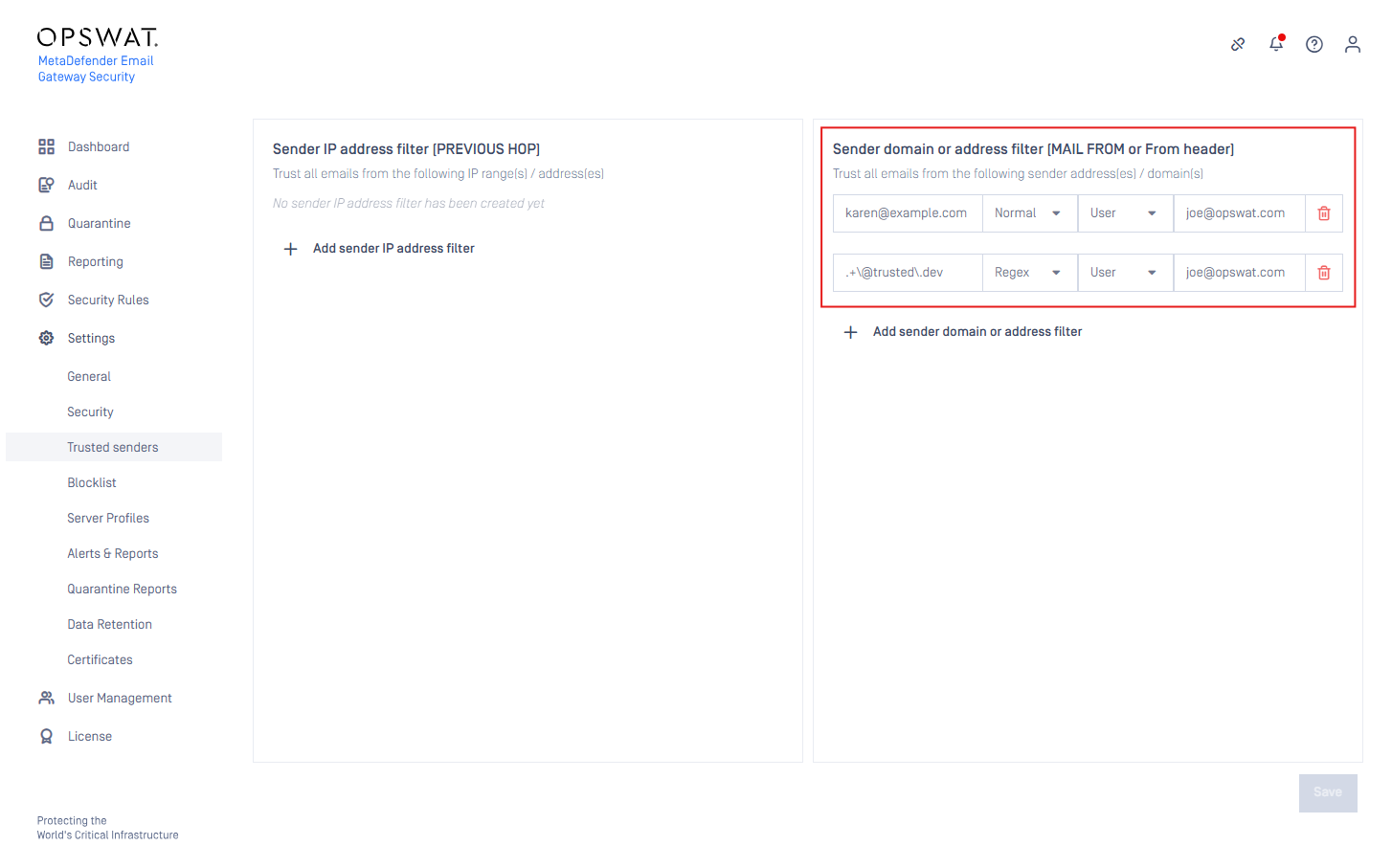
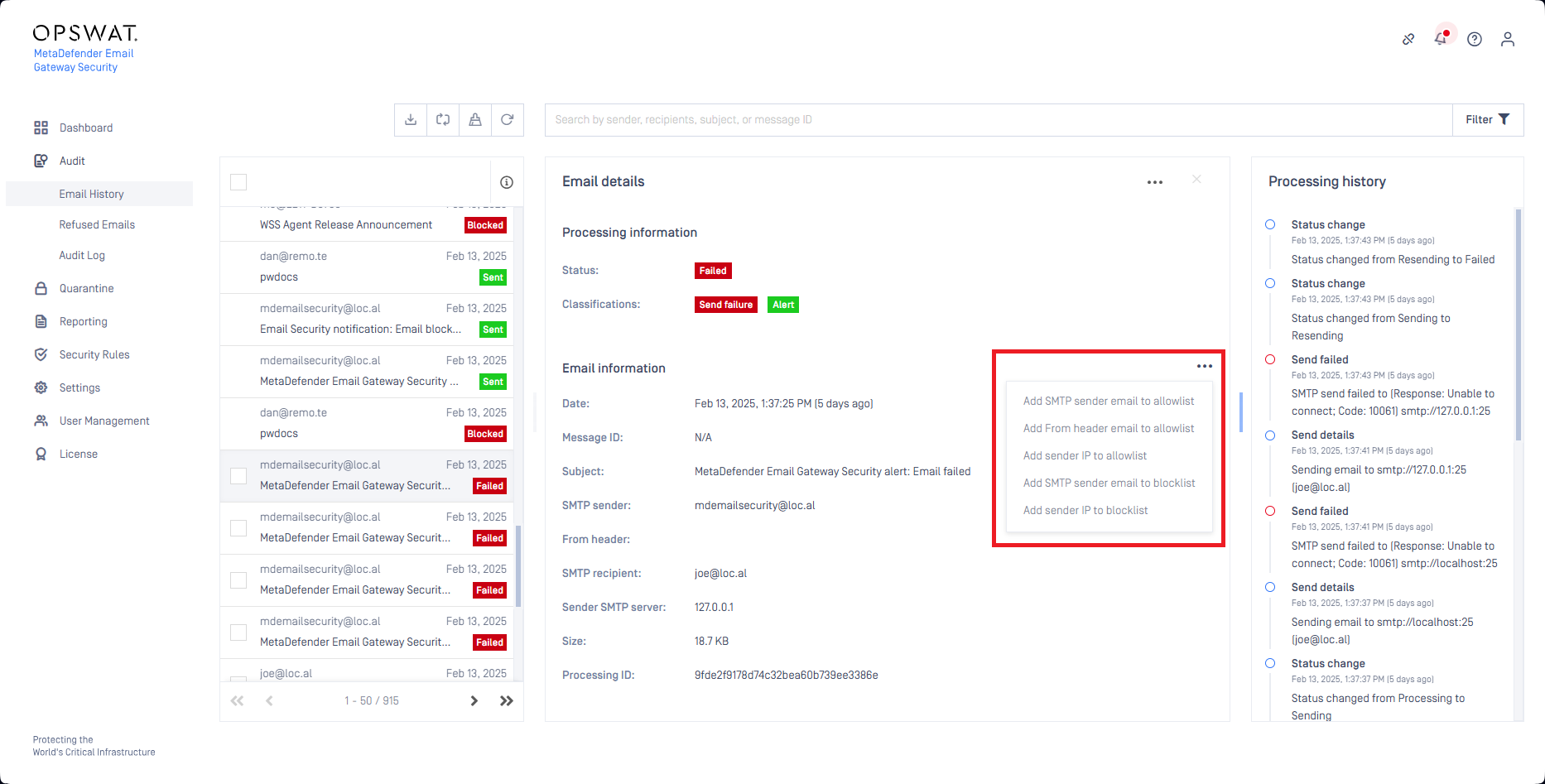
In the anti-spam policy settings, go to Allowed and blocked senders and domains. Add the email address or domain of the trusted sender to the Allowed senders and domains list.
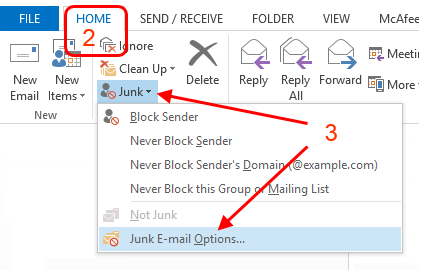
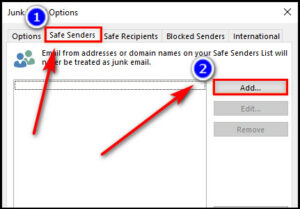
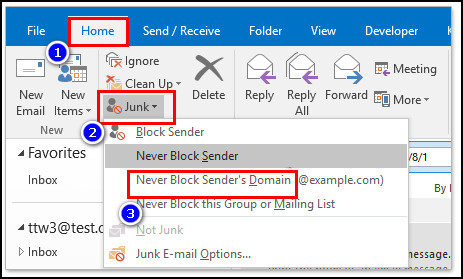
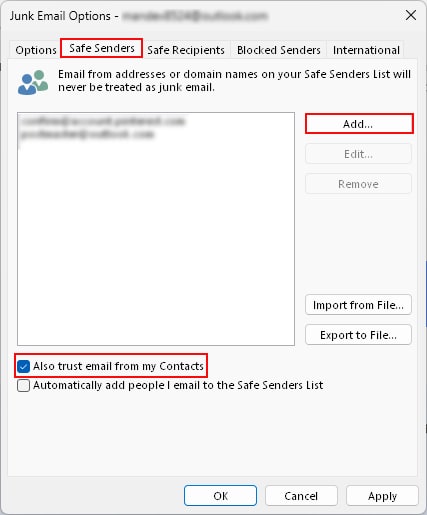
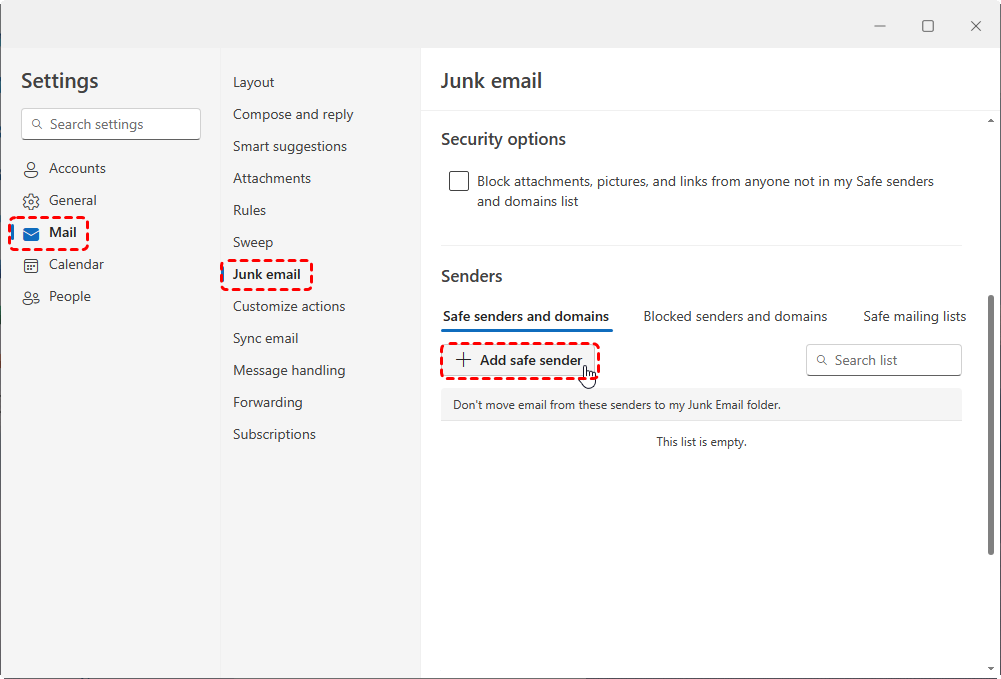
Email addresses and domain names in the Safe Senders List are never treated as junk email , regardless of the content of the message. You can add your Contacts and other correspondents to the Safe Senders list to confirm you'll always receive their messages in your inbox.