The Ultimate Collection: How To Access Onto Linksys E2500 Captured on Camera
Linksys E2500 Default Password
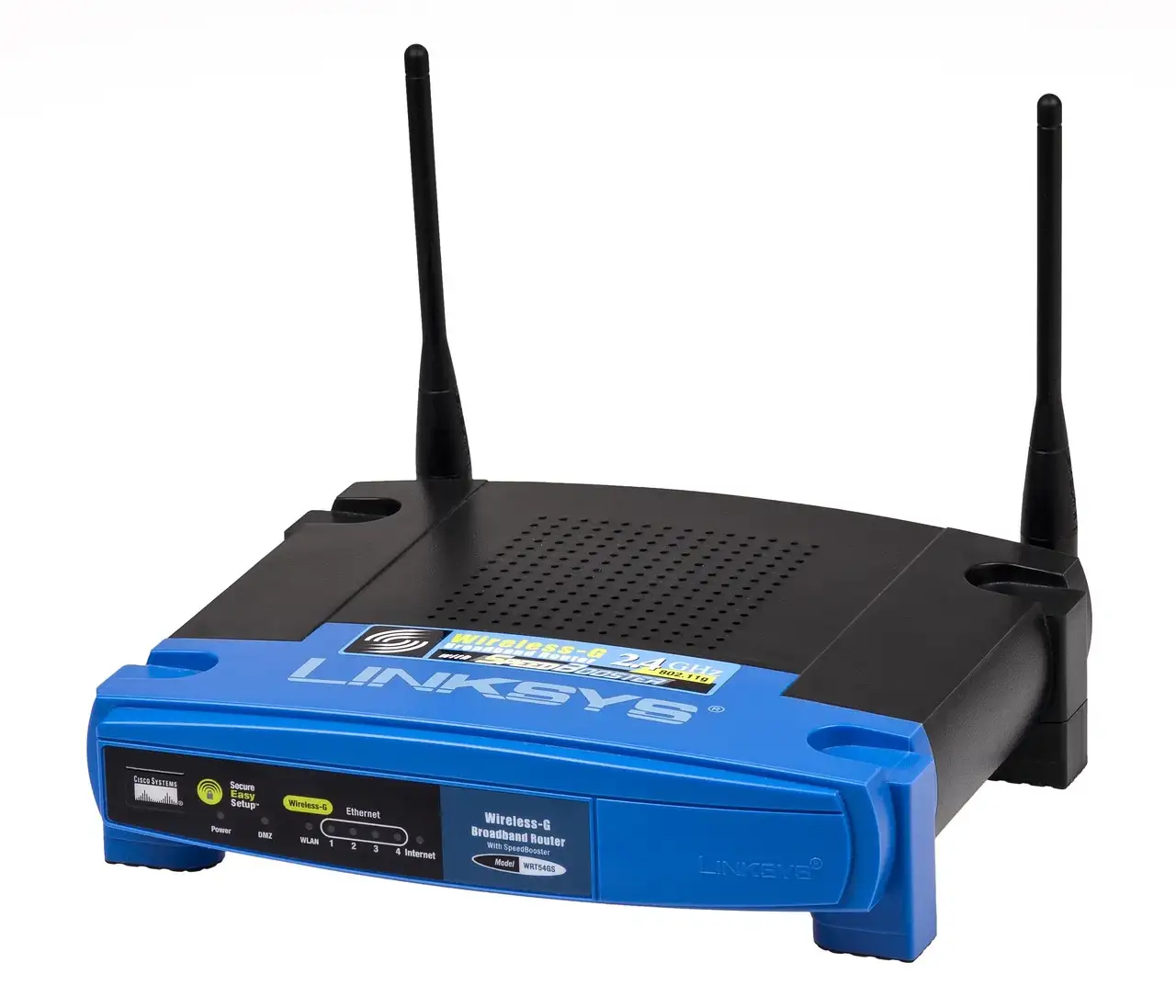
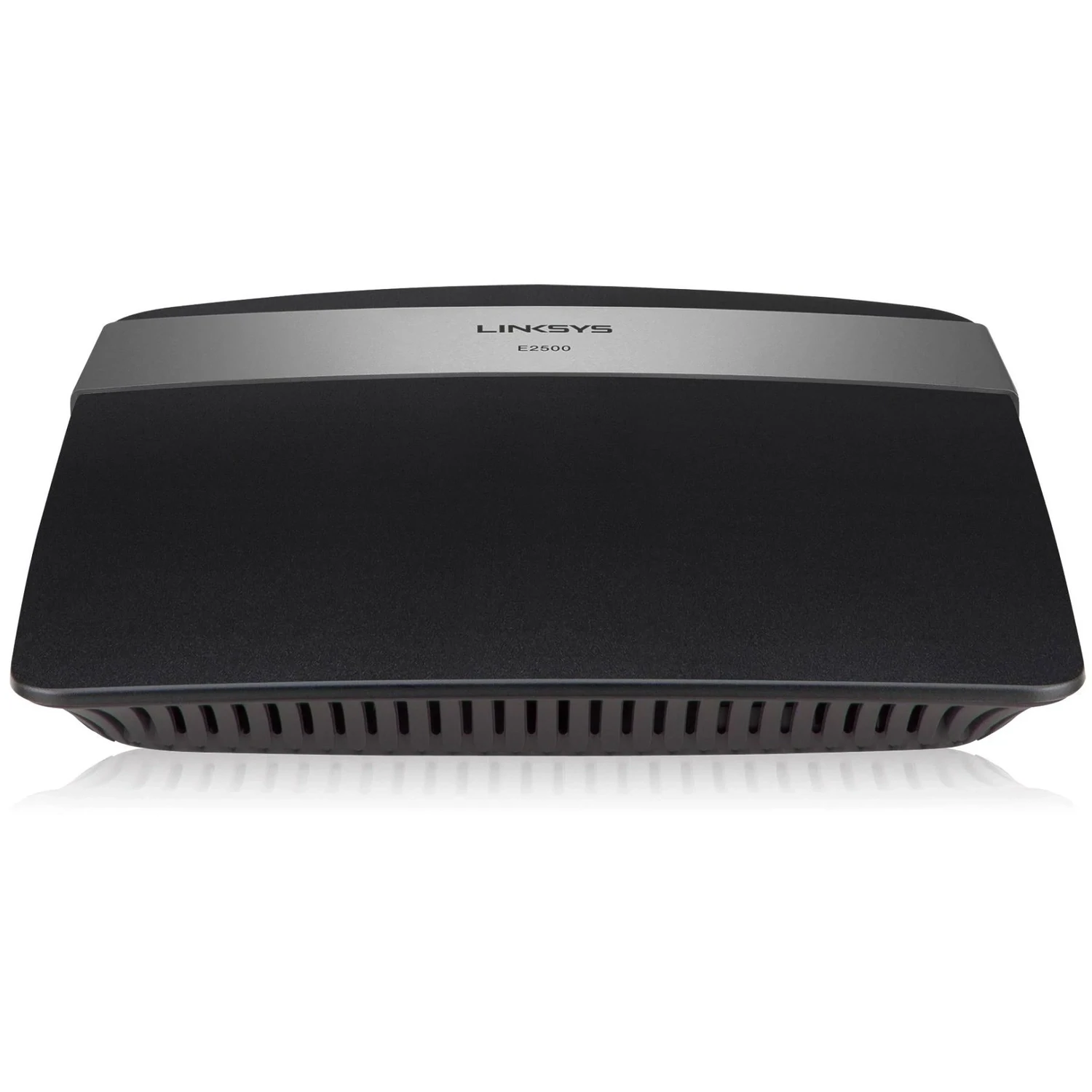
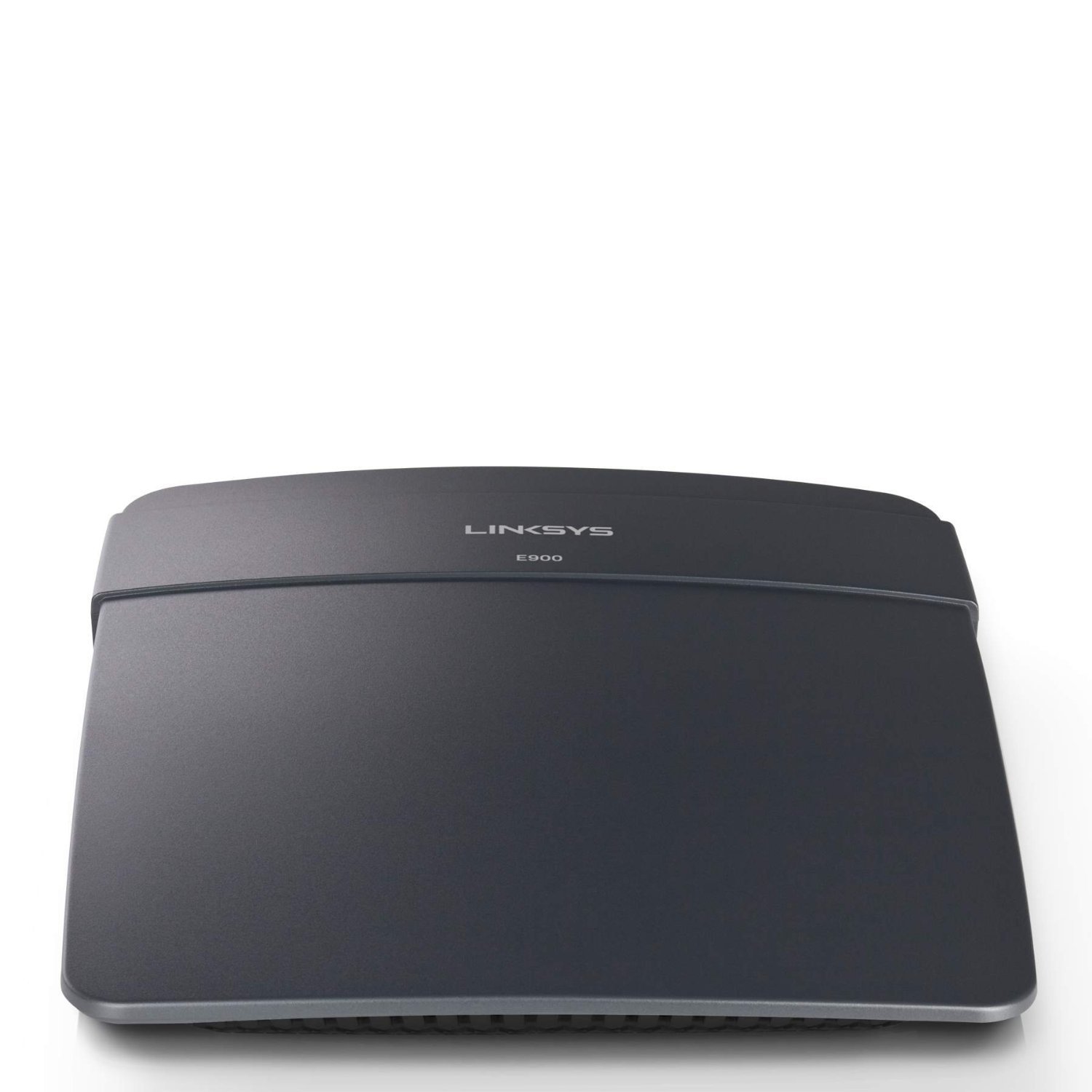
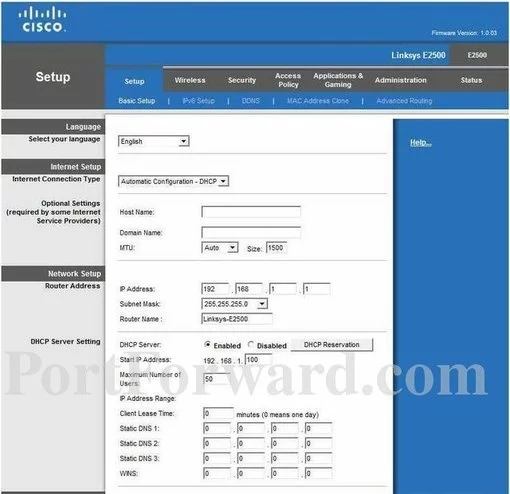
The Linksys E2500 is a popular wireless router that is known for its reliable performance and easy setup process. Like any other router, the E2500 comes with a default username and password that allows users to access the router's settings and configure it to their liking.
Cisco E2500 | User Manual - Page 1 Linksys E-Series Routers User Guide Cisco E2500 | User Manual - Page 2 Linksys E-Series E1200 E1500 E2500 E3200 E4200 Cisco E2500 | User Manual - Page 3 to set up guest access to your network 19 How to change your router's name and password 20 E1200/E1500 Contents Setting Up: Advanced How to open the browser-based utility 21 How to manually set up your router ...
How To Access Onto Linksys E2500
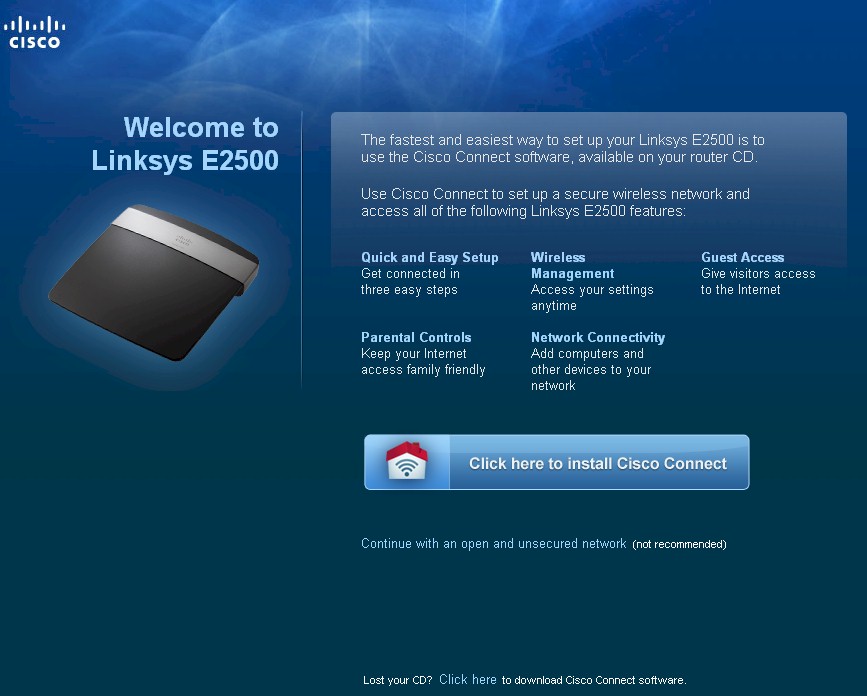
As we can see from the illustration, How To Access Onto Linksys E2500 has many fascinating aspects to explore.
Access the Linksys E2500 Wireless Router user manual with AI-powered Q&A for quick answers. Download the PDF for full instructions and configuration details. + AI Chat & PDF Download
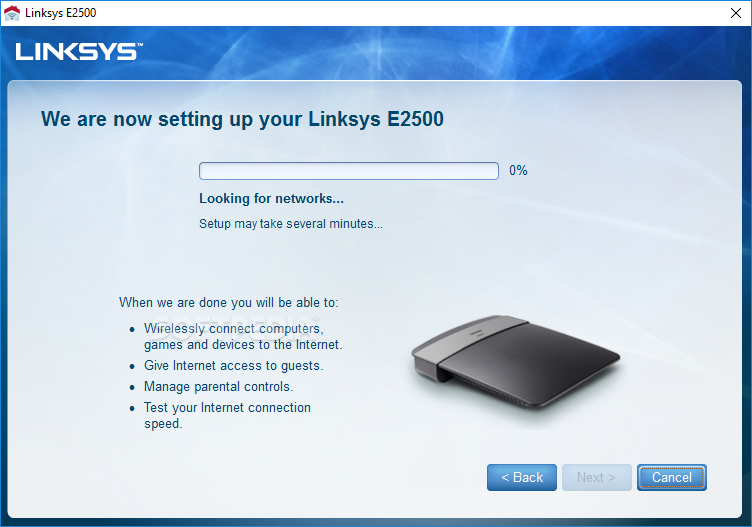
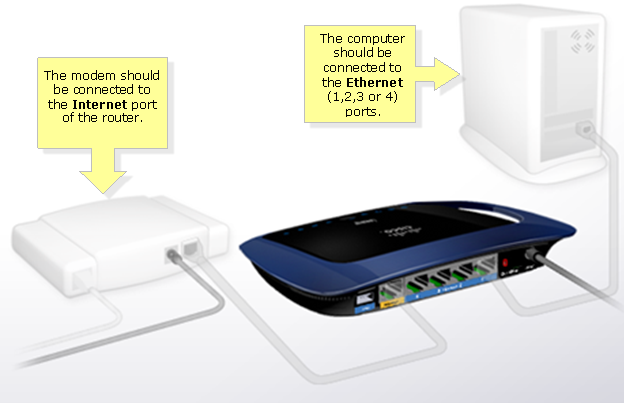
Connect to the LINKSYS E2500 v4 router
How To Access Onto Linksys E2500
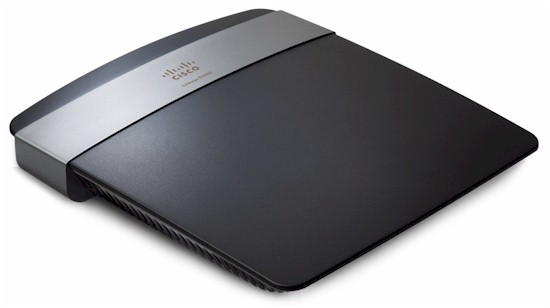
As we can see from the illustration, How To Access Onto Linksys E2500 has many fascinating aspects to explore.
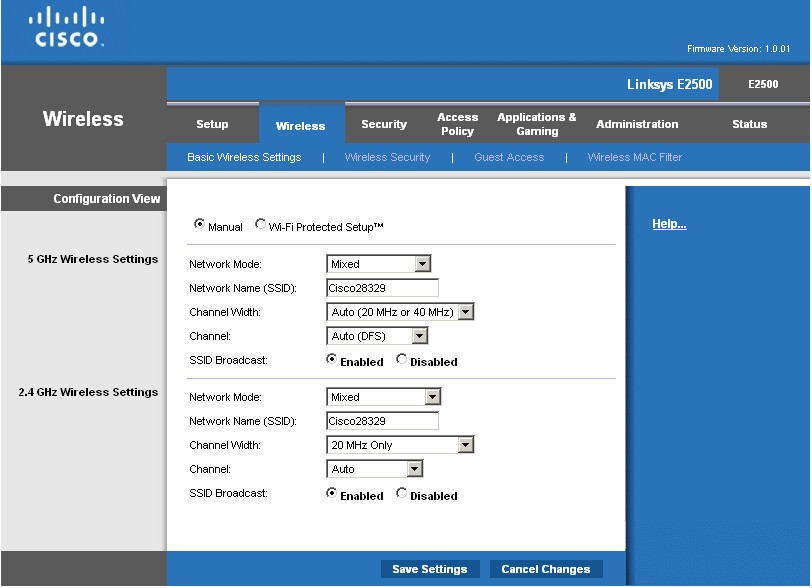
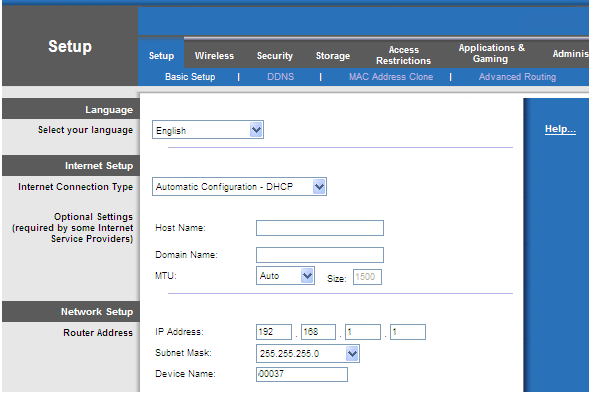
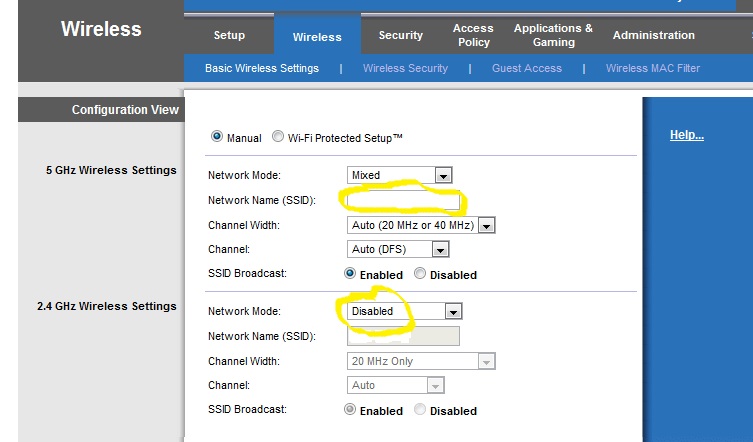
If you recently bought LINKSYS E2500 v4, follow those few steps to access LINKSYS E2500 v4. How to customize LINKSYS E2500 v4 settings. How to open LINKSYS E2500 v4 admin page.
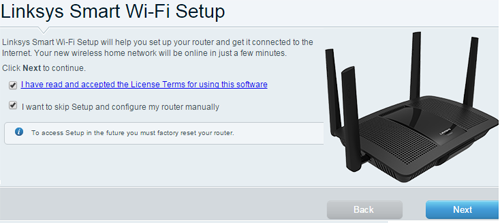
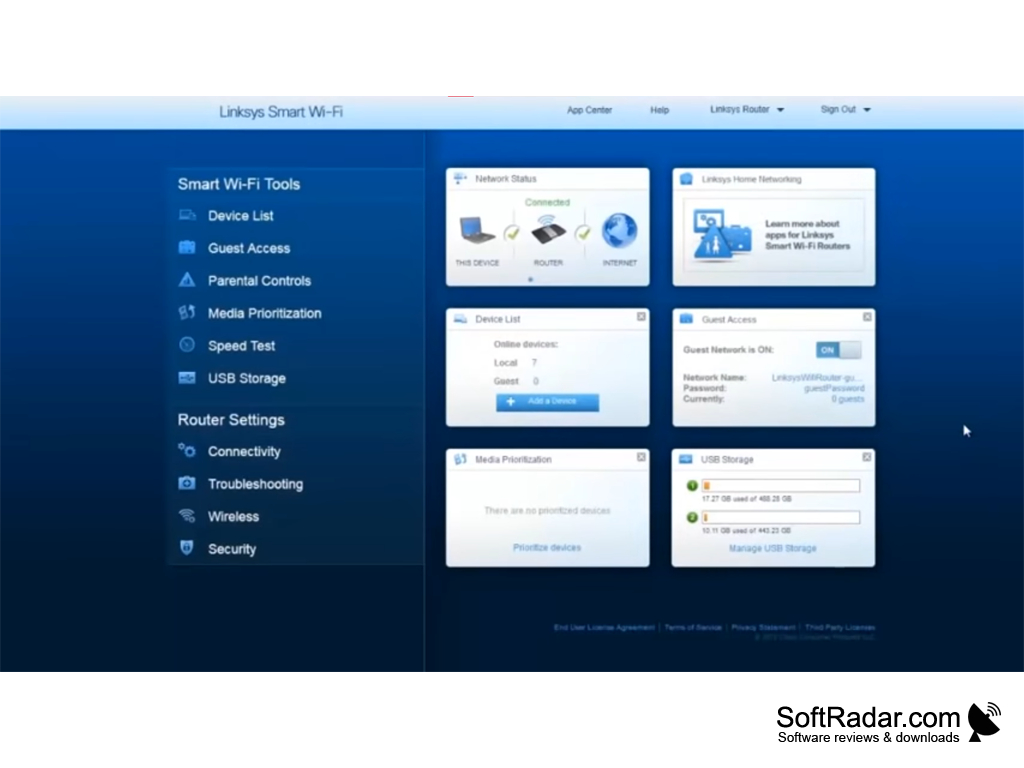
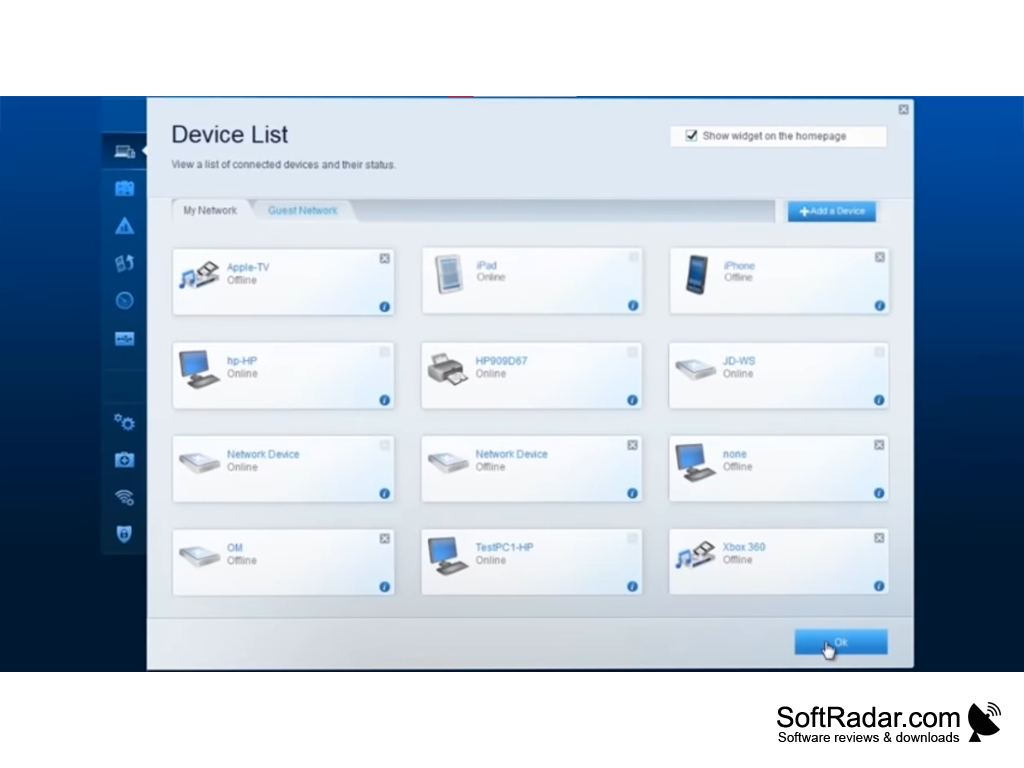
Learn how to access your Linksys Smart Wi-Fi Router settings without creating or signing in to a Linksys account using this step-by-step guide.