Discovering the Beauty of Iphone 13 Stuck On Apple Logo Fix in Pictures
How to fix iPhone 13 stuck on Apple logo or boot loop
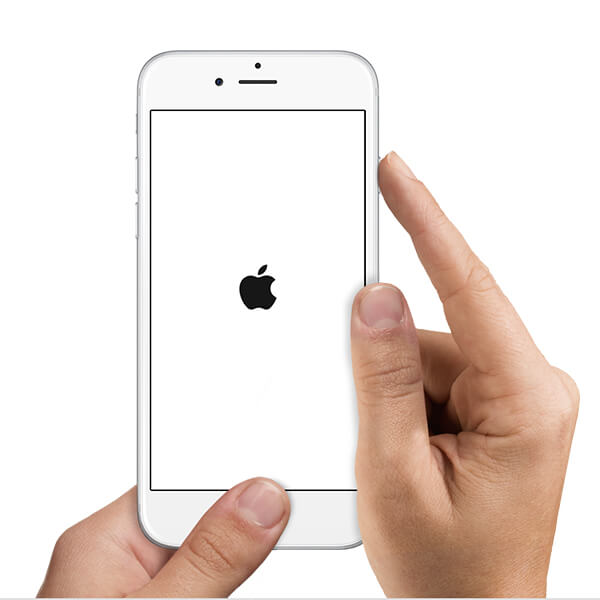
Press and quickly release Volume Down. Then press and hold the Side button until the Apple logo appears. If the iPhone still loops, proceed to the next method.
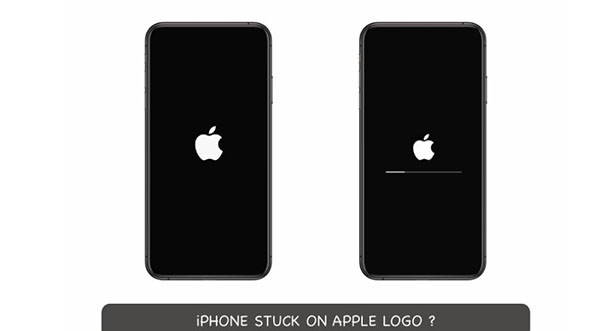
iPhone stuck on the Apple logo and won't start? Don't panic. This step-by-step guide shows five simple methods to help you get your iPhone working again. Seeing your iPhone stuck on the Apple logo can be worrying. The phone turns on , shows the Apple logo , and then just sits there.
Iphone 13 Stuck On Apple Logo Fix
Such details provide a deeper understanding and appreciation for Iphone 13 Stuck On Apple Logo Fix.
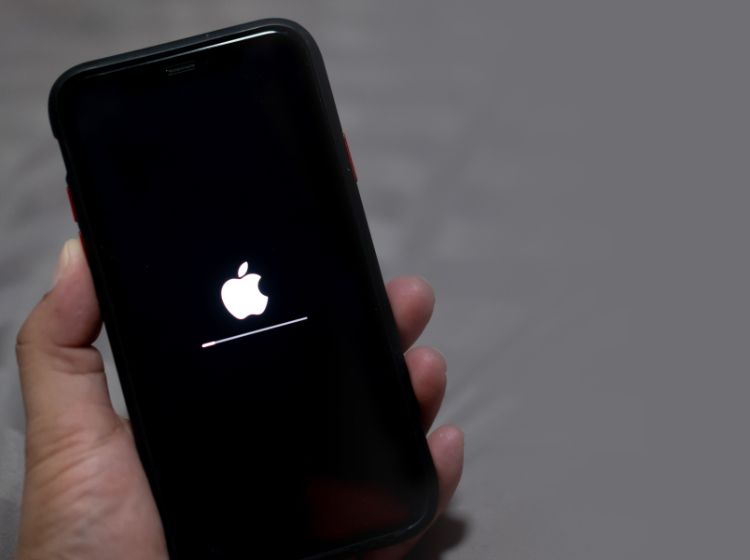
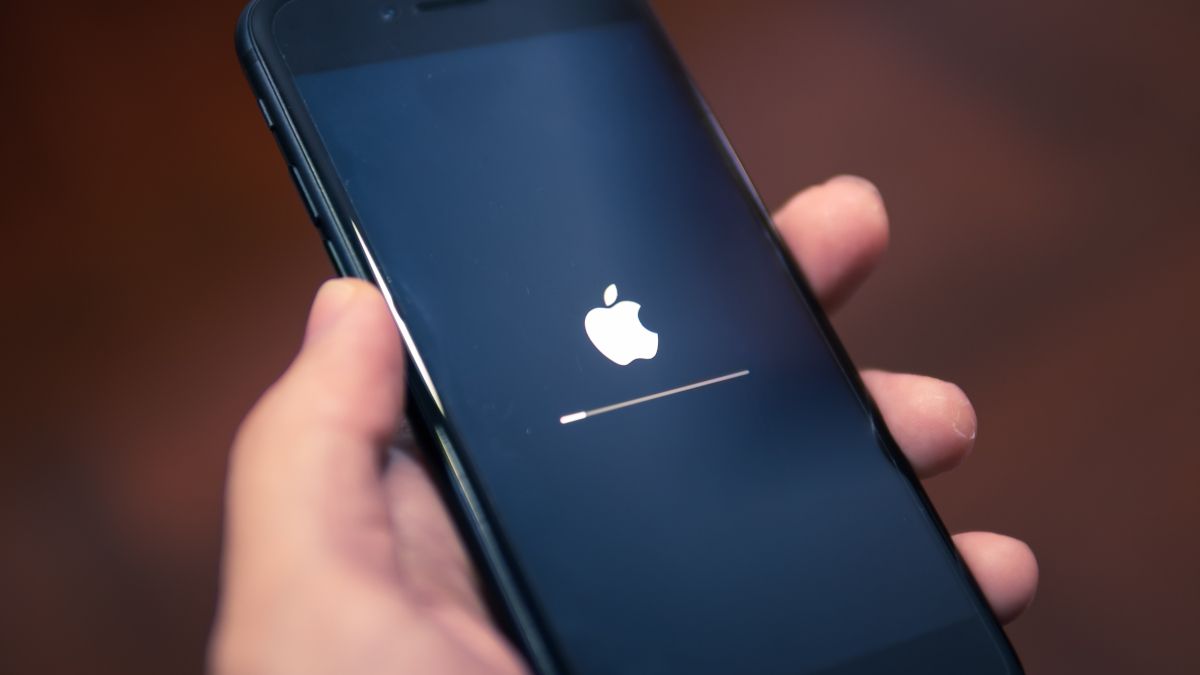
Just because your iPhone is stuck , doesn't mean you need to be too. Before undertaking any of the more time-consuming solutions below, there are a few fundamentals to give a go. Be patient. If the iPhone has a progress bar under the Apple logo , chances are it's still trying to process something.
Is your iPhone stuck on Apple logo ? Learn 7 proven fixes from force restart to DFU mode to get your device working again without losing data.
Iphone 13 Stuck On Apple Logo Fix
How to Fix iPhone 13 Stuck on Apple Logo without Data Loss 2025
iPhone 13 stuck on apple logo has always been a bothering problem for many users. This article will help you to know the reason behind it and how to fix .