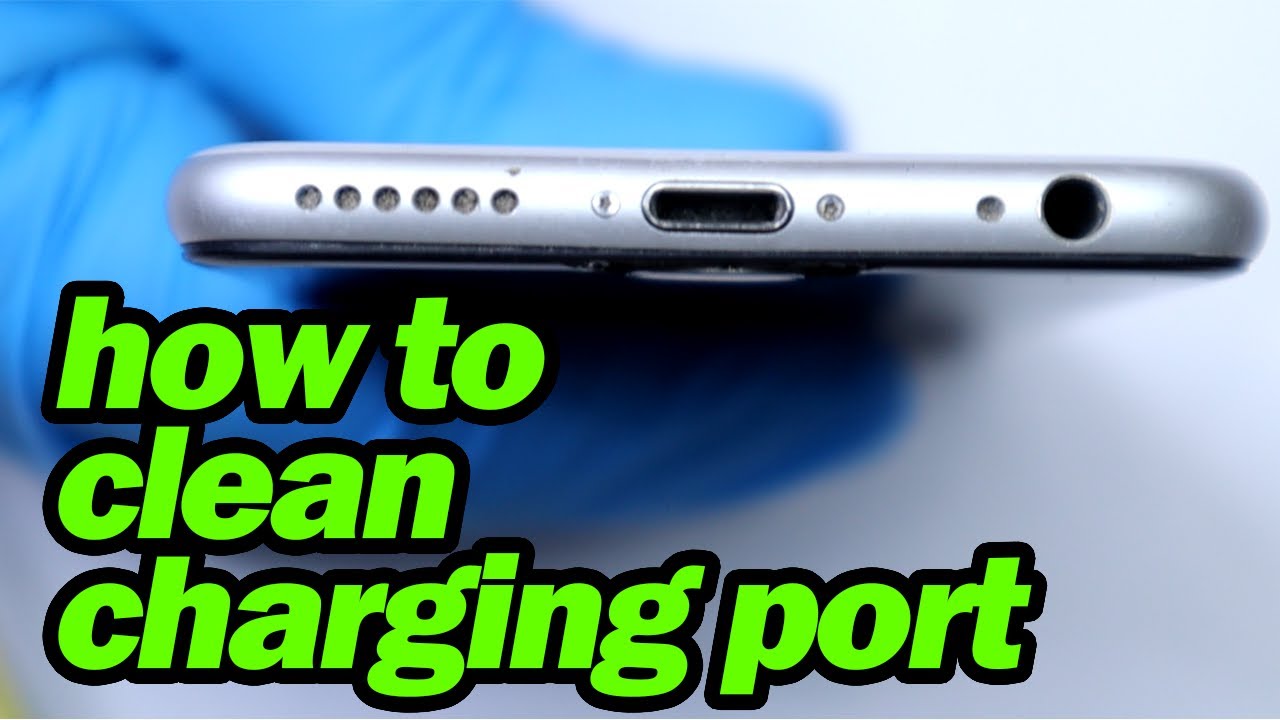
All About Iphone 6 Charging Port Cleaning: Photos and Explanations
Iphone charging port cleaning
OneClearWinner.com - Stop browsing online stores for hours - we are doing it for you. OneClearWinner.com - Stop browsing online stores for hours
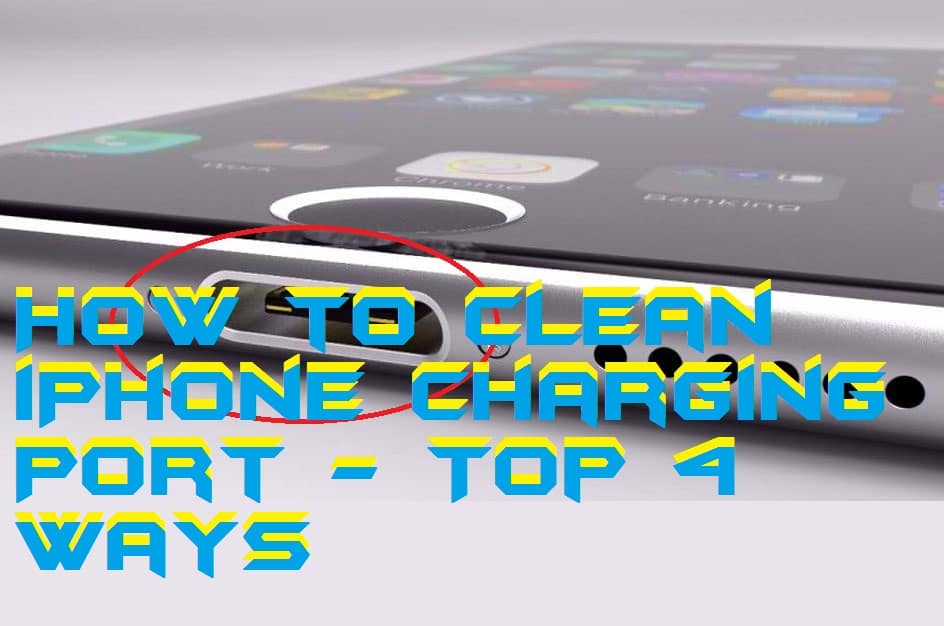
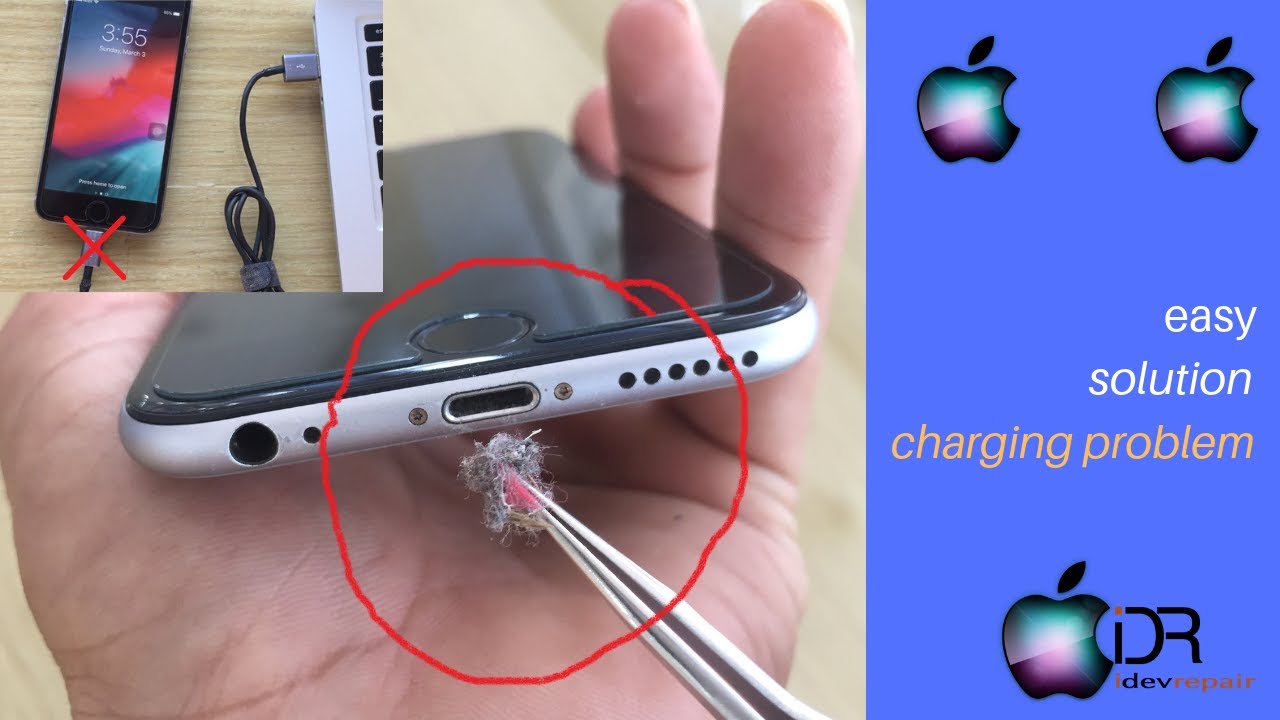
Use this guide to clean your iPhone's (generation 14 and below) charging port , a.k.a. the "Lightning port ." If your iPhone charges intermittently—or not at all—your charging port may be dirty, which prevents your charger from sitting correctly. Cleaning your charging port may fix this.
Iphone 6 Charging Port Cleaning
Such details provide a deeper understanding and appreciation for Iphone 6 Charging Port Cleaning.
How to Clean Your iPhone's Charging Port in 6 Easy Steps
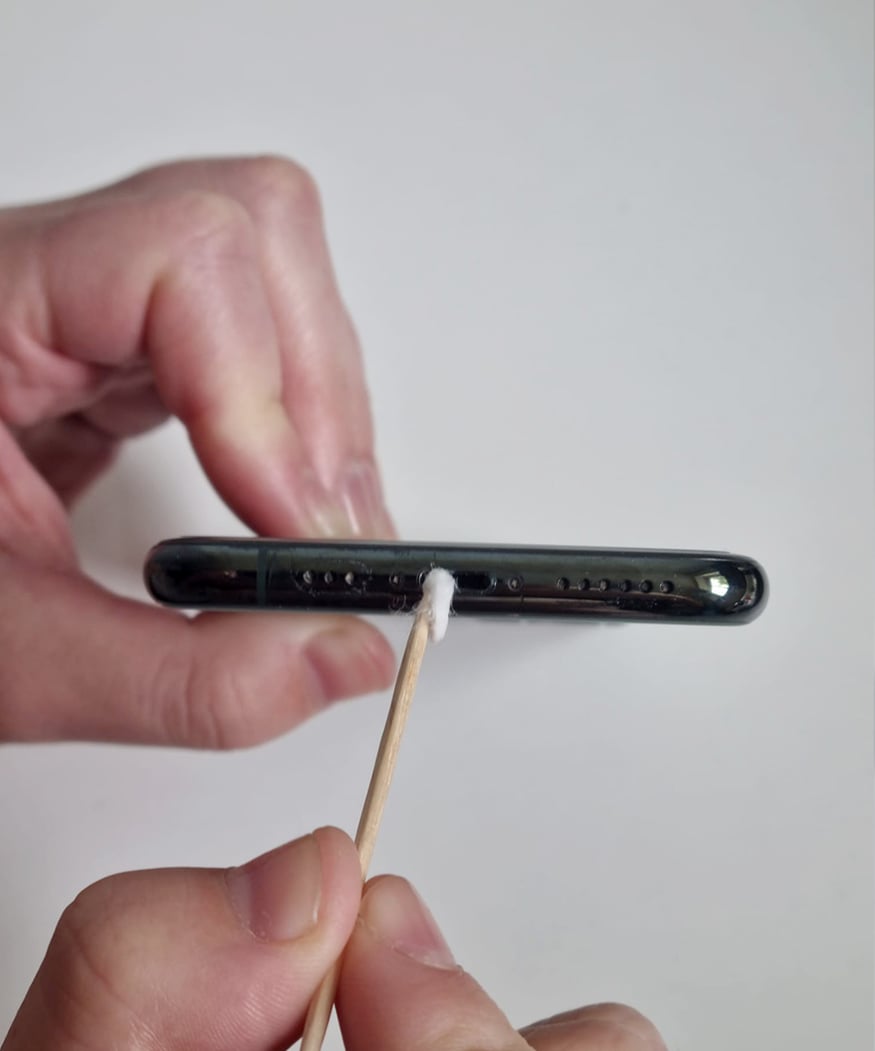
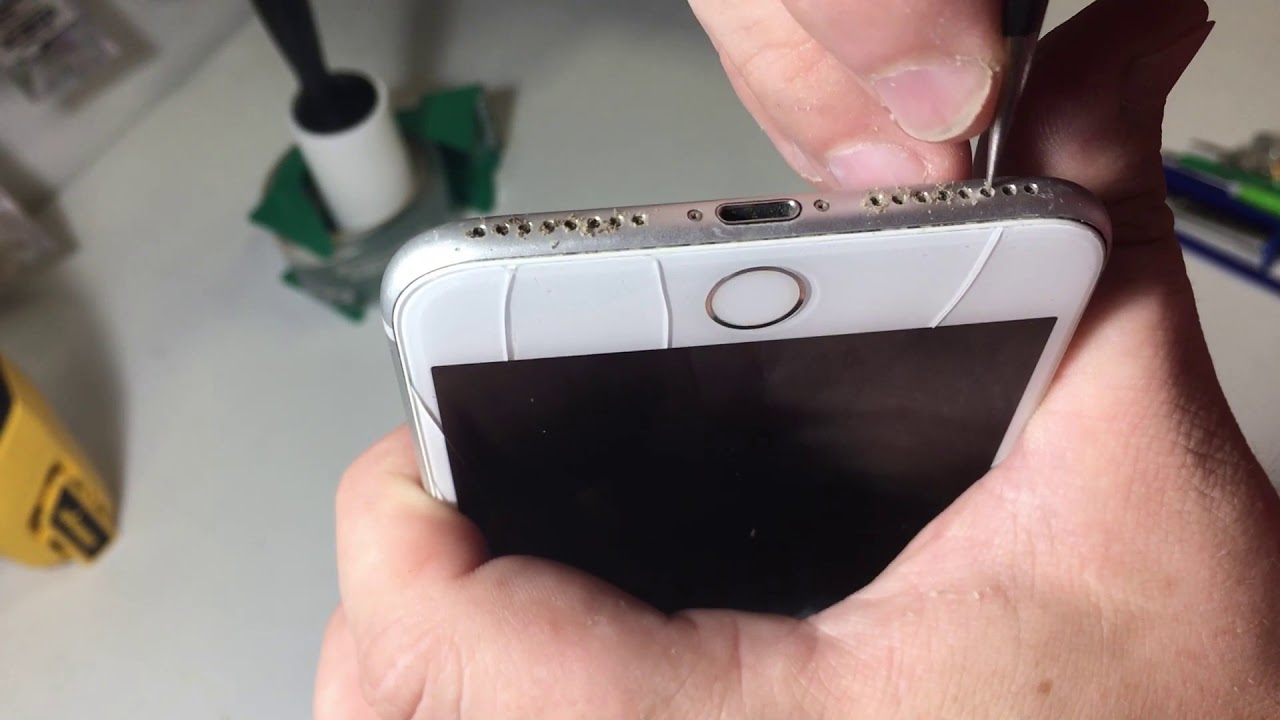
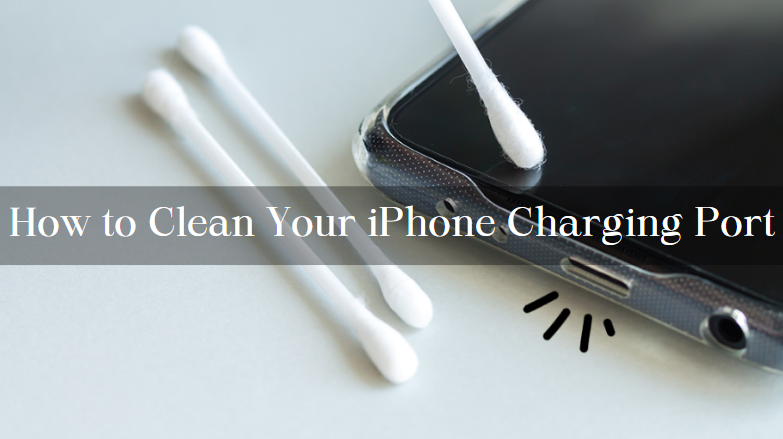
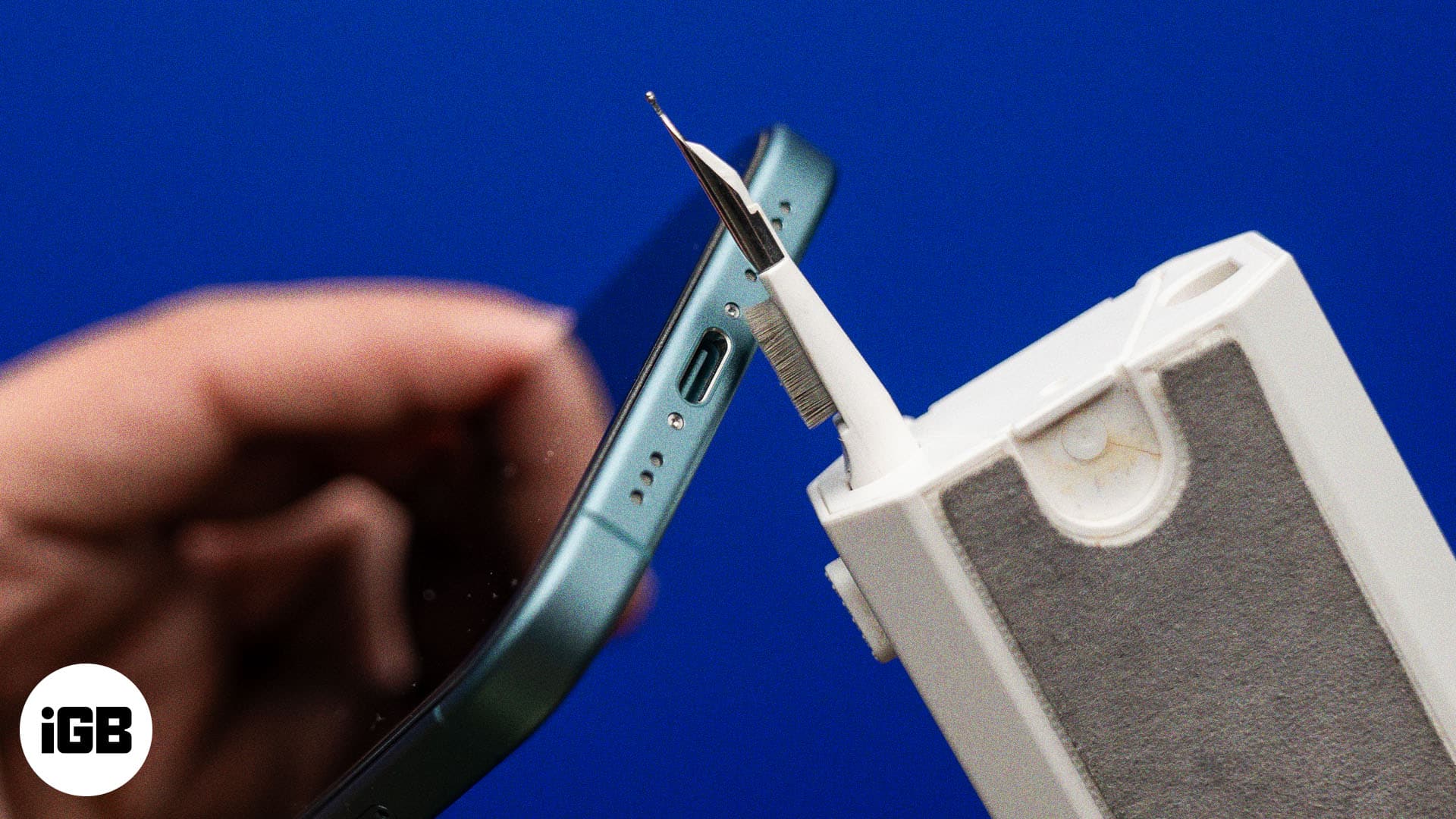
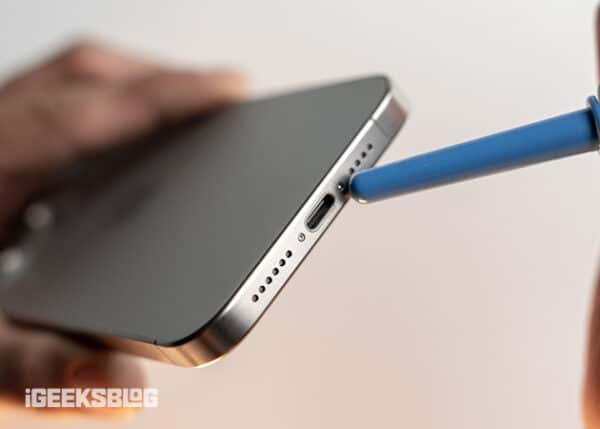
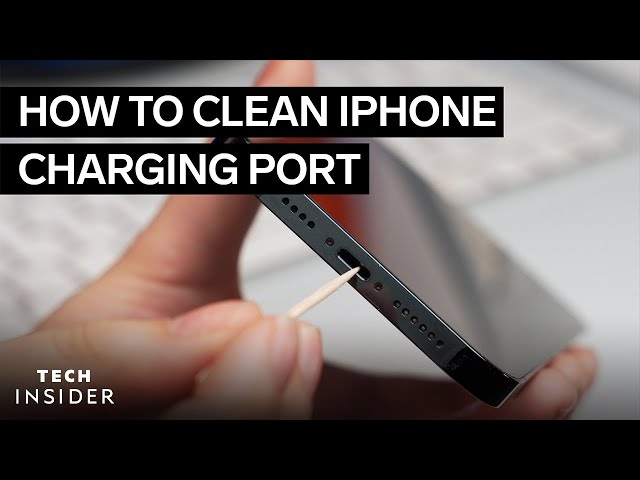
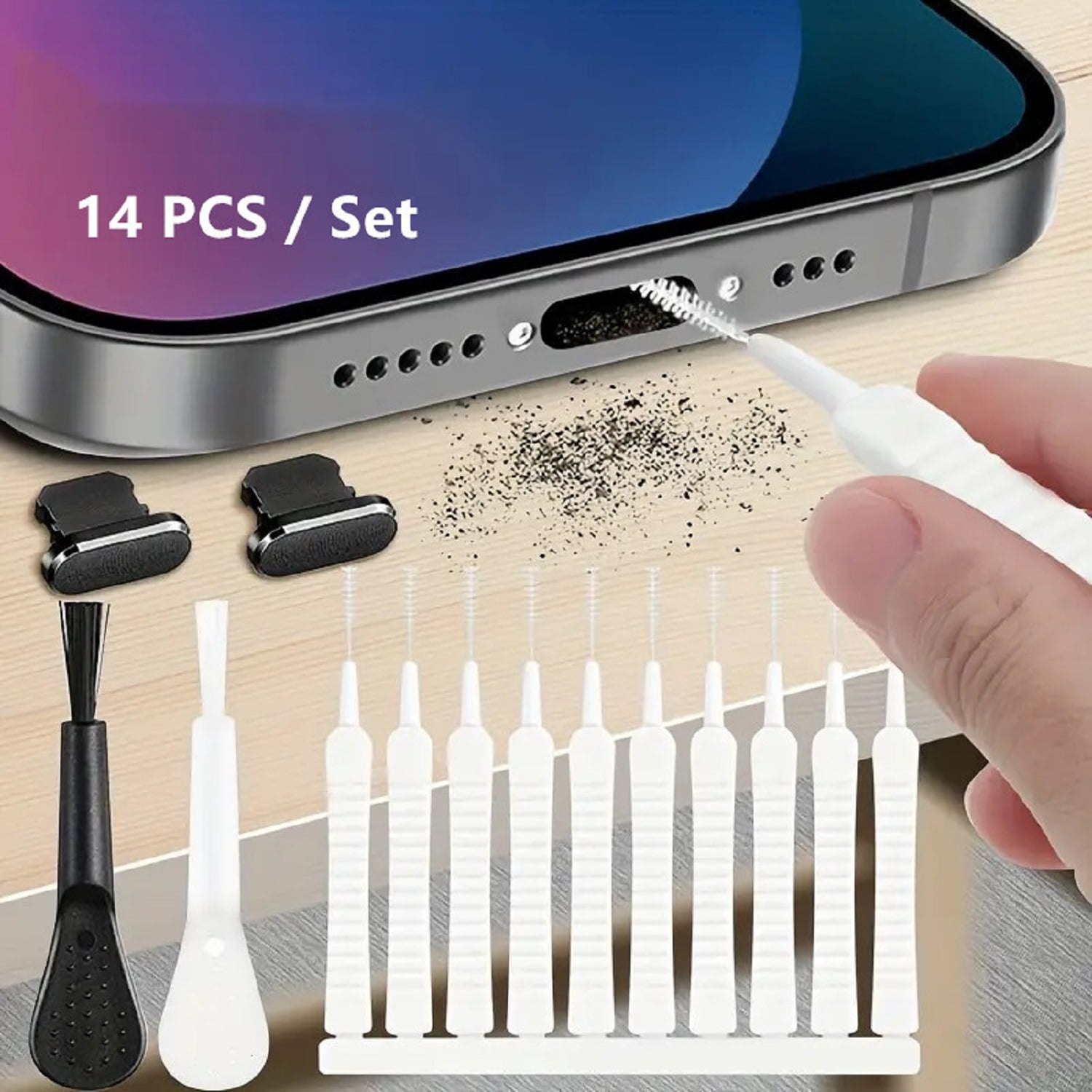
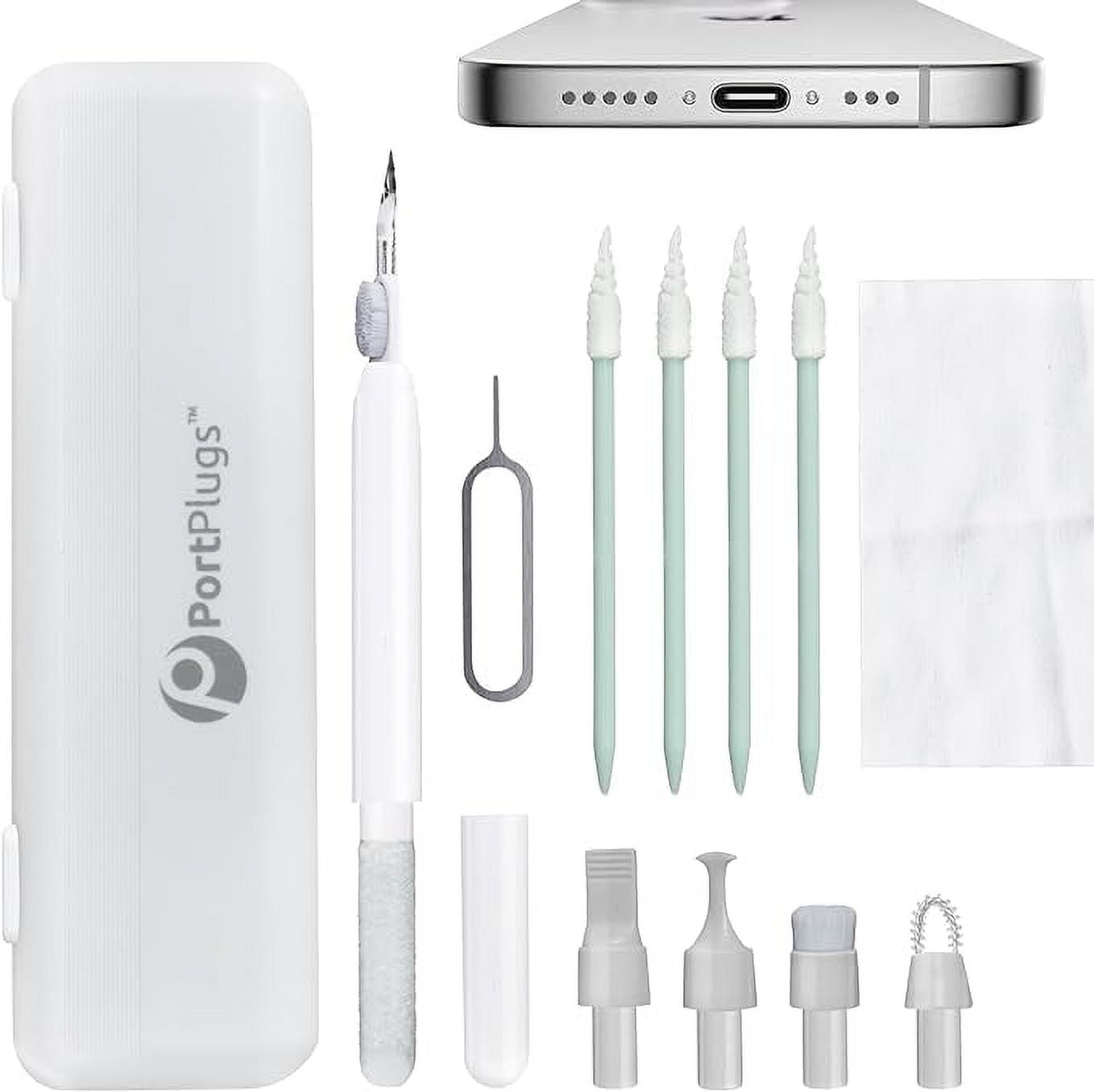
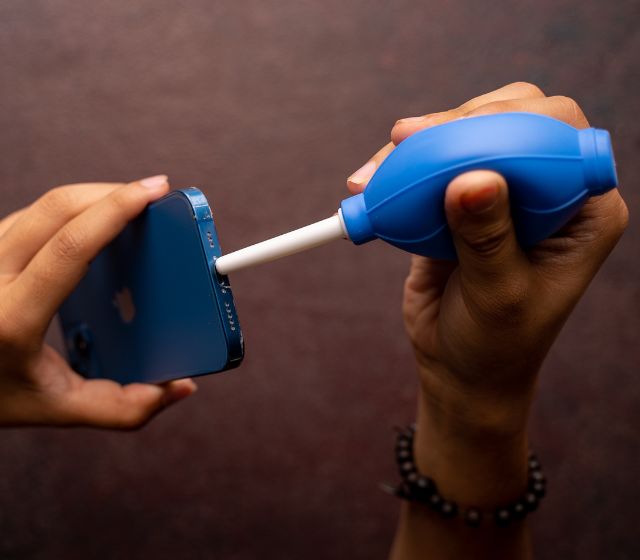
Cleaning Your iPhone's Charging Port To clean the Lightning or USB-C port on your iPhone , turn off your phone, then gently spray some compressed air into the port . You can also use a toothpick to dislodge stubborn pieces of debris. If the port is sticky or very dirty, use a cotton swab with some rubbing alcohol to clean it thoroughly.
Iphone 6 Charging Port Cleaning
As we can see from the illustration, Iphone 6 Charging Port Cleaning has many fascinating aspects to explore.
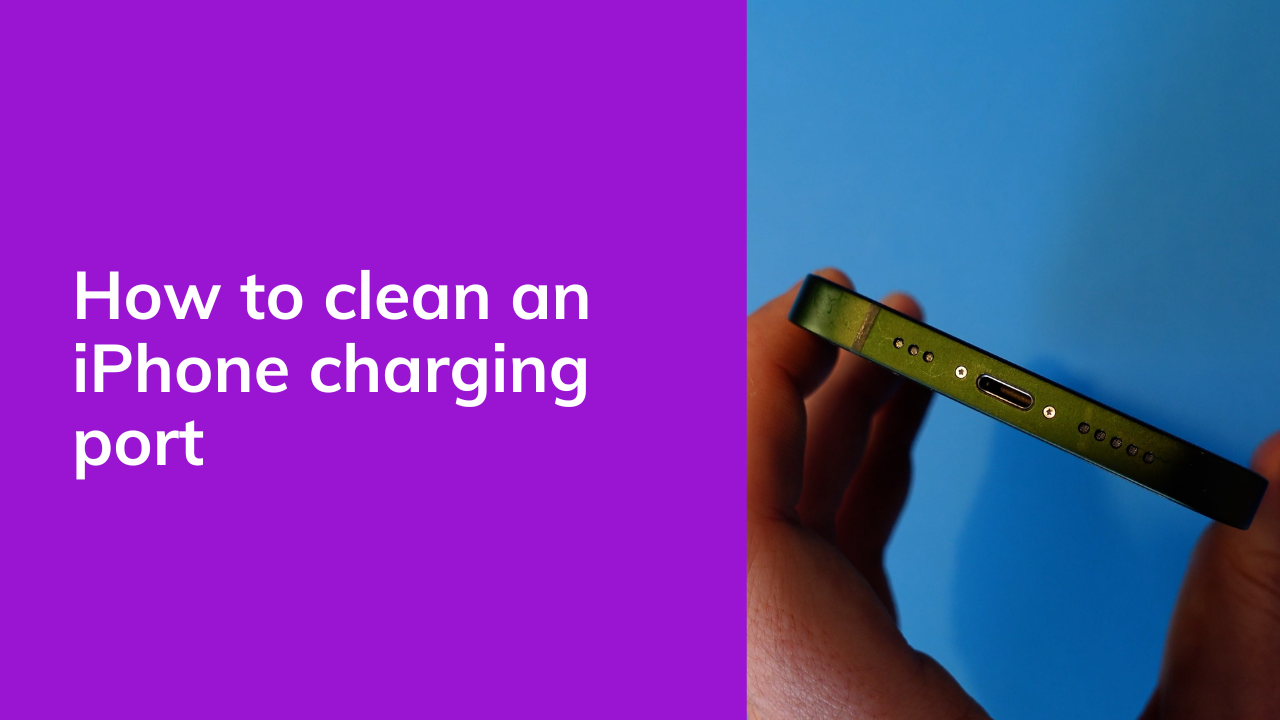
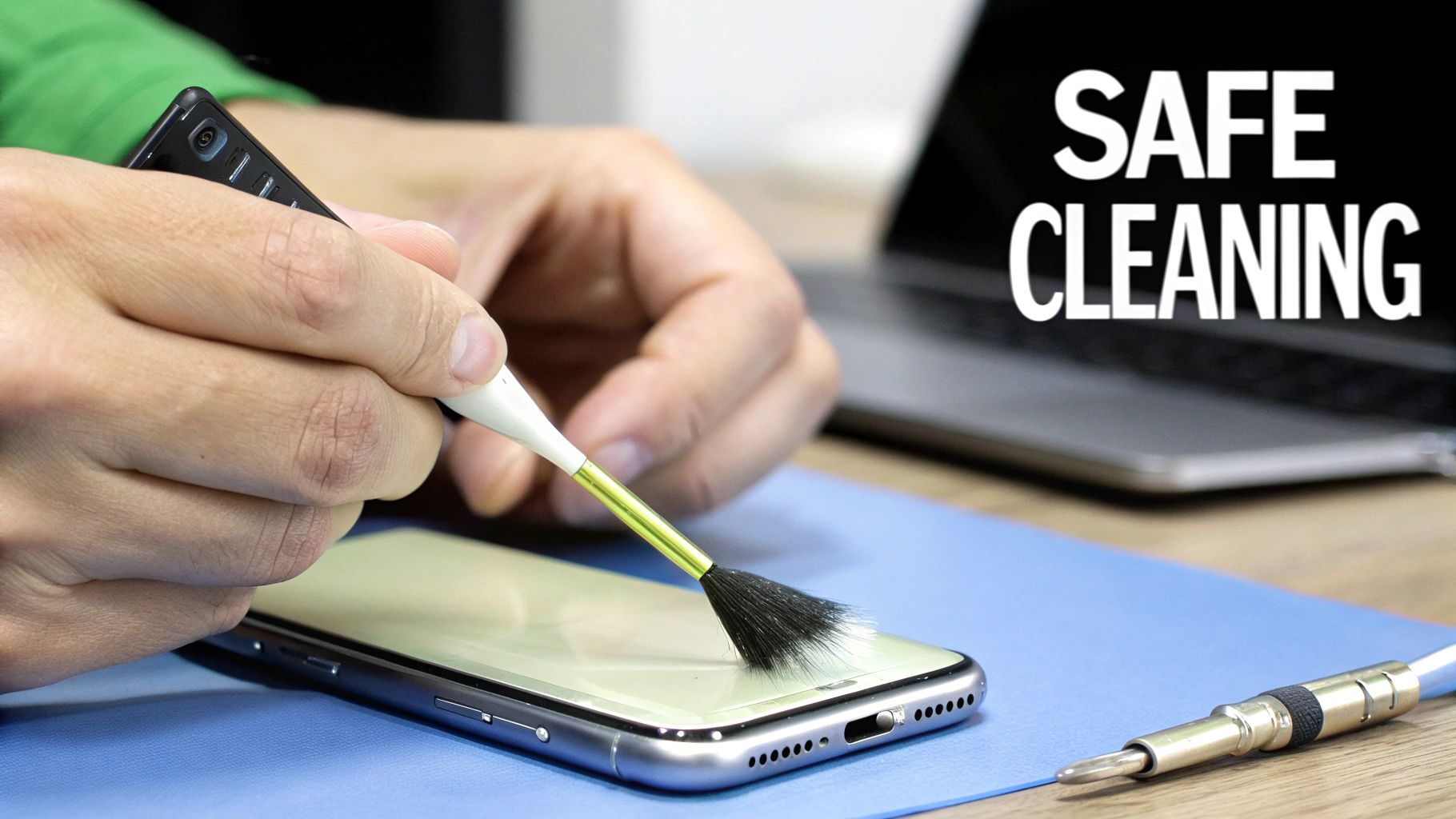
How to clean an iPhone's charging port safely without damaging it
Facing issues charging your iPhone ? It's likely due to dust, debris, or lint build-up. Here's how to clean an iPhone's charging port and get it working again.
Iphone 6 Charging Port Cleaning
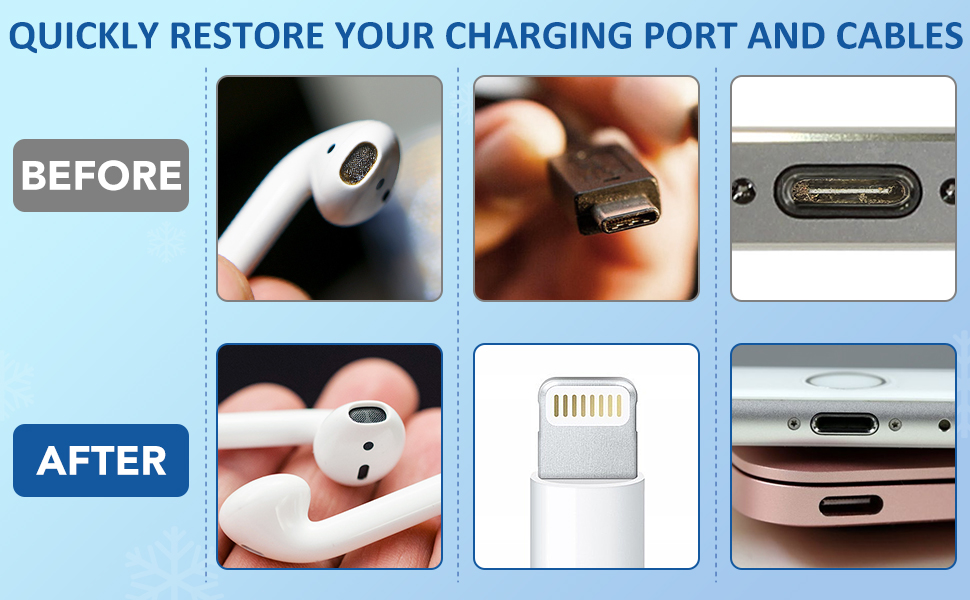
Learn how to safely clean your iPhone charging port with simple steps, easy tools, and quick tips to restore reliable charging .