How To Update Samsung TV Firmware
Update Samsung TV firmware in 3 ways: auto, internet, or USB . Step-by-step guide plus fixes for failed or stuck updates .
Livebox 4 Update Firmware Via Usb First, you need to download firmware from the official website of your router manufacturer. Next, login into the router, check how to Open Admin Page. Now choose Maintenance and find Update or Firmware Update . Then, press on Choose file and pick downloaded Firmware . At last, click on Upload and wait for a moment. Fantastic!
Livebox 4 Update Firmware Via Usb Rockchip firmware update guide for Android TV
The RedBoot loader is firmware that gets the linux operating system up and running. This handles the USB /TFTP flashing of the .DWB file what we know as the " firmware ".
Firmware/Update Firmware Via Usb - MRQOI
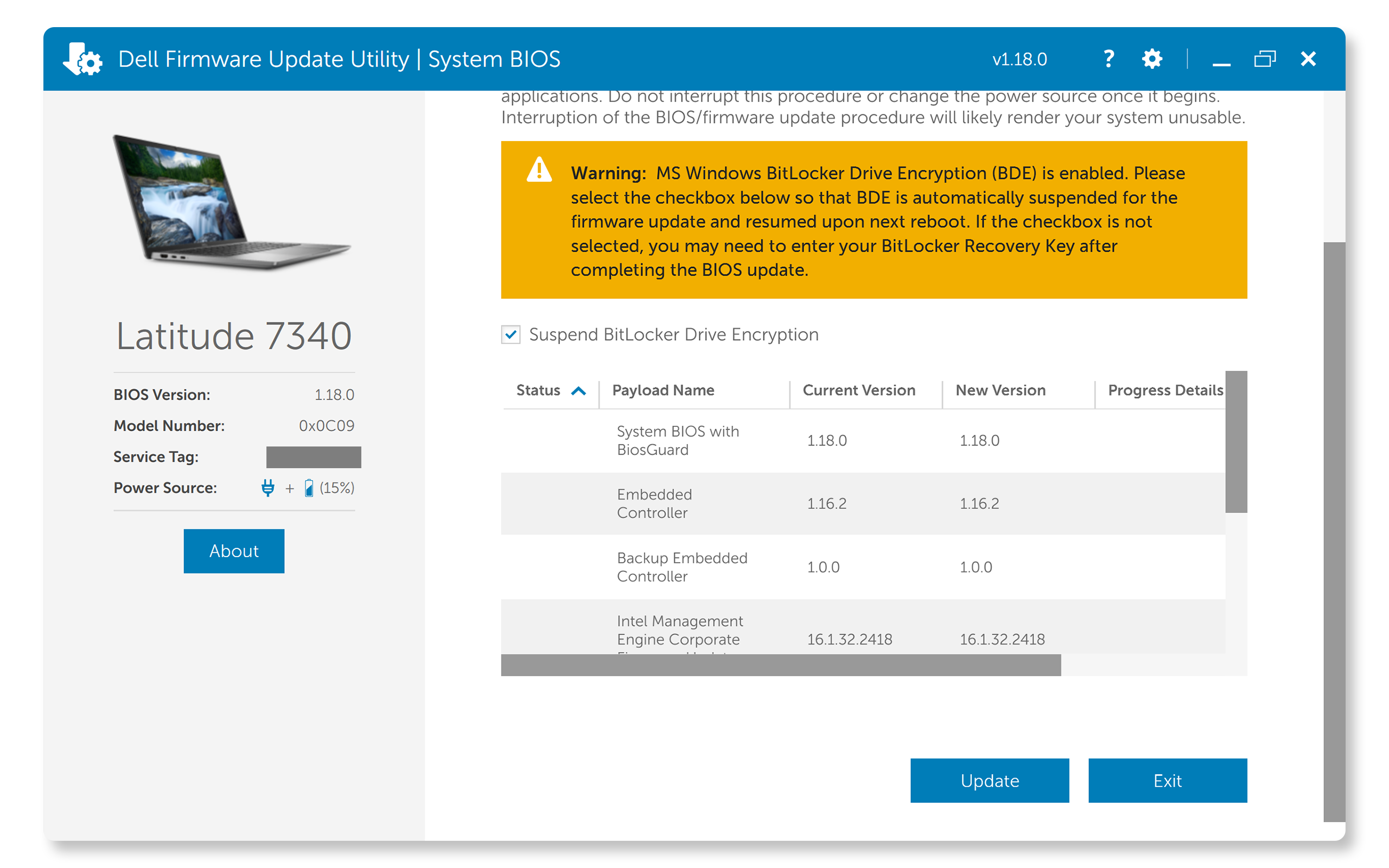
How to Update BIOS: Install and Upgrade BIOS on Windows | Dell Tuvalu
Step-by-Step: How to Manually Update Hikvision NVR Firmware via USB or ...
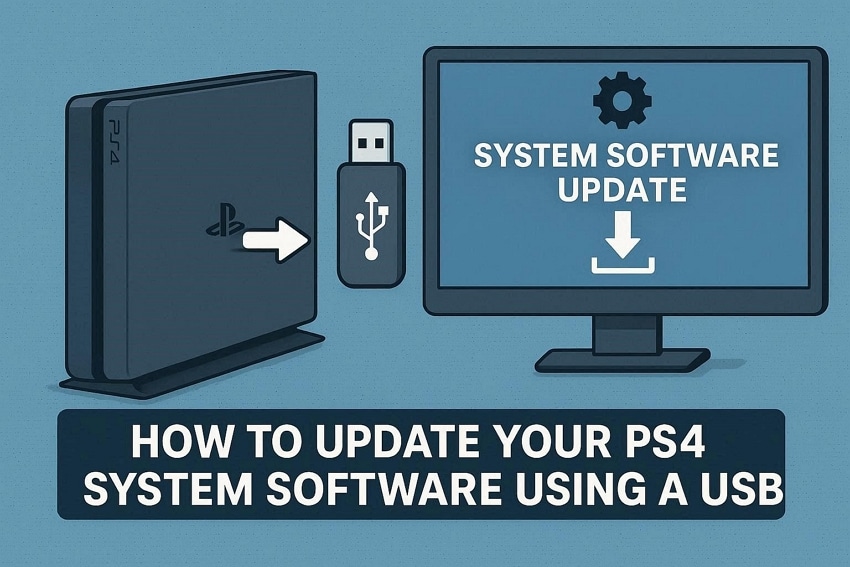
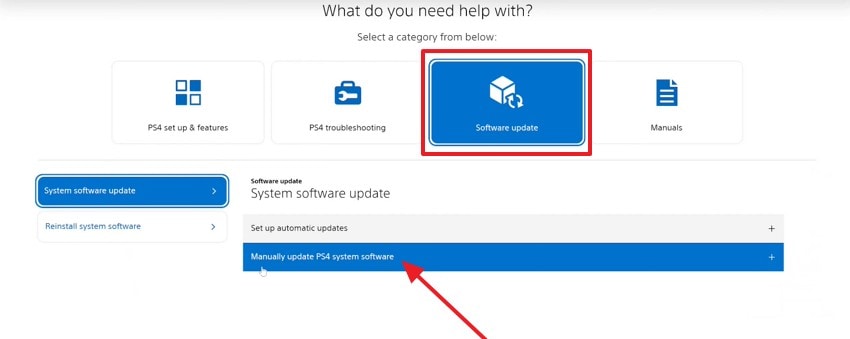
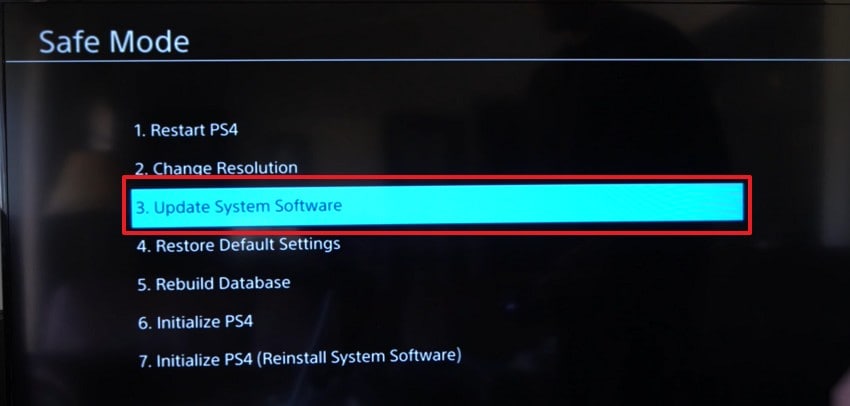
How to Update Your PS4 System Software Using a USB Guide
Update Dahua Firmware via USB Guide | PDF
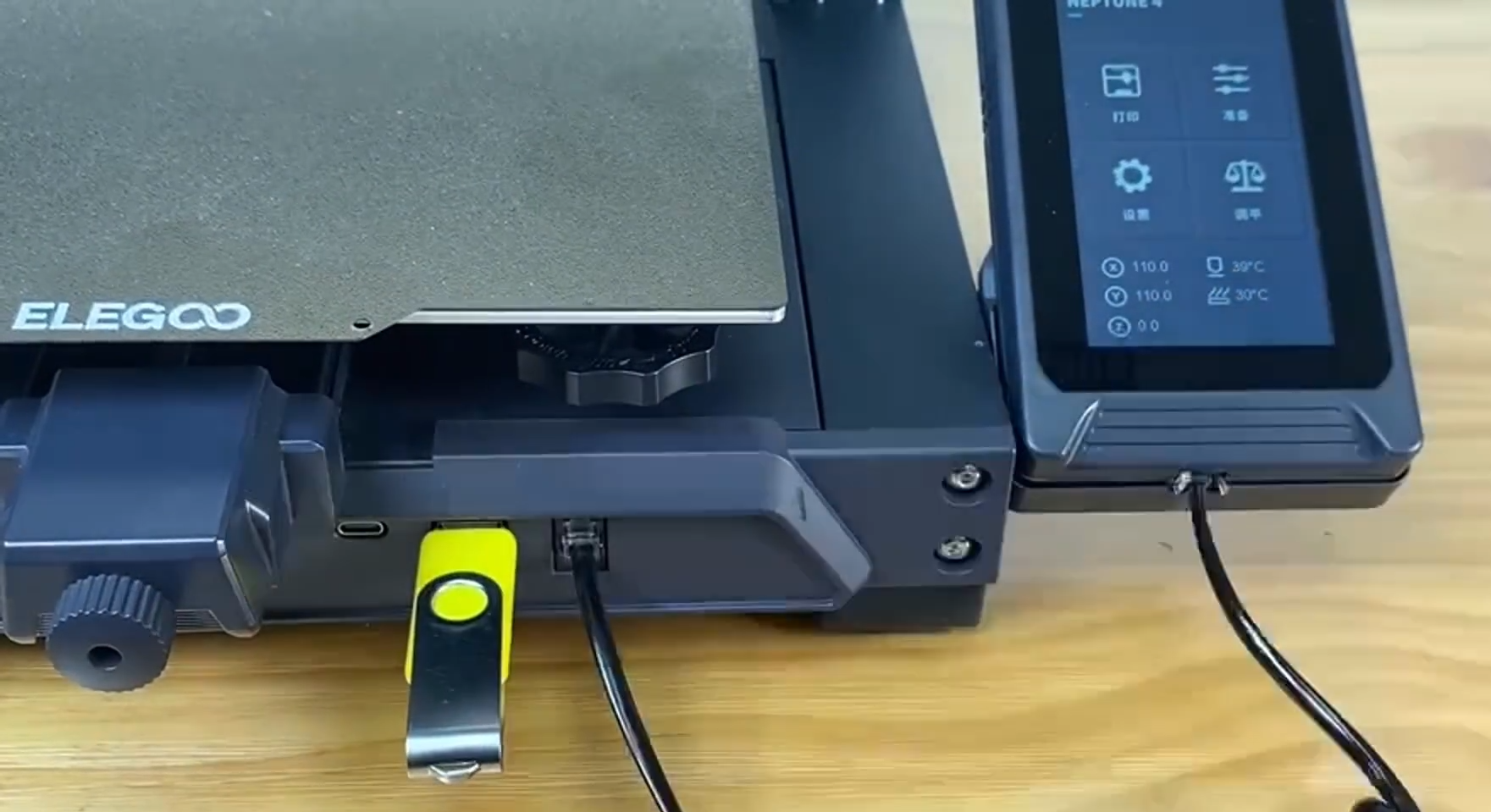
MainBoard Firmware Update | ELEGOO WIKI
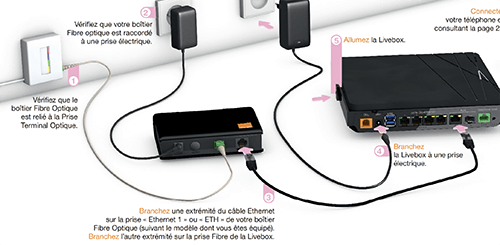
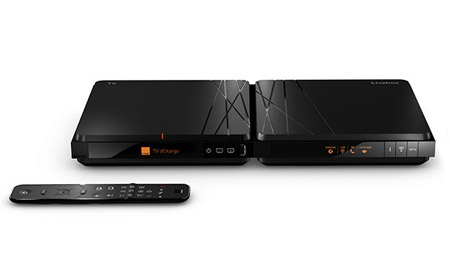
Installation de la Livebox 4 | PDF | Technologies de l'information et ...
Step-by-Step: How to Manually Update Hikvision NVR Firmware via USB or ...
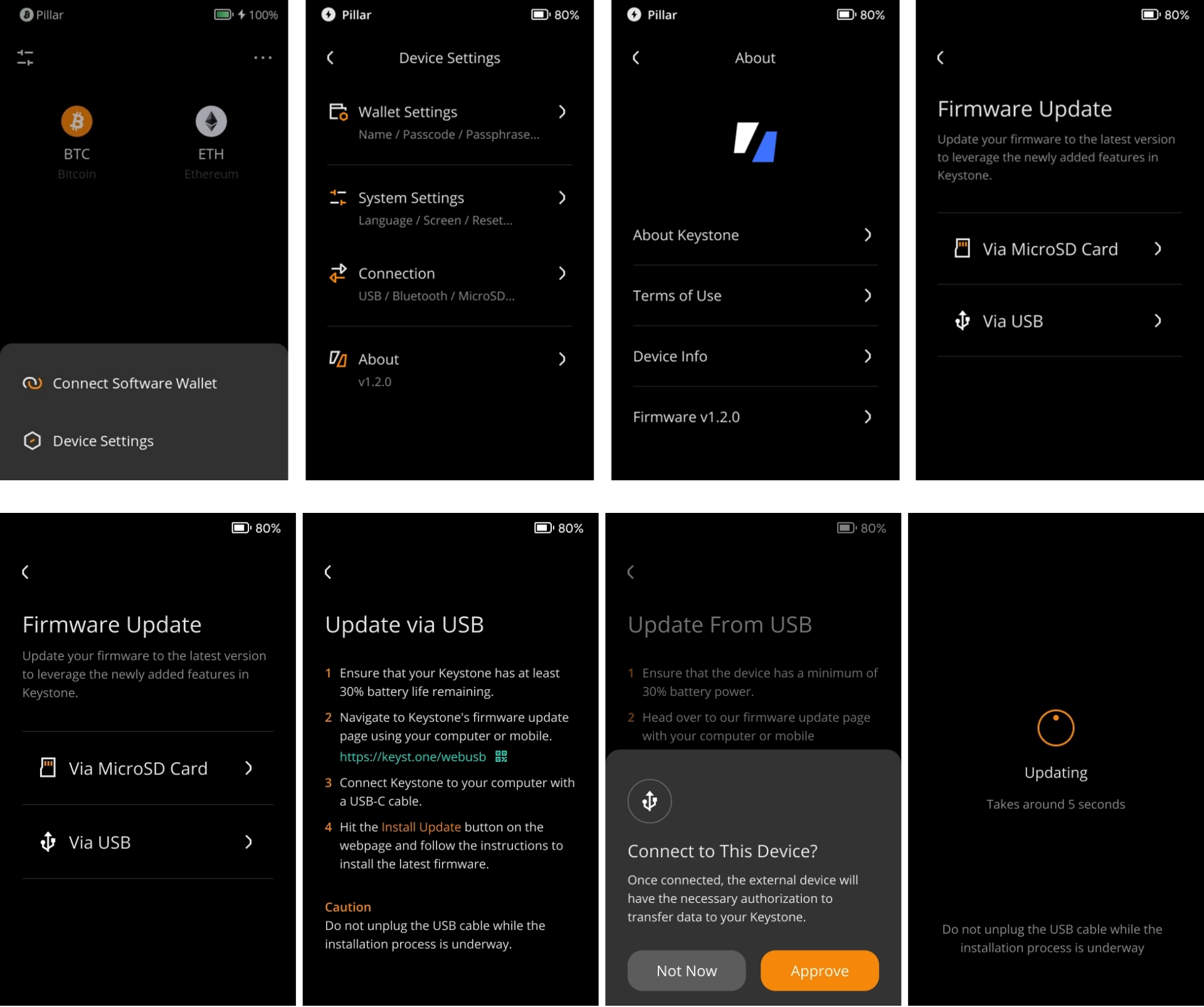
Firmware Update via USB or MicroSD Card | Keystone
Documentation | Update XVR/NVR Firmware via USB
Step-by-Step: How to Manually Update Hikvision NVR Firmware via USB or ...
Livebox 4 Orange : Caractéristiques, Branchement, Mode d'emploi, Dépannage
Brancher la Livebox 4 avec le décodeur TV facilement
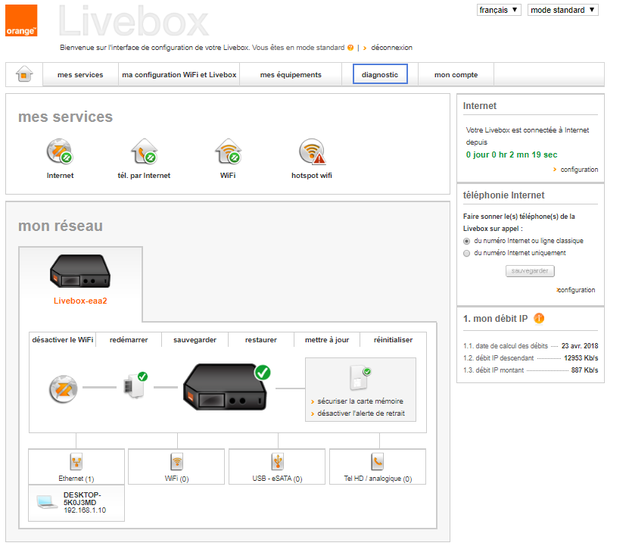
Livebox Pro : connaître votre adresse IP via l'interface de la Livebox ...
Step-by-Step: How to Manually Update Hikvision NVR Firmware via USB or ...
Step-by-Step: How to Manually Update Hikvision NVR Firmware via USB or ...
Livebox 4 Orange : Caractéristiques, Branchement, Mode d'emploi, Dépannage
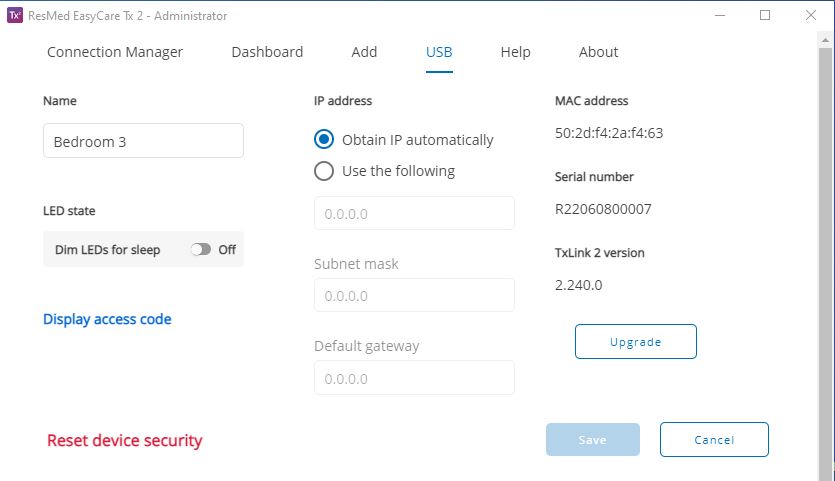
Upgrade TxLink 2 firmware via USB connection
Is Your Tv Sluggish? How To Update Its Firmware Via Usb Stick To Speed ...
Step-by-Step: How to Manually Update Hikvision NVR Firmware via USB or ...
Port Usb Livebox at Nelida Huddleston blog
Livebox 4 - Tout sur la box internet d'Orange
How to firmware upgrade by USB?
Update firmware via USB - YouTube
Hướng dẫn update firmware cho Cổng Chuyển HyperDrive 4K HDMI 6 in1 USB ...
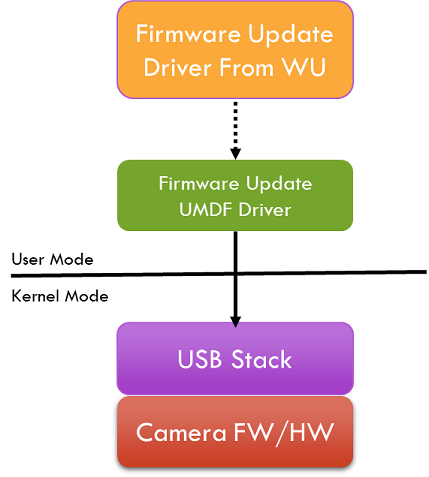
Device Firmware Update for USB Devices without using a Co-installer ...
DahuaWiki
Découvrez l'offre Livebox 4 Orange en détail
How to Update Your PS4 System Software Using a USB Guide
Livebox 4 Orange : avis, offres, compatibilité et prix
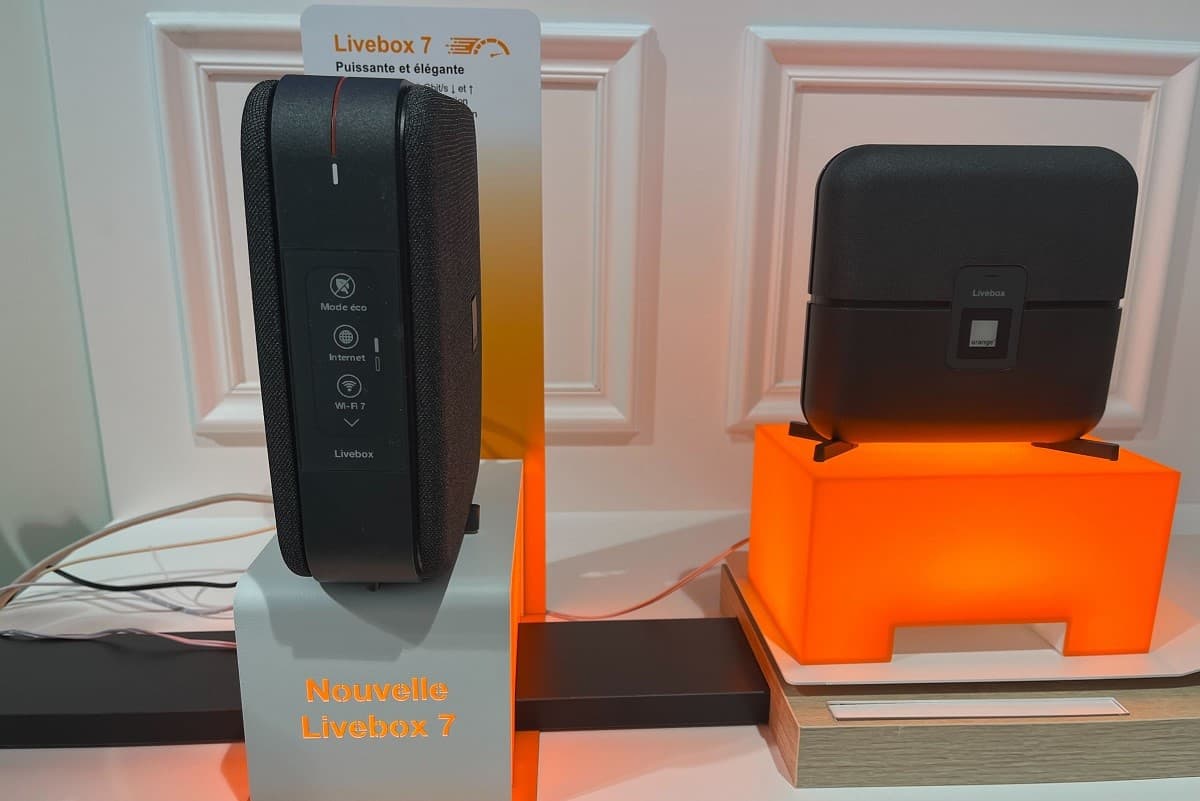
Livebox 7 ou Livebox S : quelle box internet Orange choisir en ...
Comment Brancher Ma Livebox 4: Comment Acceder A Ma Livebox - YNWVI
Update Samsung TV Firmware via USB (Easy Steps)
Step-by-Step: How to Manually Update Hikvision NVR Firmware via USB or ...
Usb Port Tcl Tv at Hunter Langham blog
Orange bloque l'accès au disque dur Livebox et au Cloud et se tire une ...
Différence Livebox 4 Et Livebox Play - Salo Thisheatch59
How to Update Your PS4 System Software Using a USB Guide
Step-by-Step: How to Manually Update Hikvision NVR Firmware via USB or ...
Samsung Tv Firmware Download at Tammy Pough blog
Step-by-Step: How to Manually Update Hikvision NVR Firmware via USB or ...
Update Firmware via USB - YouTube
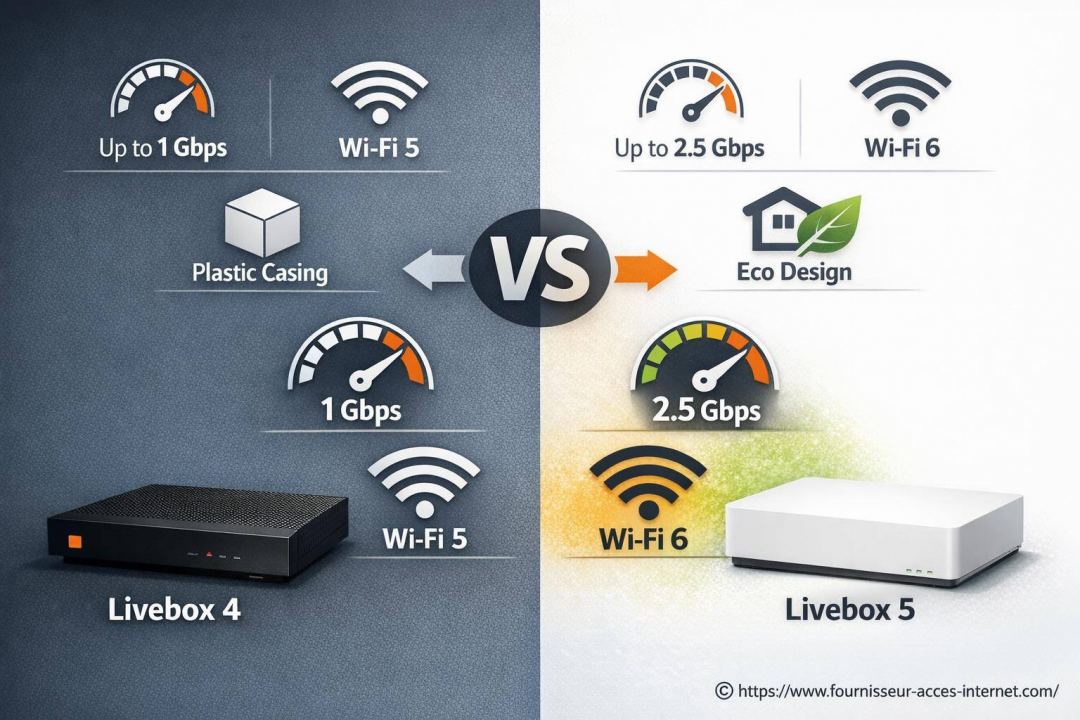
Livebox 5 : performance et fiabilité de la box internet
Livebox 4 Paramètres - Livebox Connexion - HJEGK
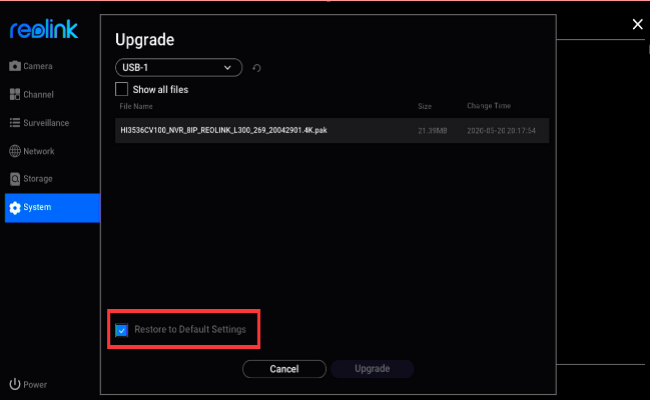
How To Manually Update Firmware For Reolink Devices - DVRCMS.Com
Documentation | Update XVR/NVR Firmware via USB
Livebox 7 vs Livebox S : quelles différences entre les deux Livebox ...
Factor 4 - Update the firmware
SSID Livebox : comprendre son rôle et comment le configurer
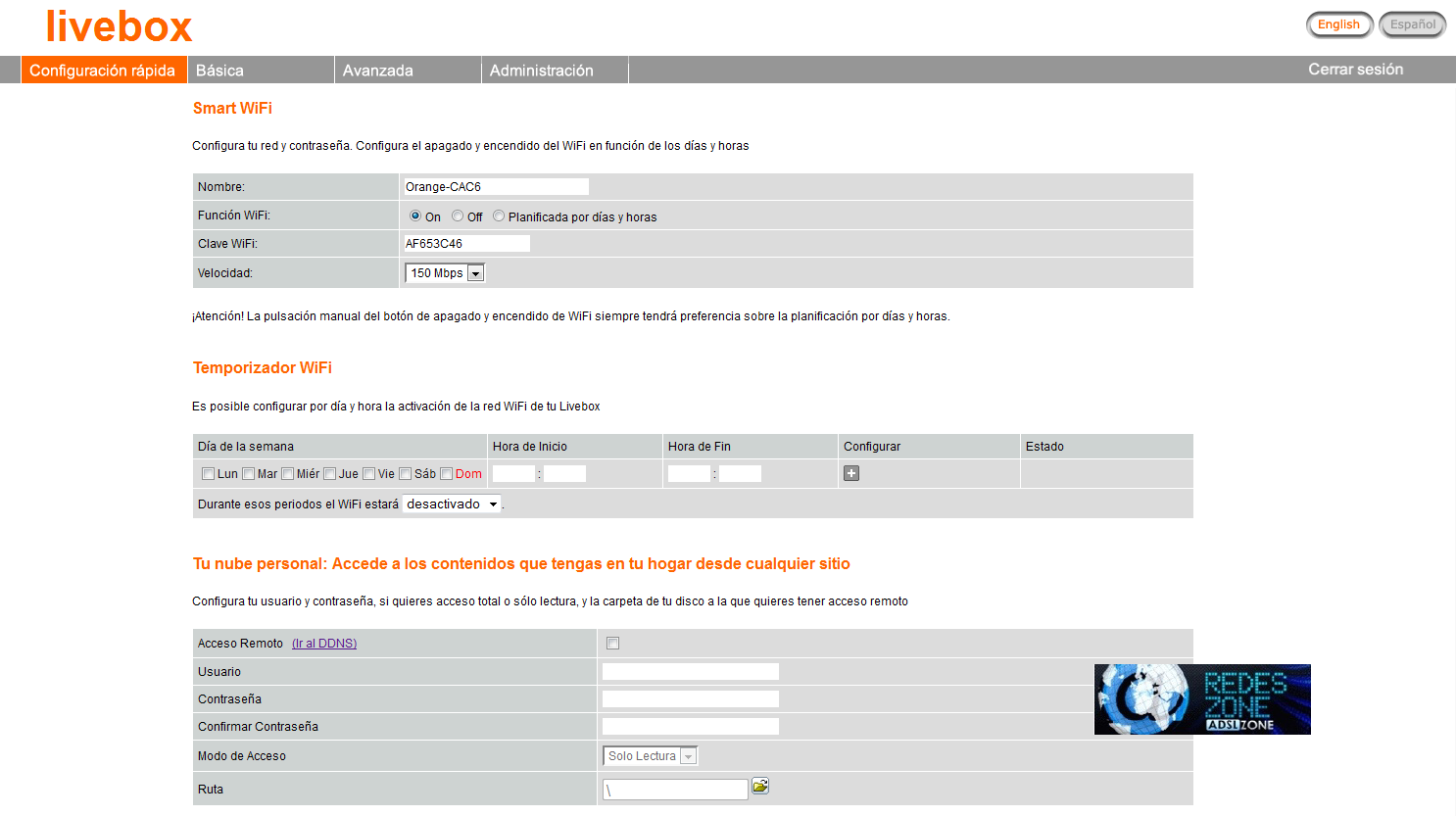
Nuevo router multimedia Livebox: Actualización del firmware con ...