rxbox on Reddit
Go to your account via the Xbox Website, log in, change your password and in the process log out all connected devices, then when you return to your xbox log in using your new password.
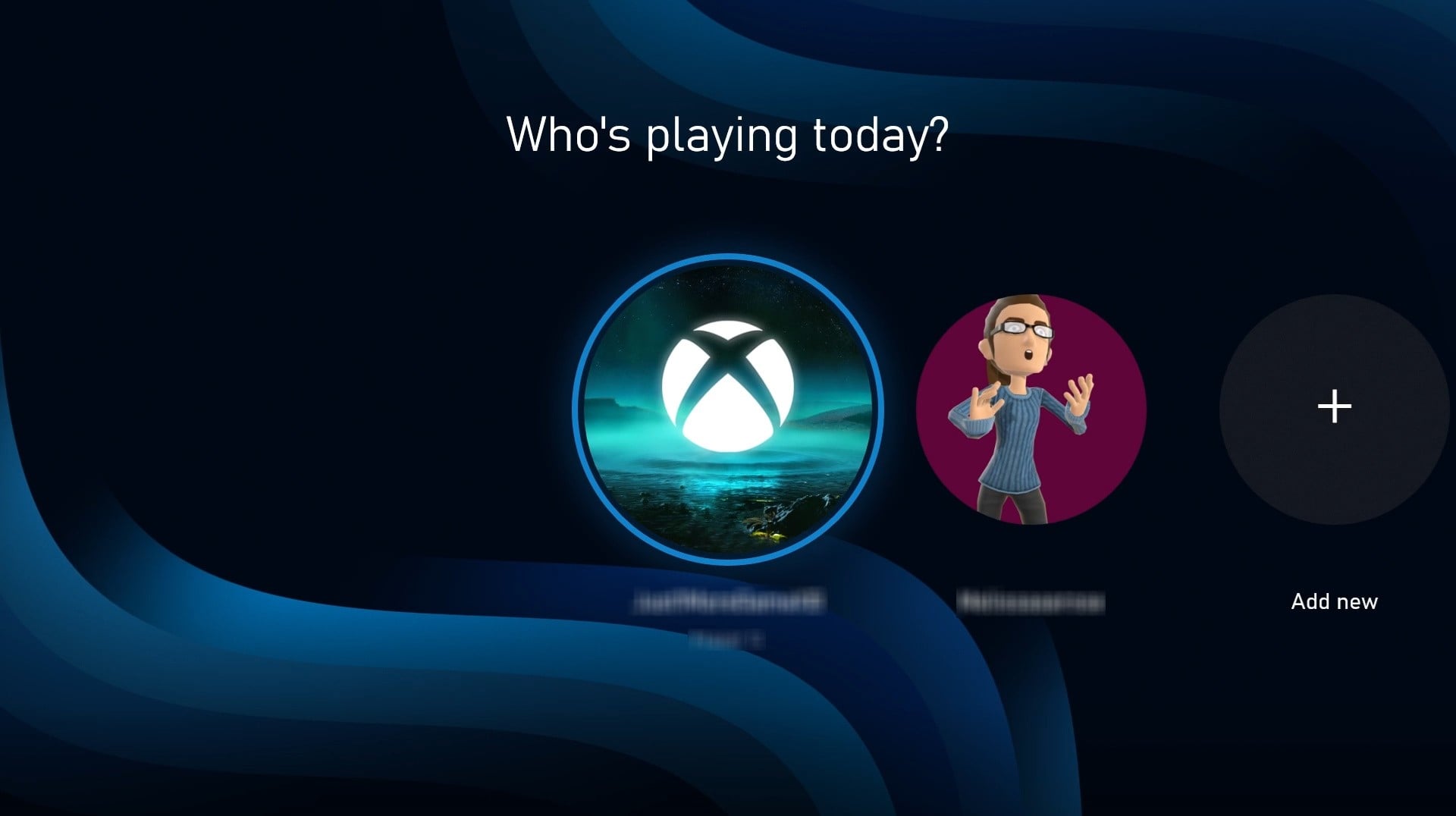
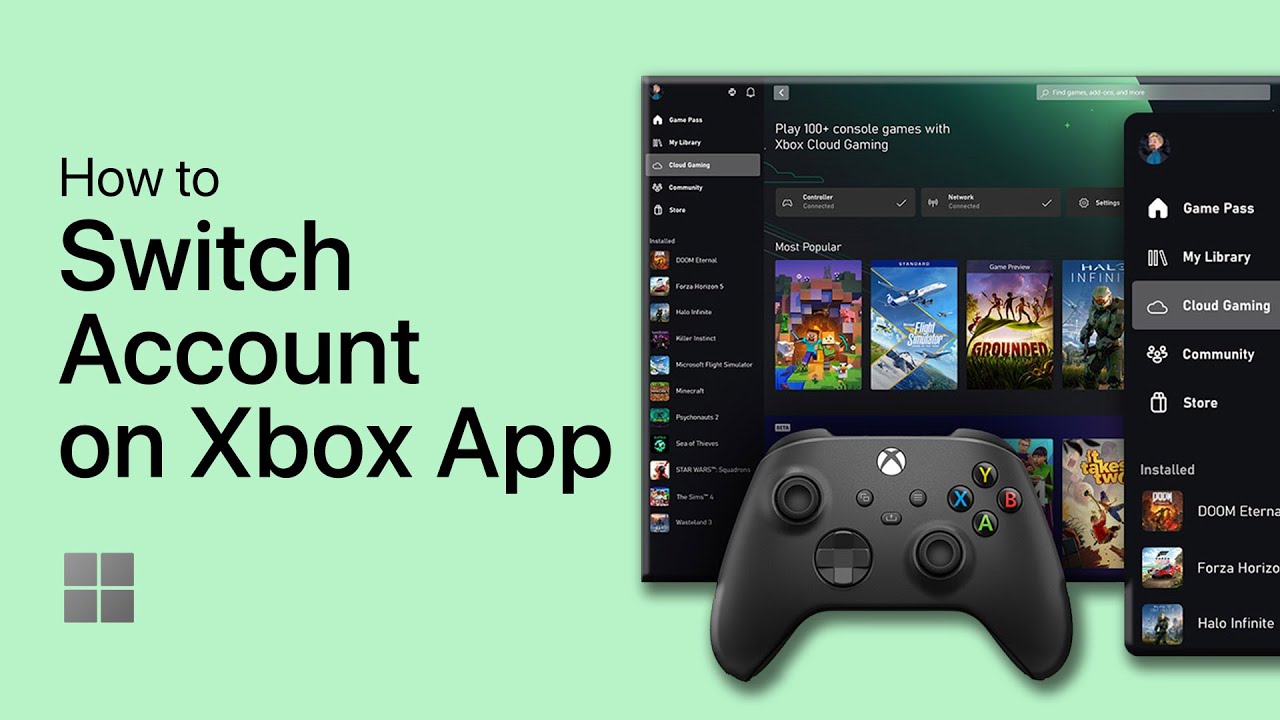
Press the Xbox button to open the guide, and then select Profile & system. Select Add or switch, and then select your profile. Press the Xbox button to open the guide again, select Profile & system, select Sign out , and then select your account.

How to sign out of xbox account
Signing out of your Xbox account on the console is straightforward and can be done in just a few steps: Method 1: Sign out from the Console Menu. Turn on your Xbox console. Go to Settings by pressing the Menu button on your controller. Scroll down to Account and select it. Select Sign out at the bottom of the menu.

Moving forward, it's essential to keep these visual contexts in mind when discussing Logging Out On Xbox.
Ever found yourself needing to remotely log out of your Xbox account from a device you no longer have access to, or just want to ensure your security? This video dives into the essential...
Secure your data by learning how to sign out of your Microsoft account everywhere. Remotely end all active sessions on PCs, Xbox , and more for a comprehensiv...

Furthermore, visual representations like the one above help us fully grasp the concept of Logging Out On Xbox.
Sign in to your Advanced security options on your Microsoft account security dashboard. Scroll down to Sign out everywhere and select Sign out . Signing out may take up to 24 hours. Avoid staying signed in on a public computer. Manage devices used with your Microsoft account.