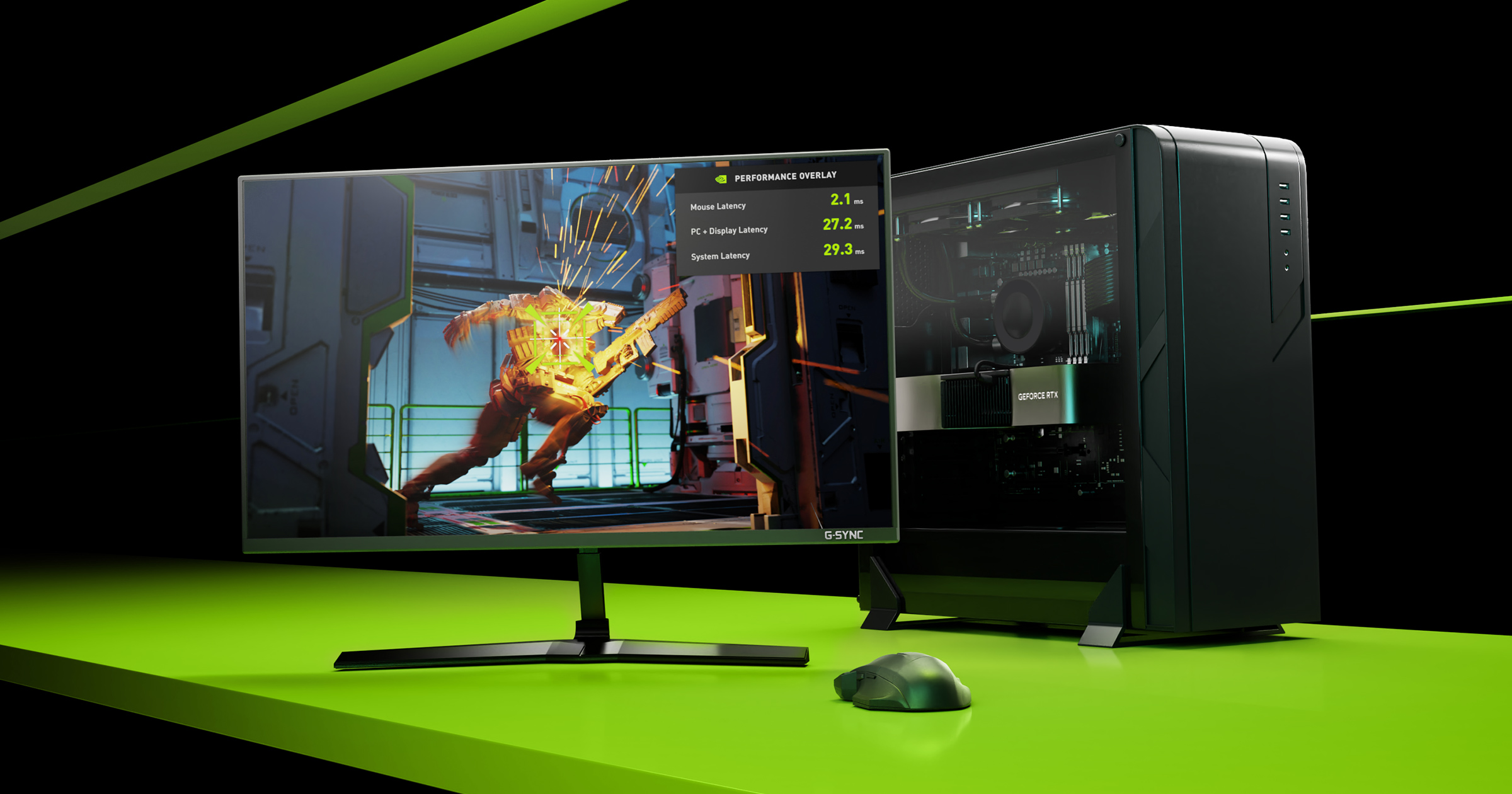
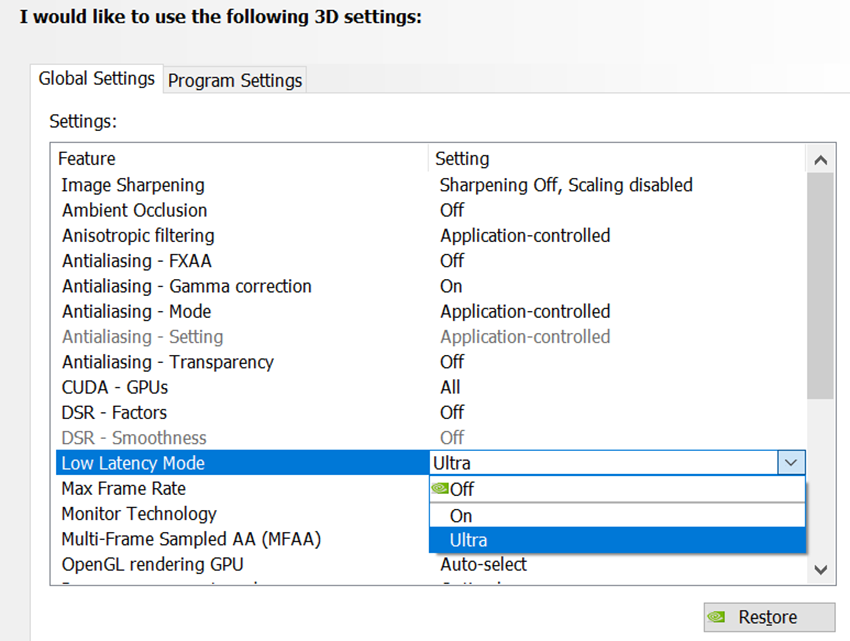
In-Depth Look: The World of Low Latency Gaming Settings For 4K
High Refresh Rate & Low Latency
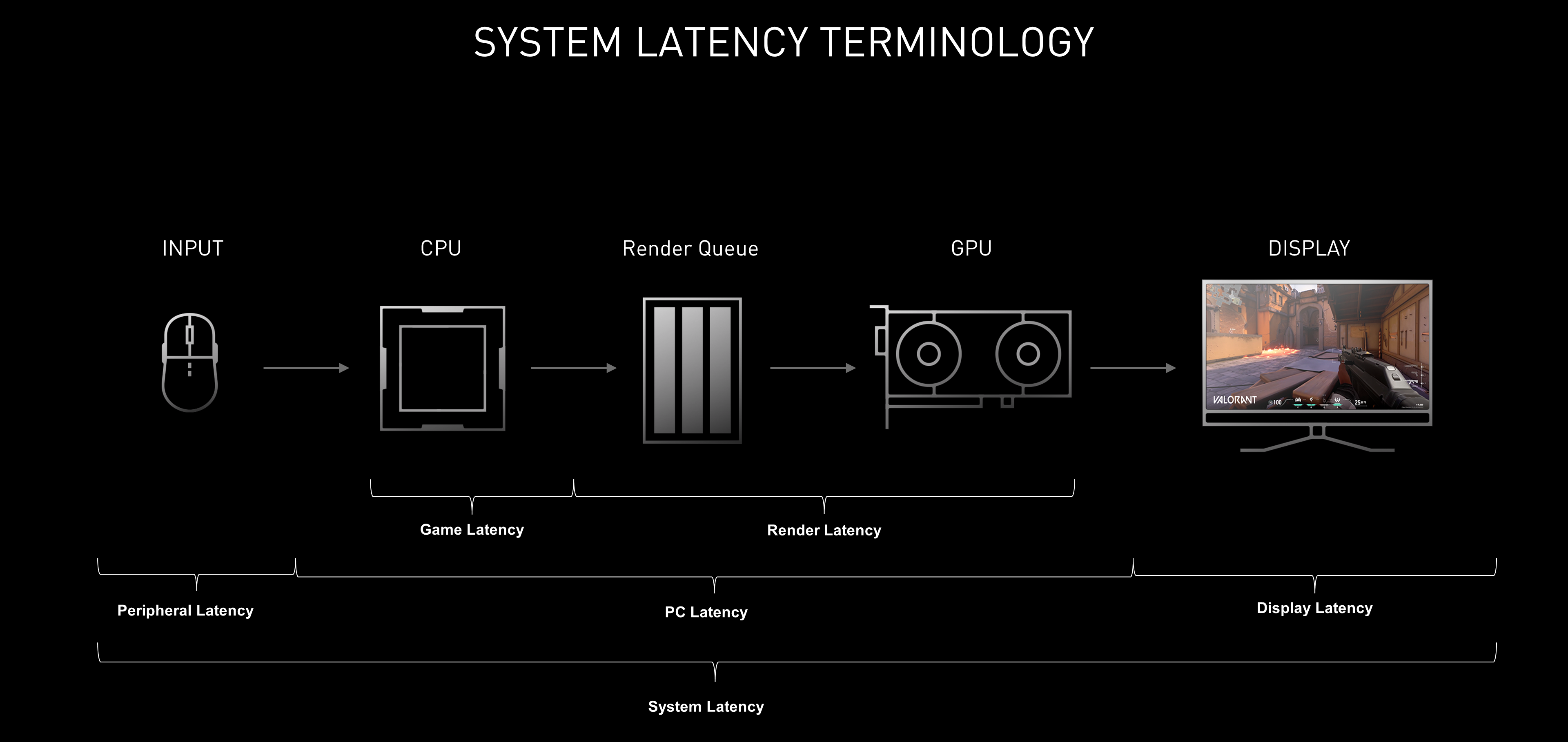
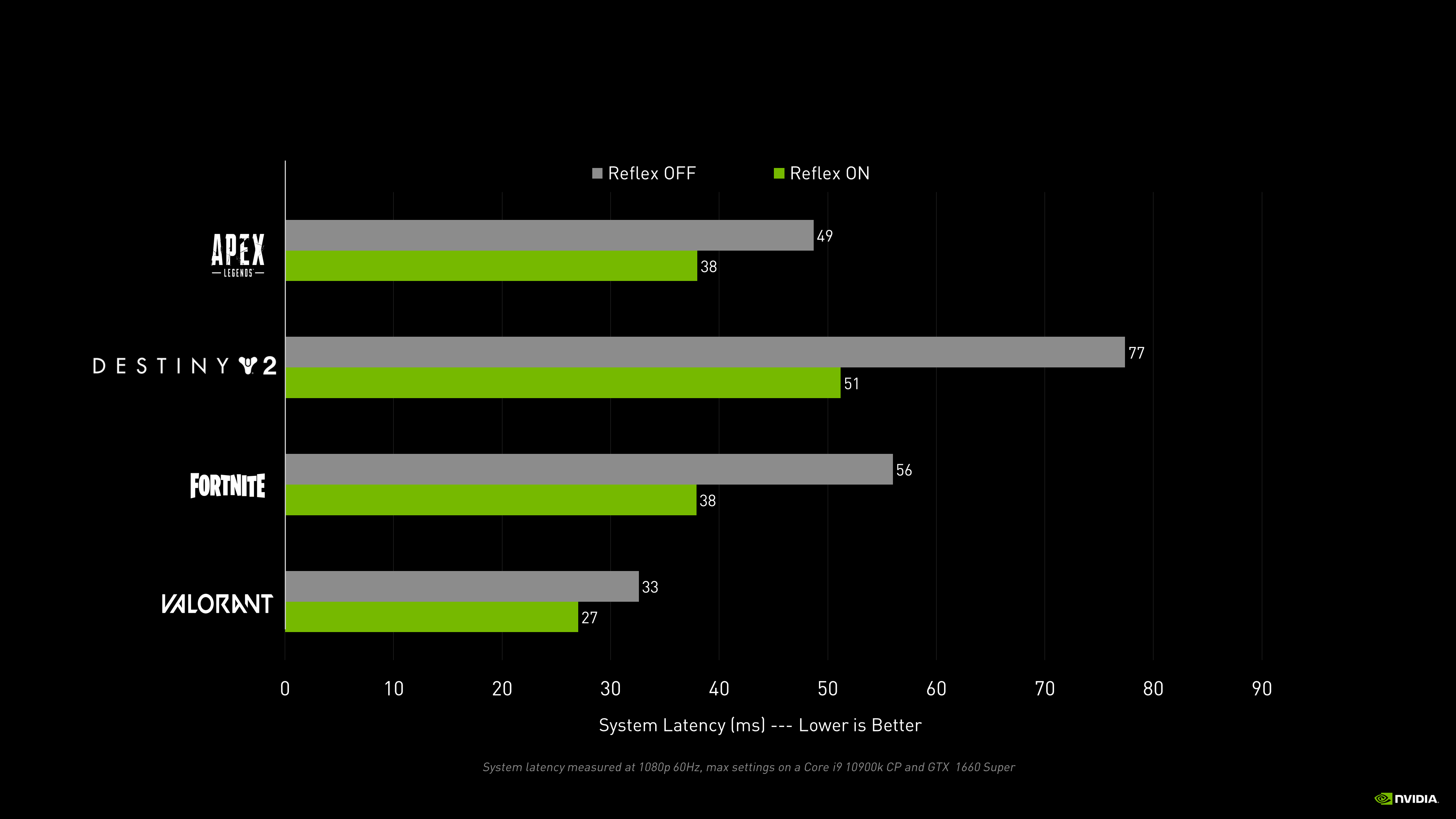
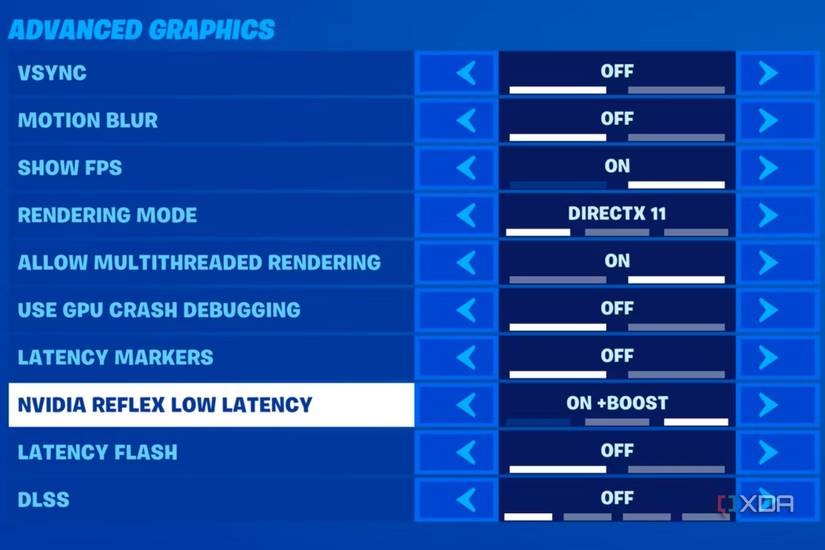
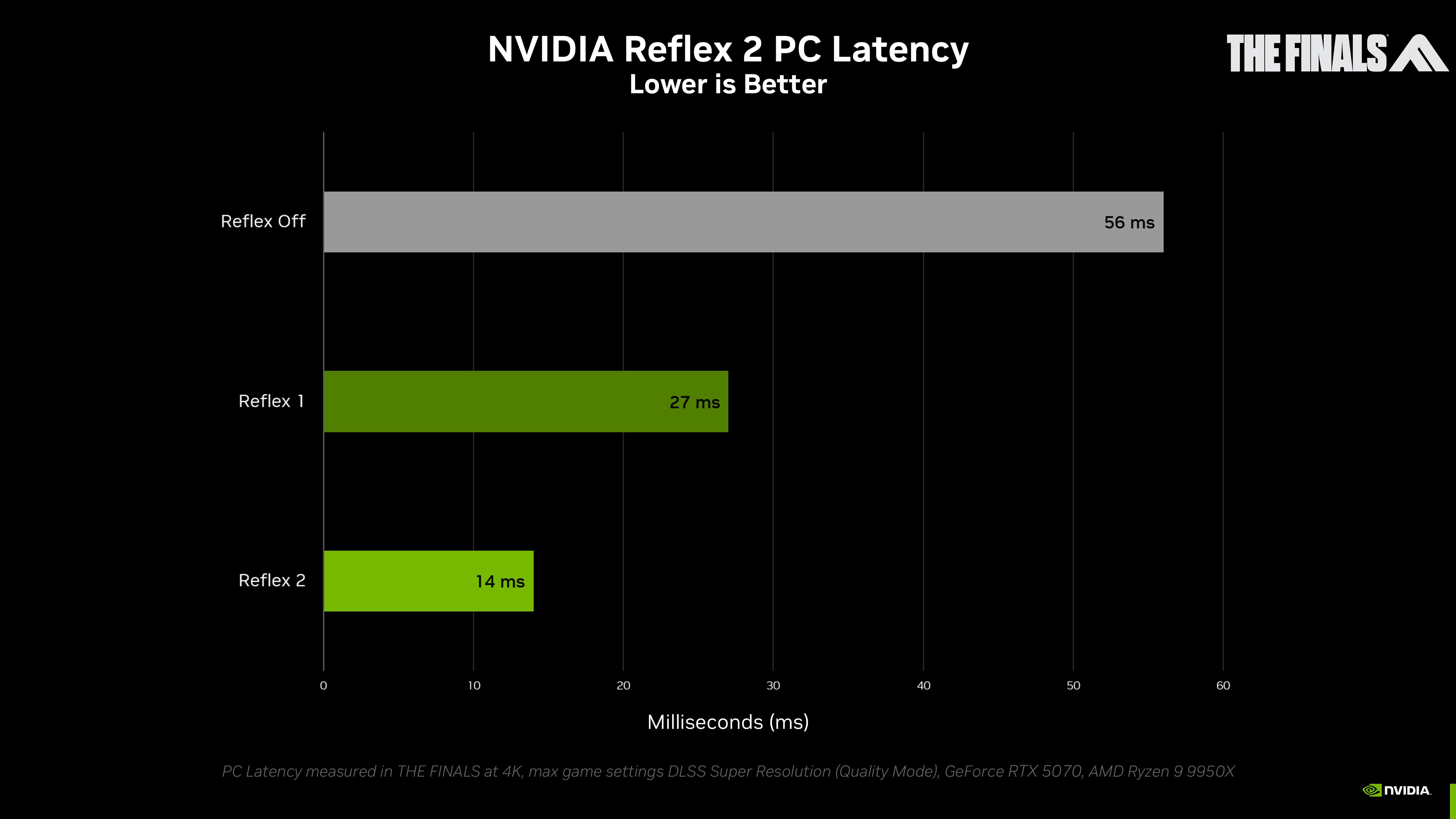
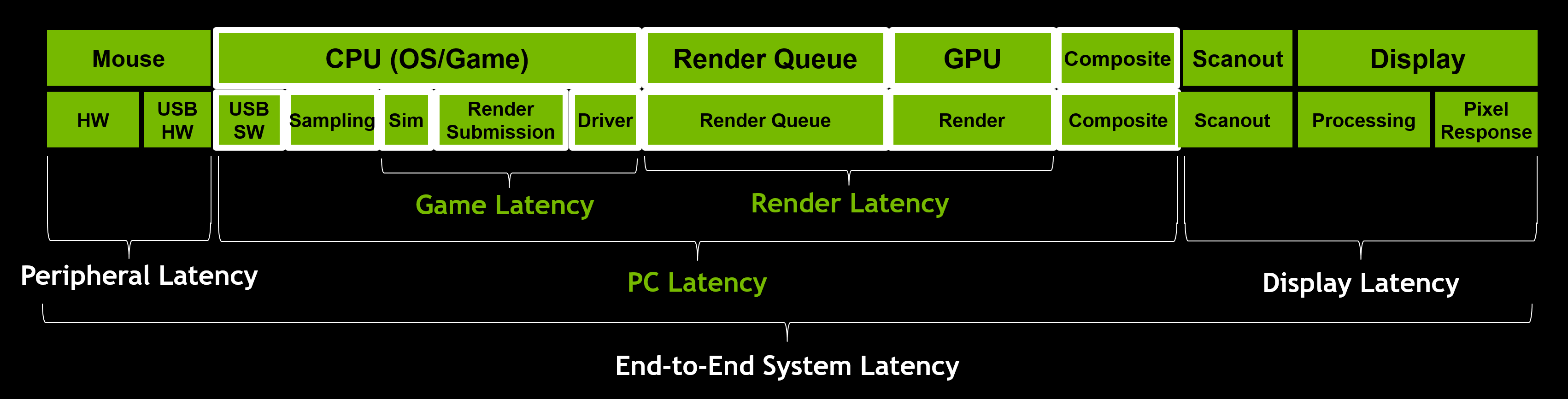
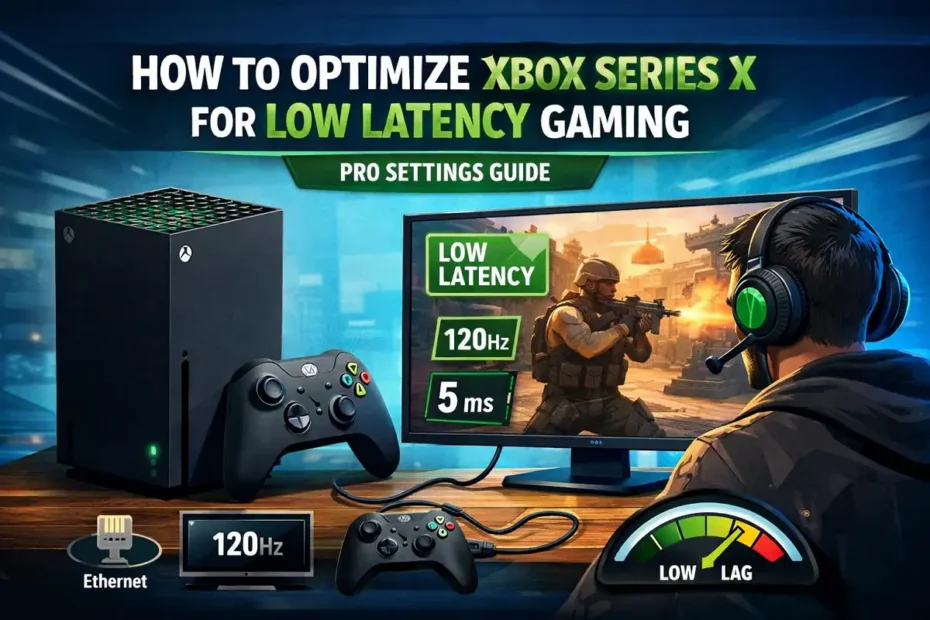
The numbers explain why: 240 Hz refreshes every 4.17 ms, but V-Sync, render queues, low FPS, pixel response, and display processing can add much more delay than the refresh interval saves. This guide breaks down which settings actually help, which ones trade smoothness for lag, and how to tune a high-refresh gaming display for the way you play.
Low Latency Gaming Settings For 4K
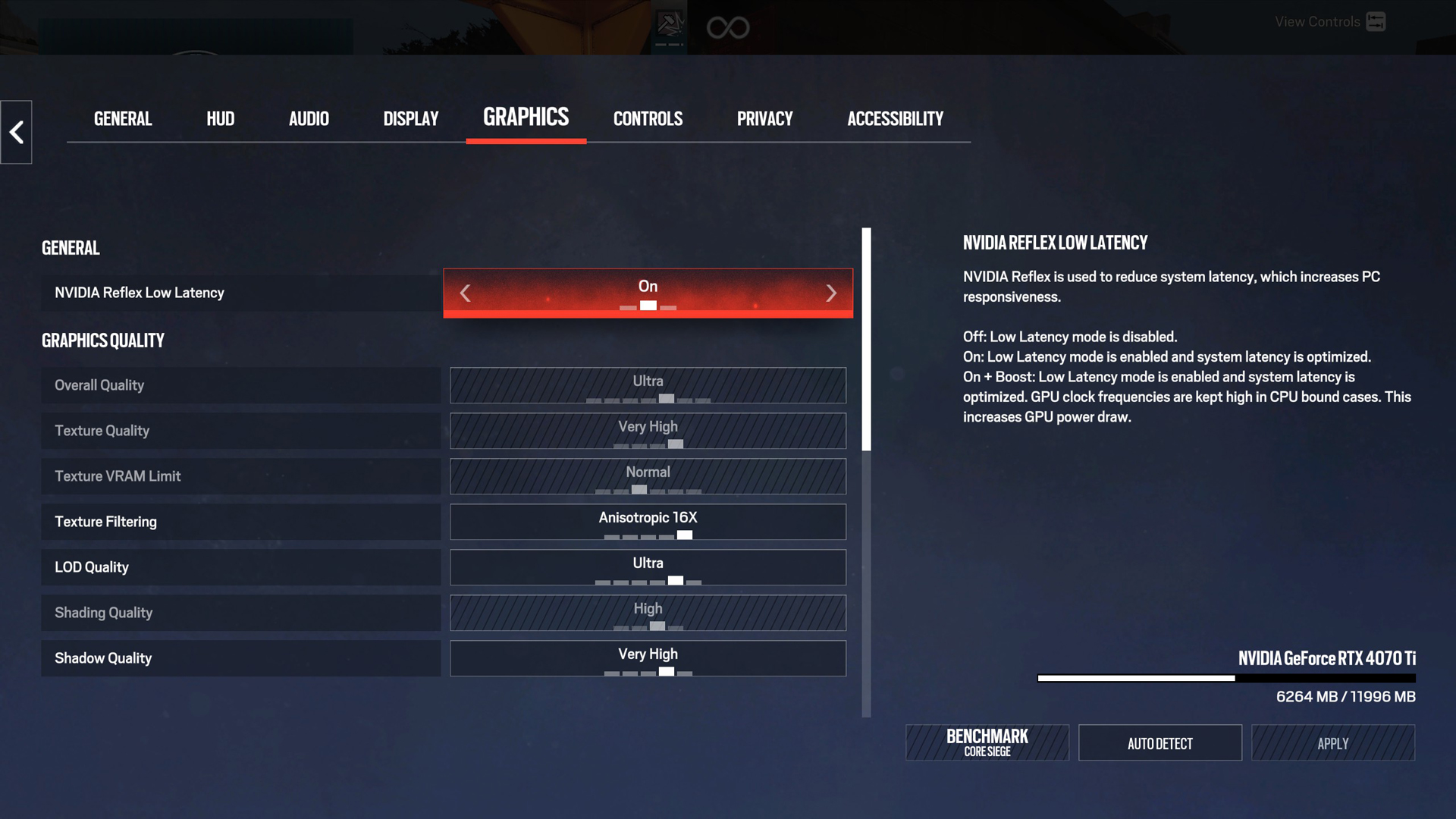
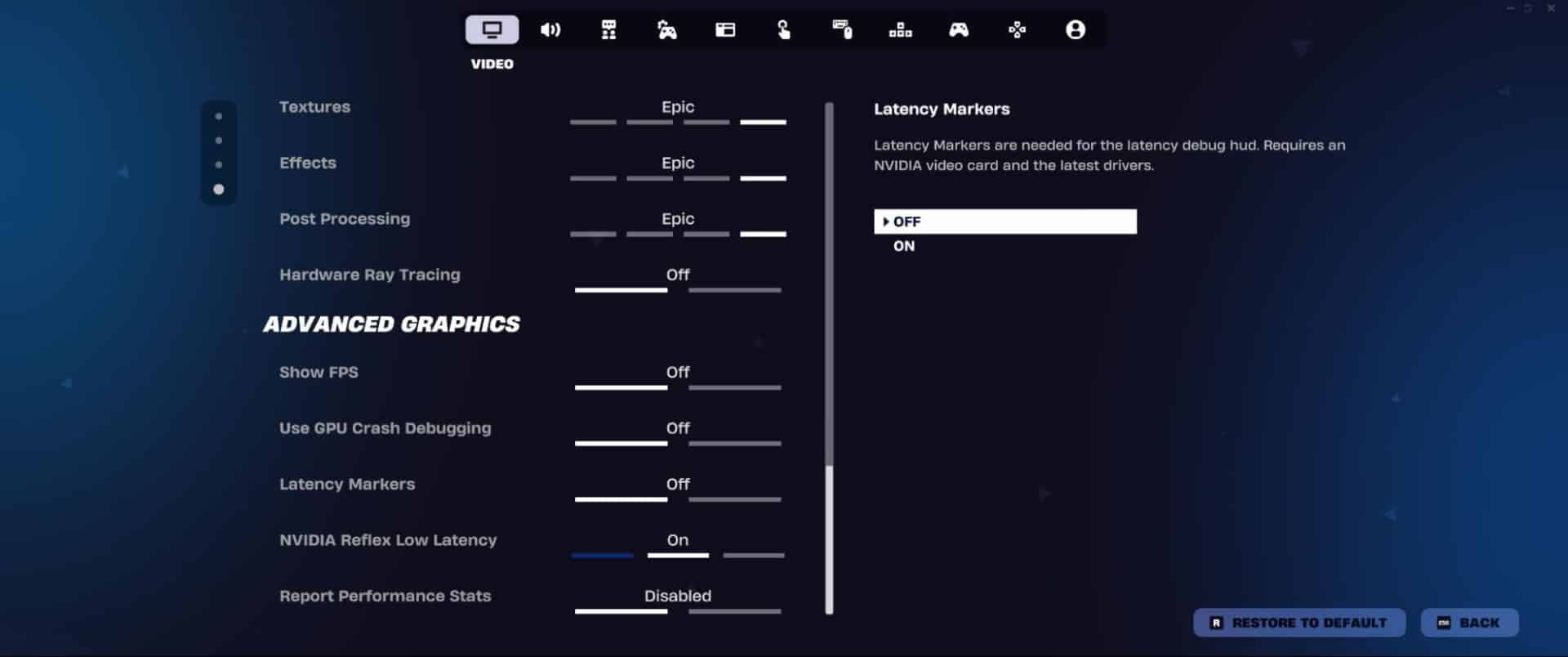
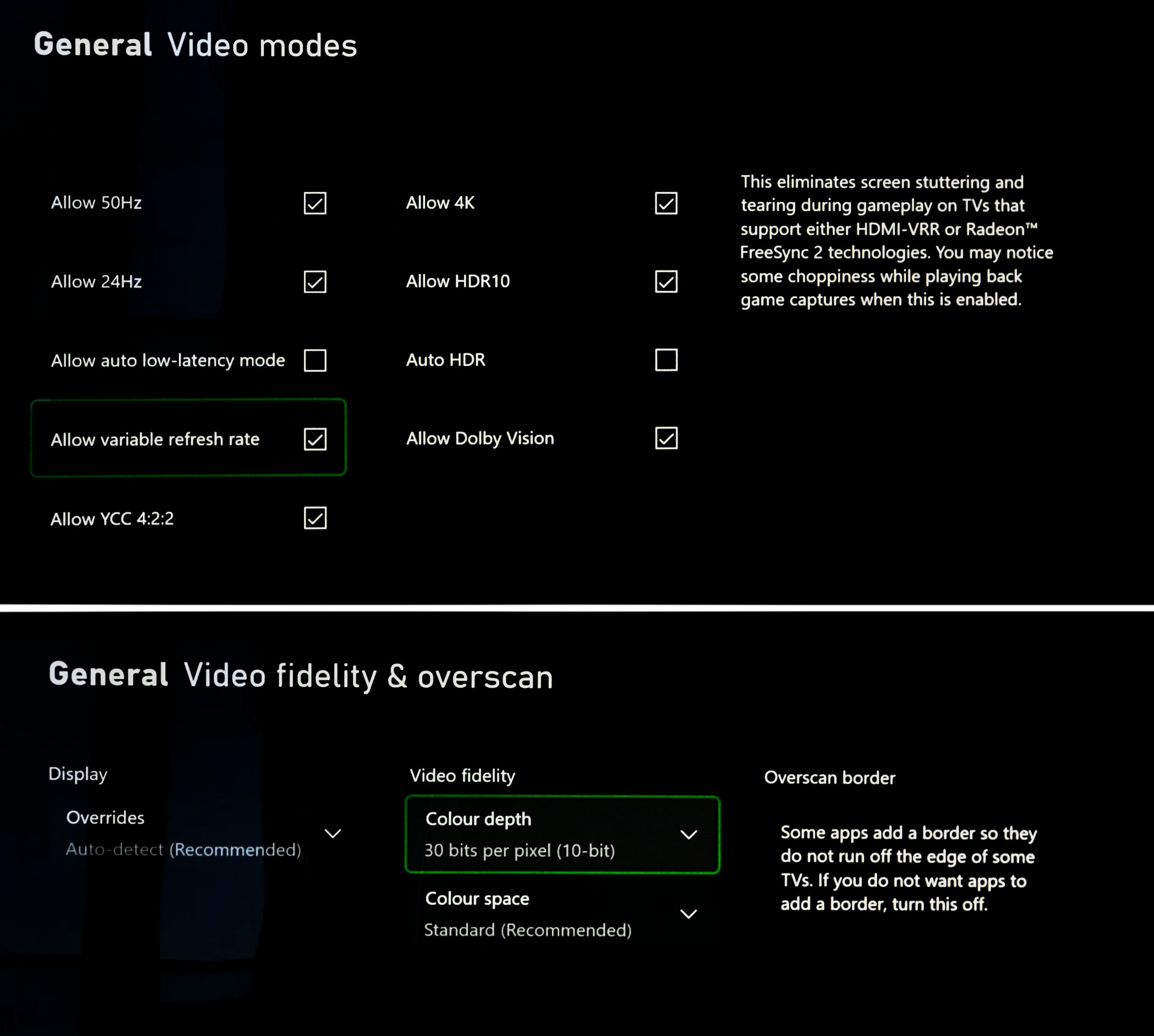
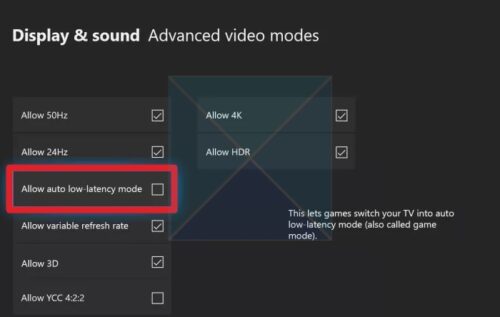
Similar to PS5's capabilities, consider enabling Auto Low Latency mode on your gaming monitor if available. Since 4K gaming demands serious GPU power, don't hesitate to lower resource-hungry settings like shadows and post-processing effects until you achieve your target frame rate.
Low Latency Gaming Settings For 4K
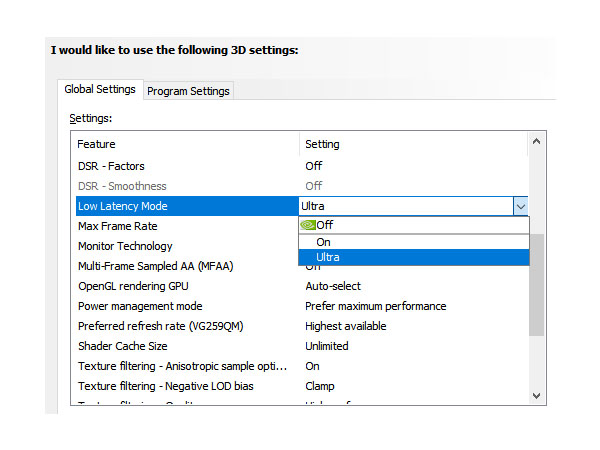
Best Windows Settings For Low Latency Gaming (2025)
Low Latency Gaming Settings For 4K
This particular example perfectly highlights why Low Latency Gaming Settings For 4K is so captivating.
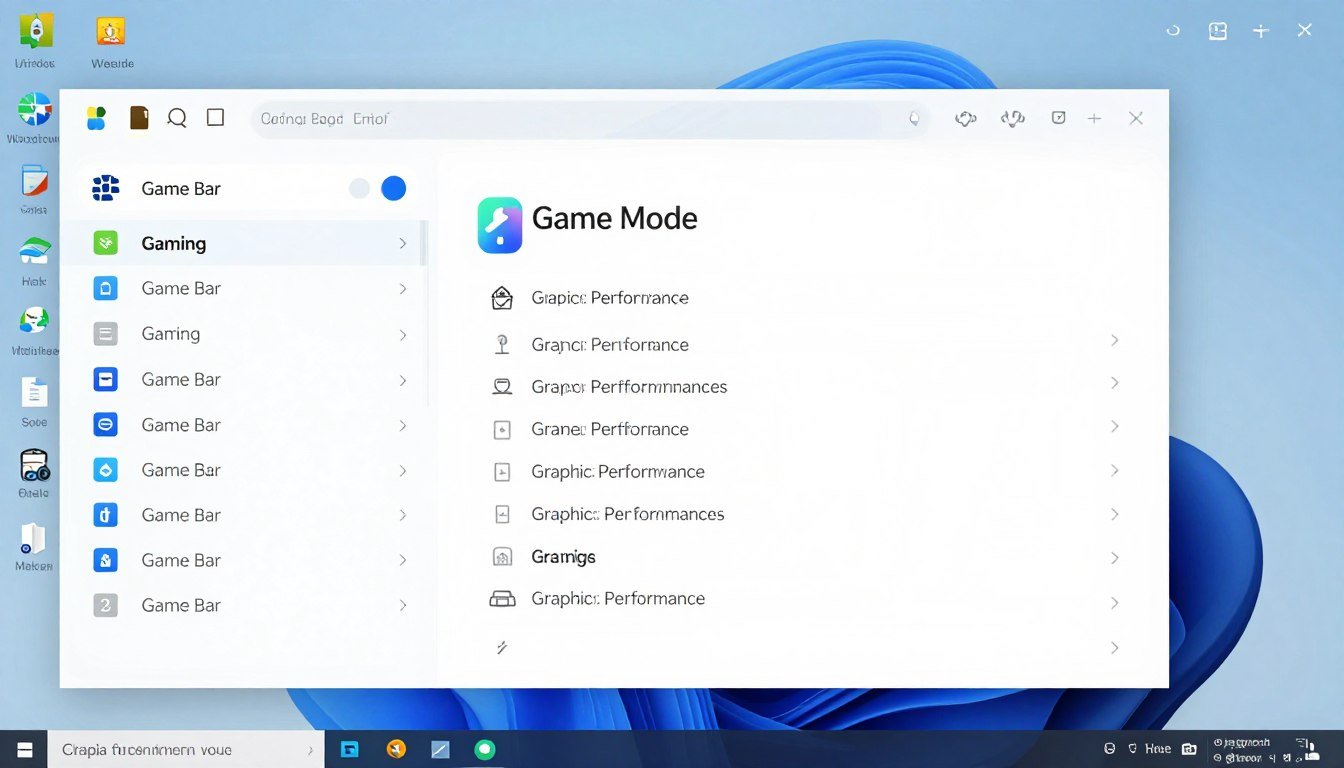
The complete checklist of Windows settings for minimizing input lag in 2025. Power plans, GPU scheduling, timer resolution, process priority, and display configuration — in one reference guide.
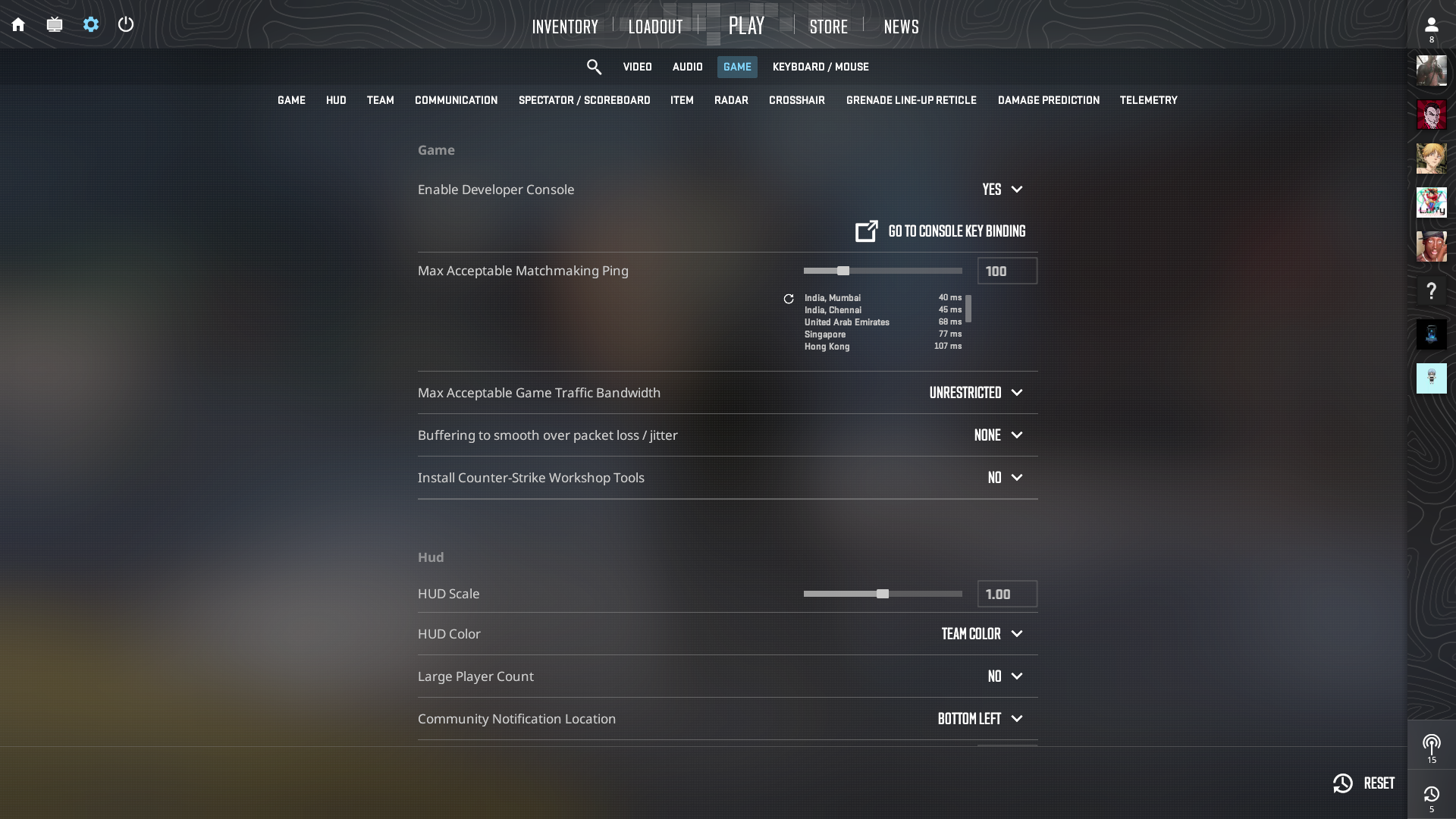
Learn how to reduce ping for gaming with Ethernet, QoS settings , and proper router placement. Read on for the full walkthrough.