Mikrotik Access Point Configuration
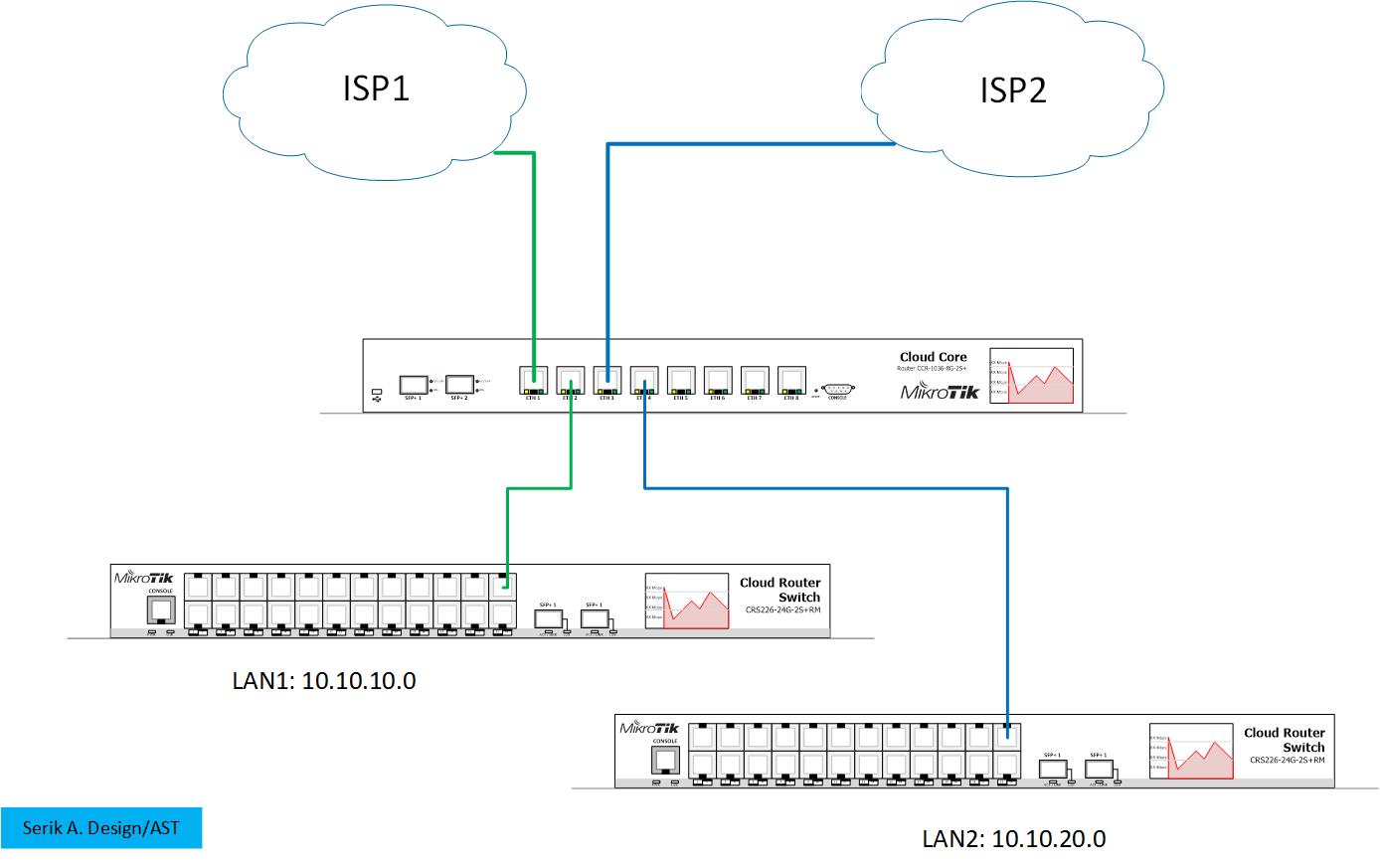
Mikrotik configuration files for a moderately complex home network with managed access points , FTTH with authentication, multiple ISPs with failover, secure DNS, and VLANs. - maxslug/mikrotik_maxslug
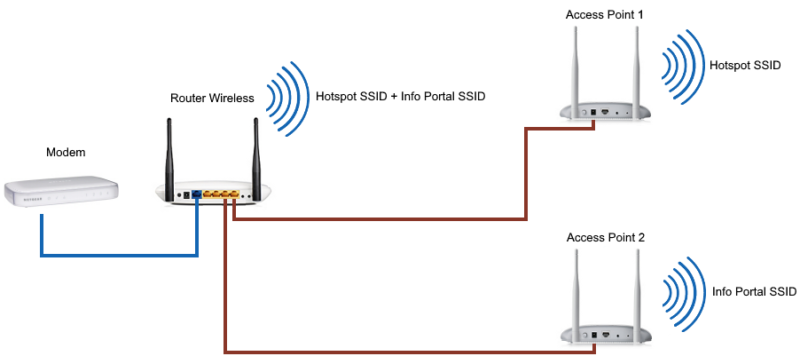
CAPsMAN is a must-have tool when managing multiple MikroTik access points in any scalable network environment. Whether you're setting up Wi-Fi for an office, co-working space, or school, CAPsMAN brings consistency, control, and ease of deployment.

As we can see from the illustration, Mikrotik Router Access Point Configuration Network Safety Tools has many fascinating aspects to explore.
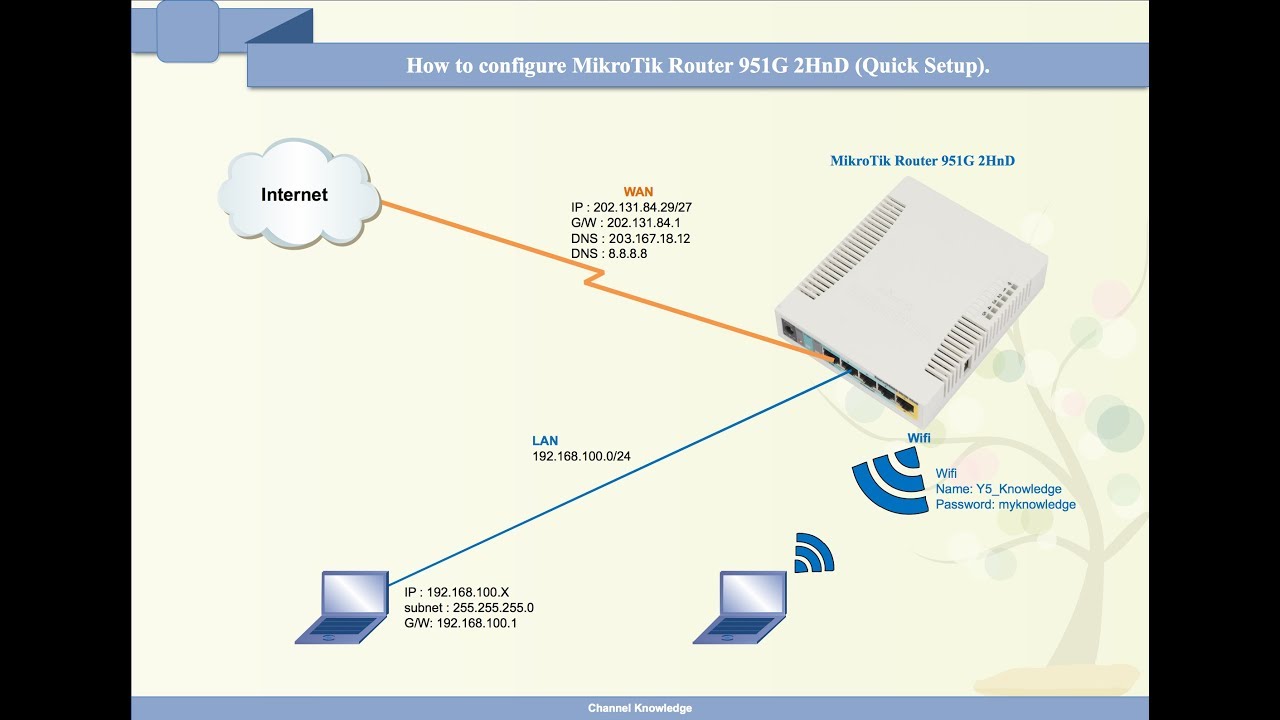
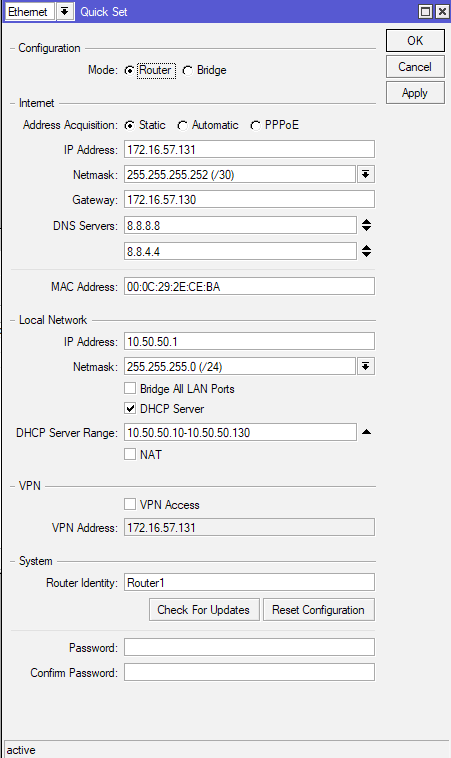
How to configure a password protected wireless access point (WAP) on a MikroTik WiFi router from the WinBox/WinFig or from the command line over SSH.
Useful Notes on Mikrotik Router Access Point Configuration Network Safety Tools

This particular example perfectly highlights why Mikrotik Router Access Point Configuration Network Safety Tools is so captivating.
Typically, trusted ports are configured on connections between switches and routers , and untrusted ports are configured on ports where end stations (e.g., computer, printer, access points , VoIP) connect to the network .