The Hidden Details of New Iphone Setup Photo And Backup Revealed
How to Set Up New iPhone When The Old One Is Broken (2026 Guide)
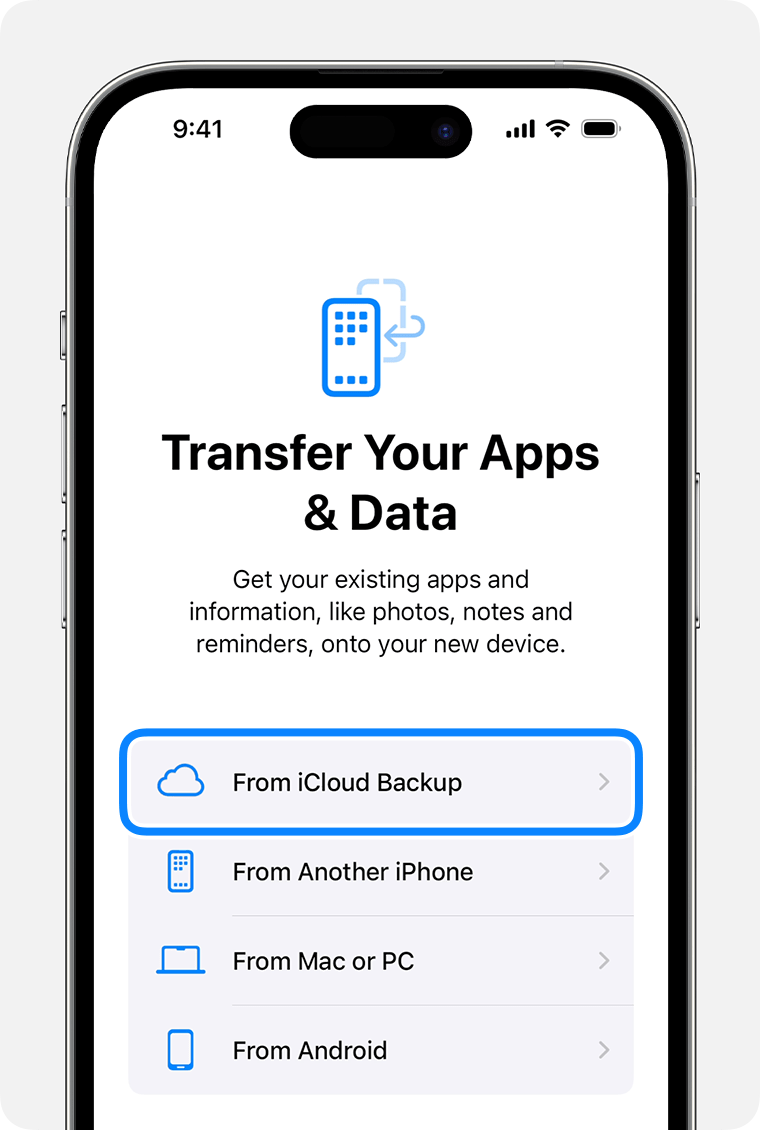
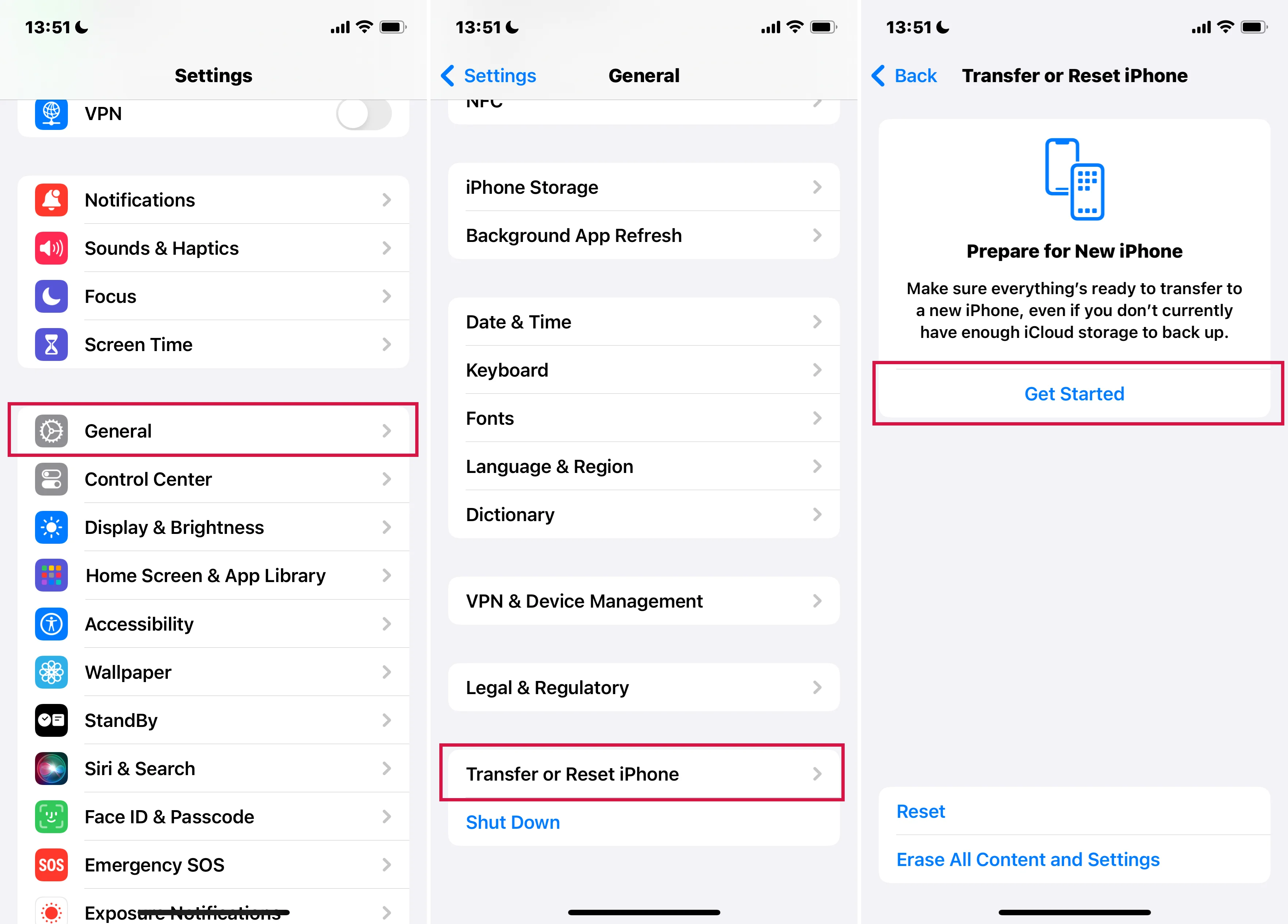
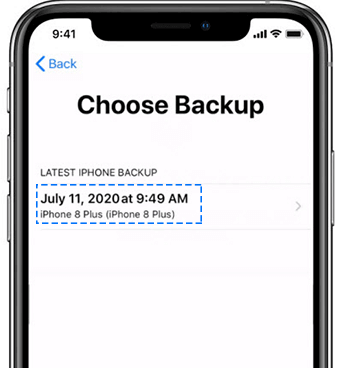
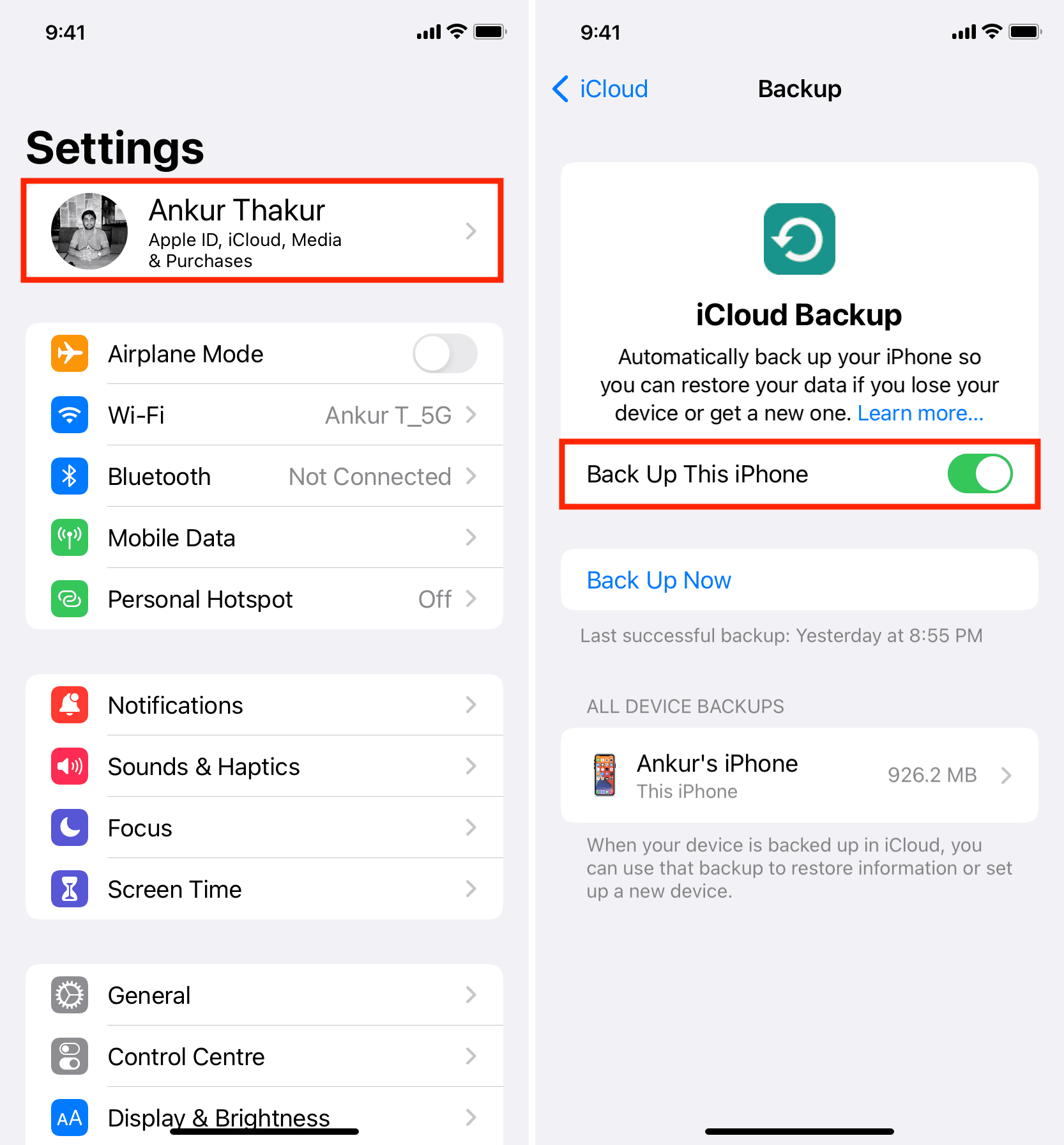
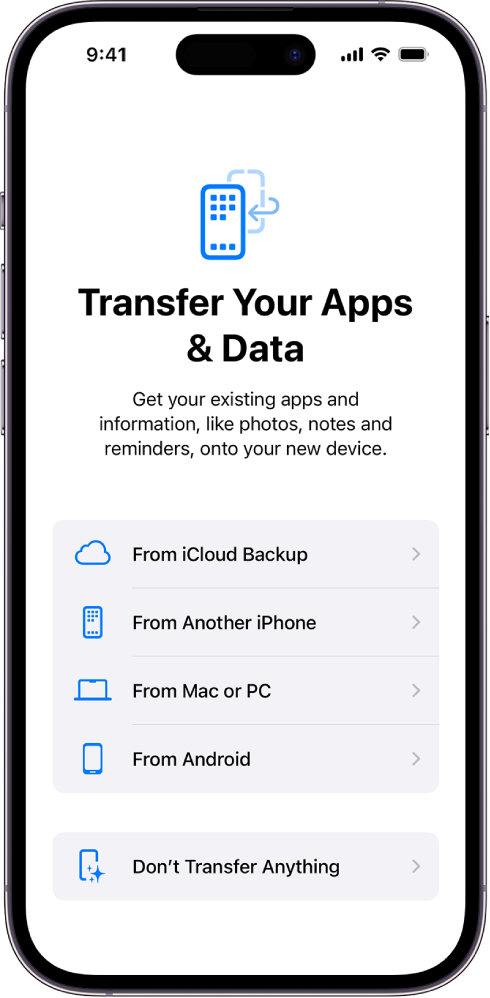
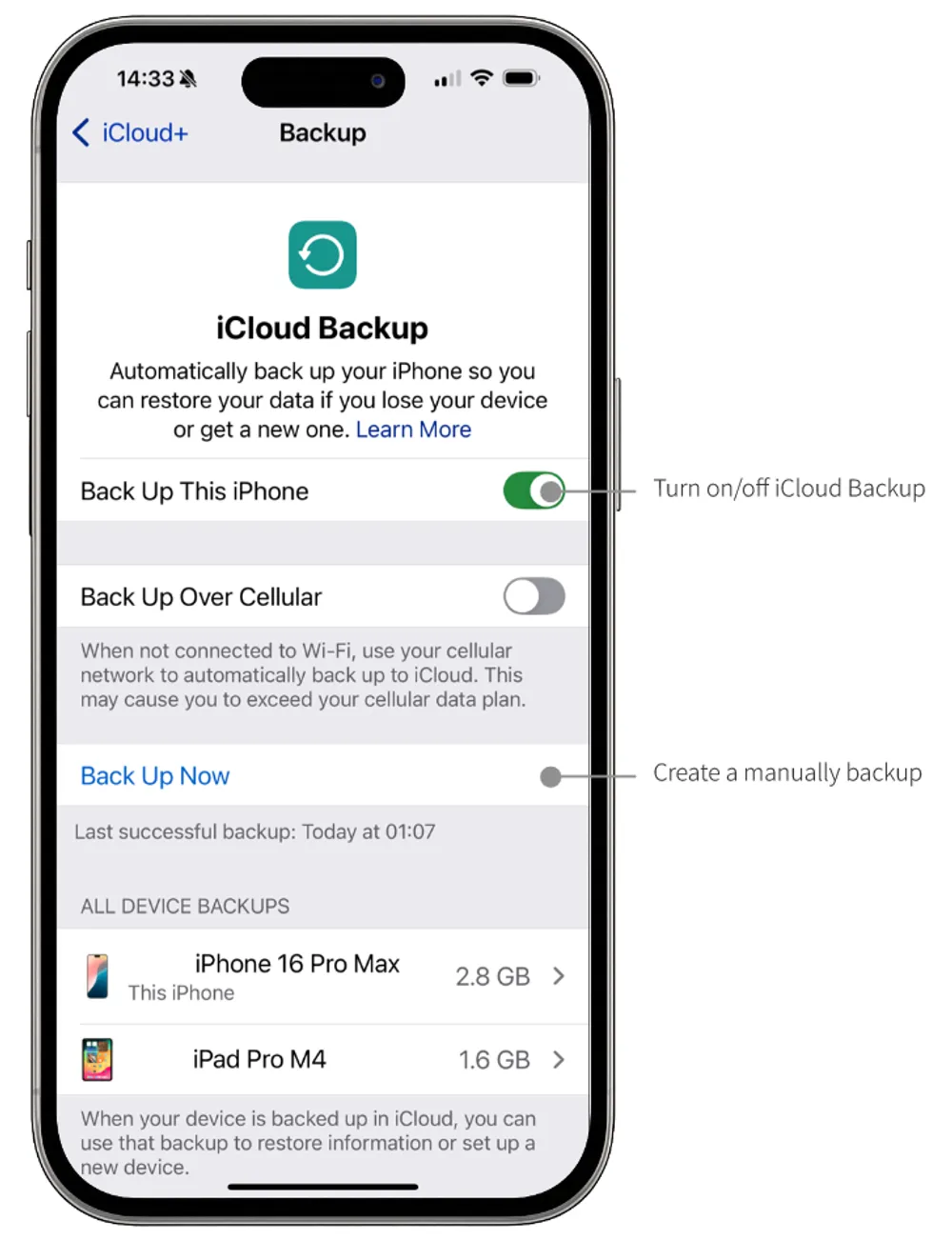
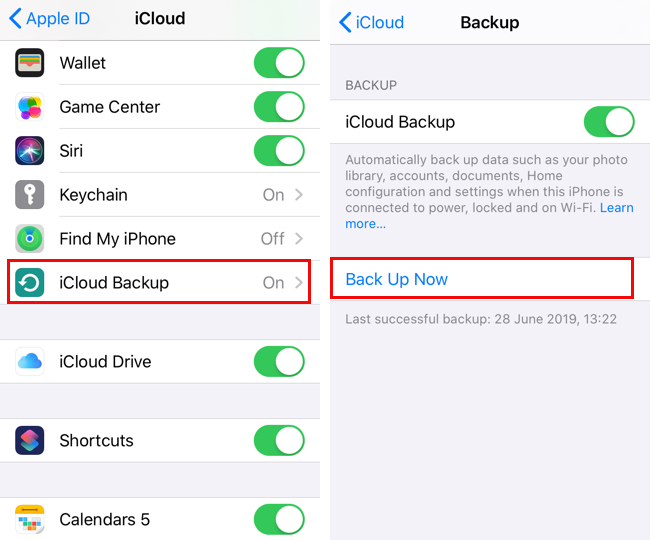
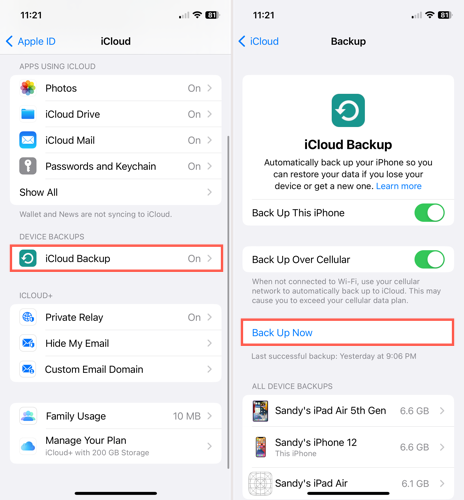
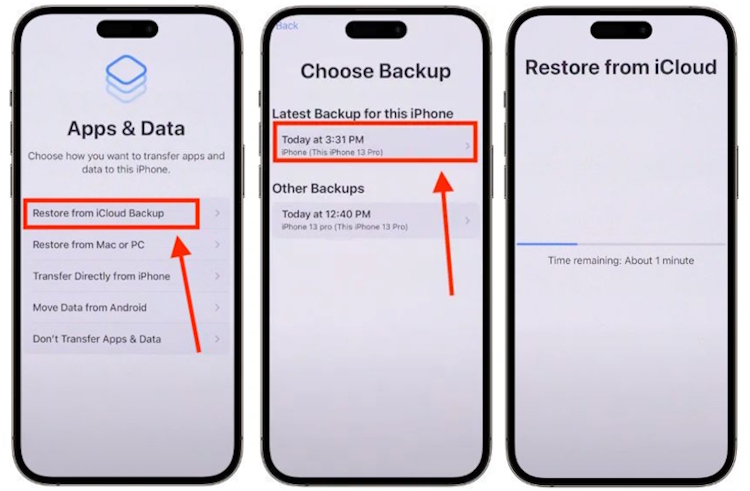
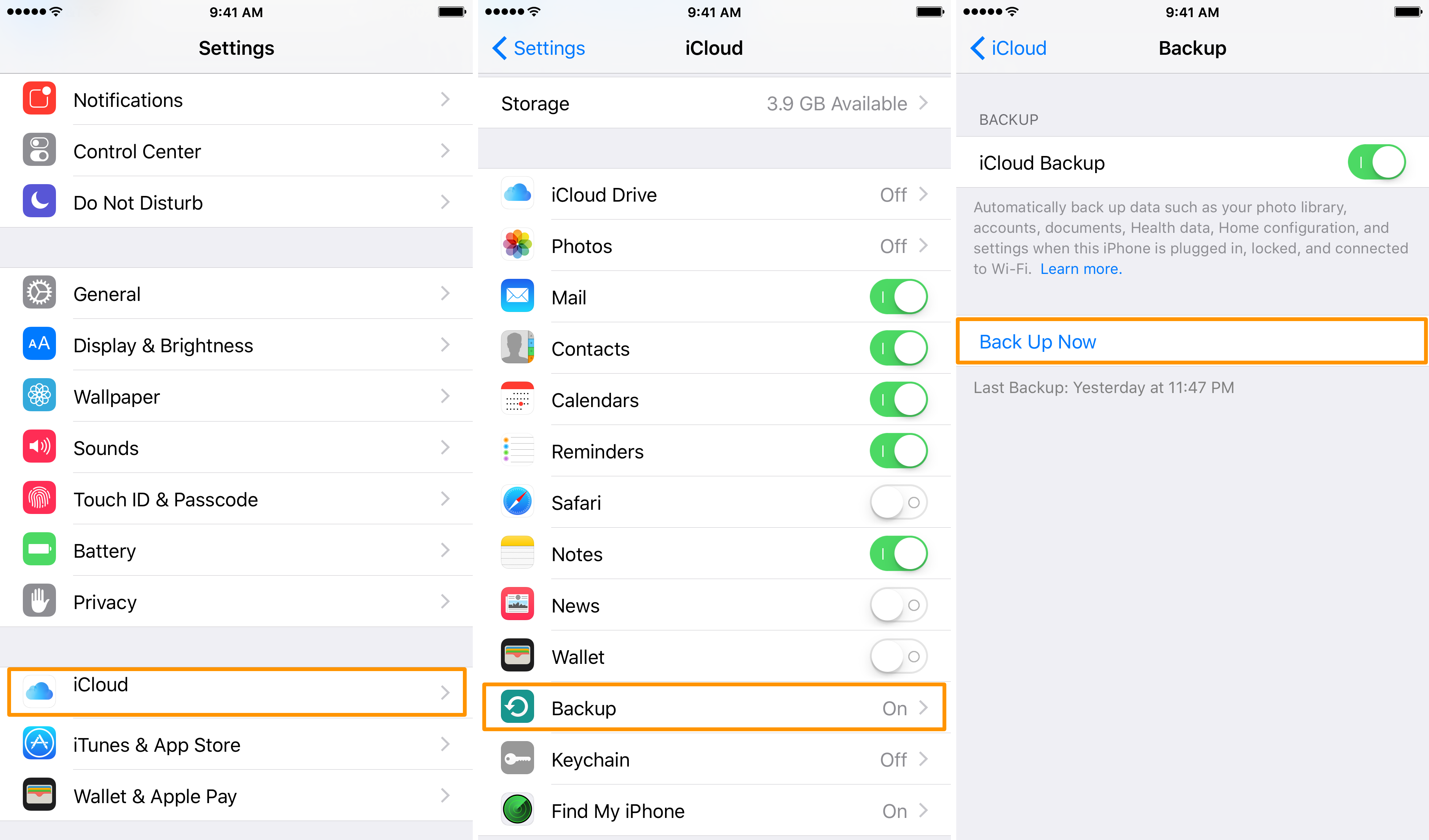
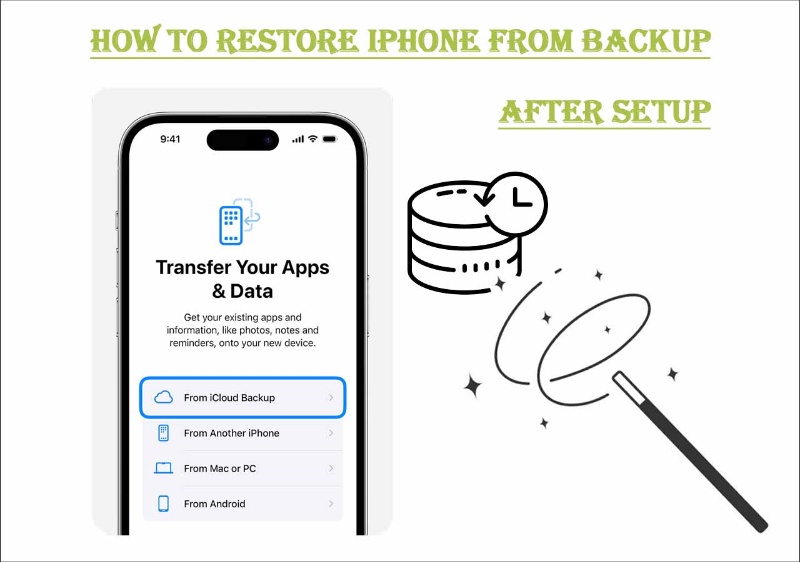
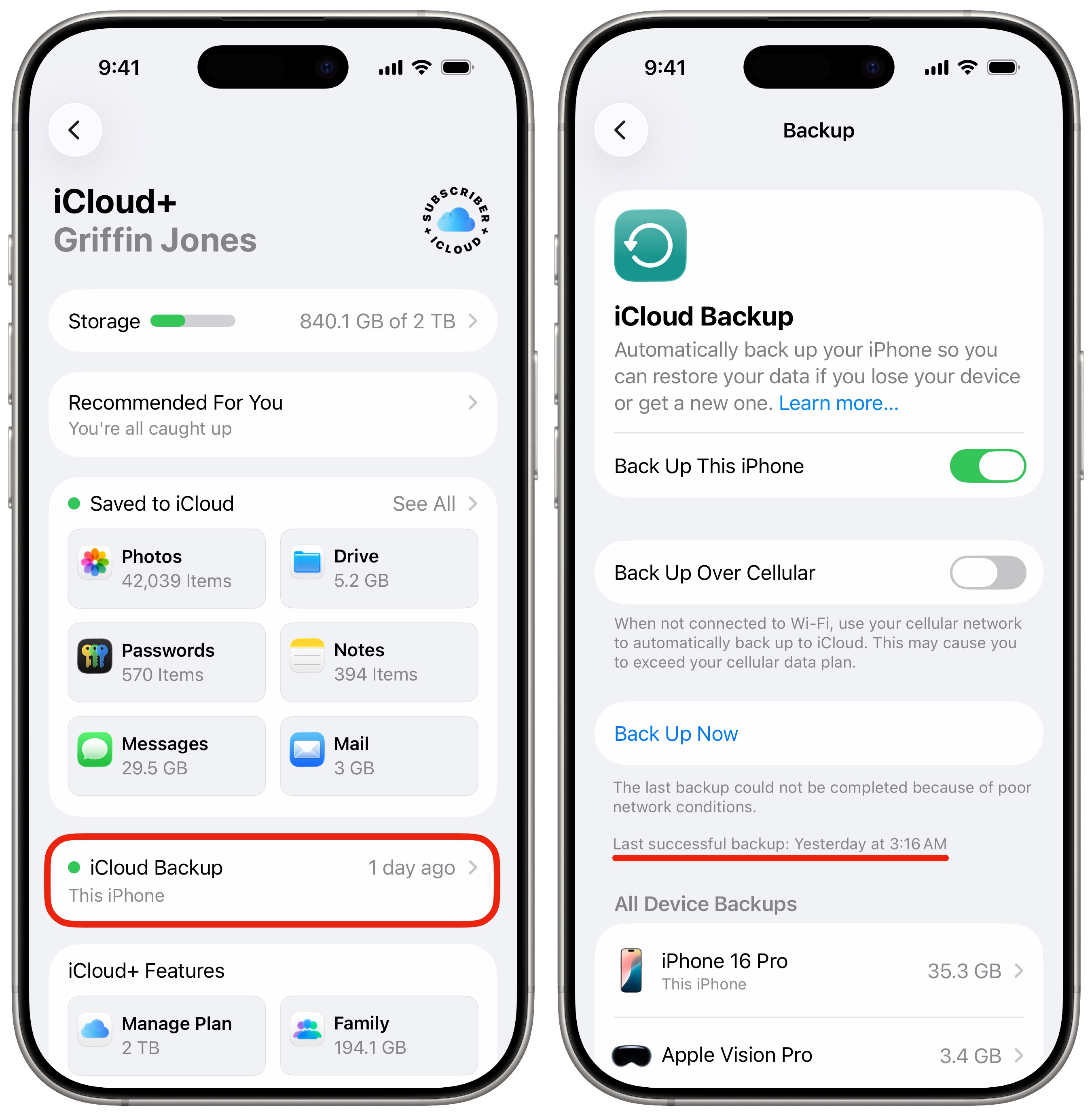
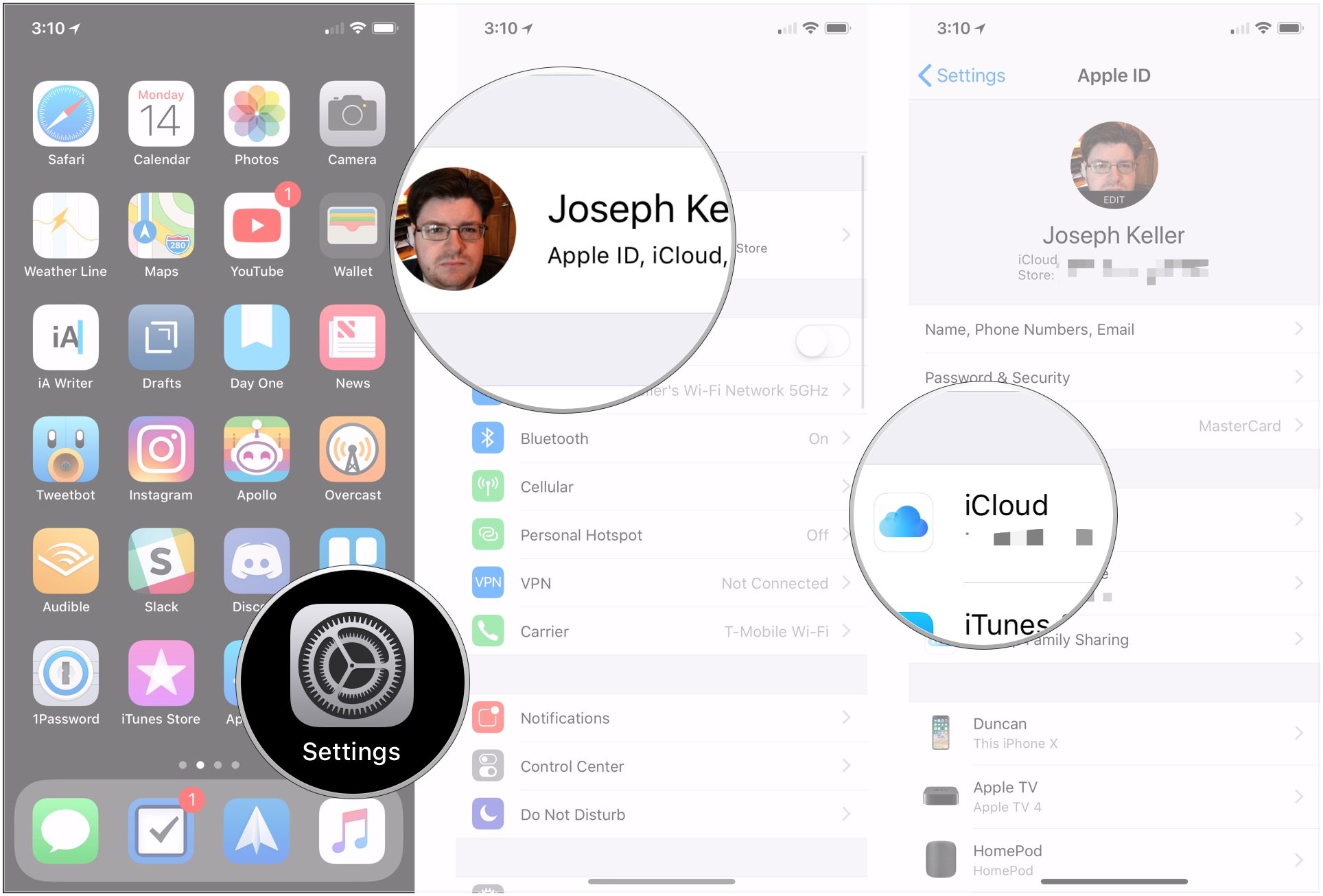
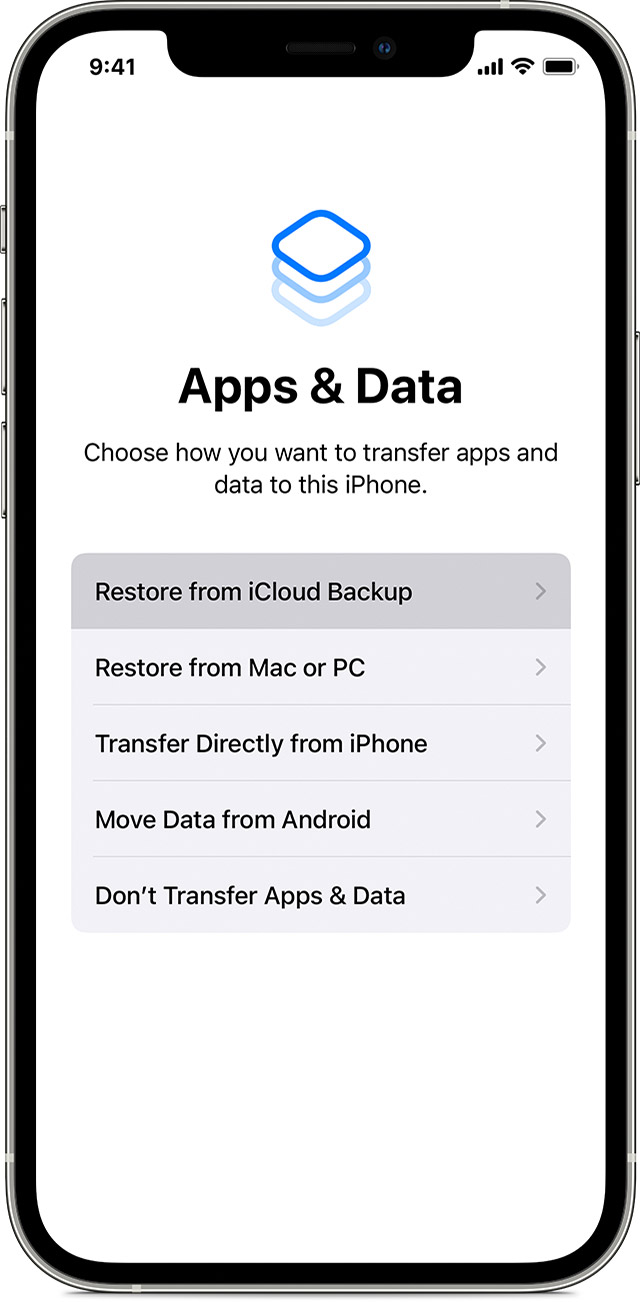
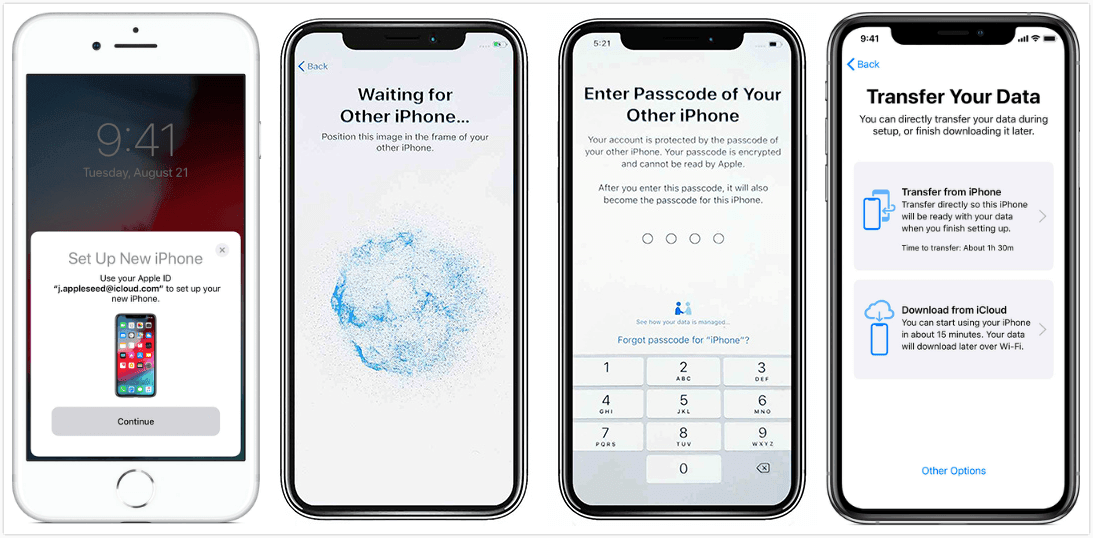
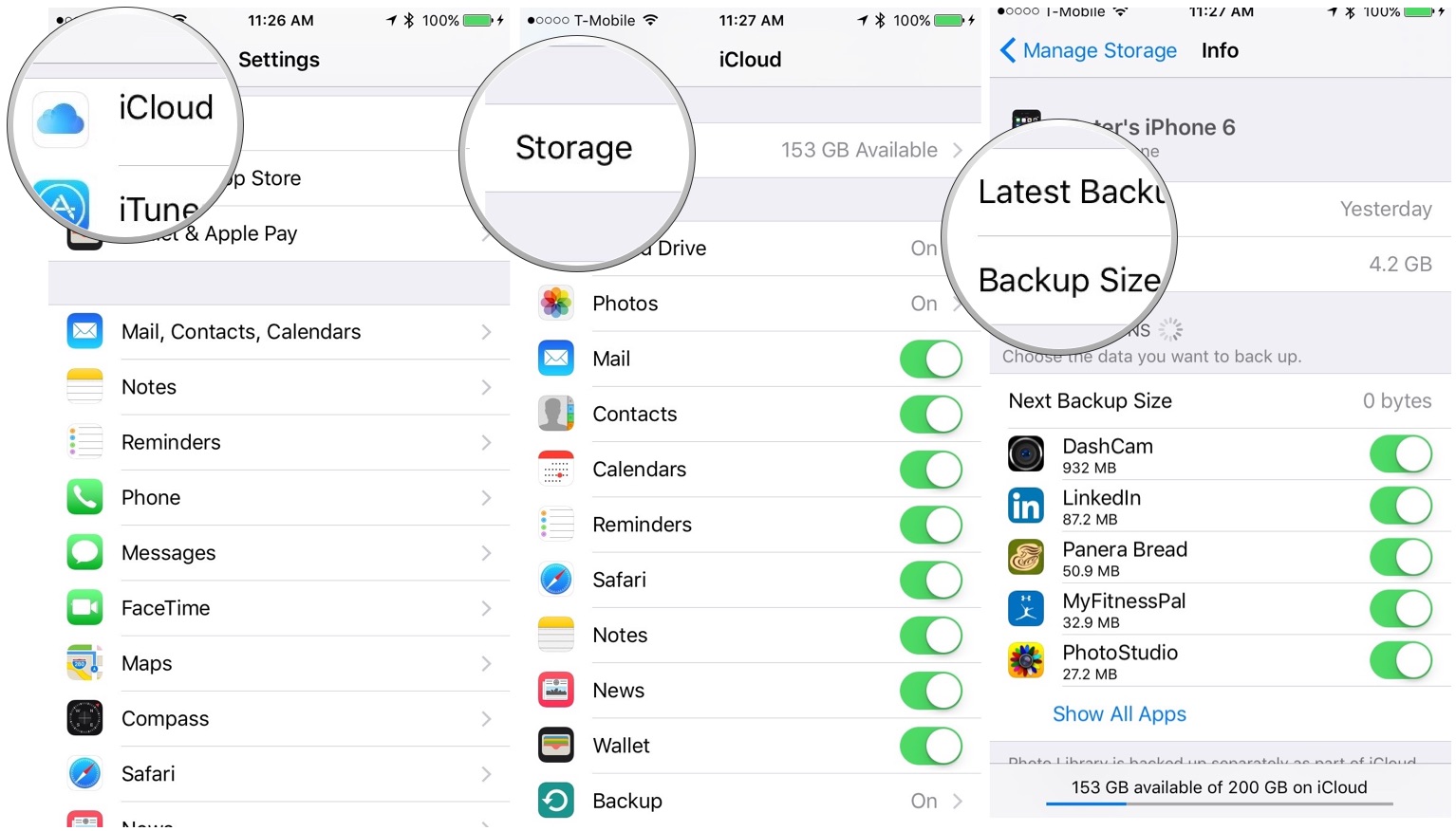
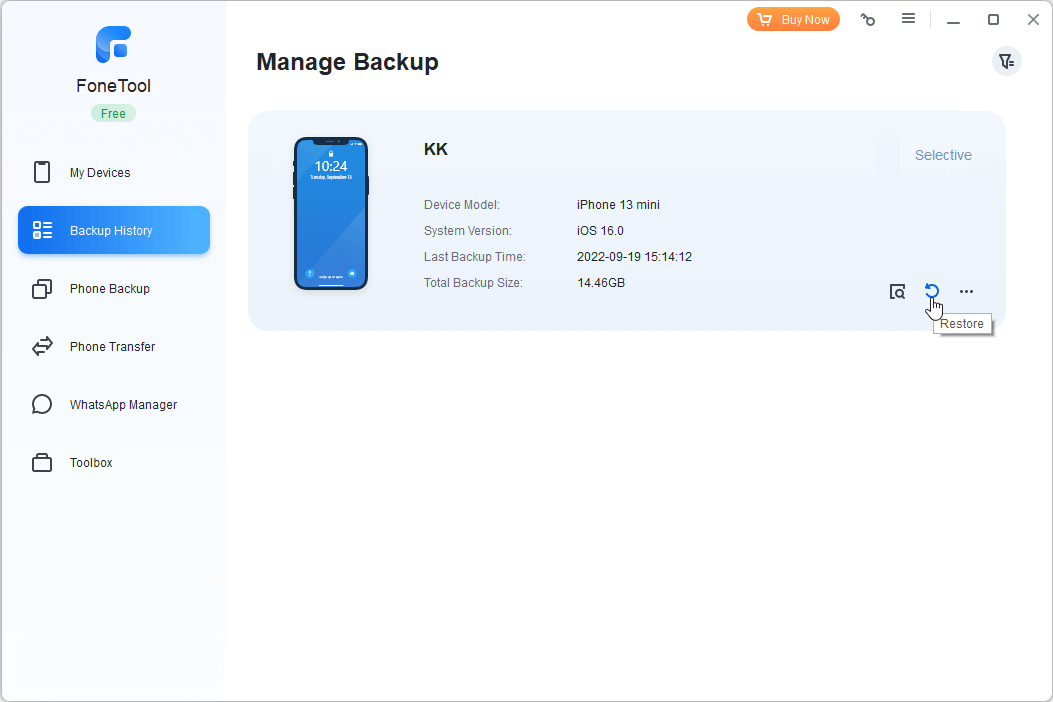
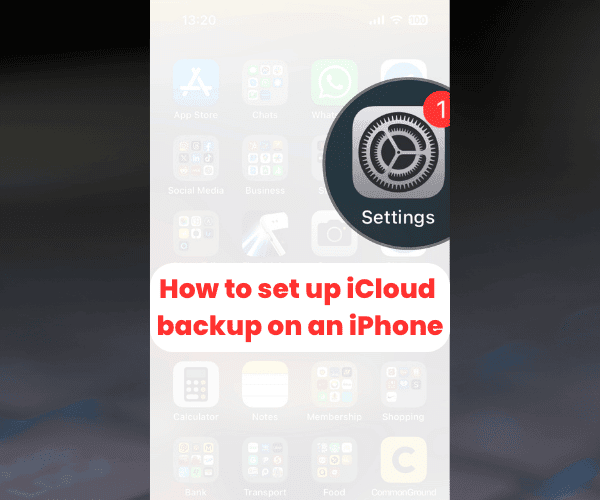
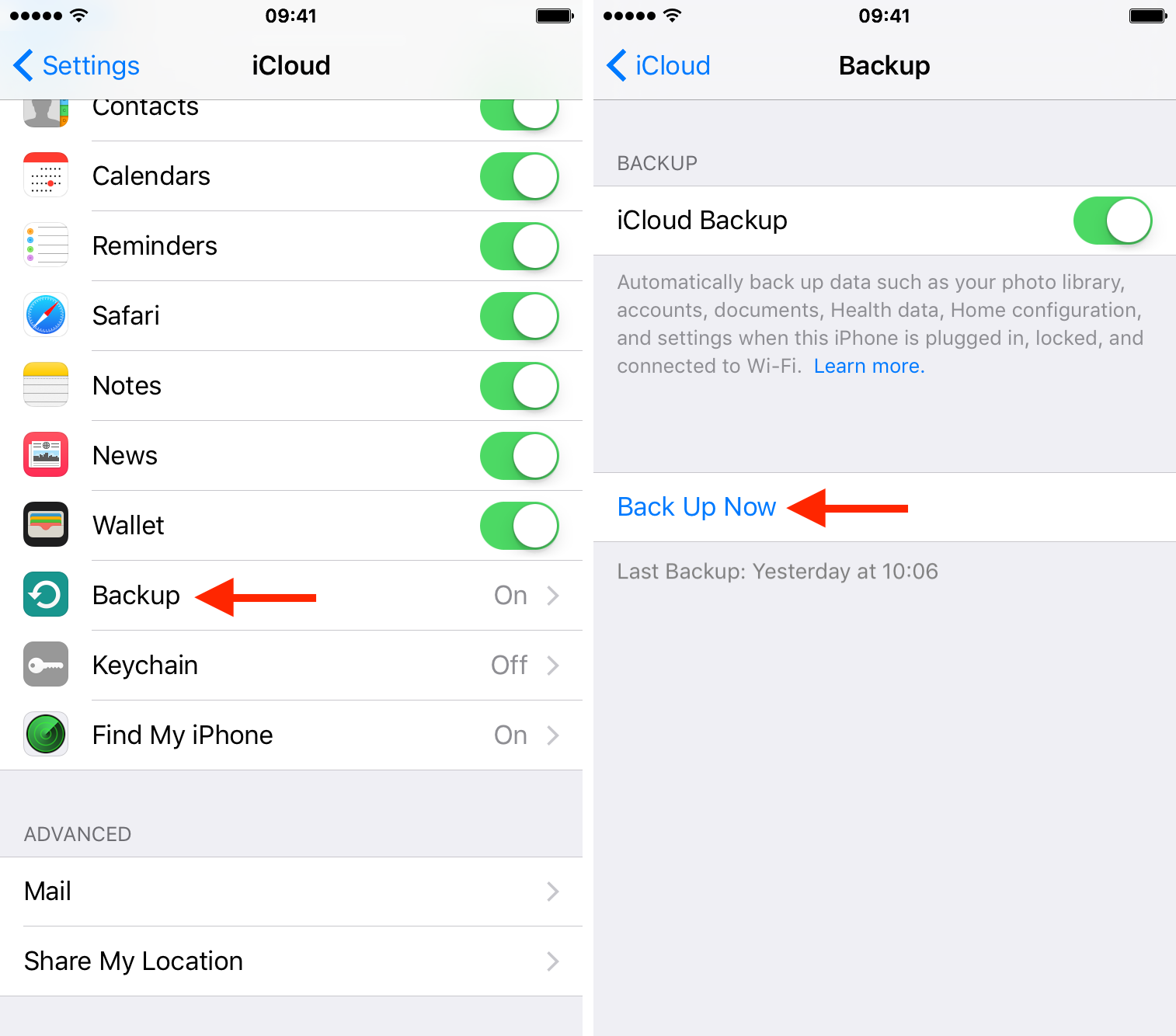
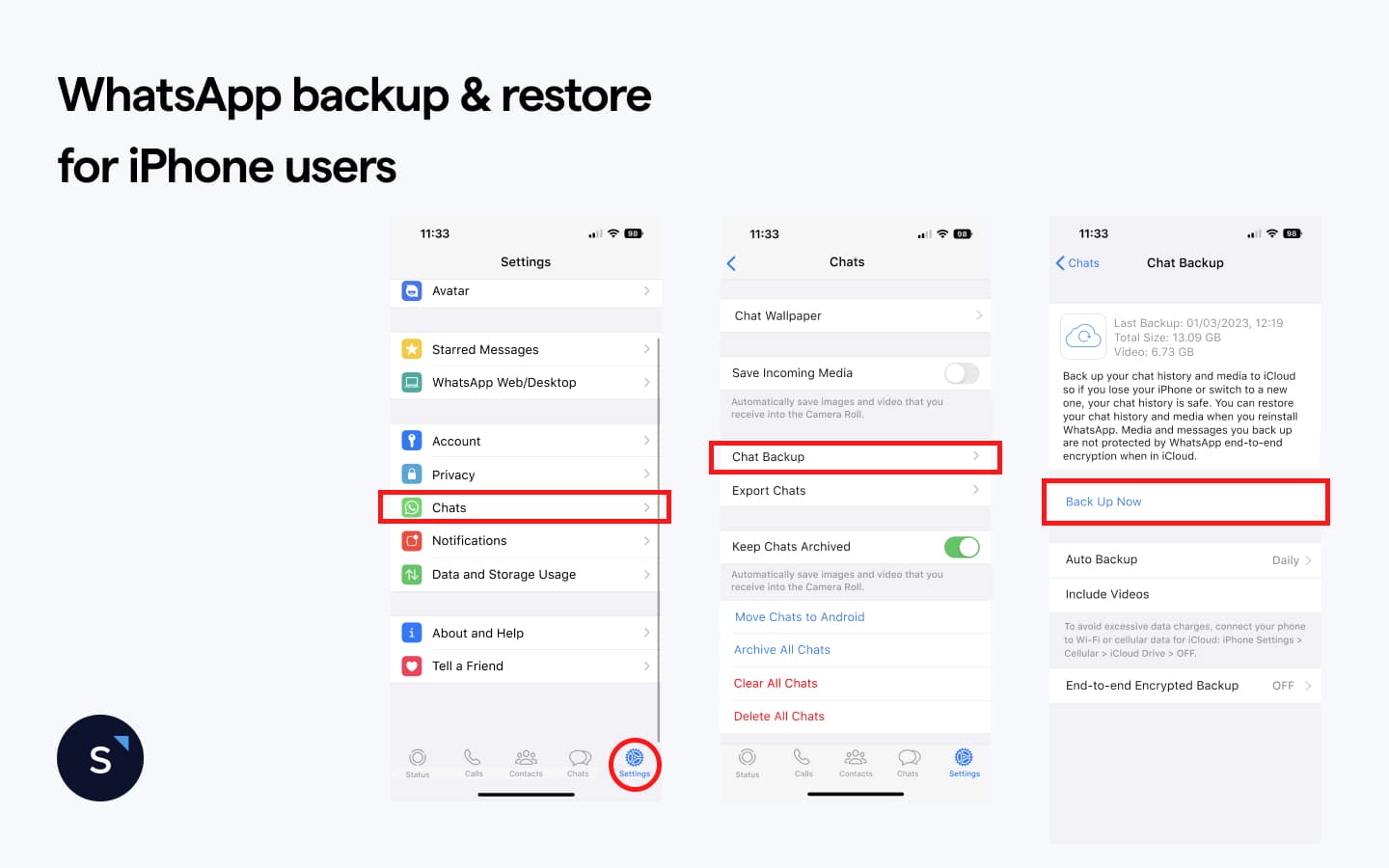
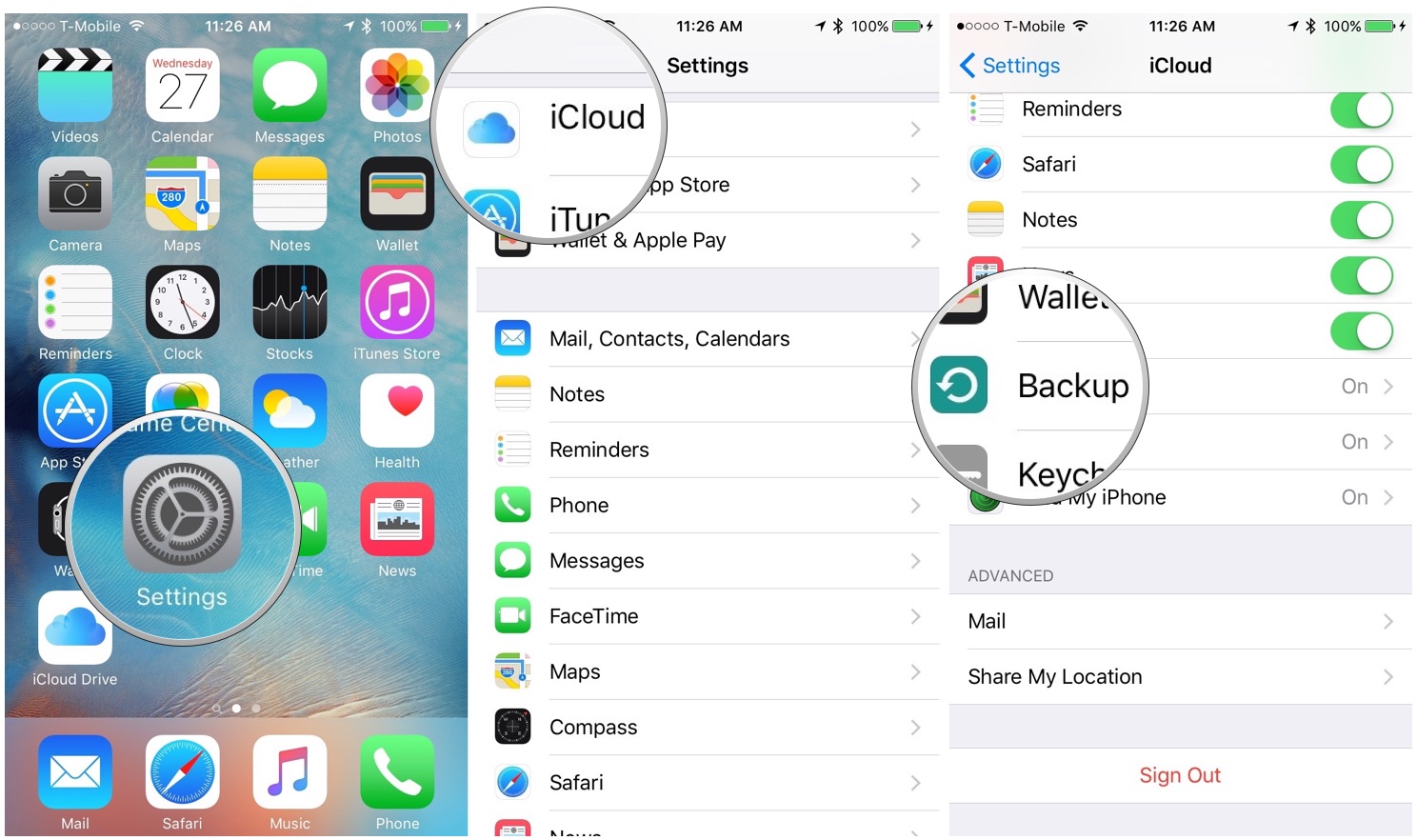
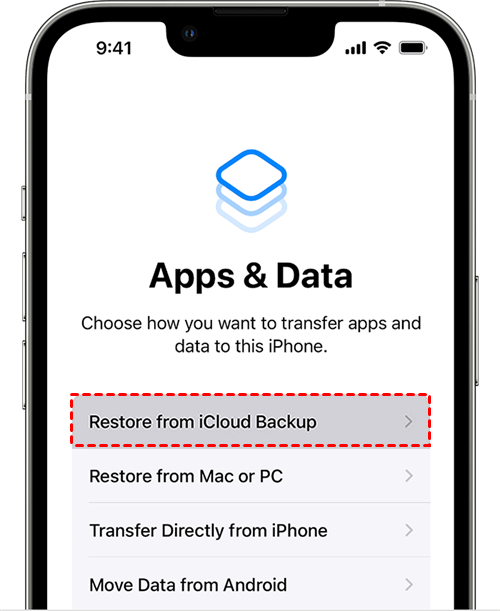
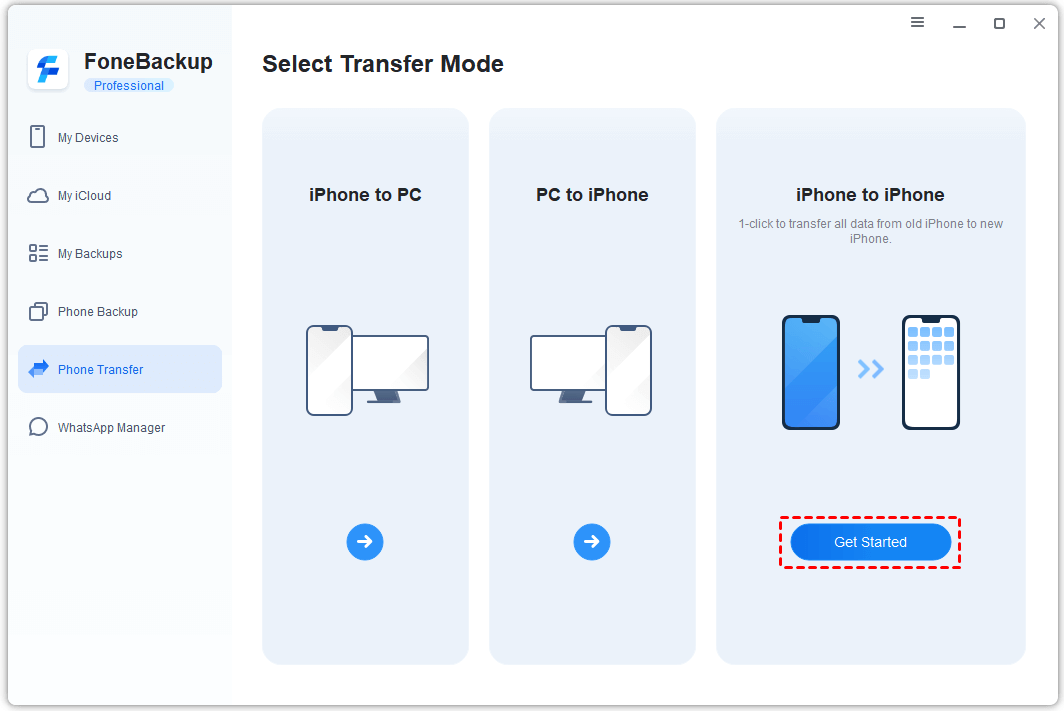
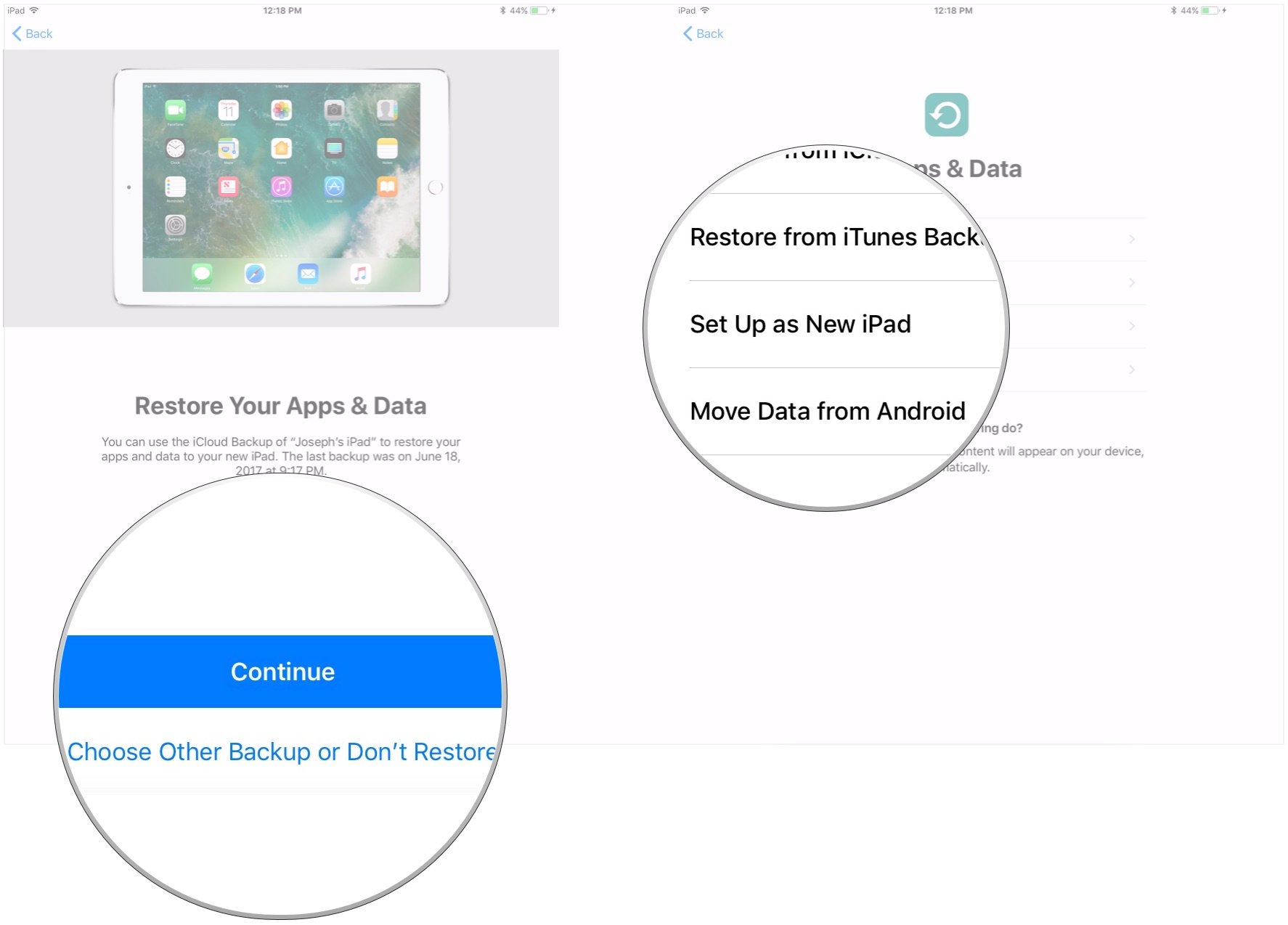
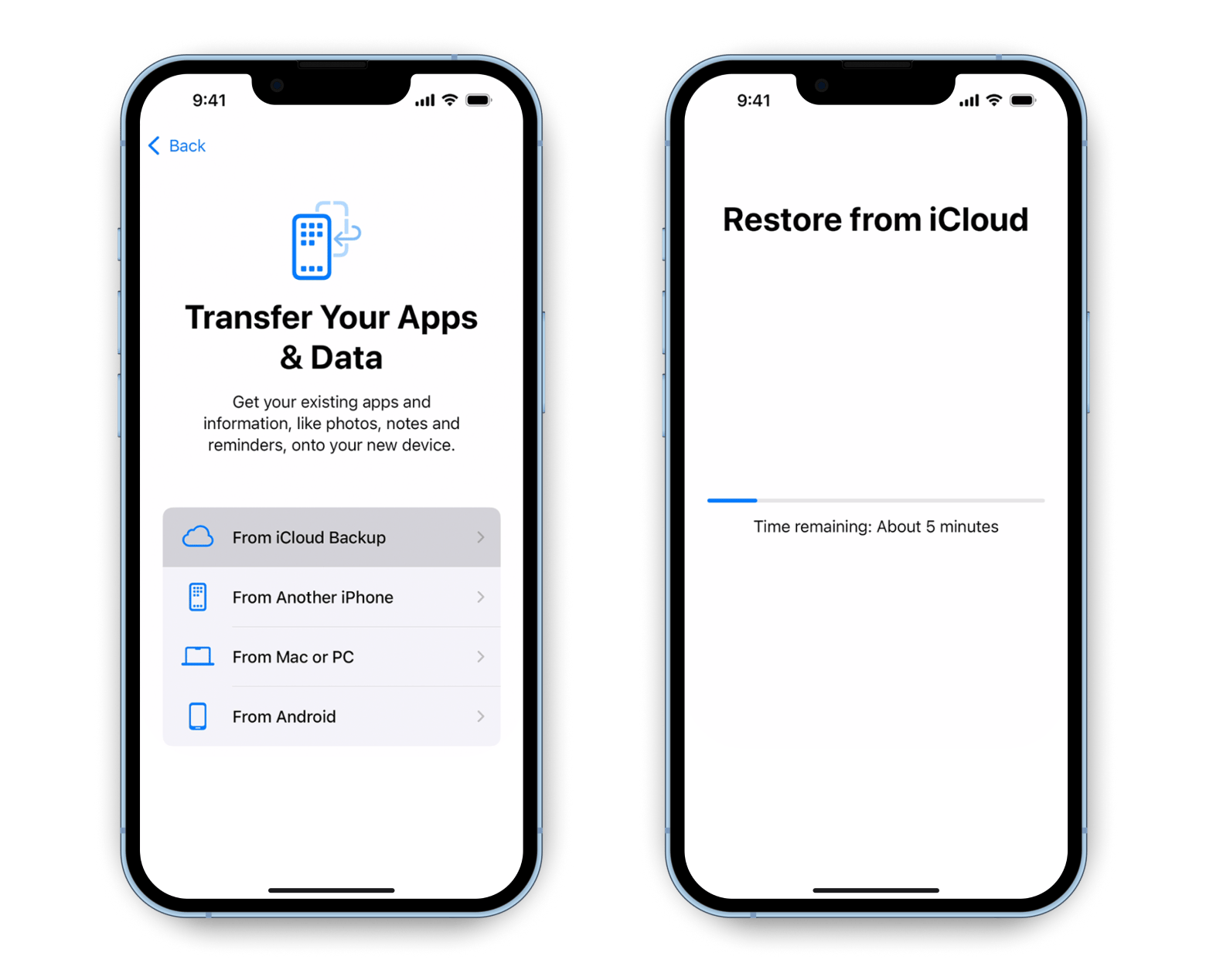
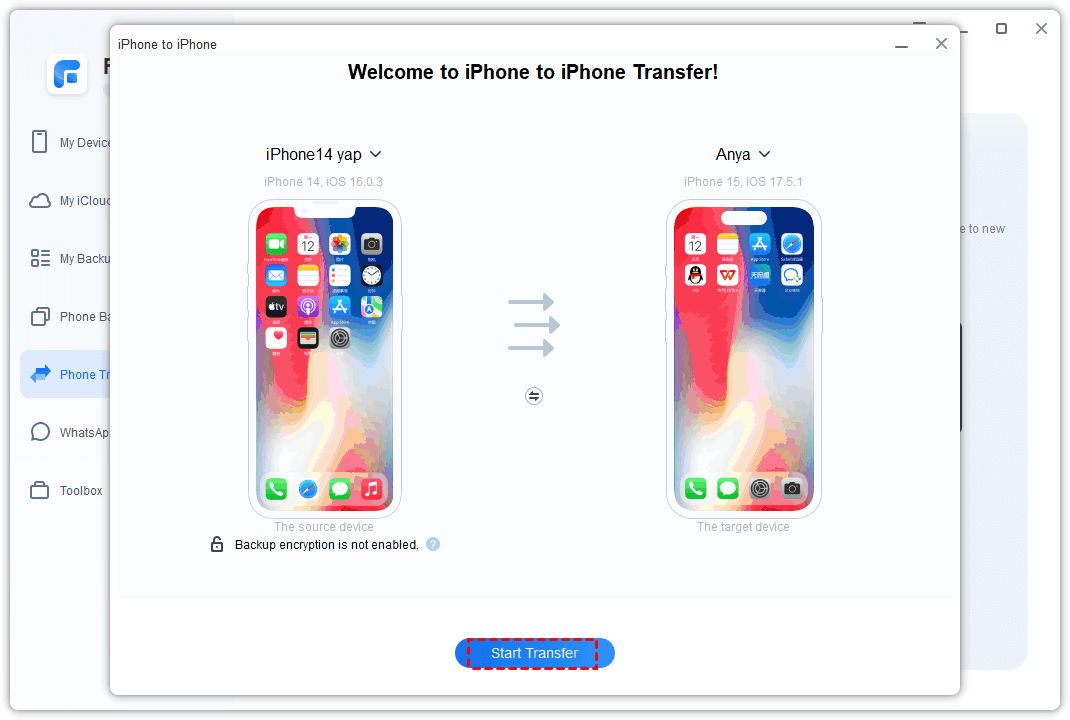
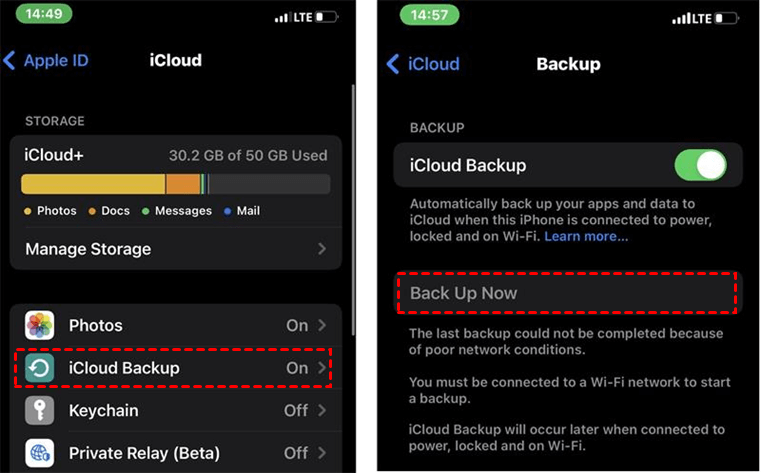
Transfer from iCloud Backup The easiest way to transfer apps and data to a new iPhone is to use an iCloud backup of your previous iPhone . As long as you had iCloud Backup enabled on your old device, you can restore from that backup to your new iPhone during setup or after initial setup is complete. Here's how: Make sure you're signed in to iCloud with the same Apple ID on both devices.
New Iphone Setup Photo And Backup
This particular example perfectly highlights why New Iphone Setup Photo And Backup is so captivating.
New iPhone setup
New Iphone Setup Photo And Backup
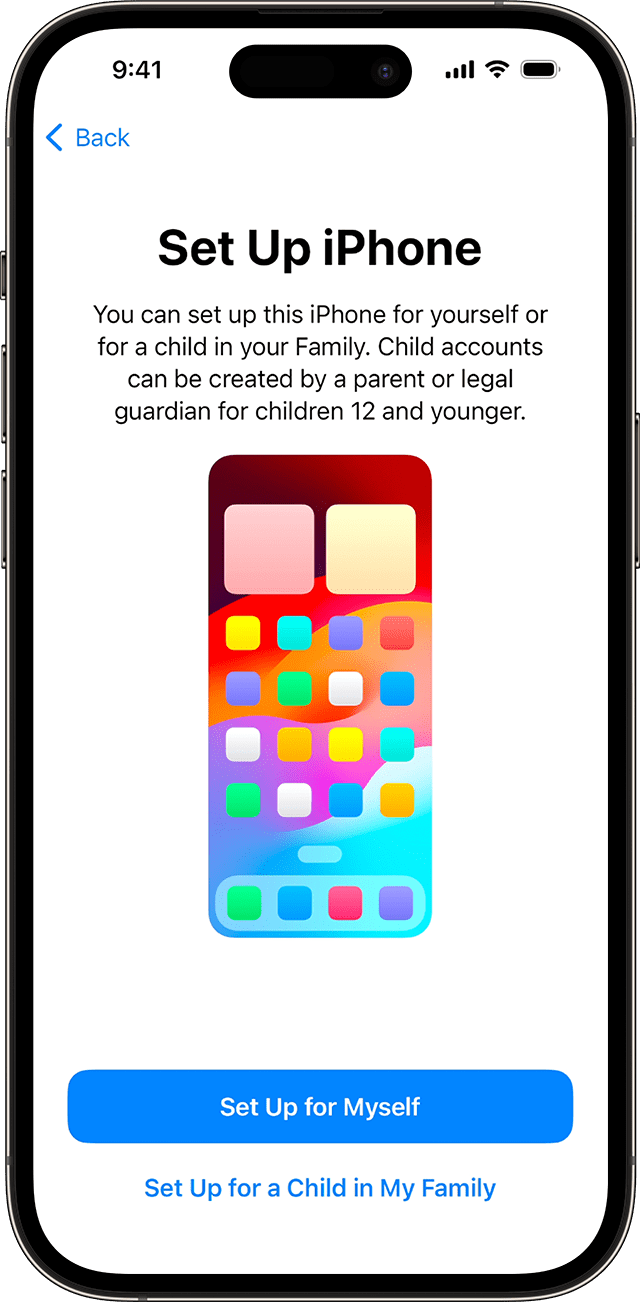
The new iPhone setup process gets easier every year. Follow this guide (with pro tips) to set up your new iPhone the right way.
New Iphone Setup Photo And Backup
As we can see from the illustration, New Iphone Setup Photo And Backup has many fascinating aspects to explore.
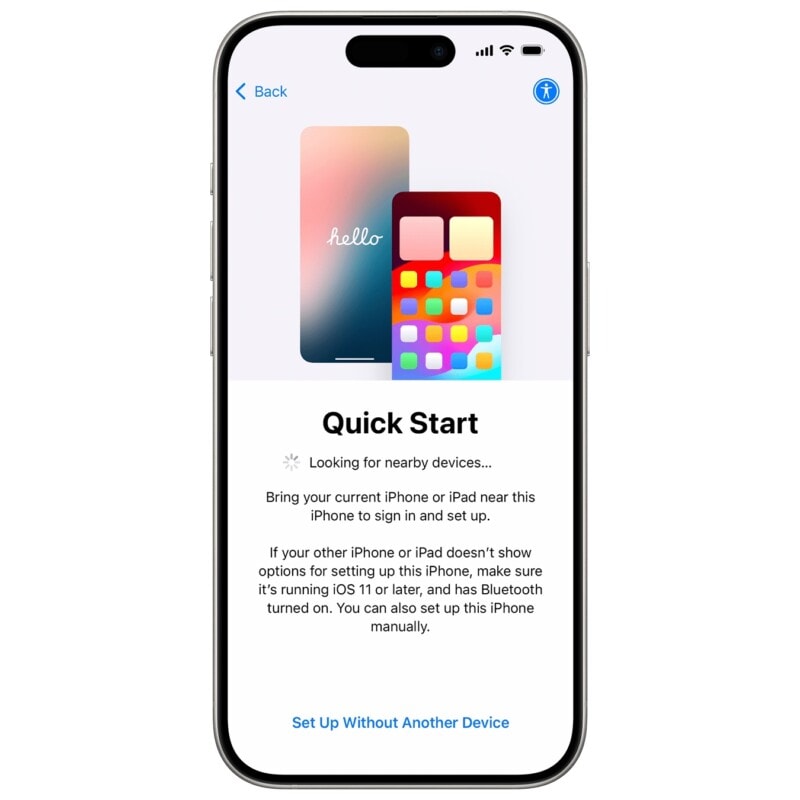
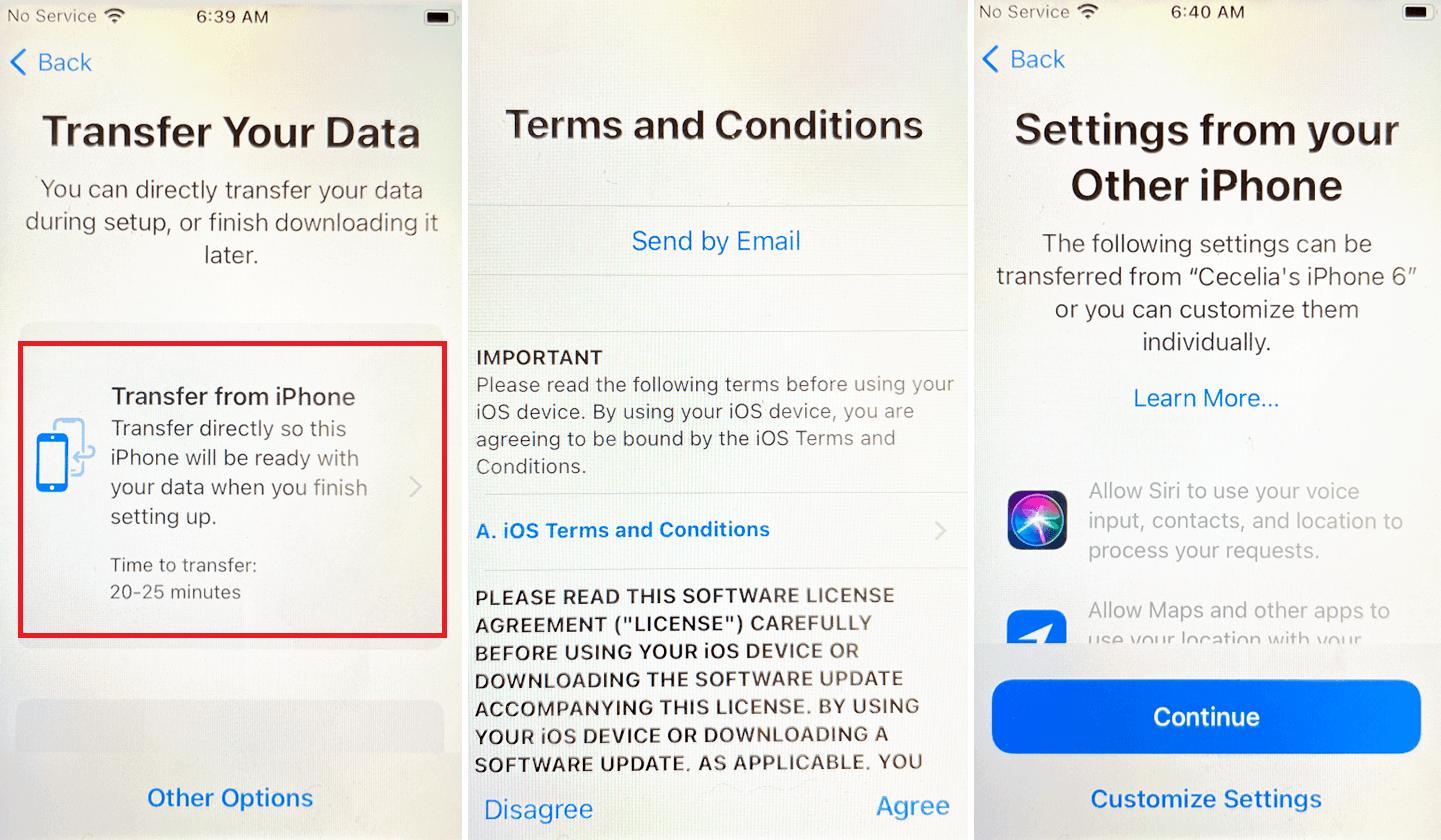
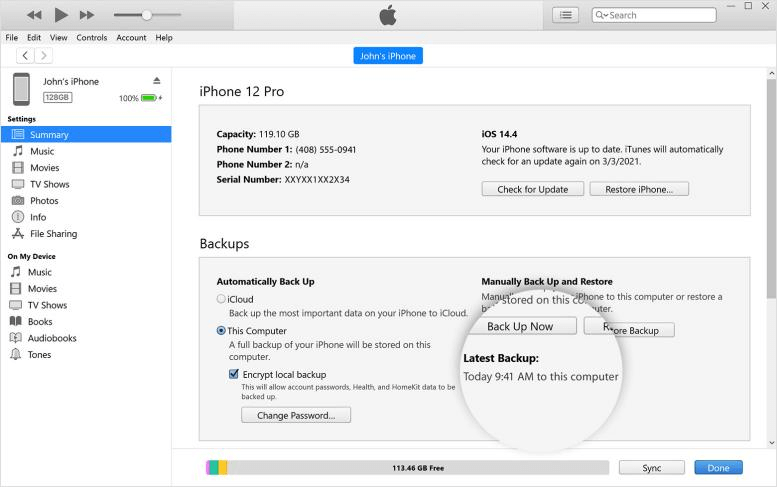
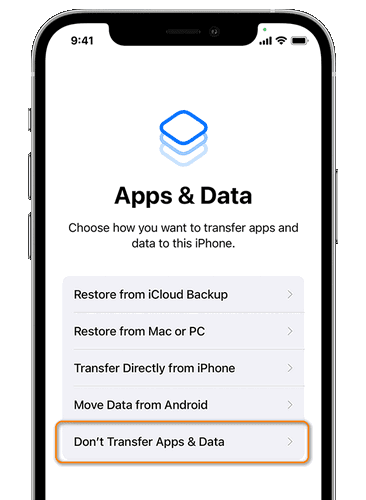
For first time iPhone users, select Set up manually. If you are an existing user, you may transfer data from old iPhone or set up using iCloud or computer backup . Apple also lets you transfer data from Android device, so users don't need to set up everything from scratch. Excited about your new iPhone but not sure where to start?
Switch to iPhone
Discover how easy it is to switch. Learn more. Transfer your photos and contacts in a few simple steps.