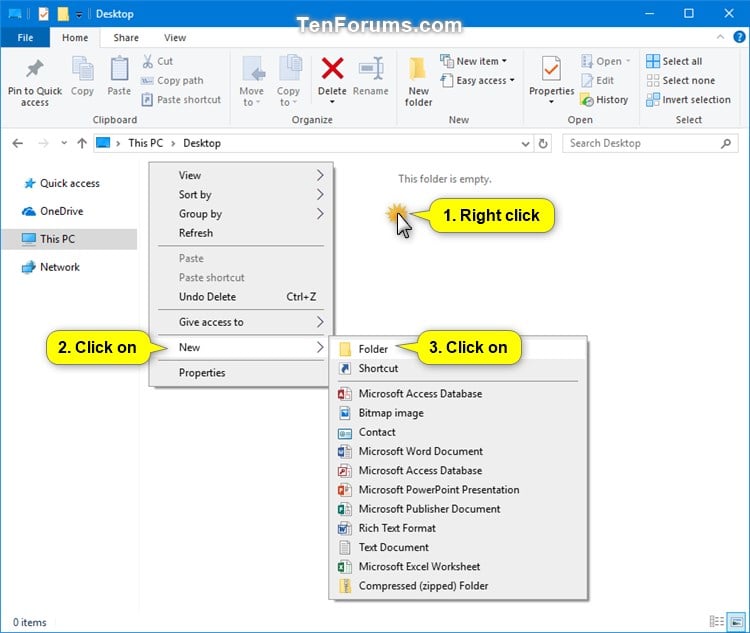
Create, change, or delete a view of a list or library
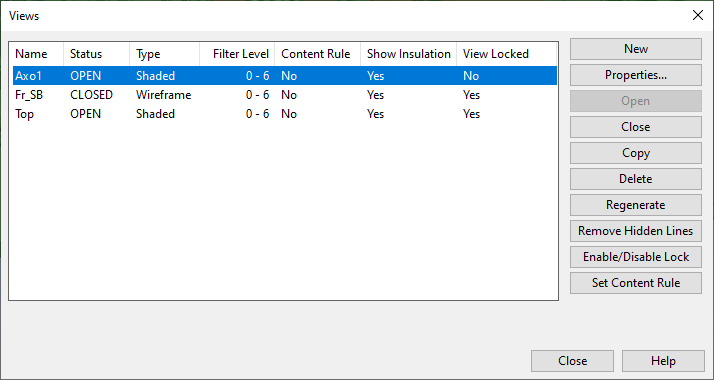
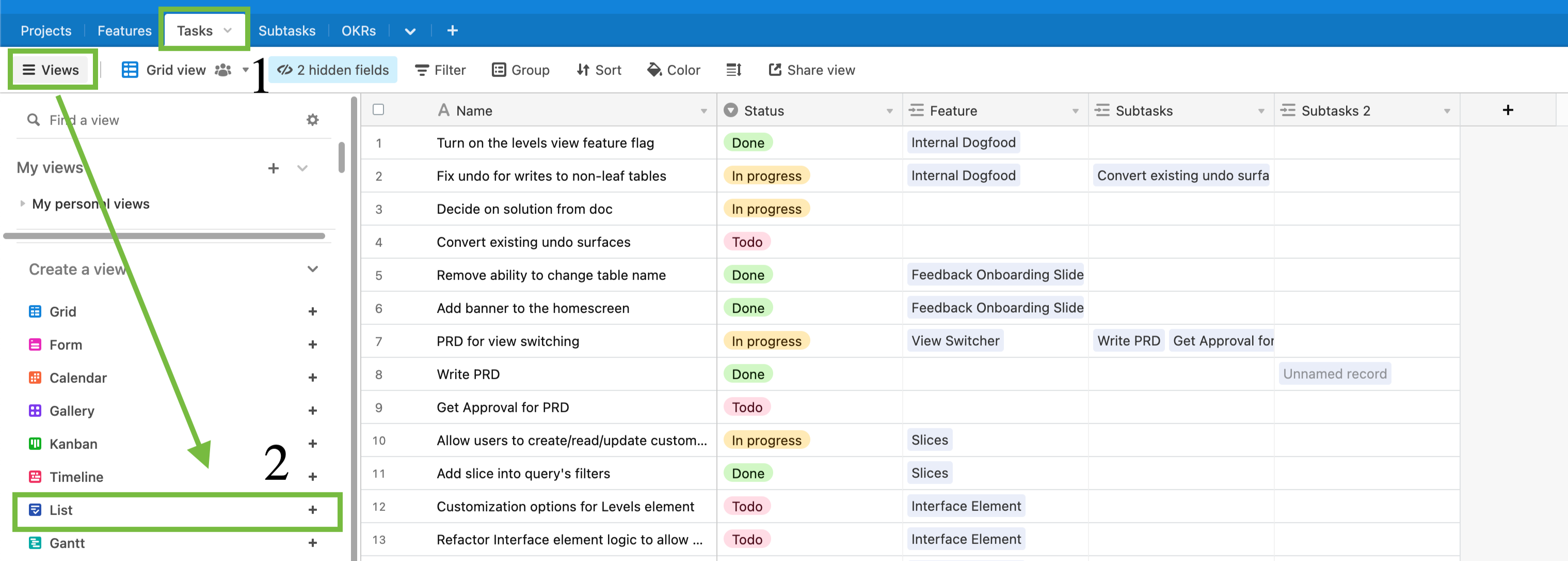
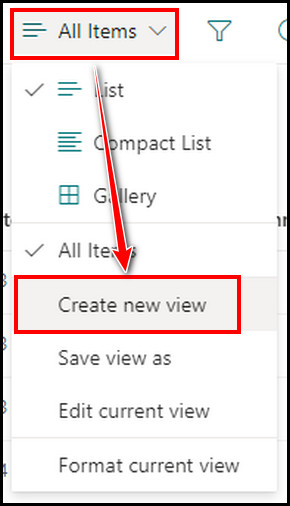
Learn how to create a new view , change the view , select another view , or delete a view for a list or library.

As we can see from the illustration, Remove All Last Content And Create New View has many fascinating aspects to explore.
Learn how to create , edit, and delete a SharePoint list view . Covers all view types — Standard, Calendar, Gallery & Board — with step-by-step instructions.
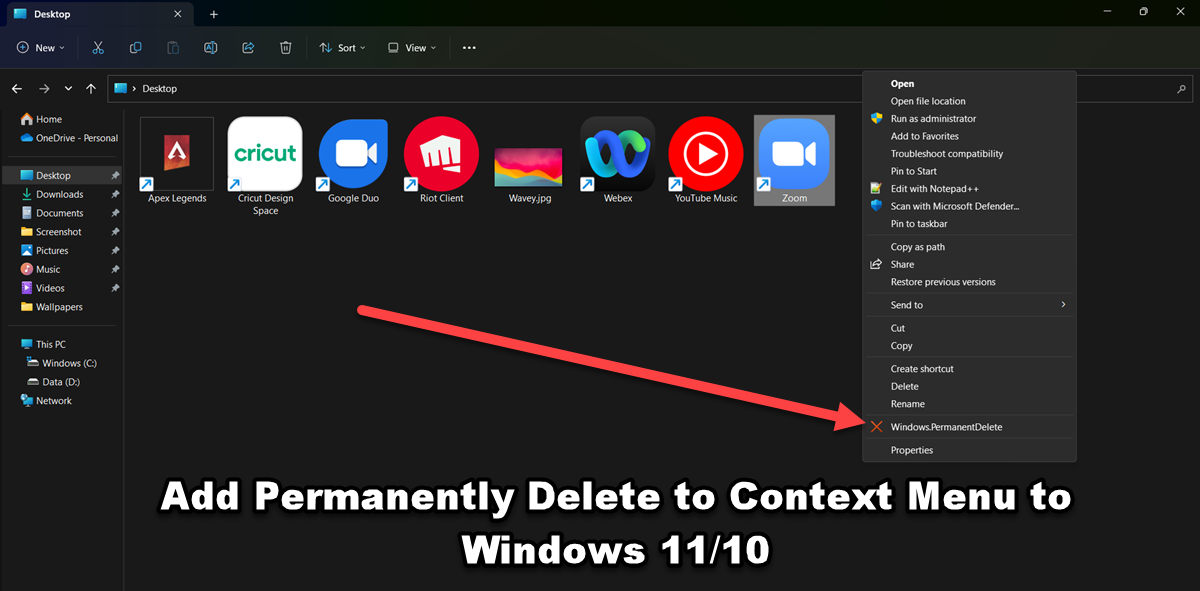
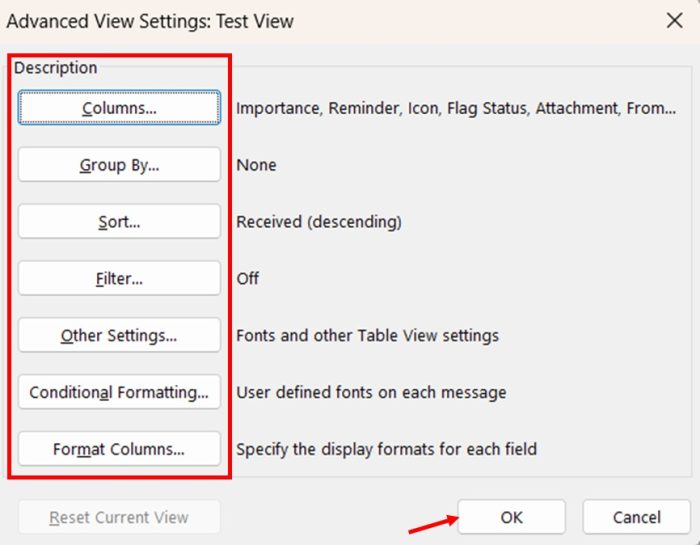
Choose either Create a Personal View or Create a Public View under View Audience in the Audience section. Choose the columns you want to see in the view by checking the boxes next to them in the Columns section, and then remove the ones you don't want.

Create and manage saved views
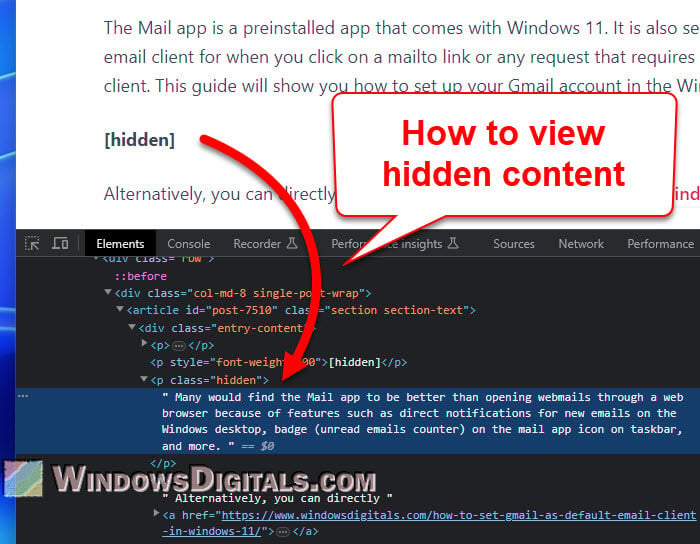
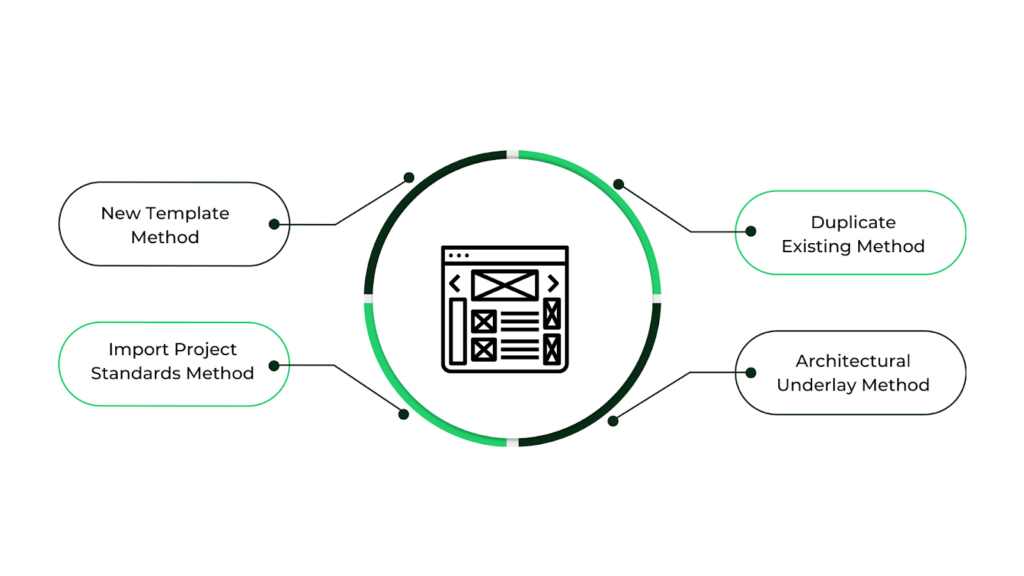
If the view is hidden, click All views , hover over the view , then click More > Clone. In the dialog box, enter a view name, select a visibility setting, then click Confirm.