A Visual Journey and Ultimate Guide to Removing Malware From Windows Startup Entries
How to Remove Malware from Windows Startup
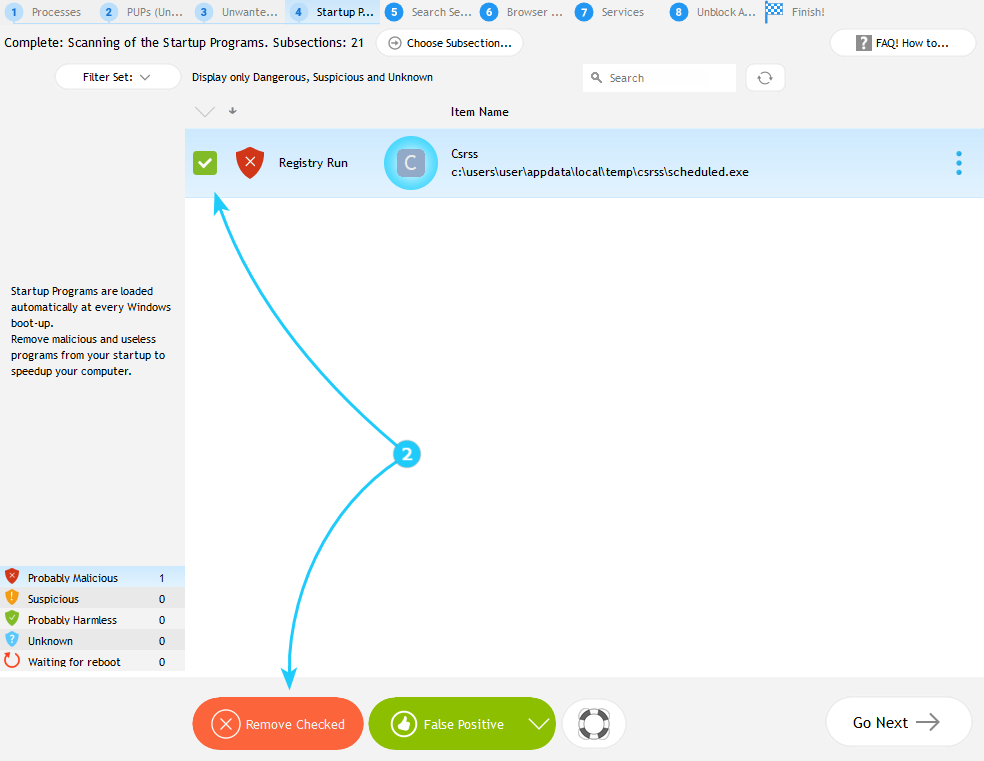
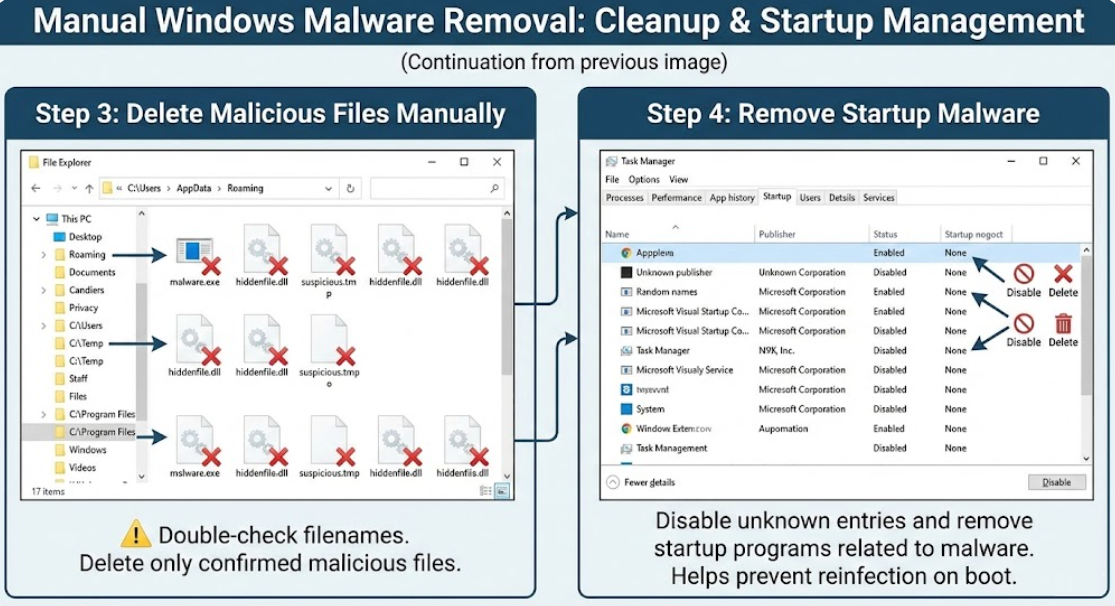
How to Remove Malware from Windows Startup Malware often creates hidden startup entries to reactivate after reboots. UnHackMe scans all startup locations to detect and remove these persistent threats.
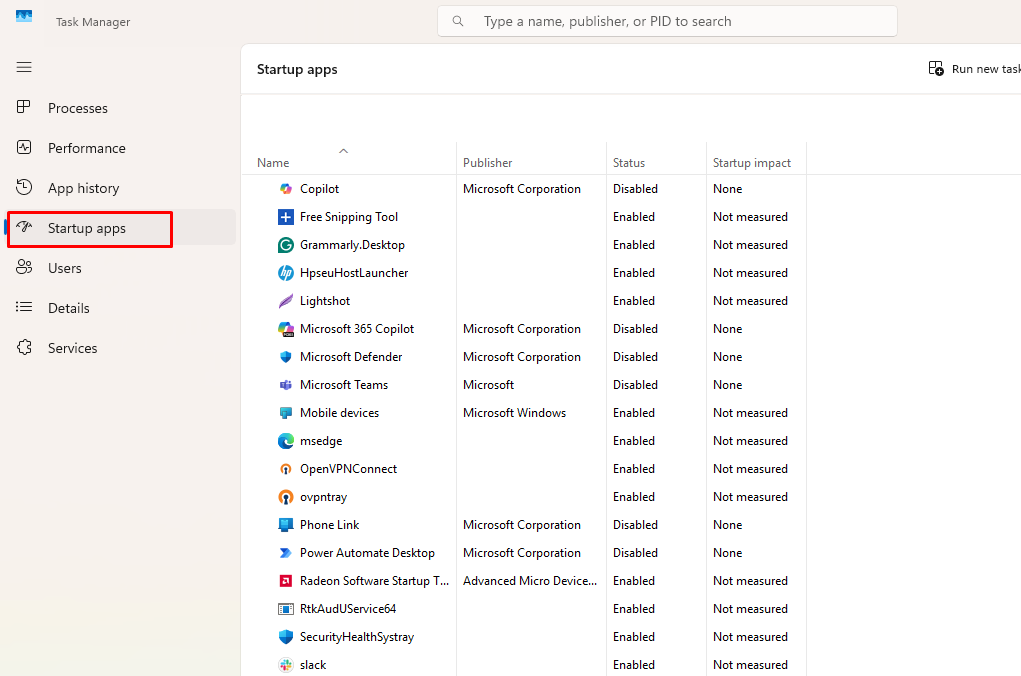
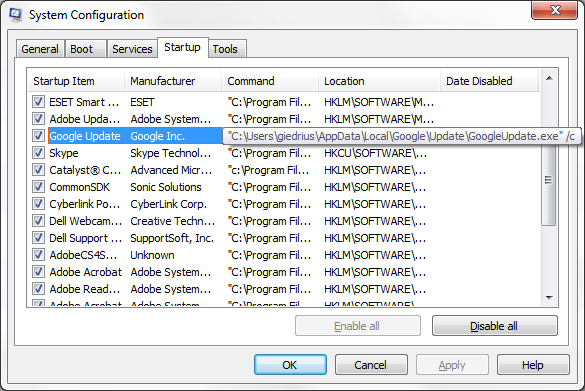
Review startup apps that may launch malware or junkware automatically, and use Kudu to help identify risky entries .
Removing Malware From Windows Startup Entries
This particular example perfectly highlights why Removing Malware From Windows Startup Entries is so captivating.
How to Remove Malicious Startup Entries on Windows Kudu
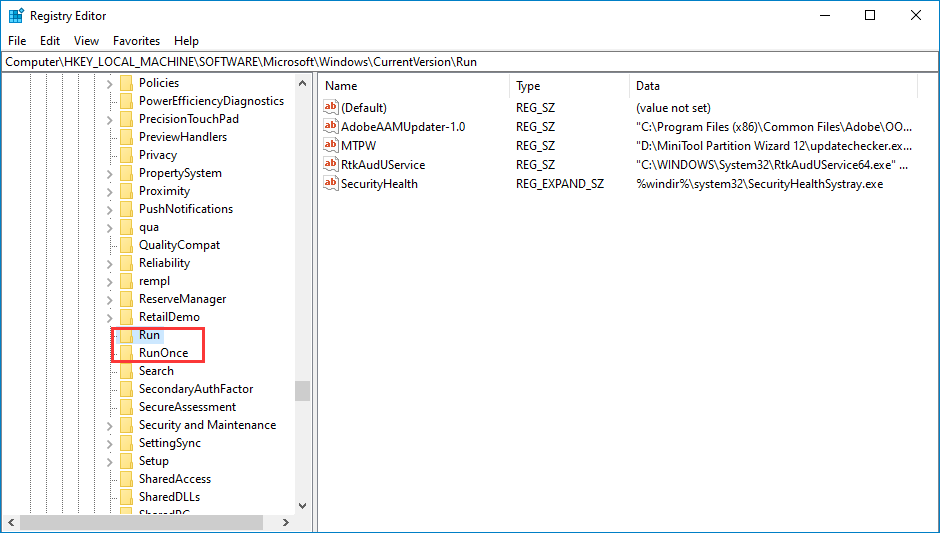
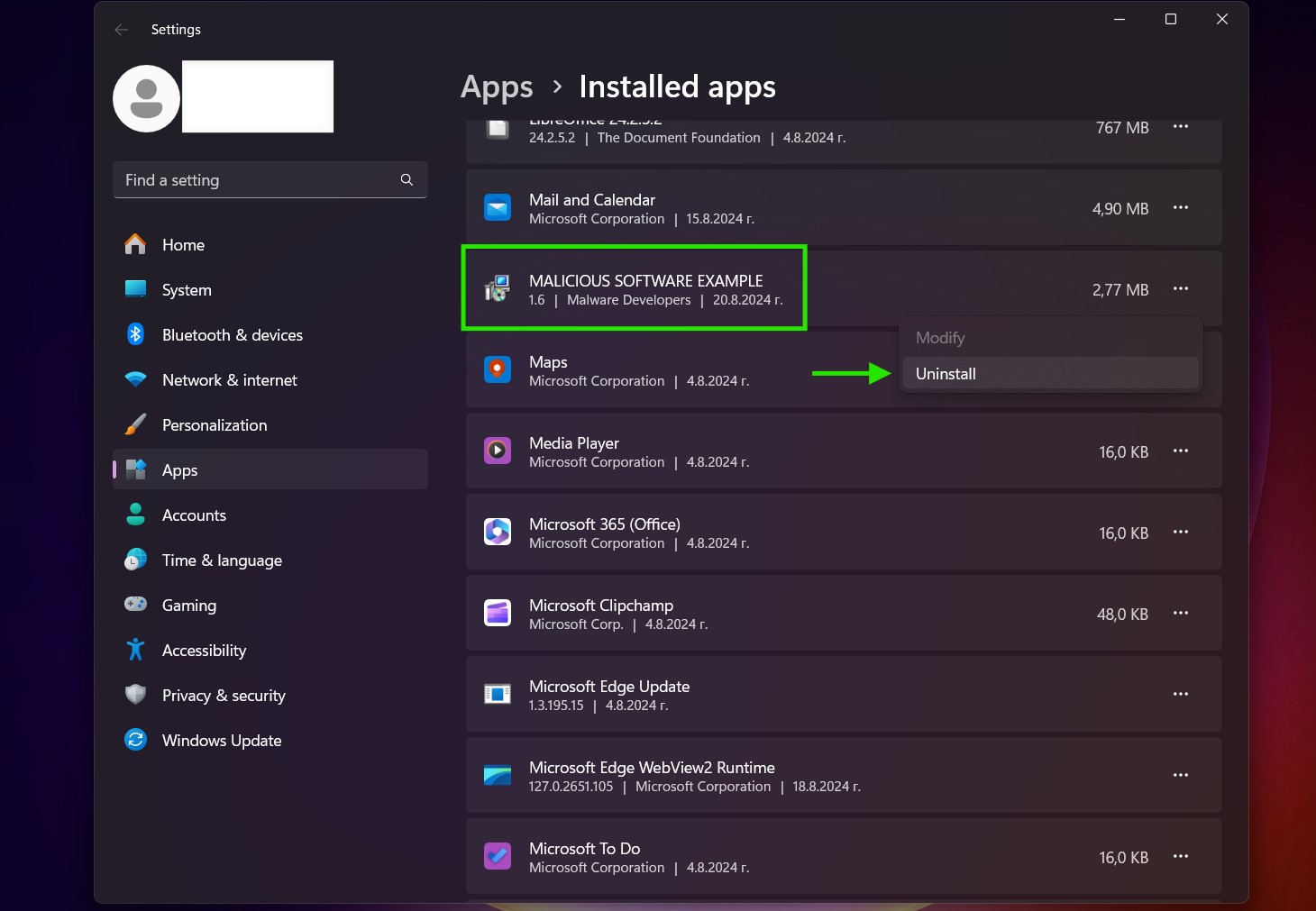
What Causes This? Malicious startup entries are usually added by malware , bundled software, or unwanted browser extensions that configure themselves to launch every time Windows starts. These entries can be stored in several places, including the Startup folder, Task Manager's Startup tab, the Windows Registry, scheduled tasks, and services.
Removing Malware From Windows Startup Entries
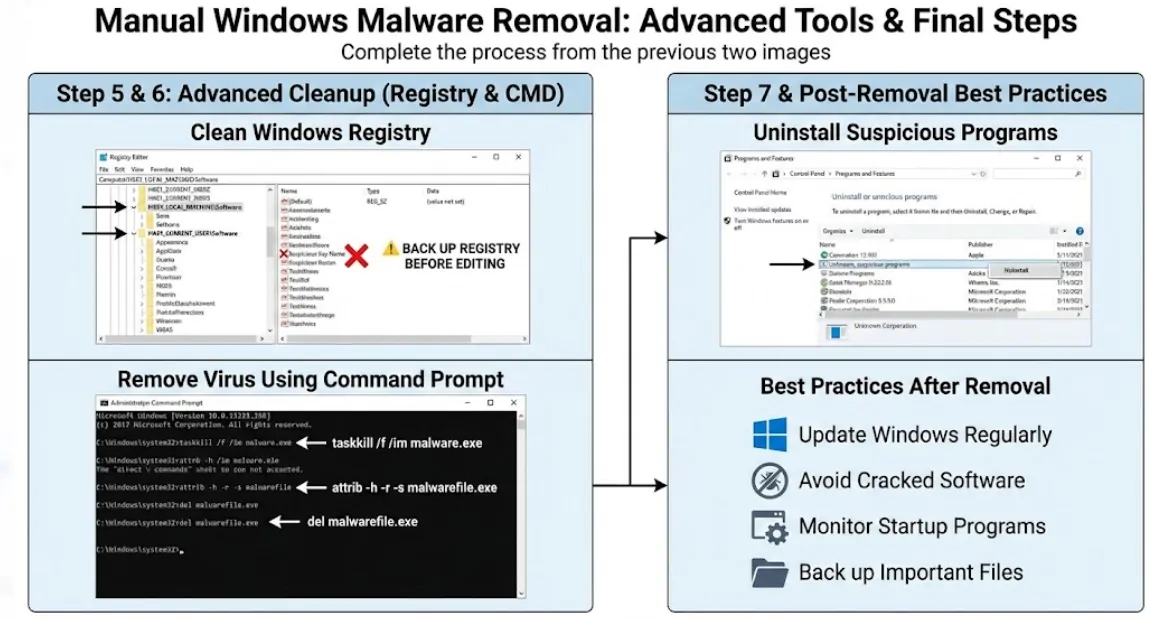
As we can see from the illustration, Removing Malware From Windows Startup Entries has many fascinating aspects to explore.
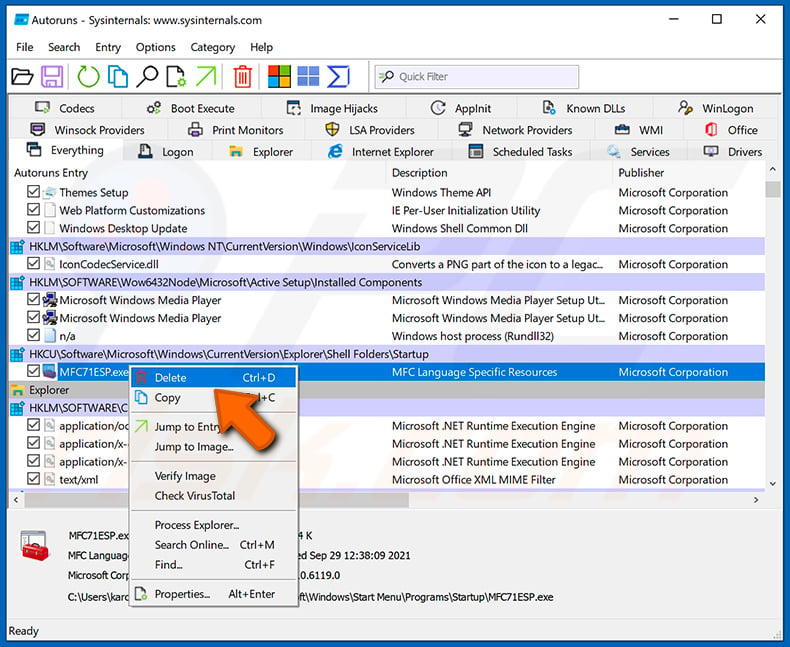
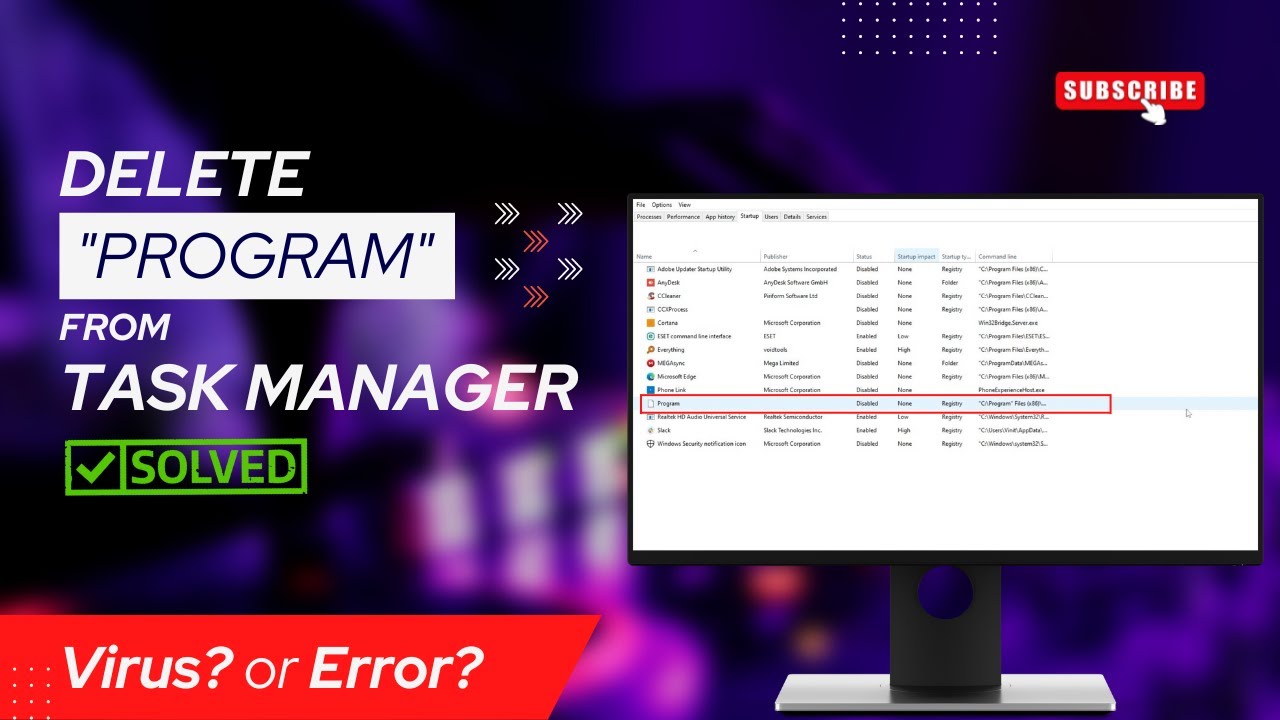
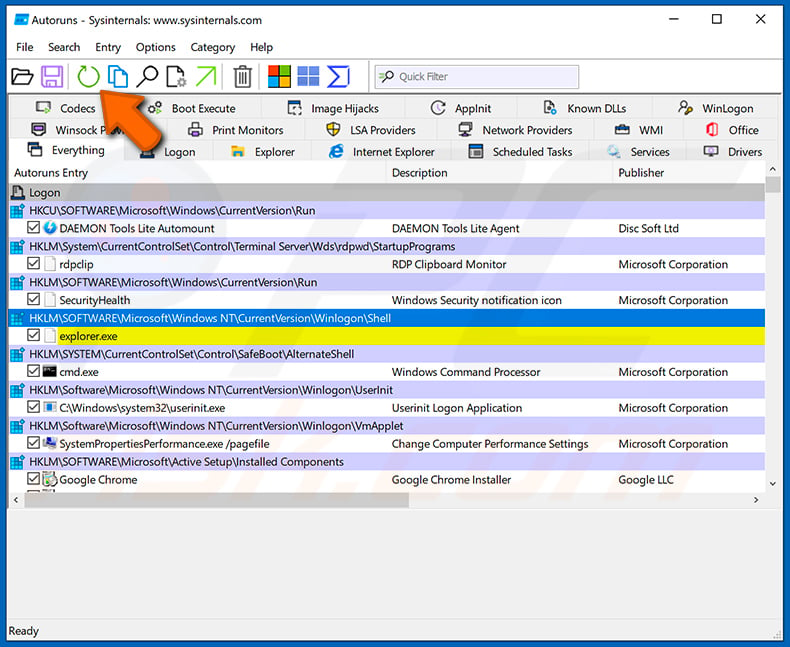
Learn how to remove invalid entries or dead Startup programs from Startup tab in Task Manager in Windows 11/10 using Registry or AutoRuns.