Everything You Need to Know About Setup Firestick Without Hdmi Remote
How to Setup Firestick Without Remote Guide Step by Step
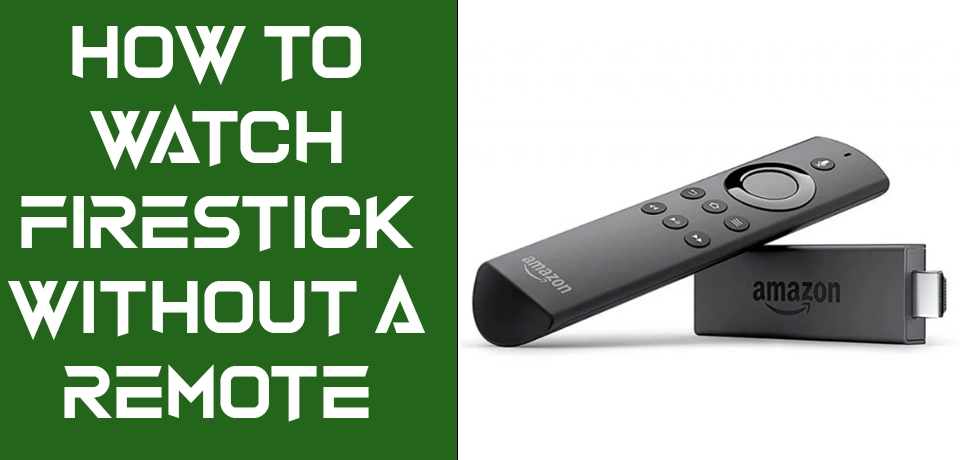
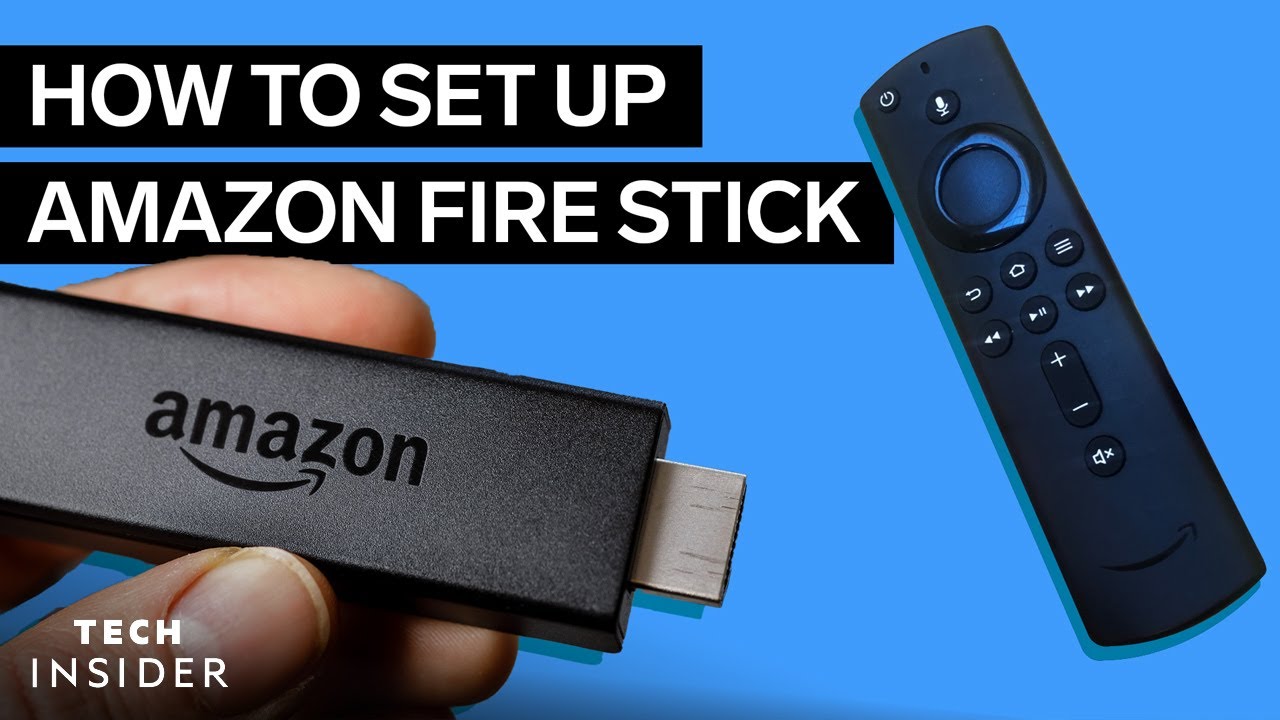
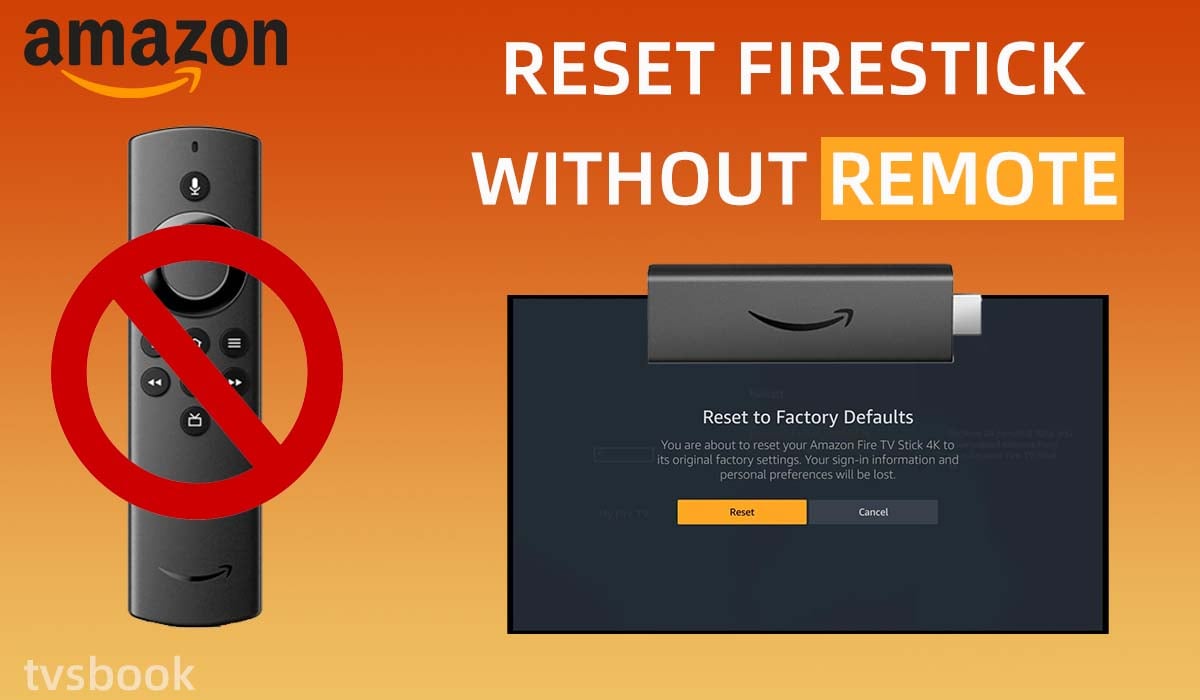
Do you know how to set up firestick without remote ? Use the fire tv app on your smartphone. Take a universal remote that supports Amazon Fire TV. Now set up your Firestick . Use the HDMI -CEC feature to control your remote . Make sure, your ethernet cable is ok. Connect your Firestick to an HDMI port on your TV and also follow the screen interaction.
Setup Firestick Without Hdmi Remote
This particular example perfectly highlights why Setup Firestick Without Hdmi Remote is so captivating.
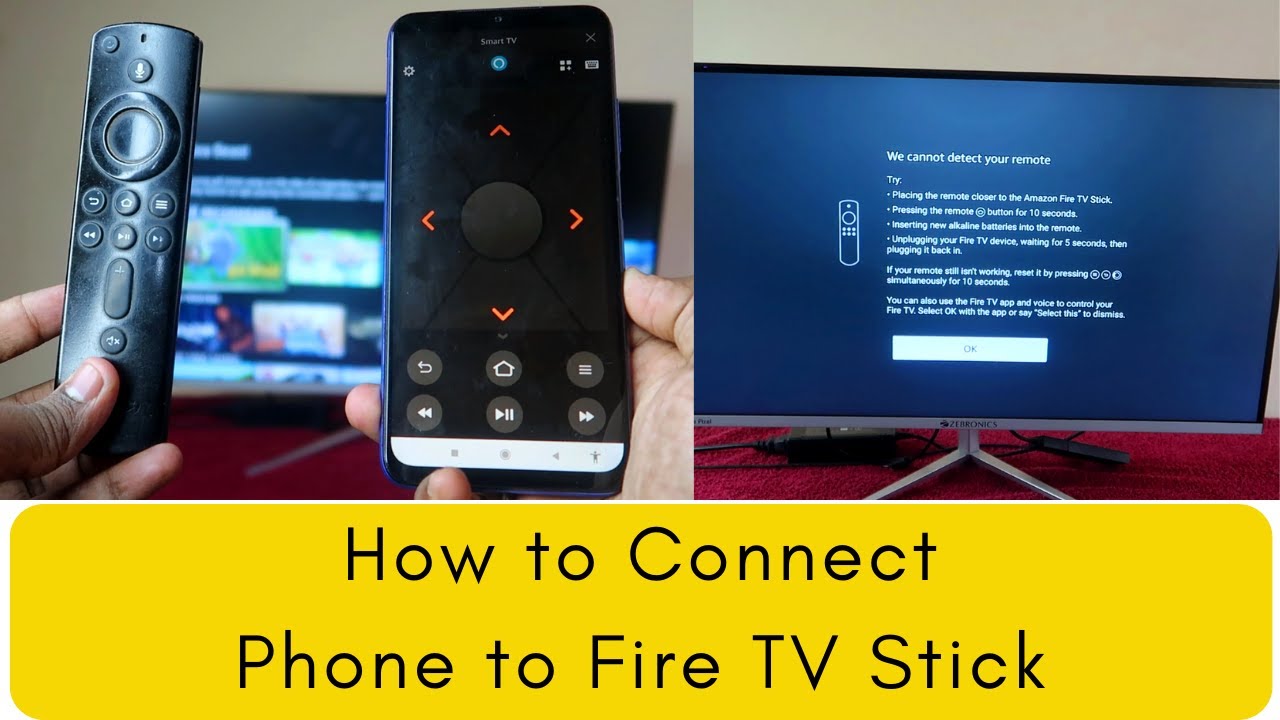
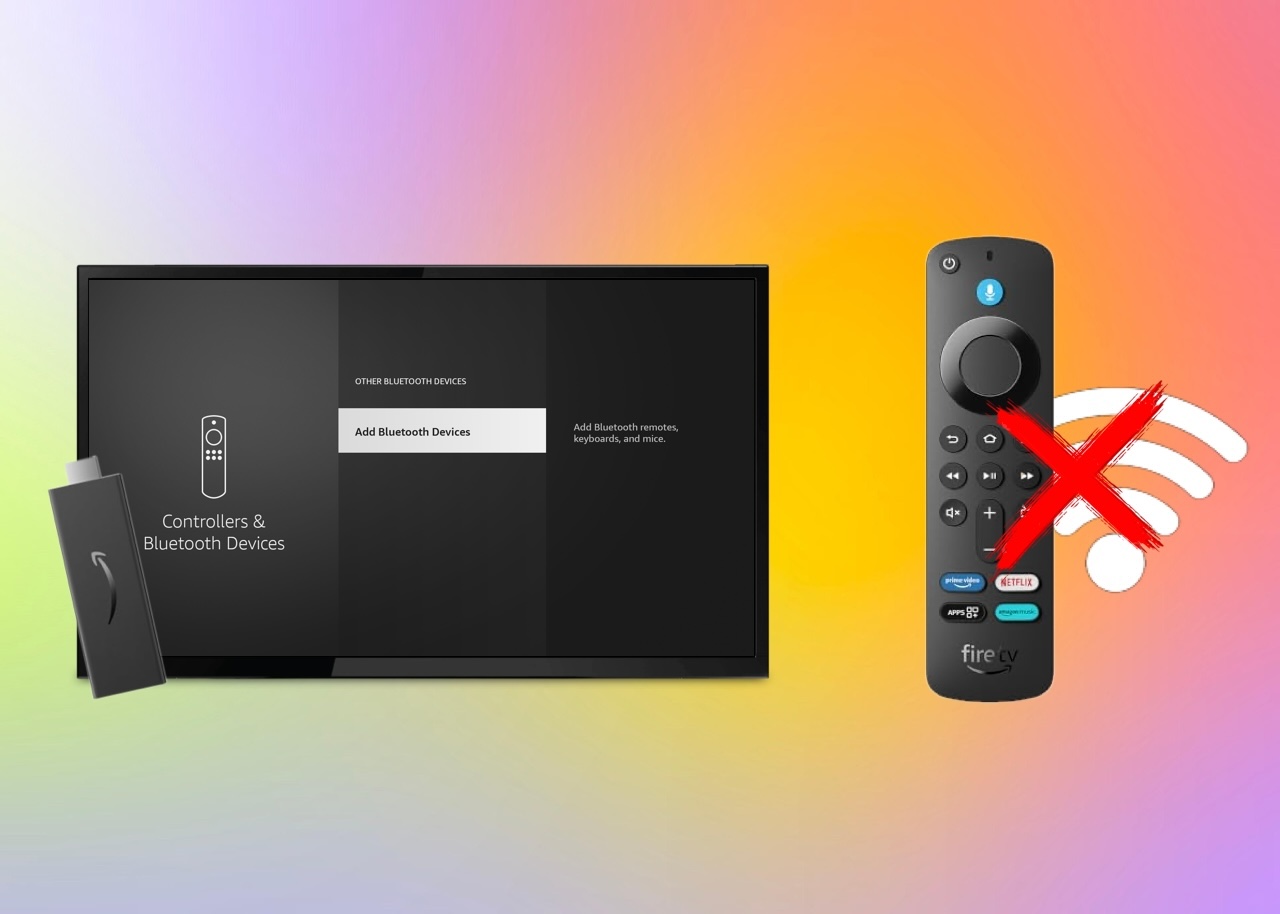
Connecting to FireStick without Remote If you don't have the remote for your Fire Stick, download the Amazon Fire TV app on your phone and allow network connections to sync it to your device. You can also connect a Bluetooth device or use a spare TV remote with HDMI -CEC capabilities.
Setup Firestick Without Hdmi Remote
This particular example perfectly highlights why Setup Firestick Without Hdmi Remote is so captivating.
How to Connect Firestick to Internet Without Remote (6 Methods)
Setup Firestick Without Hdmi Remote
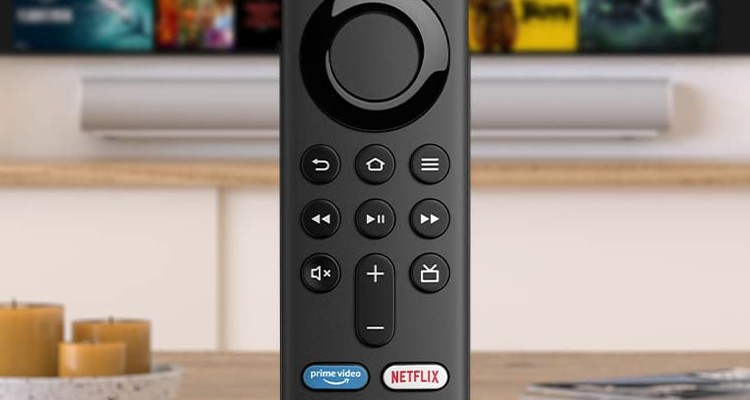
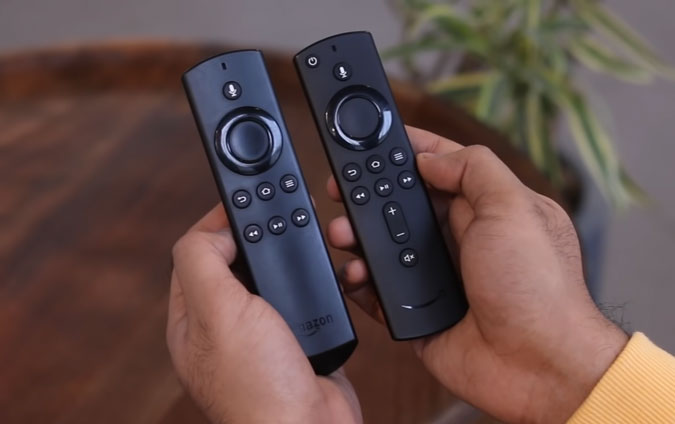
Losing your Fire TV remote is annoying when you want to watch content. We'll show you how to use a Firestick without a remote in this guide.
How To Set Up Fire TV Without Remote
Lost your Fire TV remote ? Use your phone, Alexa, HDMI -CEC, or a universal remote to regain full control. 6 working methods with step-by-step instructions.