Comprehensive Insights and Gallery of Tp Link Router Restart Time Schedule
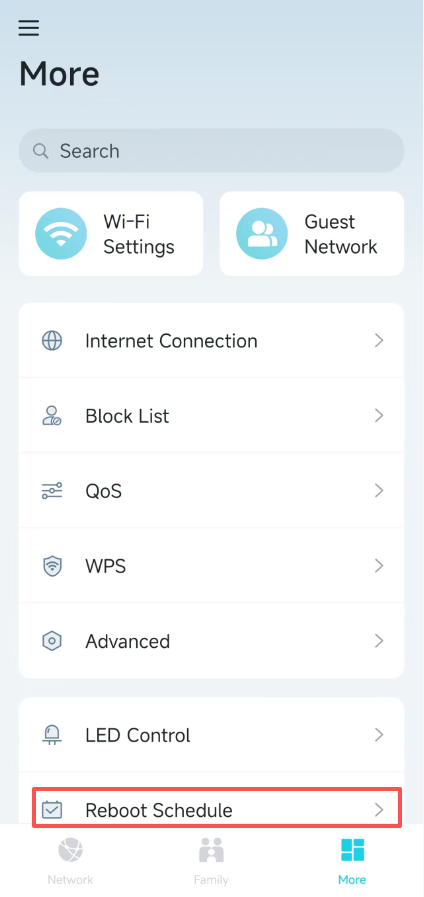
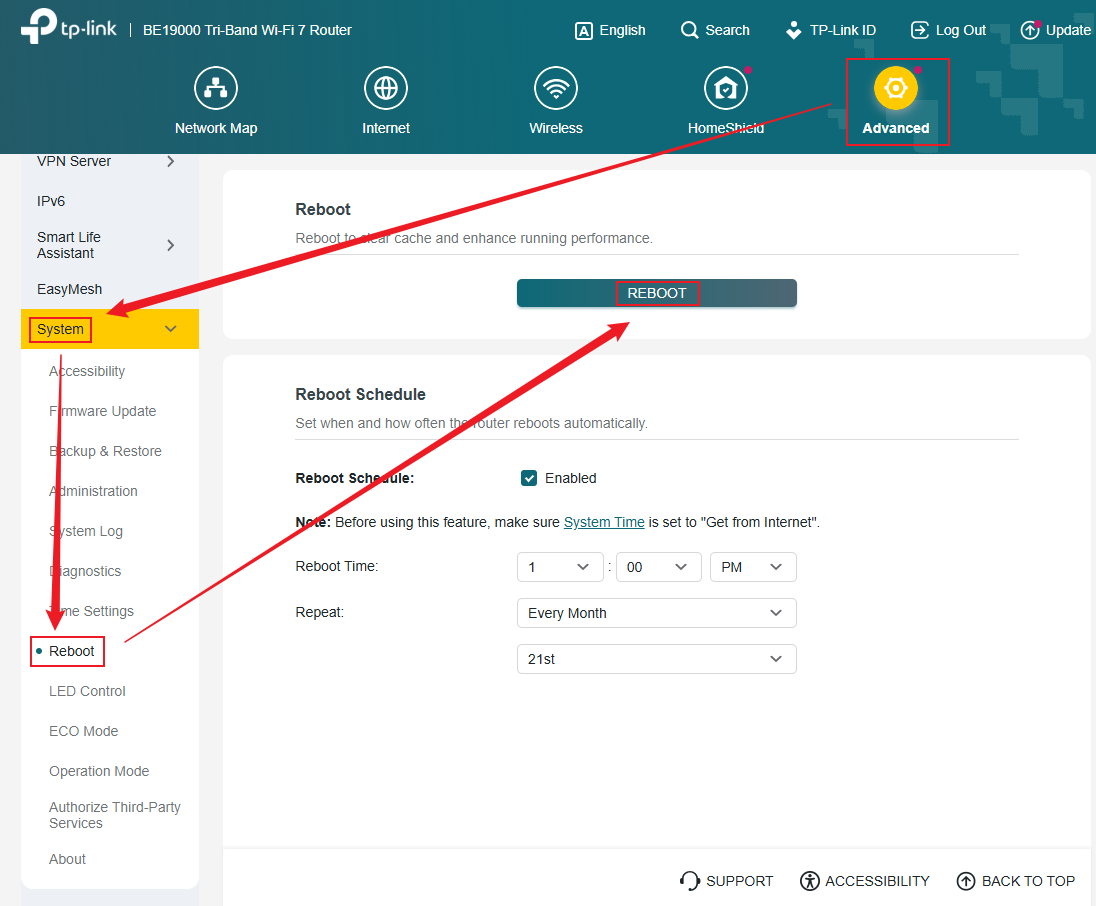
How to configure Reboot Schedule of TP
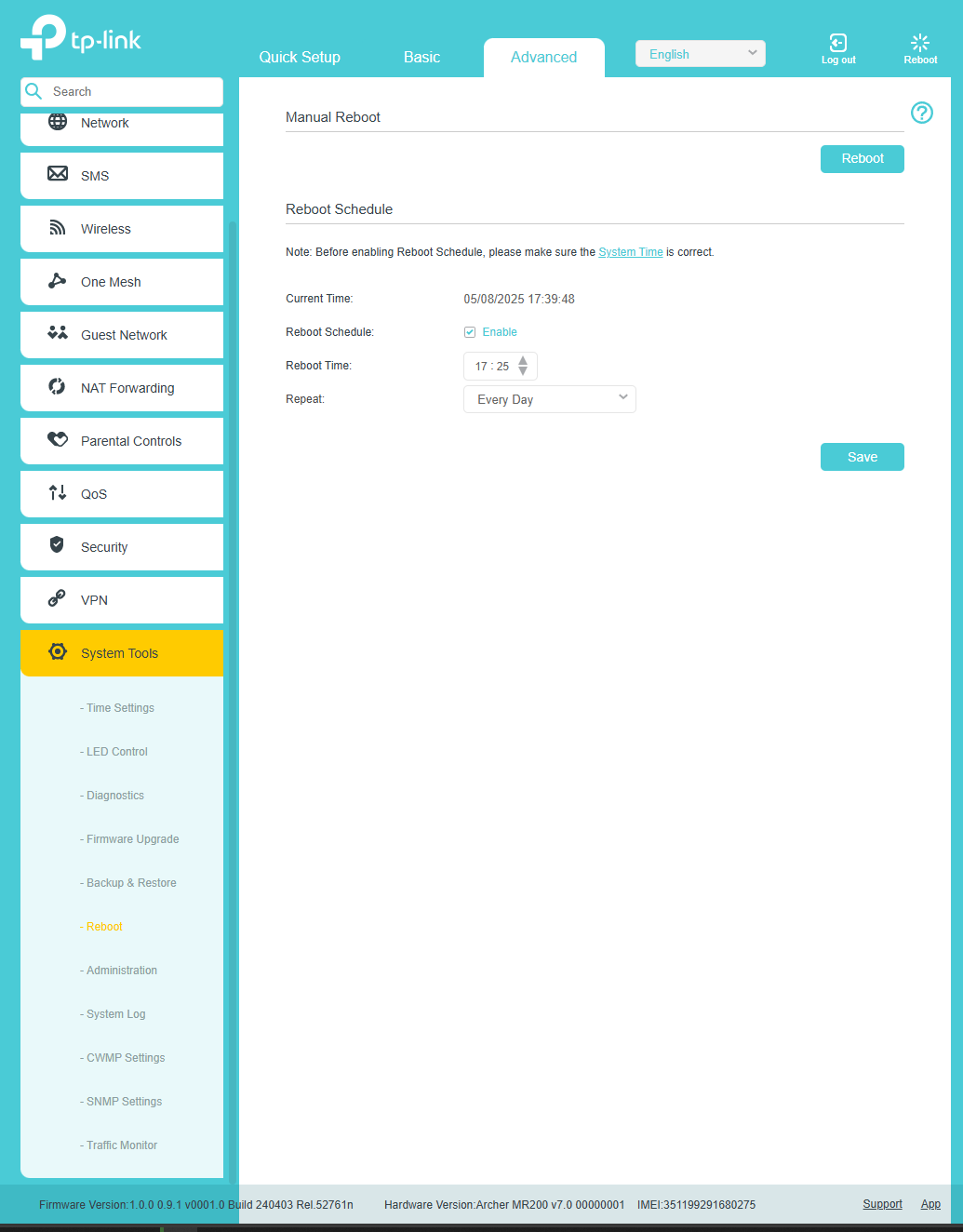
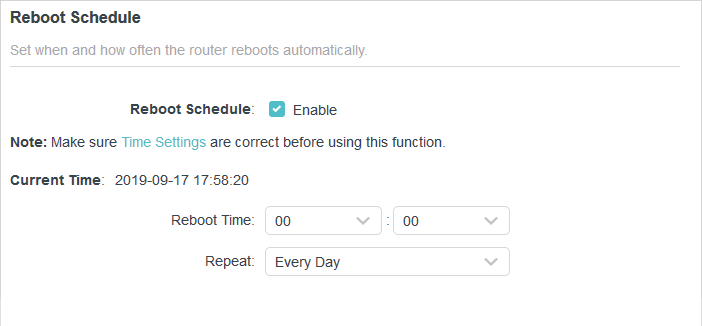
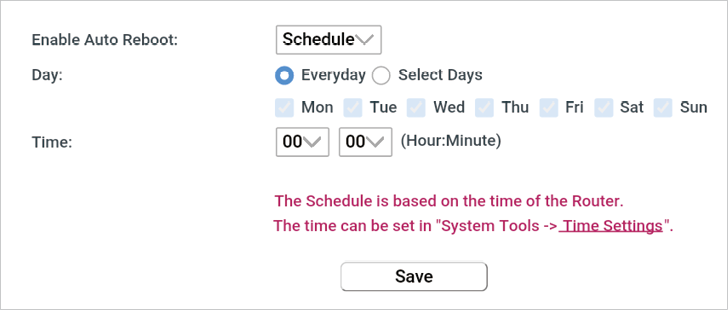
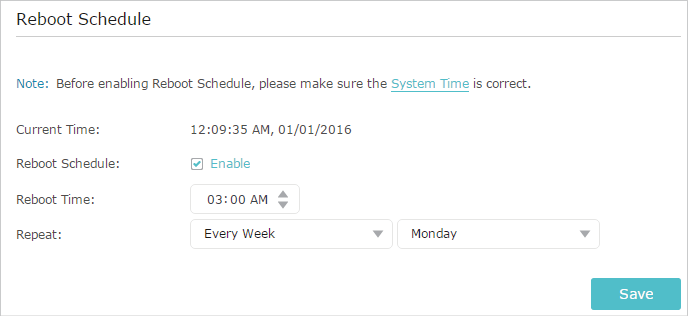
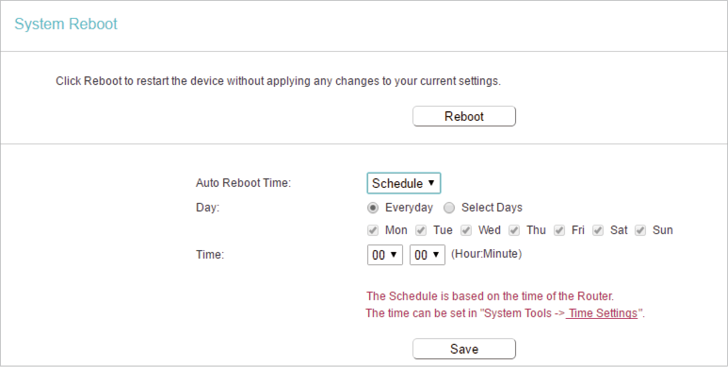
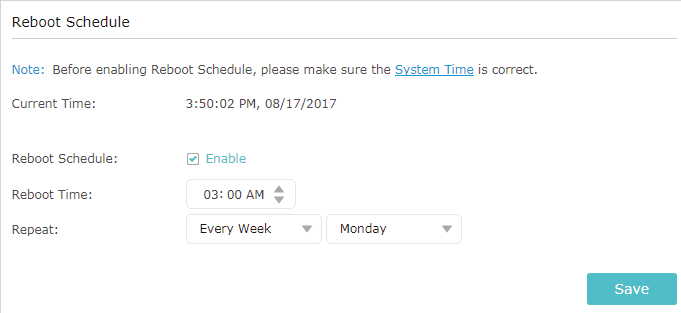
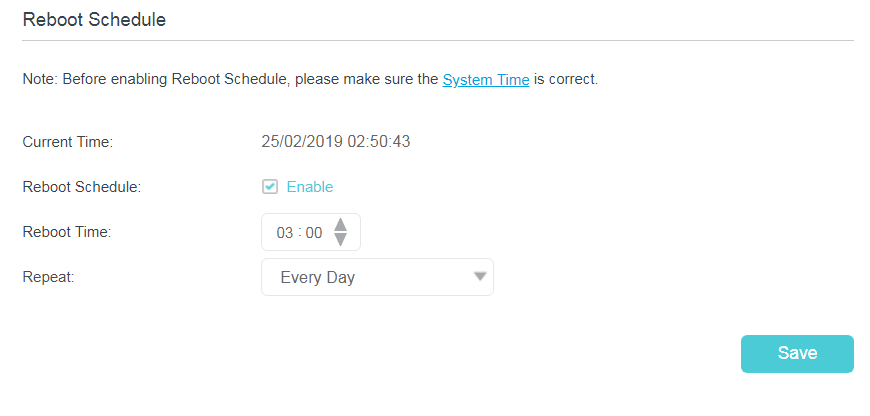
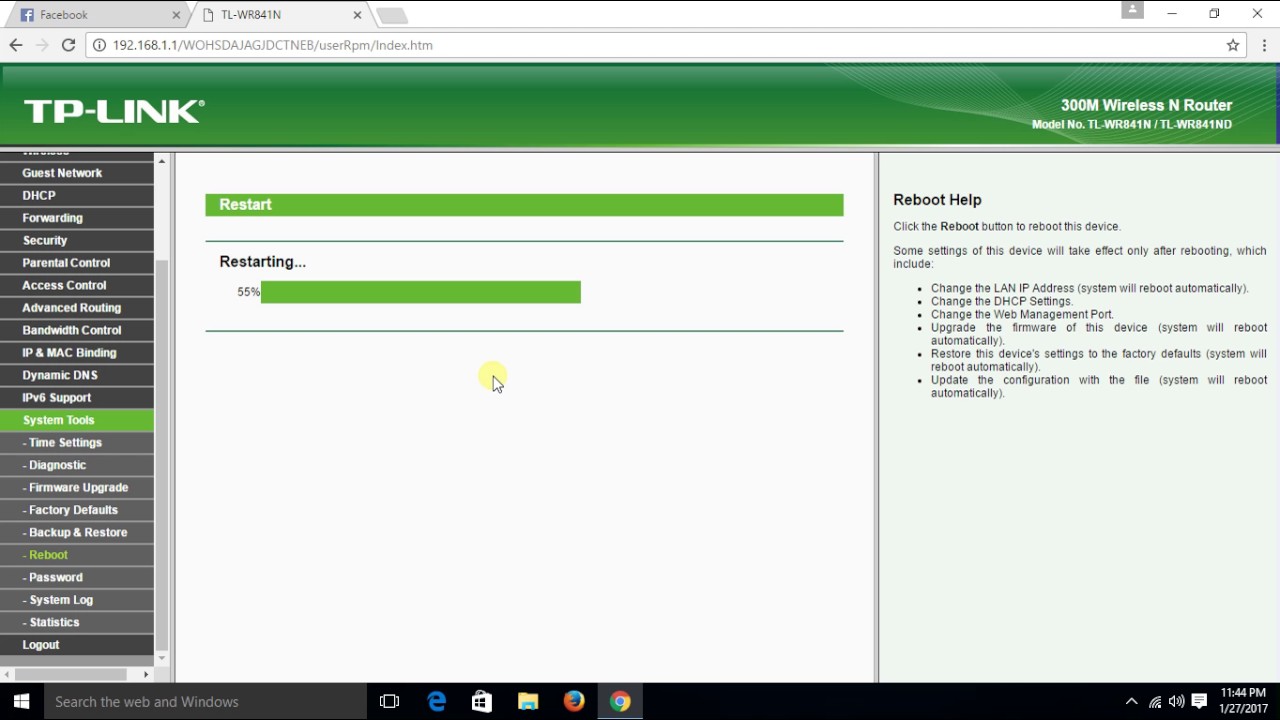
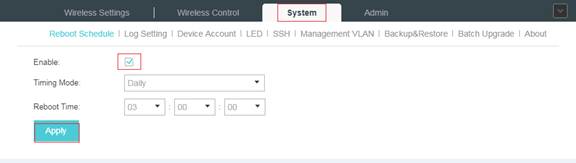
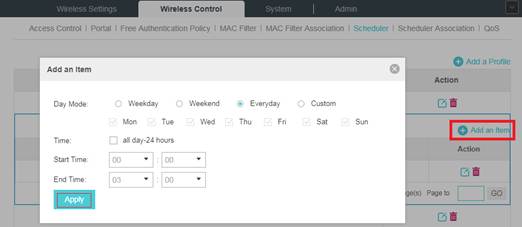
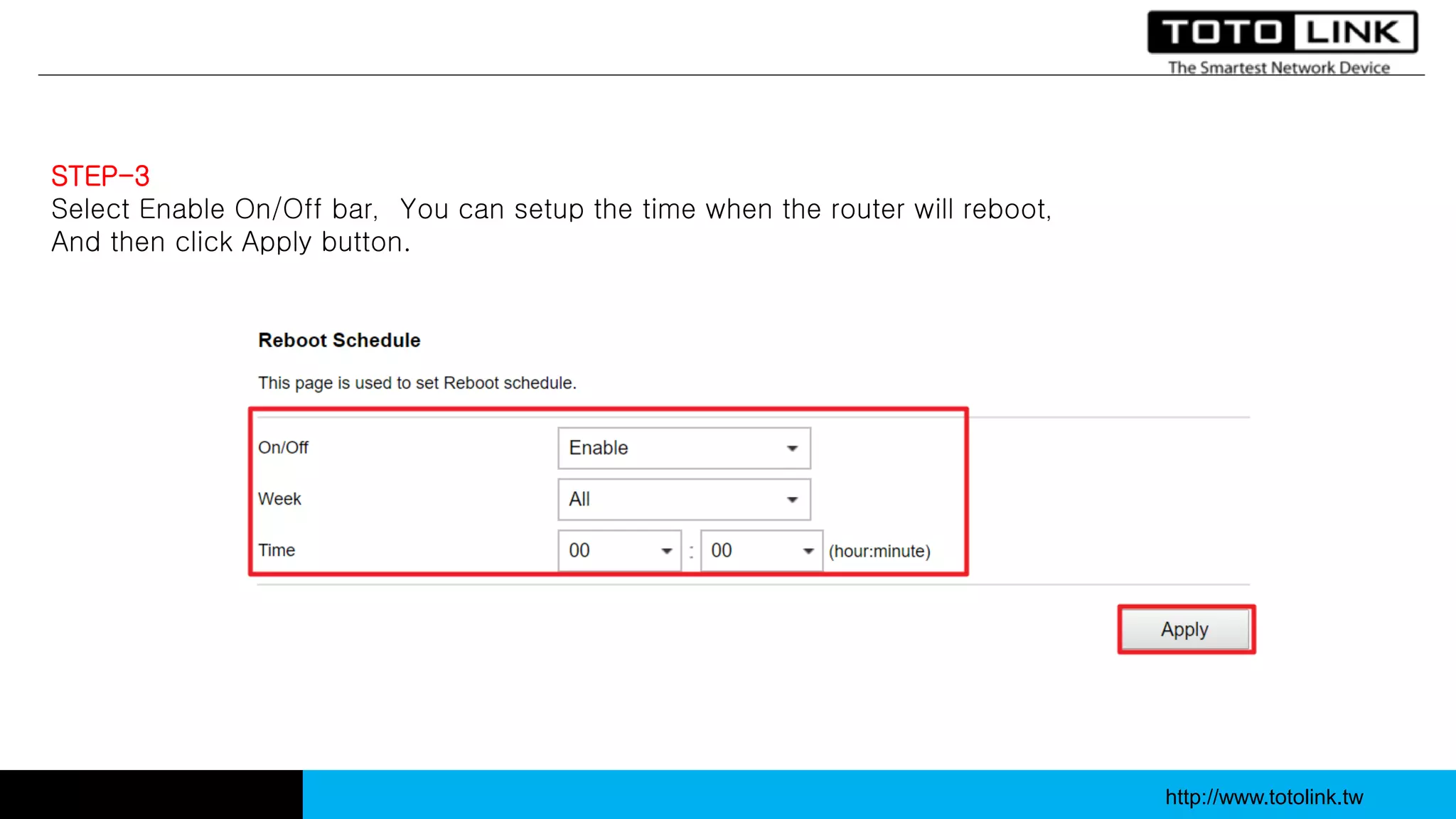
2. Go to Advanced > System Tools > Reboot. 3. Enable Reboot Schedule . 4. Specify the time at which your router will reboot and the Auto Reboot Interval. 5. Click Save. Note: This feature takes effect based on the router's system time . Please make sure you have configured the system time correctly.
Tp Link Router Restart Time Schedule
Hi TP-Link Community! First time posting a thread. As I'm learning more and more about these products, which I have become a big fan of, I'm trying to understand more about the Reboot Schedule option on my router and how necessary it is. From my little bit of knowledge and research, it seems as though rebooting on some sort of a schedule is recommended. But I'm more interested to hear from you ...
Tp Link Router Restart Time Schedule
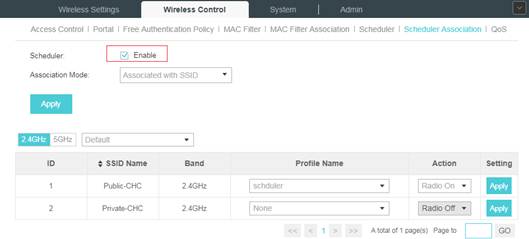
How to set a time schedule on your TP
Tp Link Router Restart Time Schedule
Setup Automatic Reboot Schedule in TP-link AX12 AX1500 Wi-Fi6 Router | Automatic Reboot Time setting