Exploring the Wonders of Windows 11 Bootable Iso Burning Software Through Photography
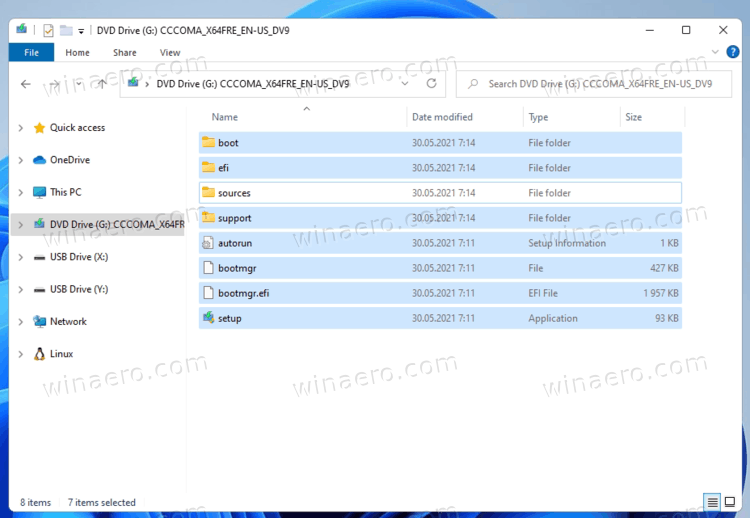
Burn ISO Image To USB Flash Drive Windows 11
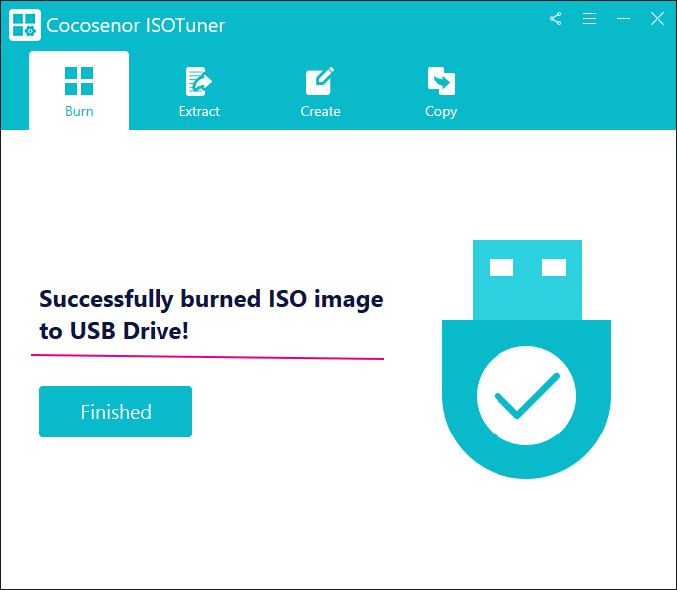
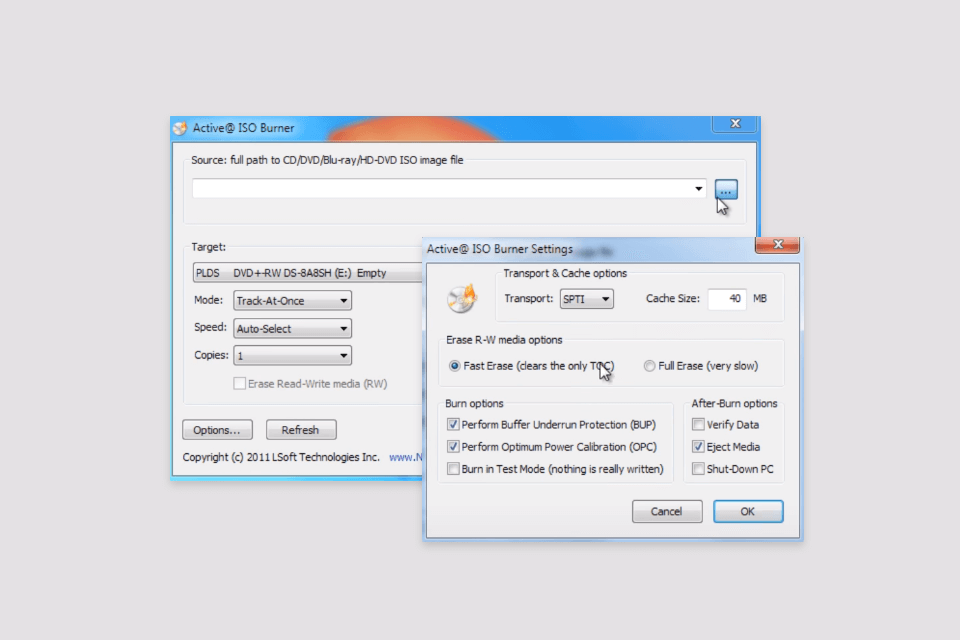
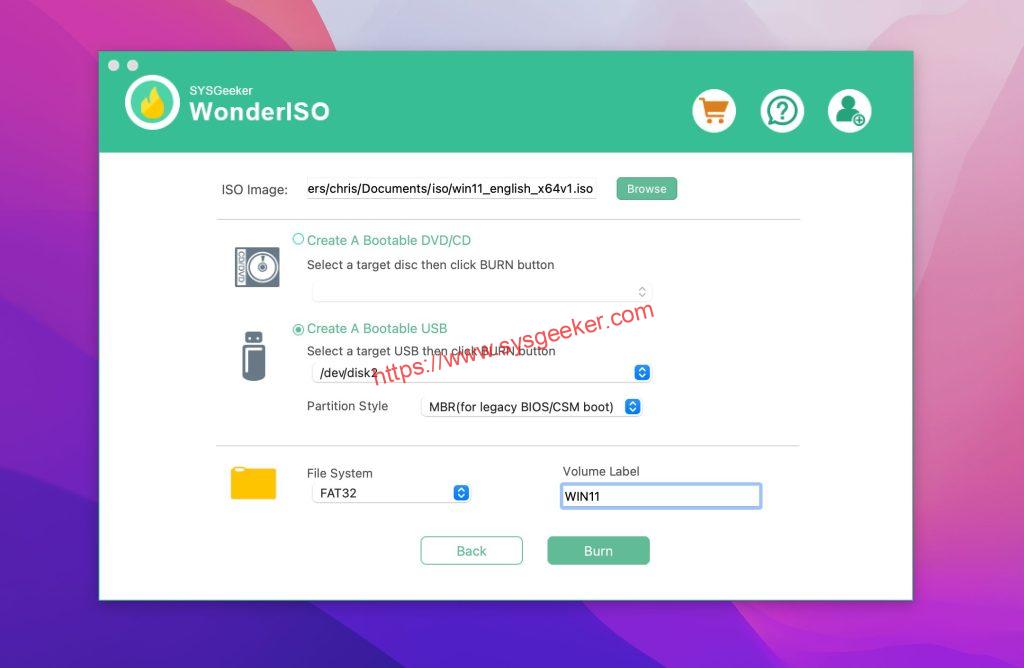
Burning an ISO image to a USB flash drive on Windows 11 is a straightforward process that enables you to create bootable media for operating system installations, recovery tools, or other software .
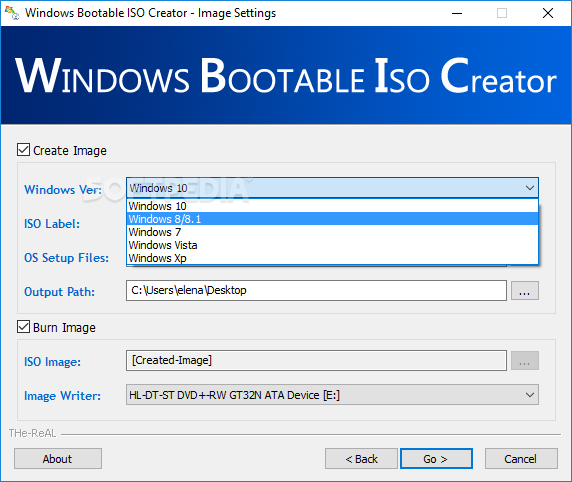
Windows 11 Bootable Iso Burning Software
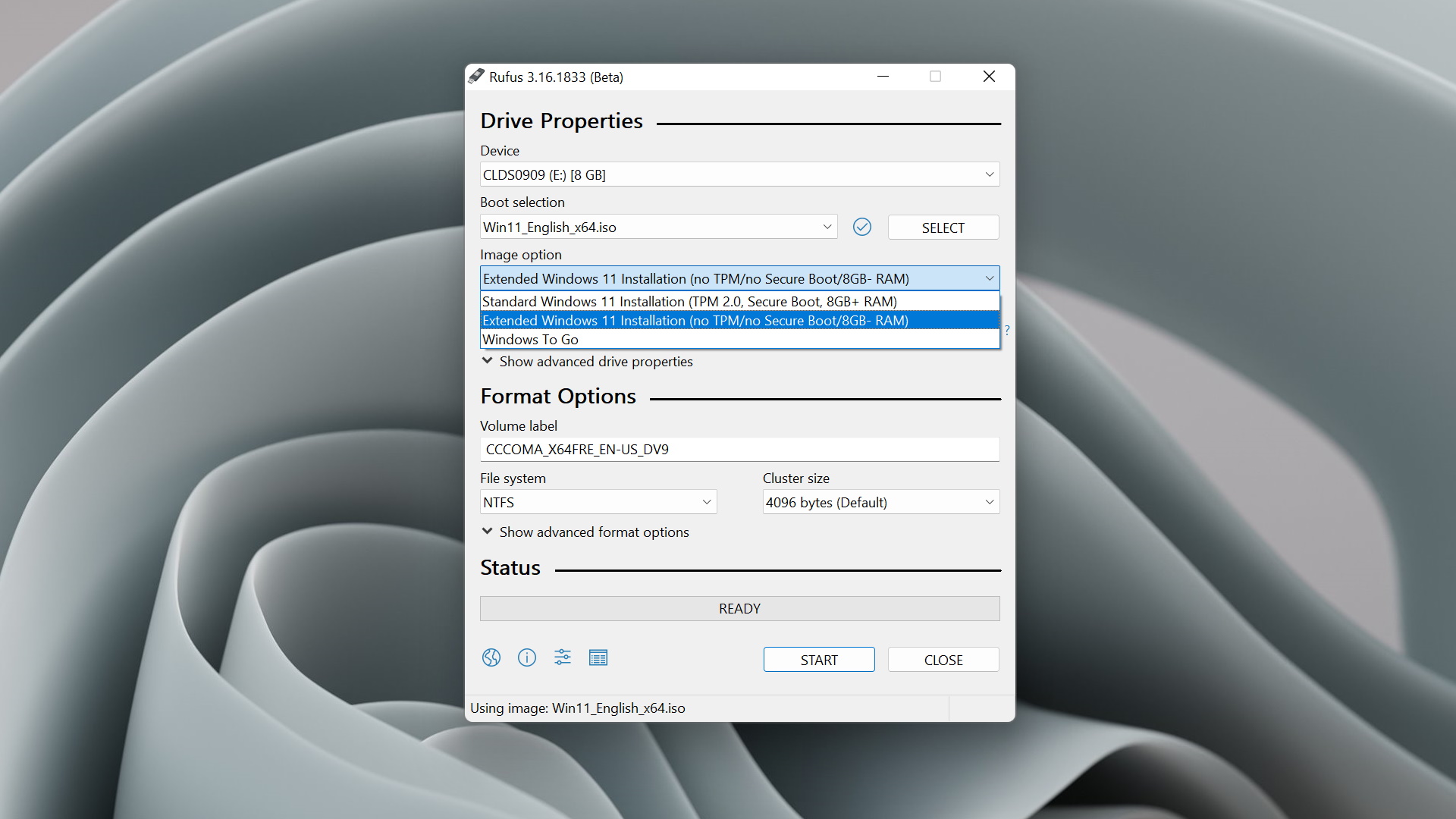
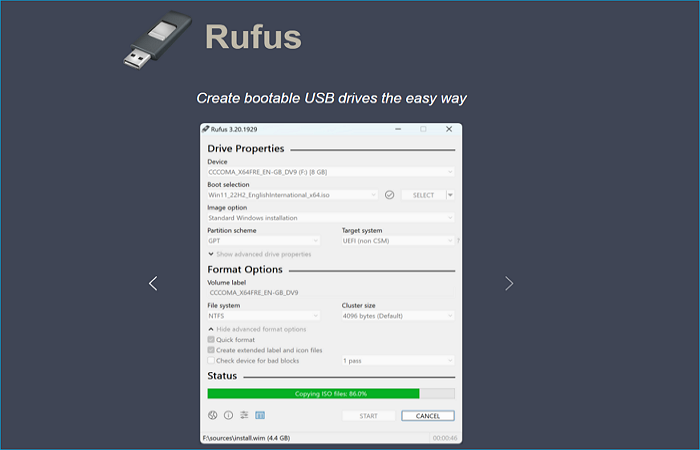
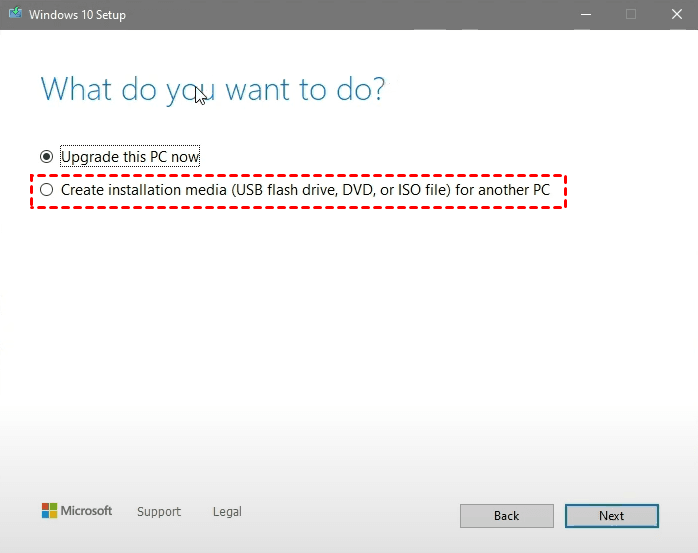
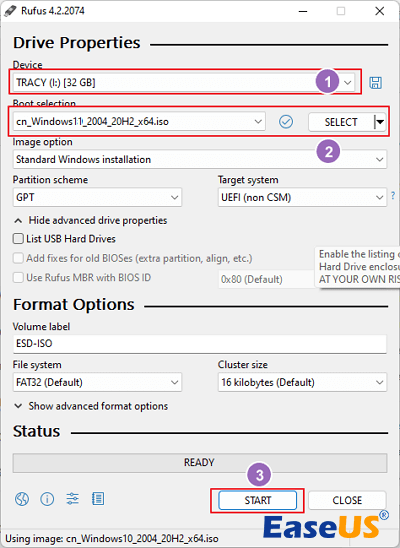
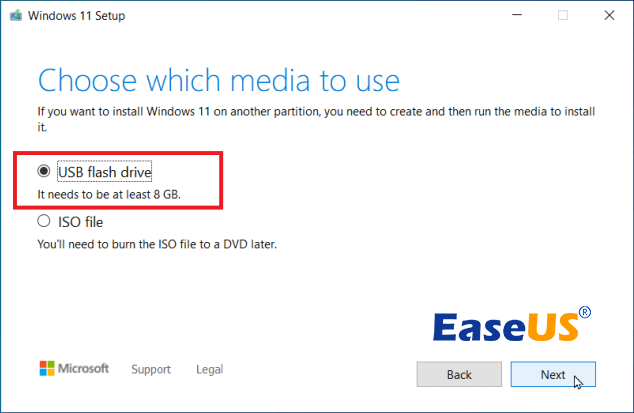
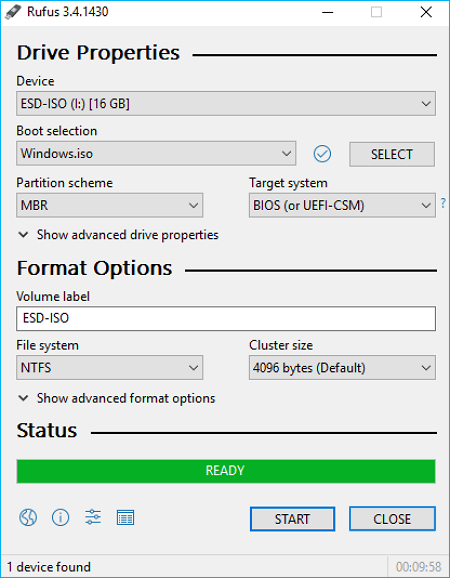
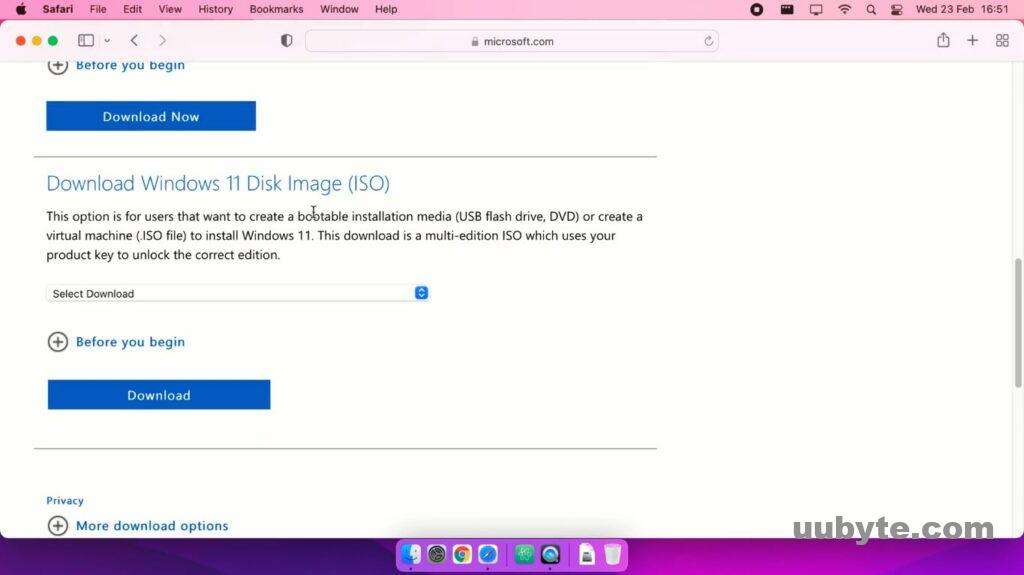
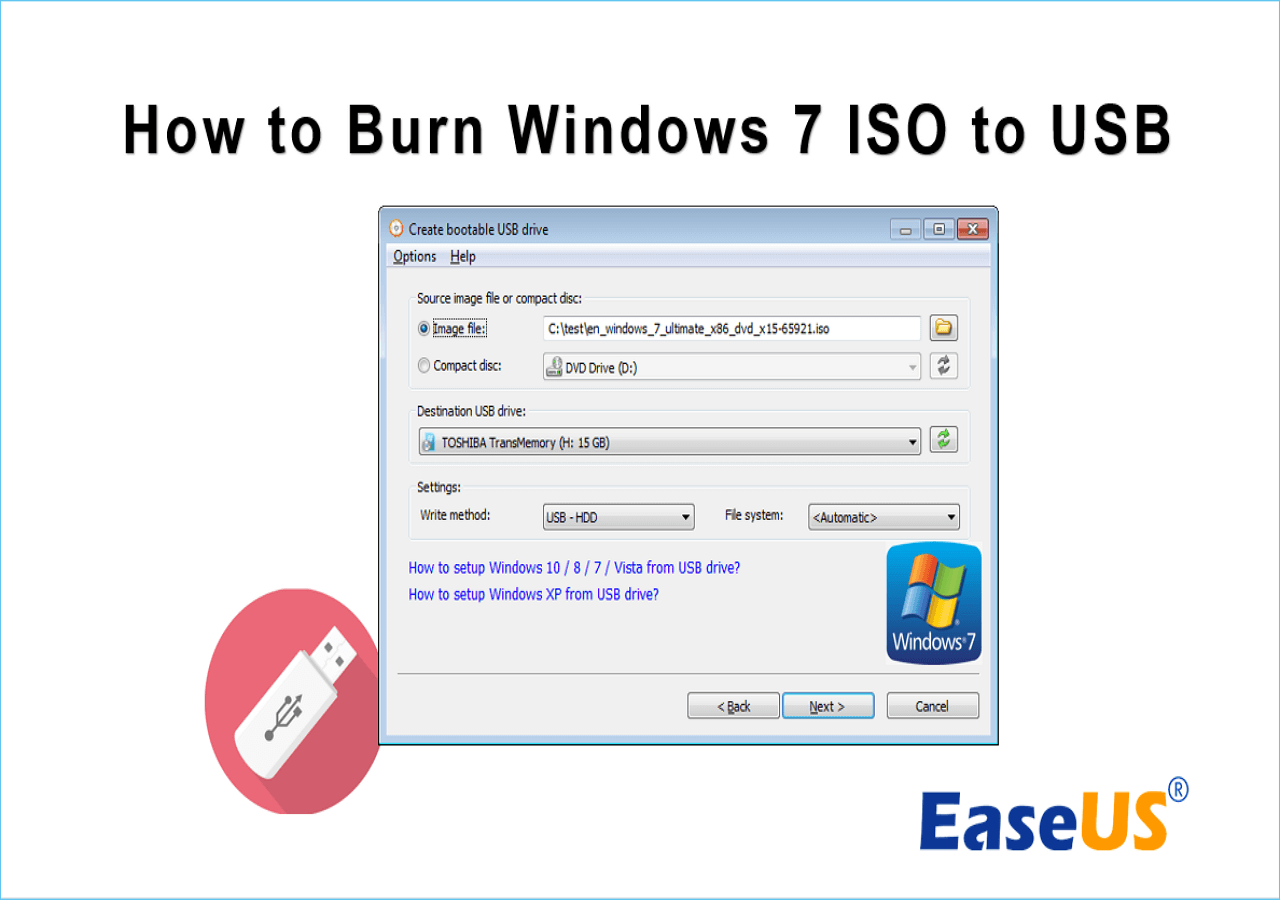
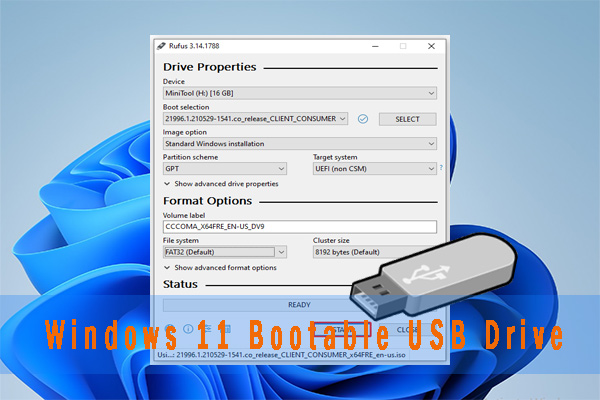
Use Microsoft's Media Creation Tool to make a Windows 11 USB drive by following simple steps. Rufus software helps create a bootable Windows 11 USB by downloading and copying the ISO file.
Windows 11 Bootable Iso Burning Software
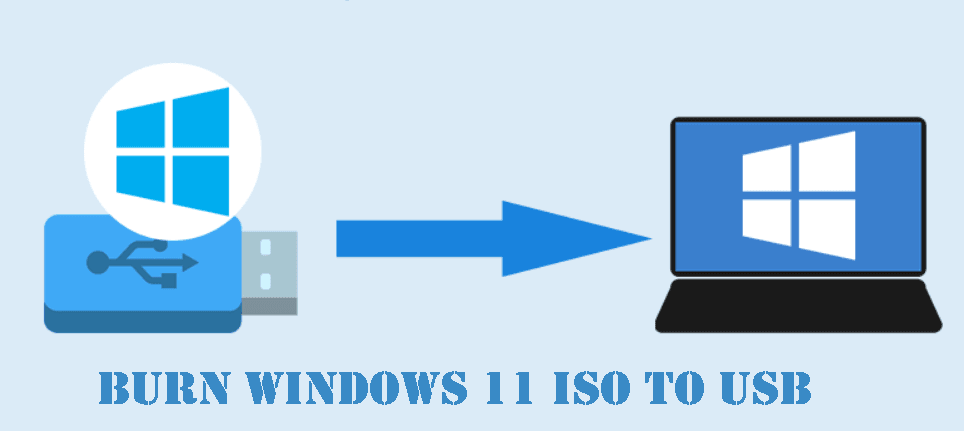
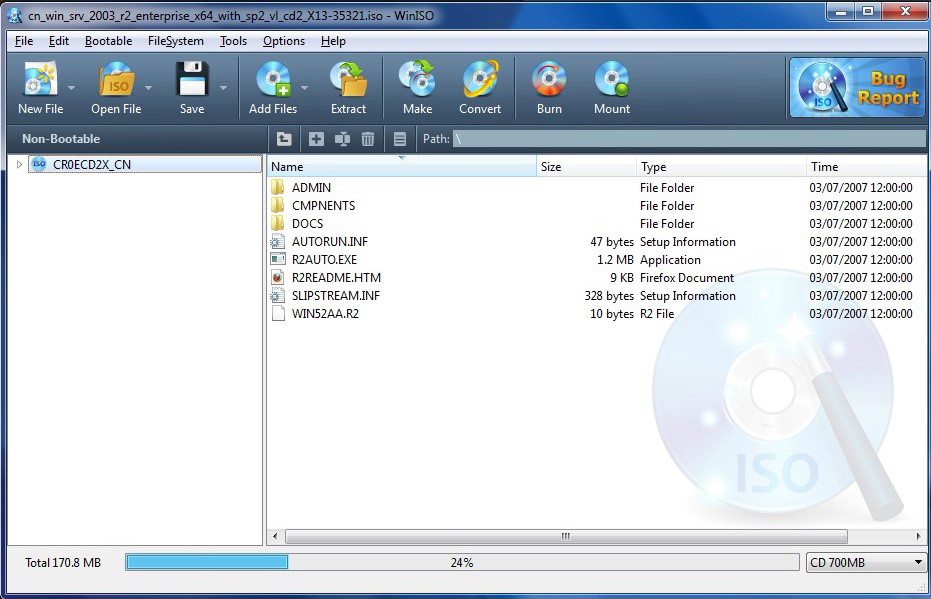
Furthermore, visual representations like the one above help us fully grasp the concept of Windows 11 Bootable Iso Burning Software.
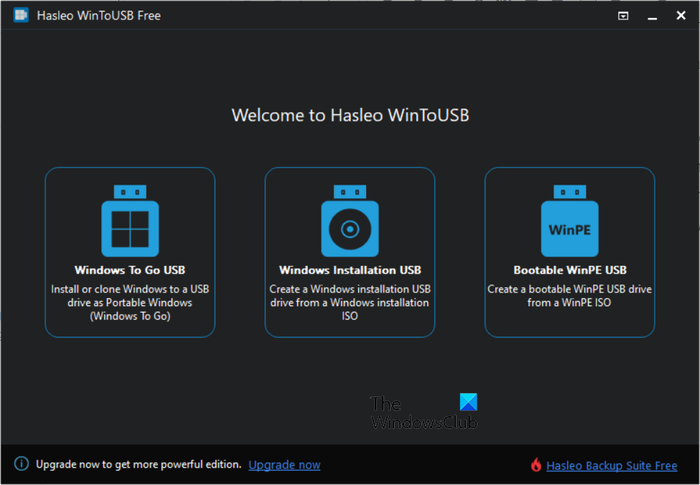
Best free Bootable USB Creator software for Windows 11
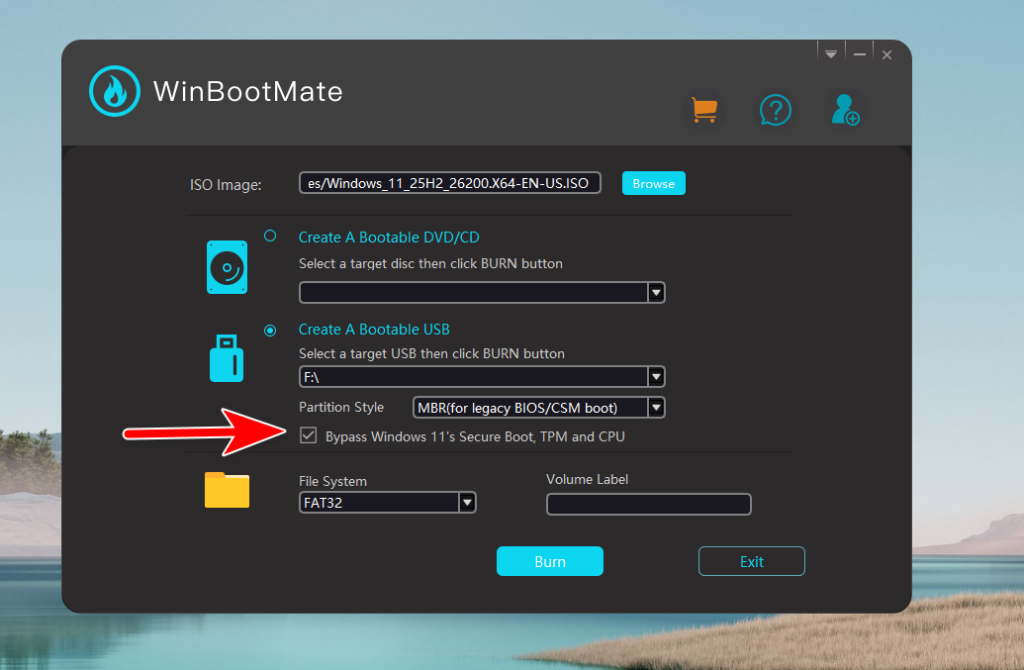
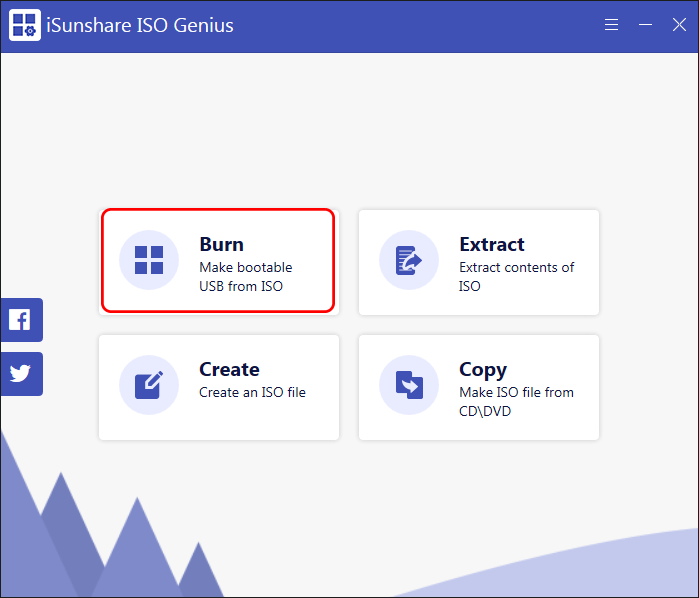
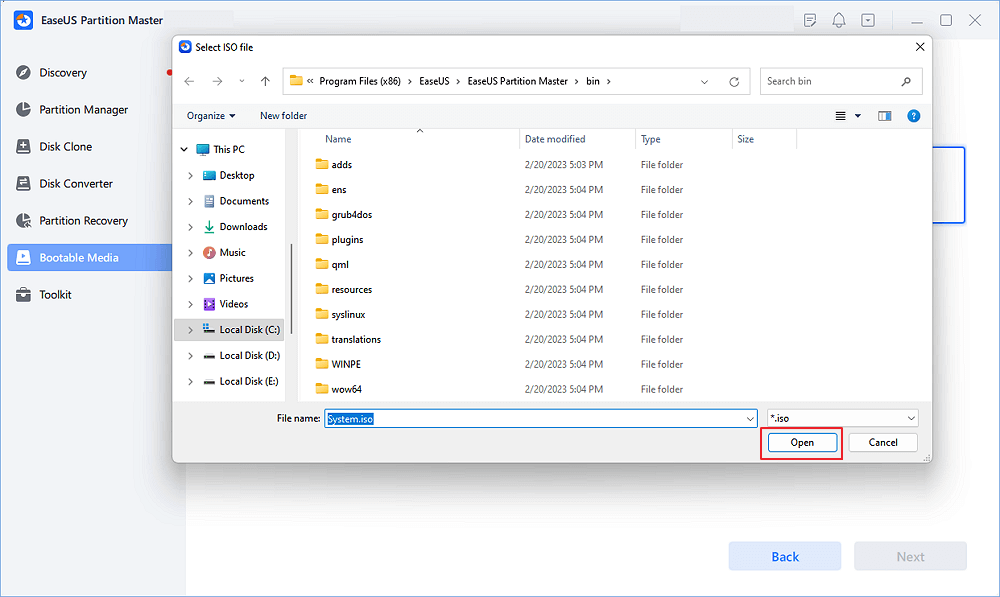
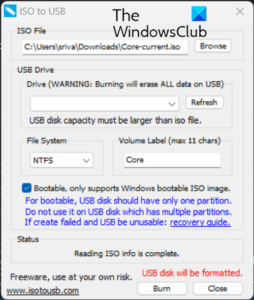
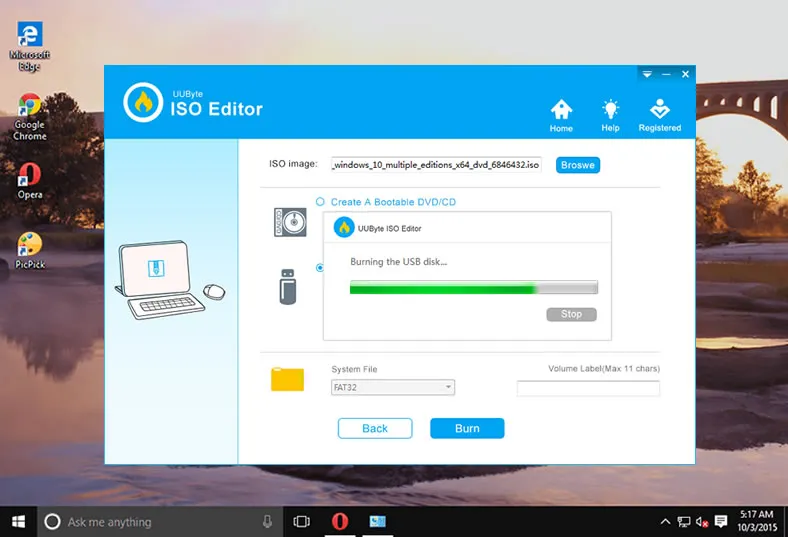
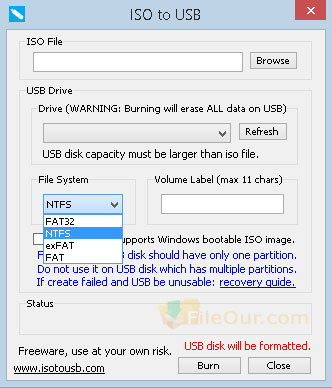
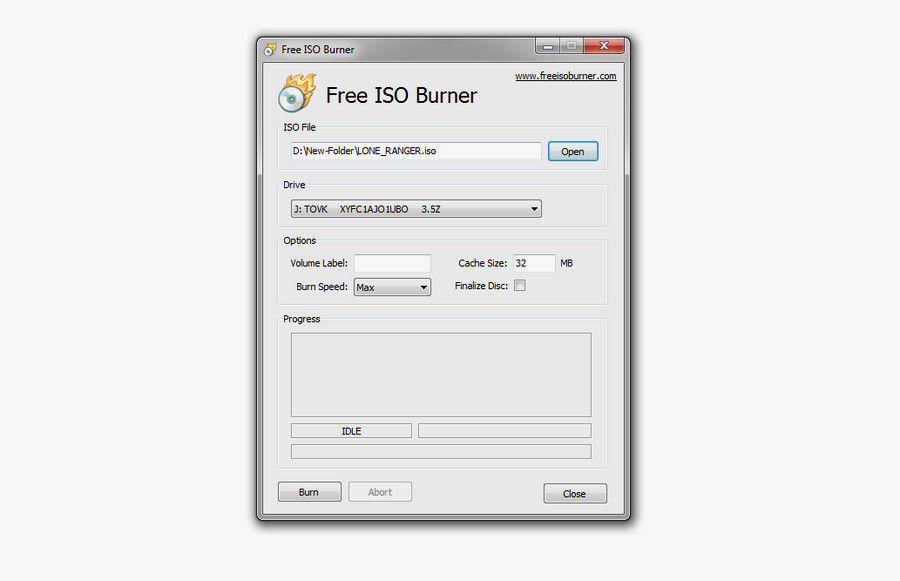
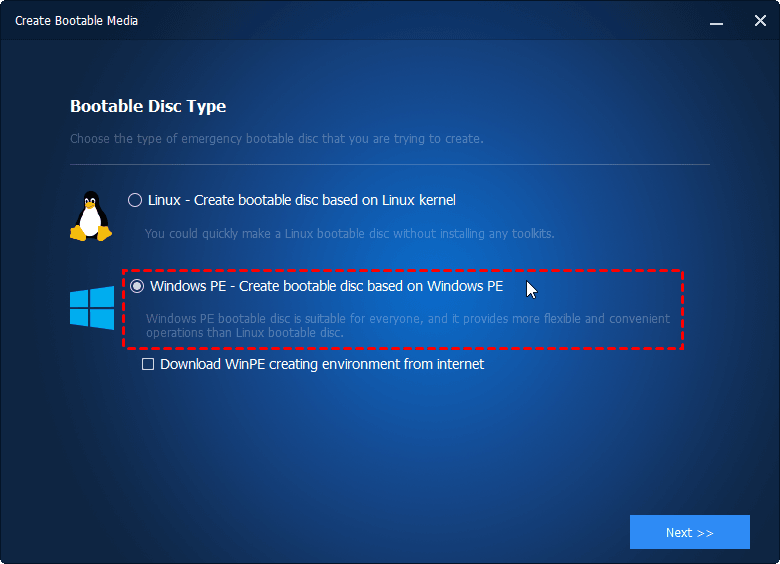
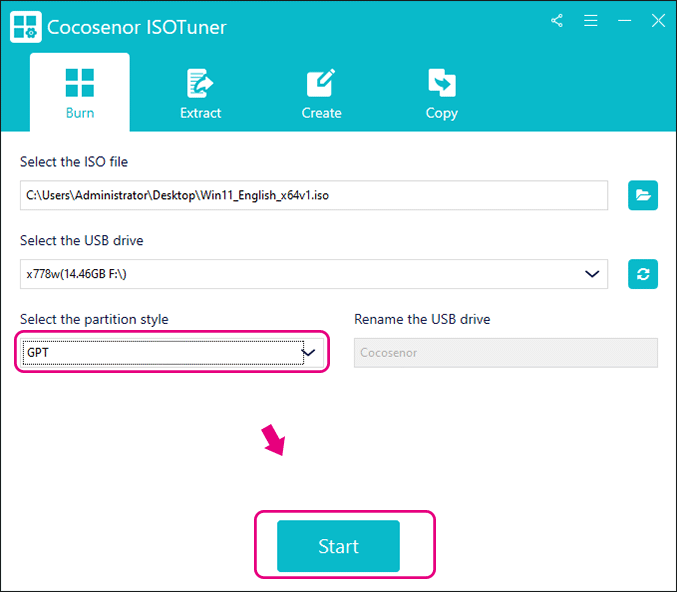
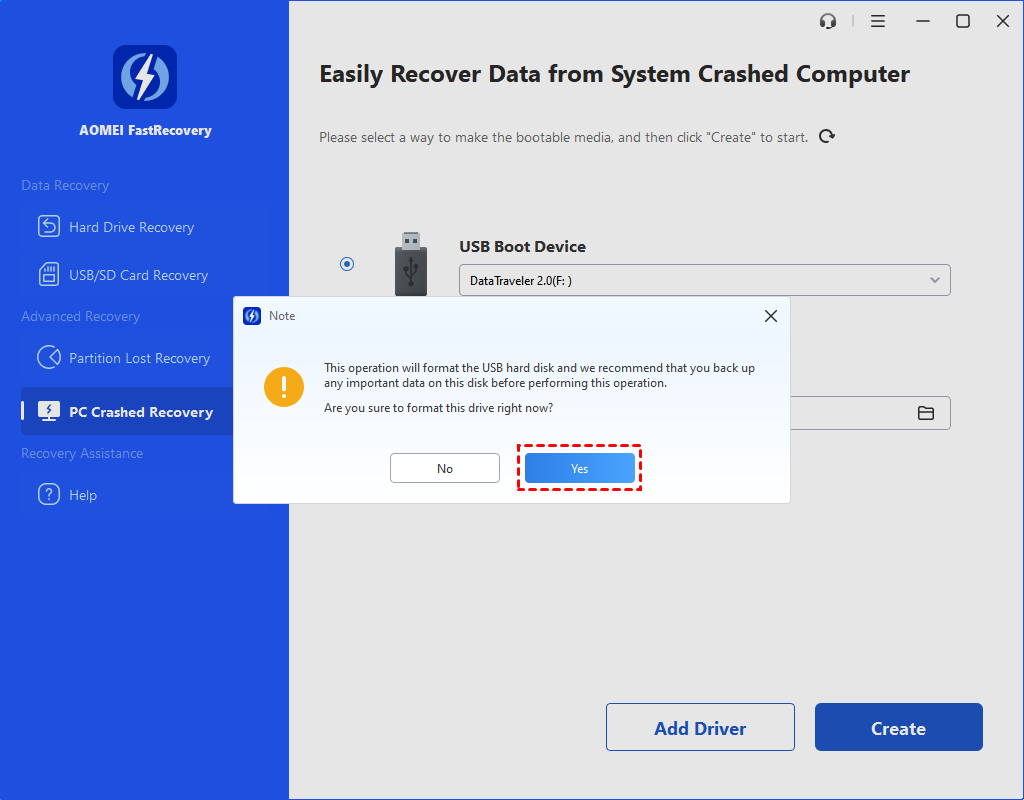
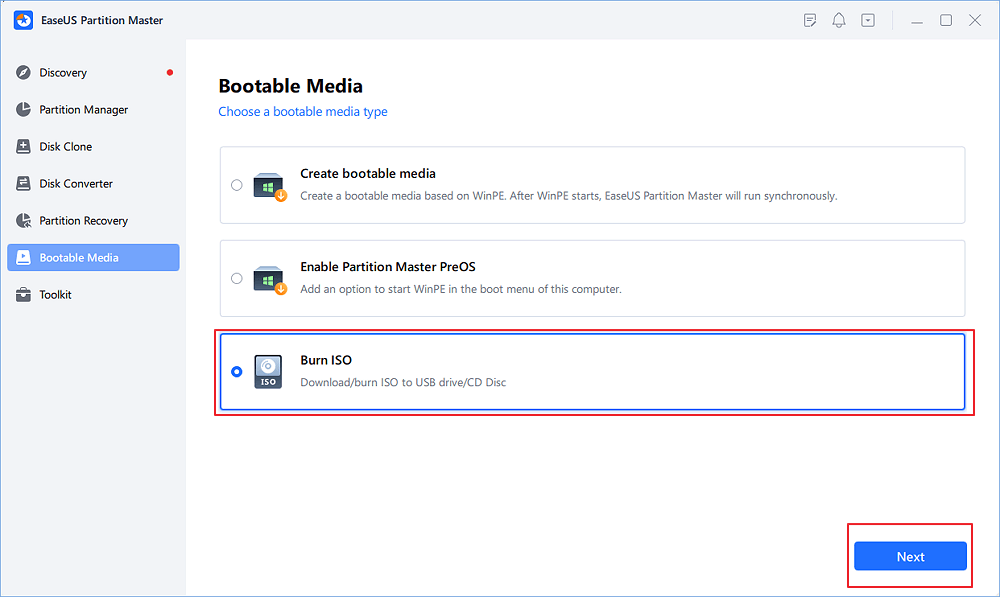
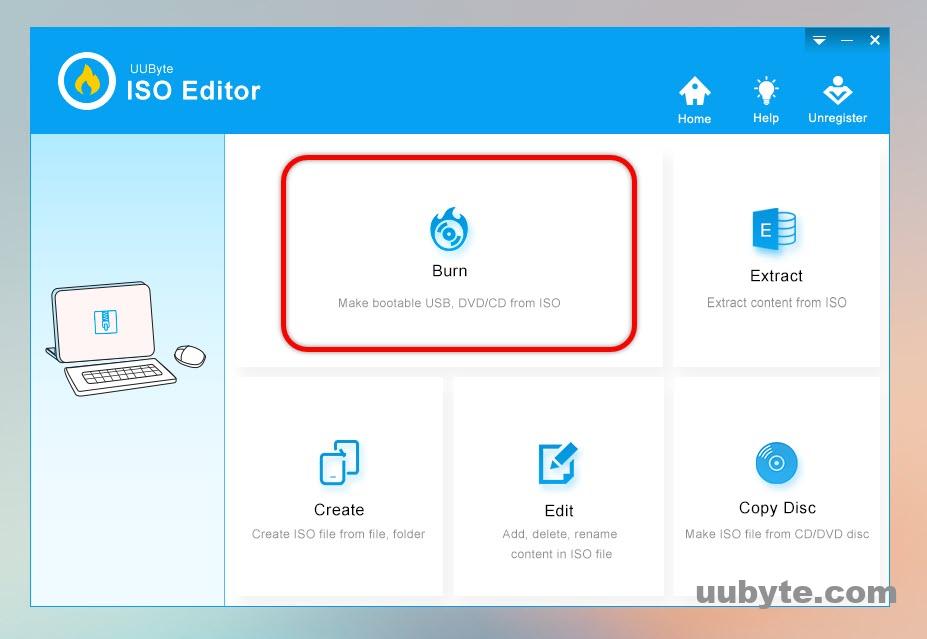
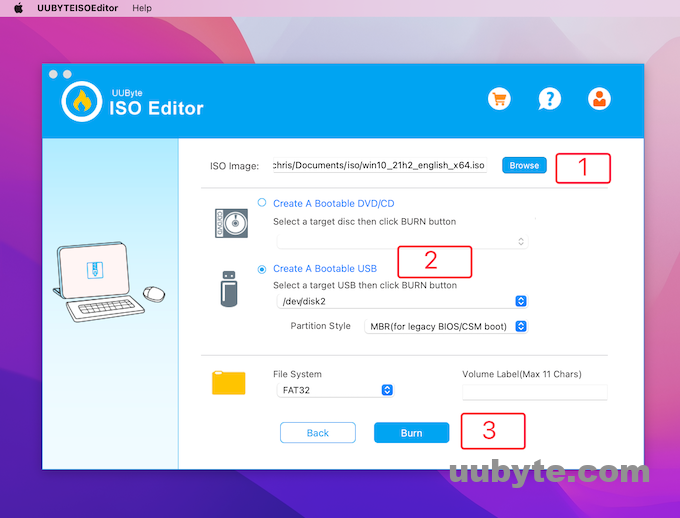
A Windows installation DVD or ISO image file Steps to make bootable bootable Windows 11 USB via ISO Editor: Upon downloading the software , install it on your computer. Attach the USB, and launch the application. On the main page click on the Burn. Configure the below settings: Click on Browse and look at the windows 11 ISO image.