Comprehensive Insights and Gallery of Windows 7 Network Troubleshooting Guide
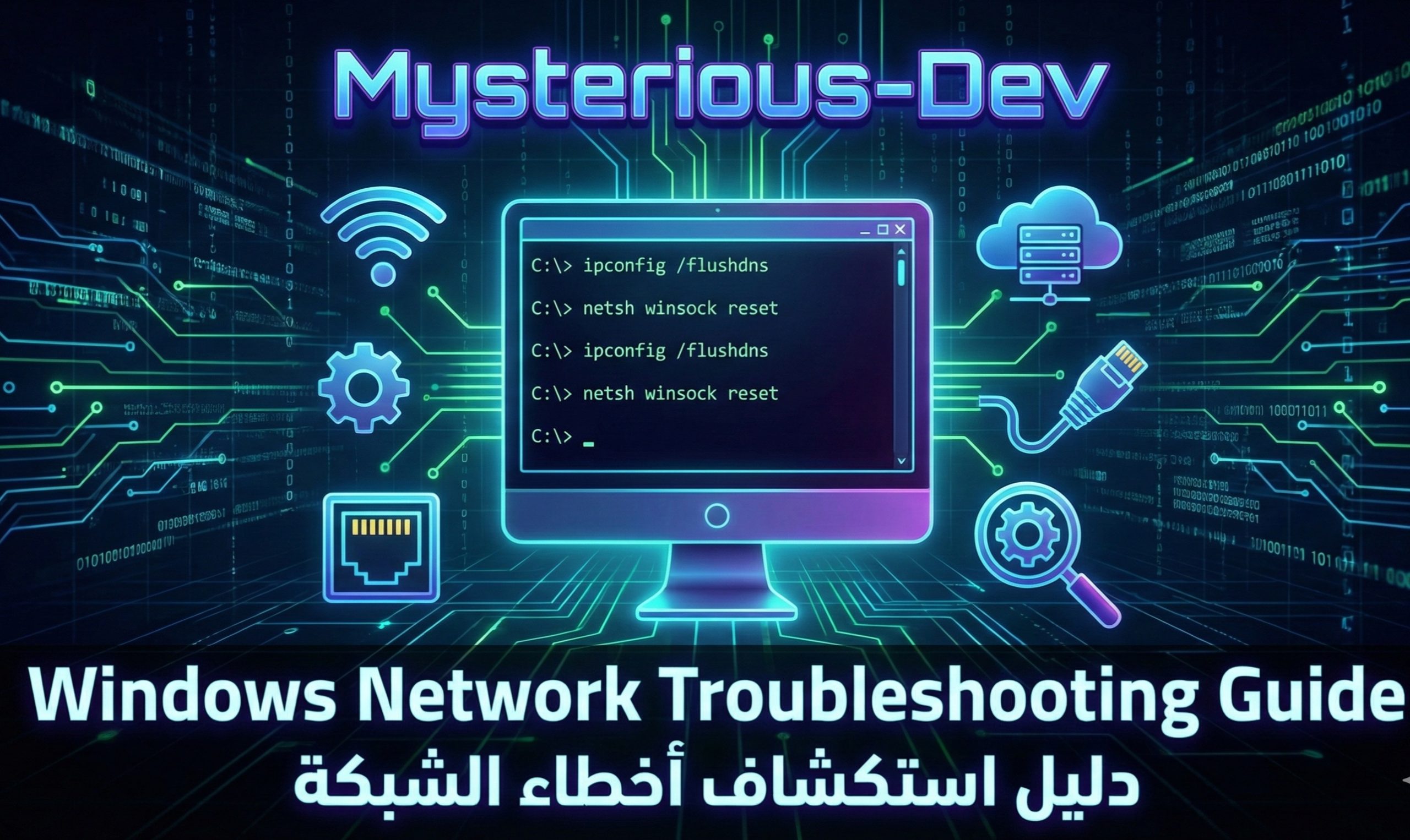
The Complete Windows Network Troubleshooting Guide
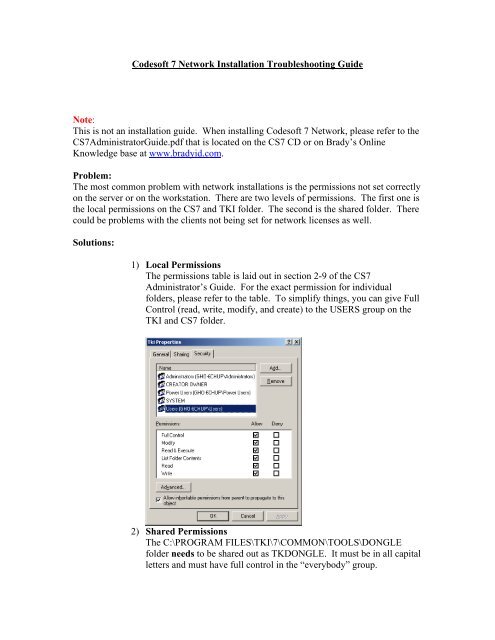
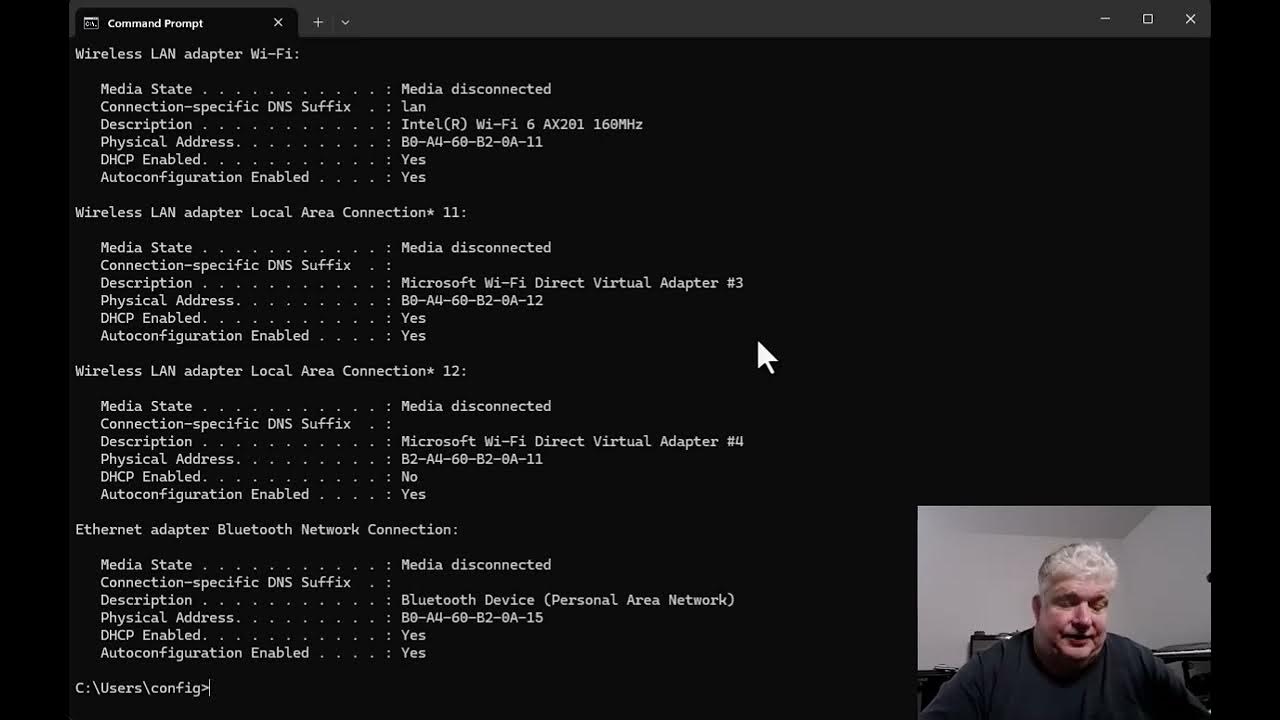
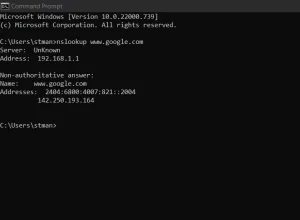
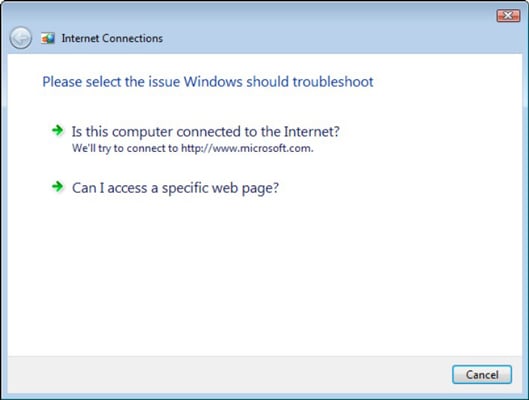
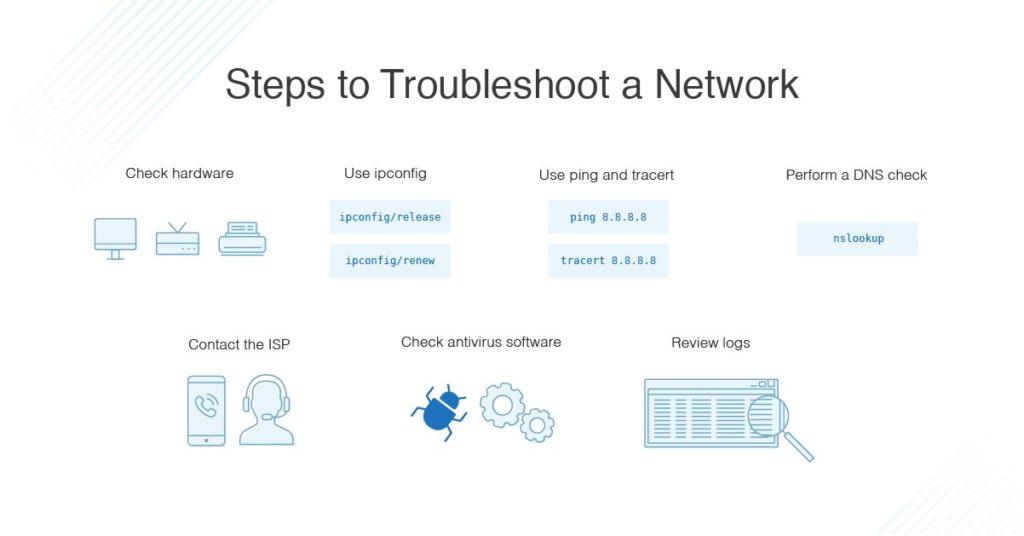
Windows 7 contains an assortment of utilities you can use to diagnose, monitor, and repair network connections. Here are some of the more useful networking-related command-line utilities in Windows 7 and a summary of how you can use each.
Windows 7 Network Troubleshooting Guide
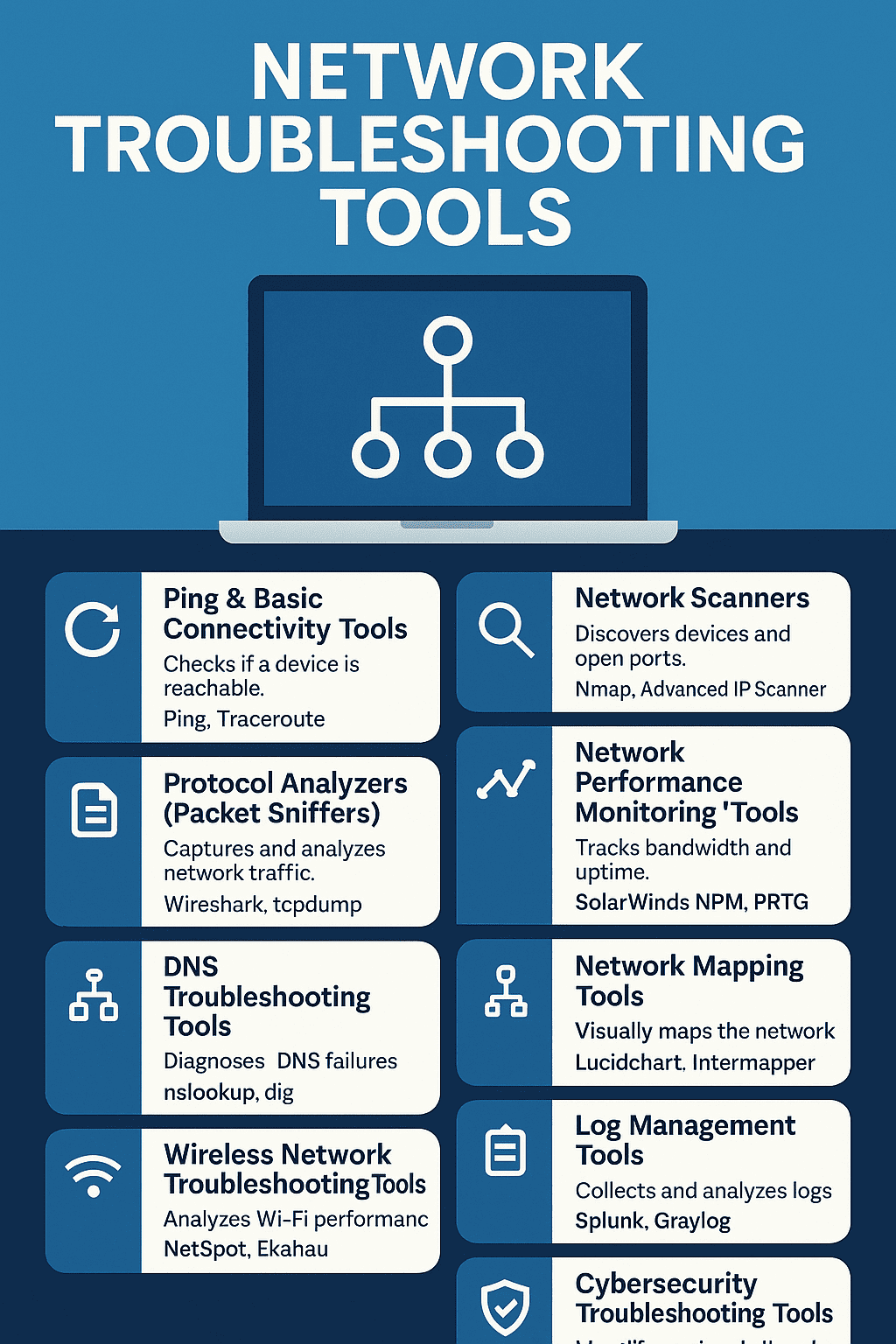
As we can see from the illustration, Windows 7 Network Troubleshooting Guide has many fascinating aspects to explore.
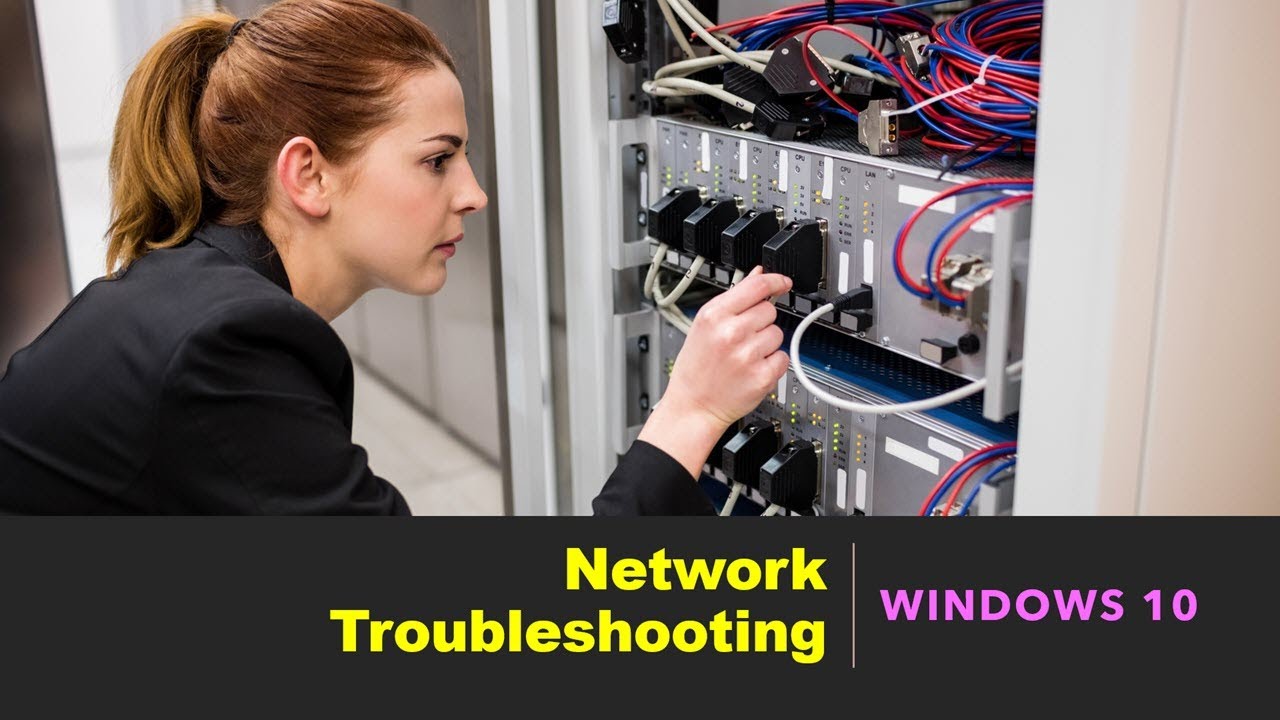
This guide provides seven proven troubleshooting methods to help you restore your internet connection quickly. 1. Check Physical & Wireless Connections. Before diving into software settings, ensure your hardware is functioning properly. Verify that your router is powered on.
Windows 7 Network Troubleshooting Guide
Moving forward, it's essential to keep these visual contexts in mind when discussing Windows 7 Network Troubleshooting Guide.
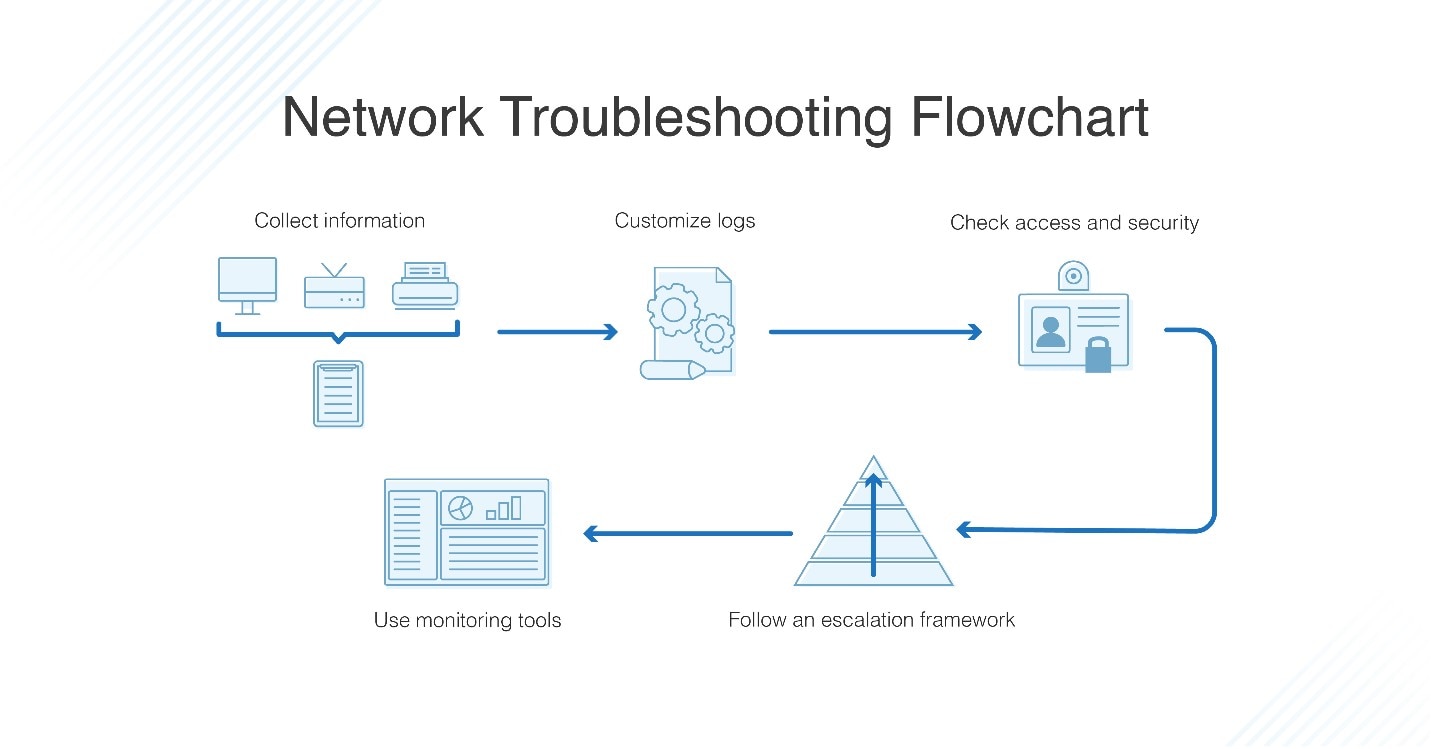
A beginner-friendly, step-by-step guide to network troubleshooting basics using an OSI layered approach, baseline testing, key diagnostic commands, and a practical checklist.