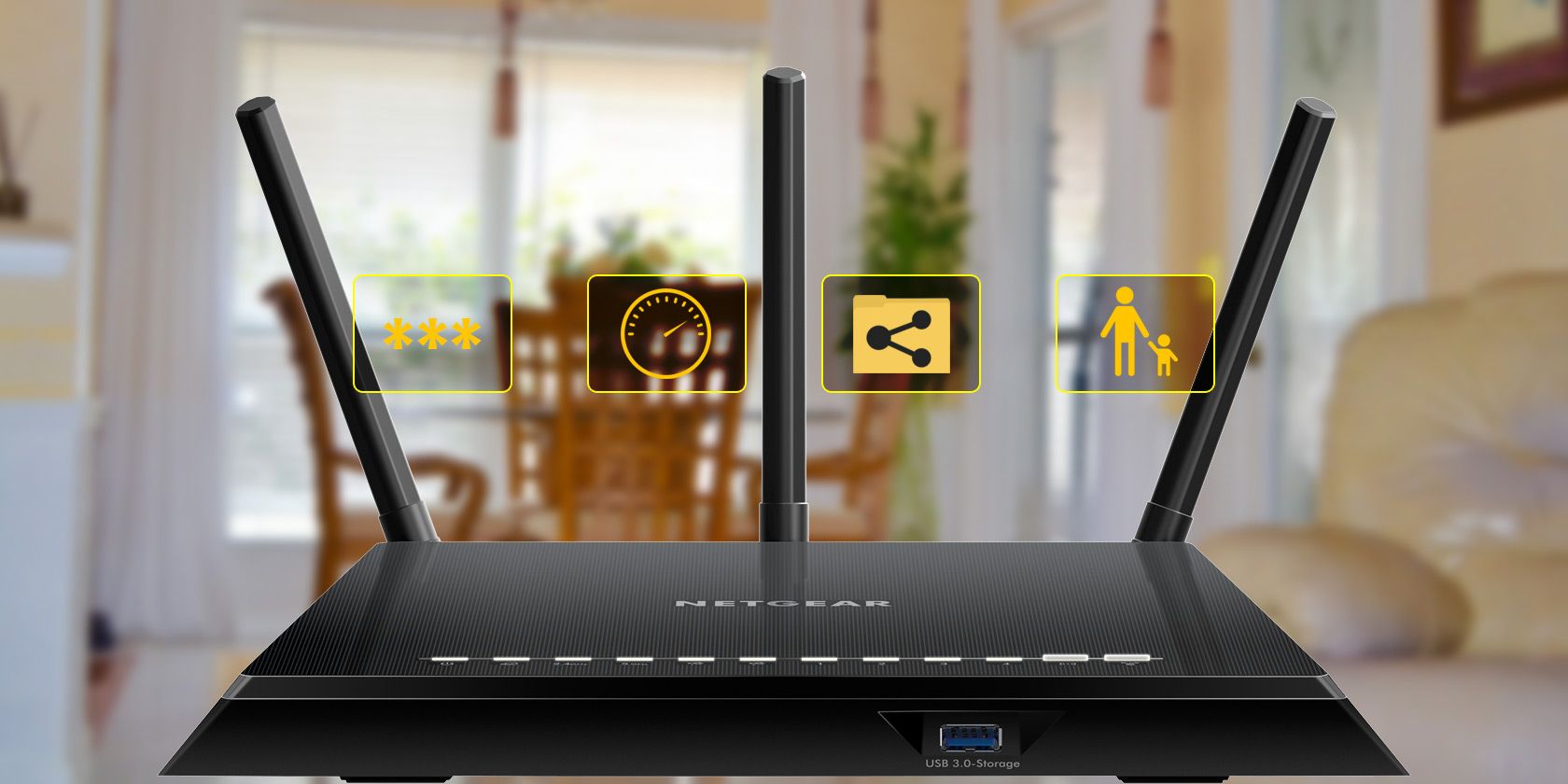
New Wi
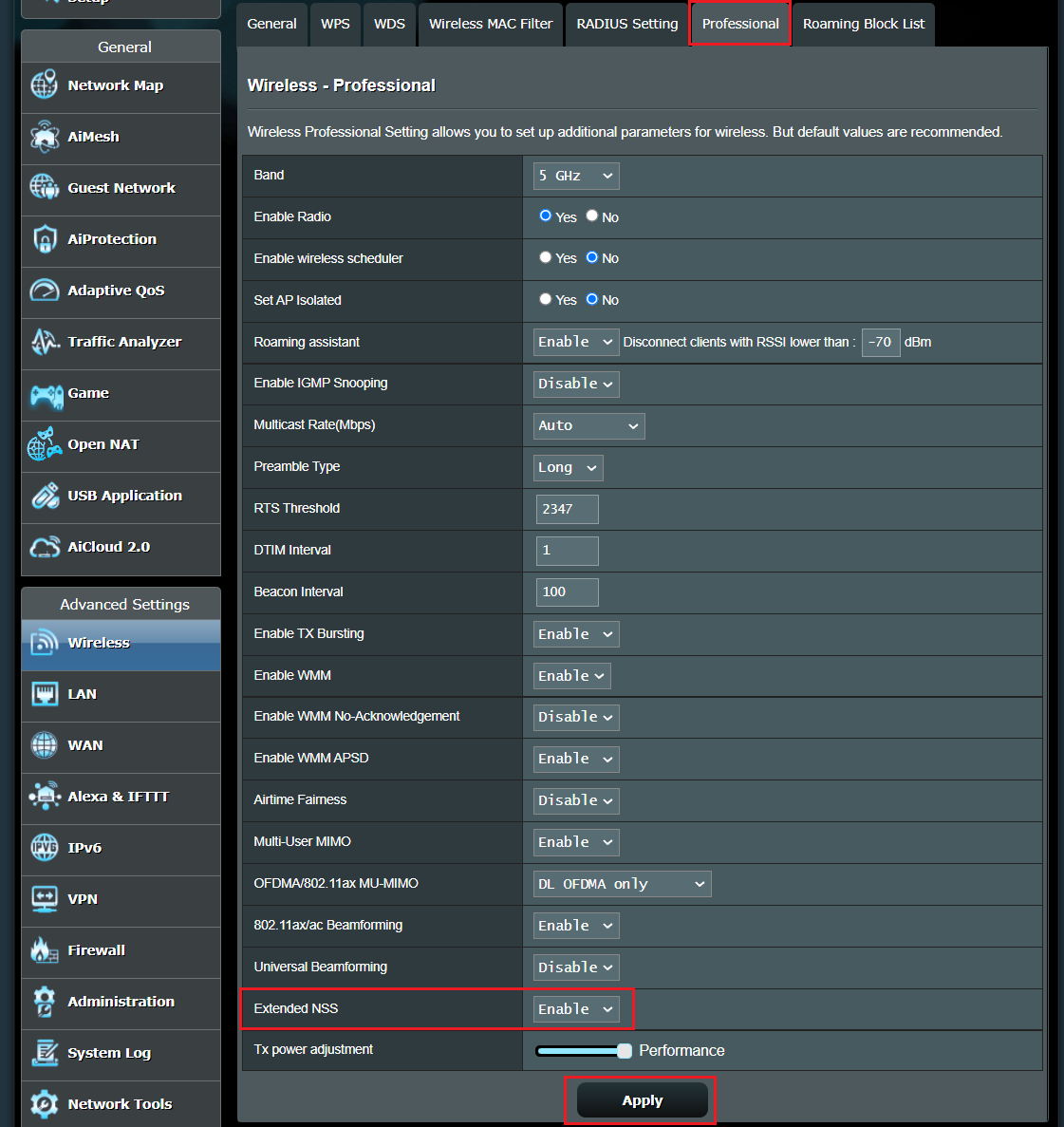
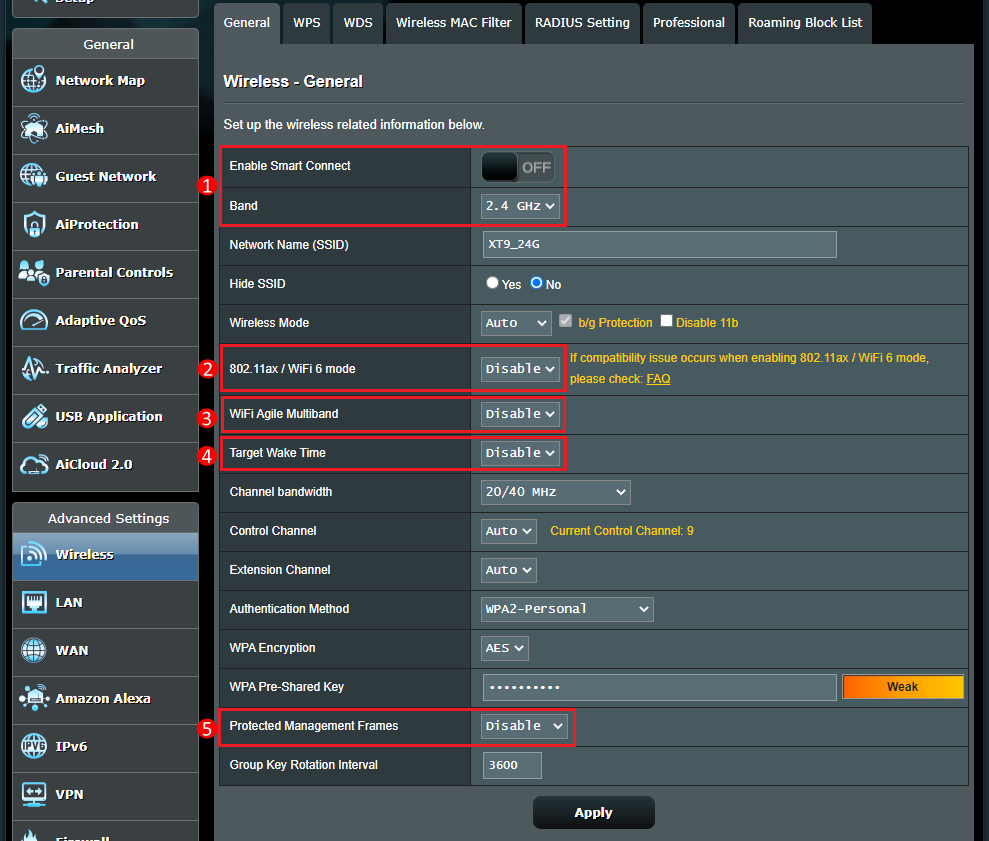
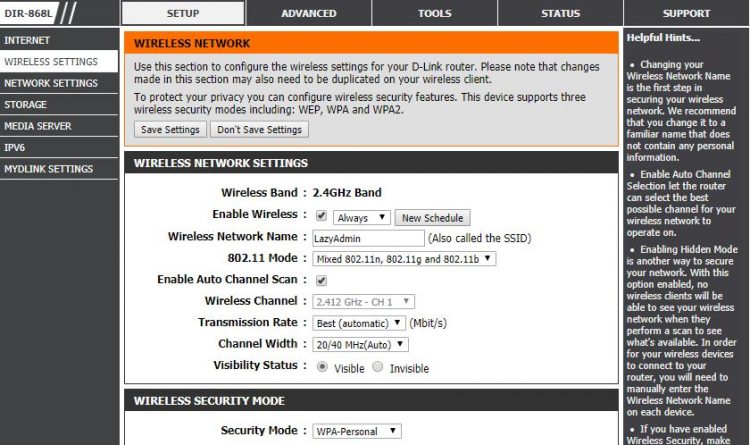
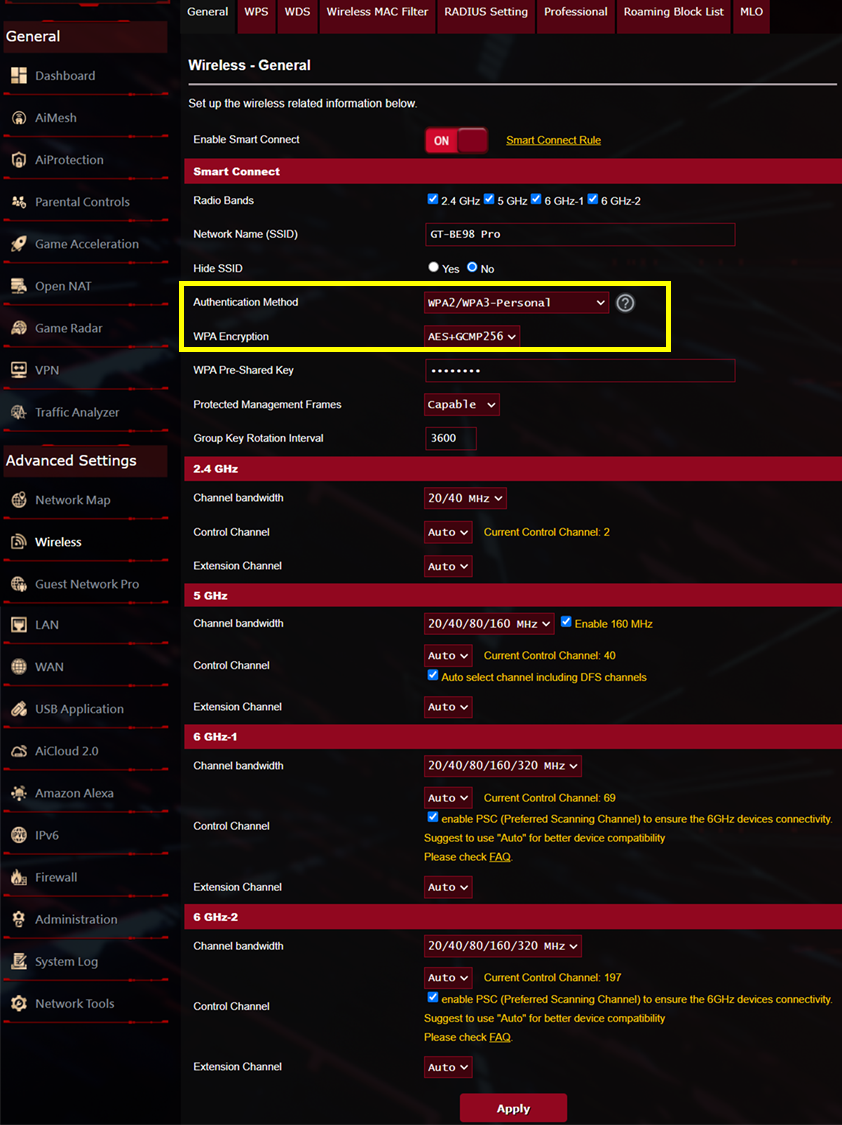
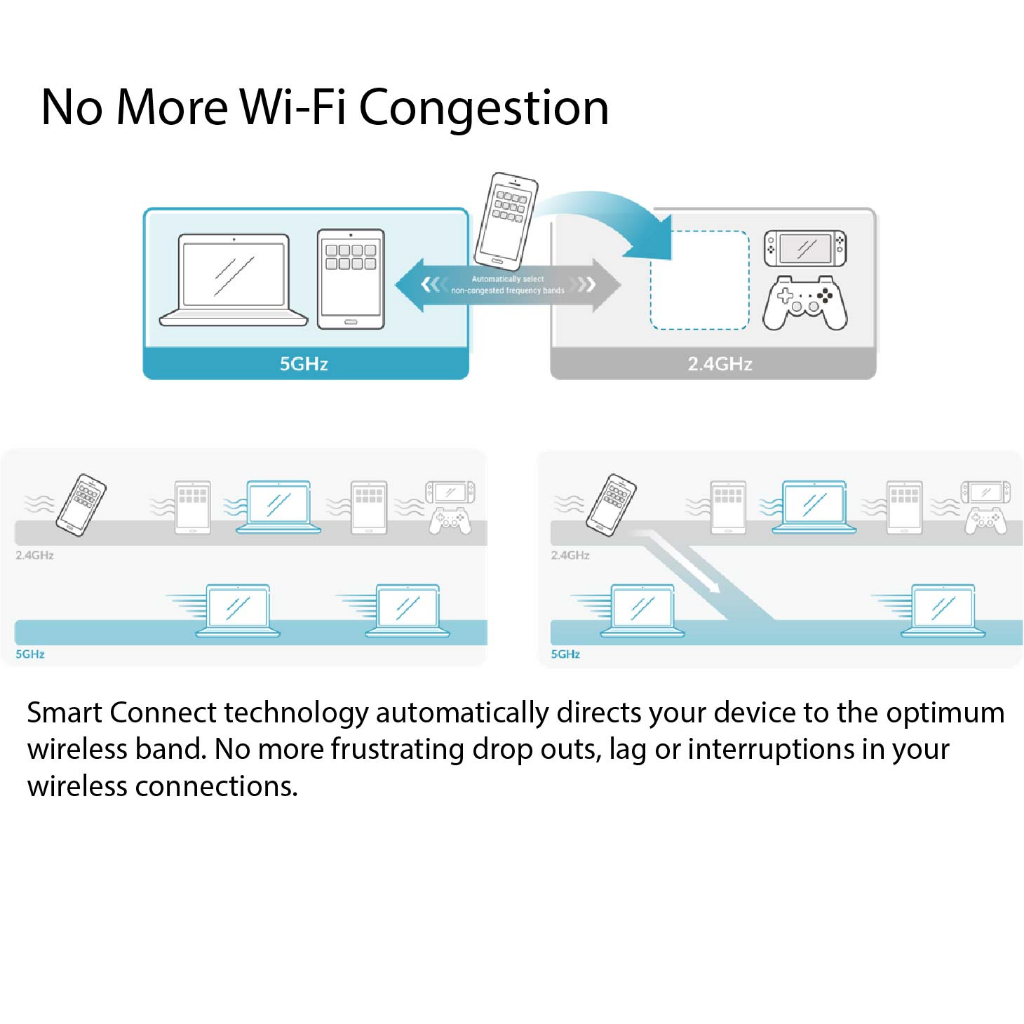
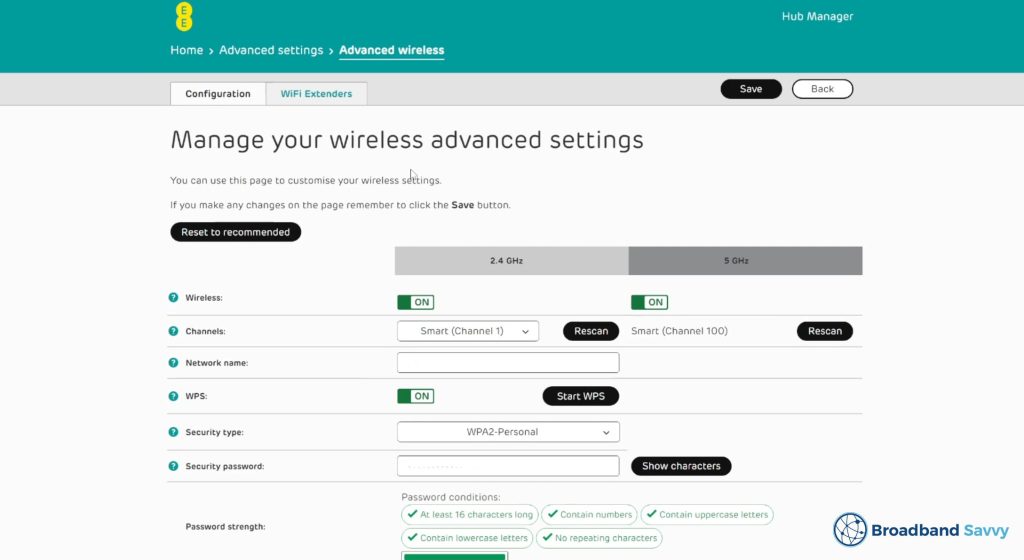
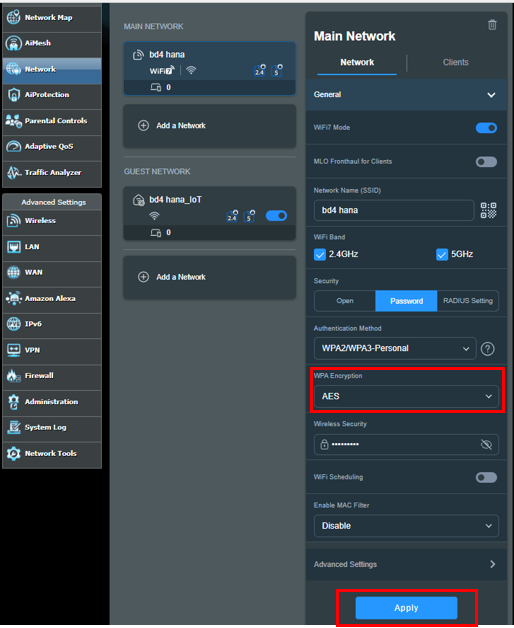
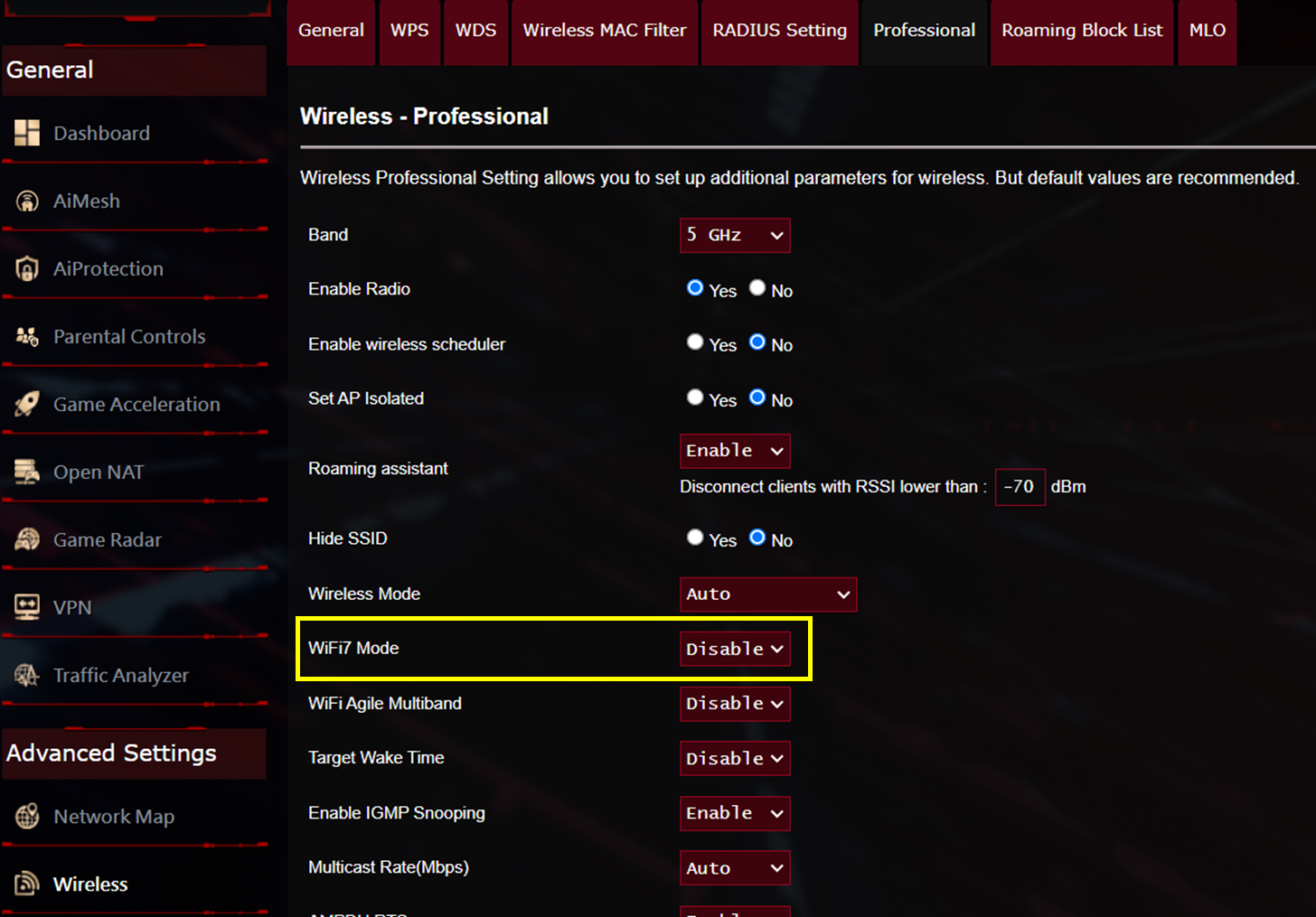
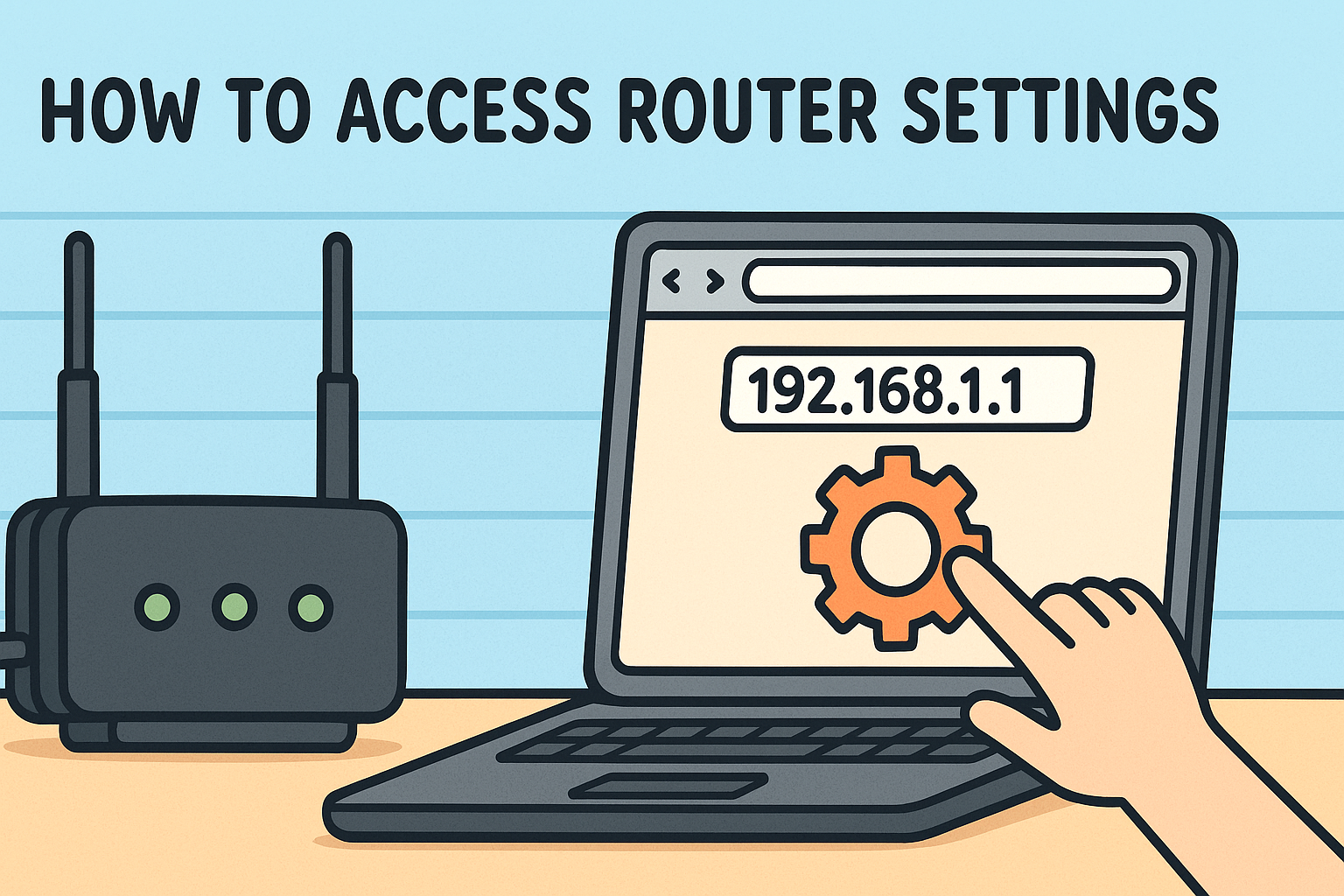
Look for settings like "802.11n," "Wi-Fi 4," or "legacy mode." This brings back support for older wireless standards. You'll usually find these options in your router's dashboard—either via the manufacturer's app or by logging in through a web browser (often by typing 192.168.1.1 or 192.168..1).
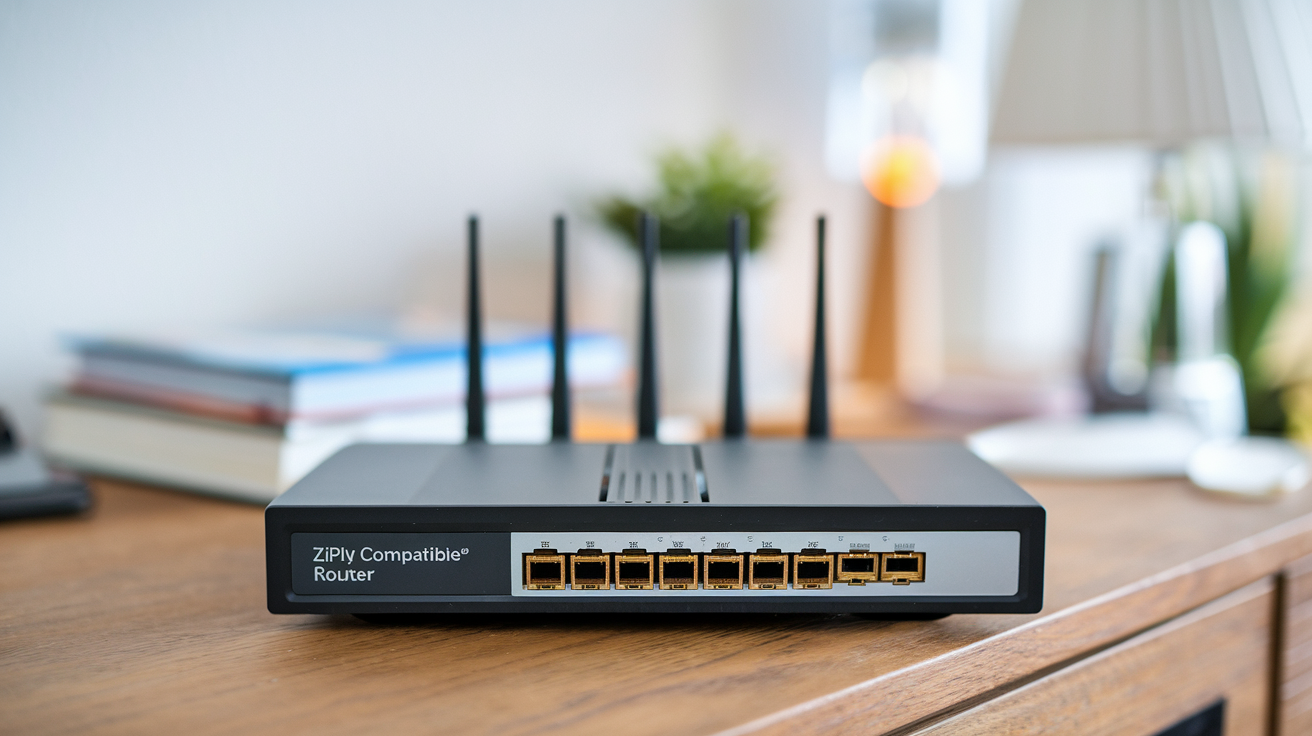
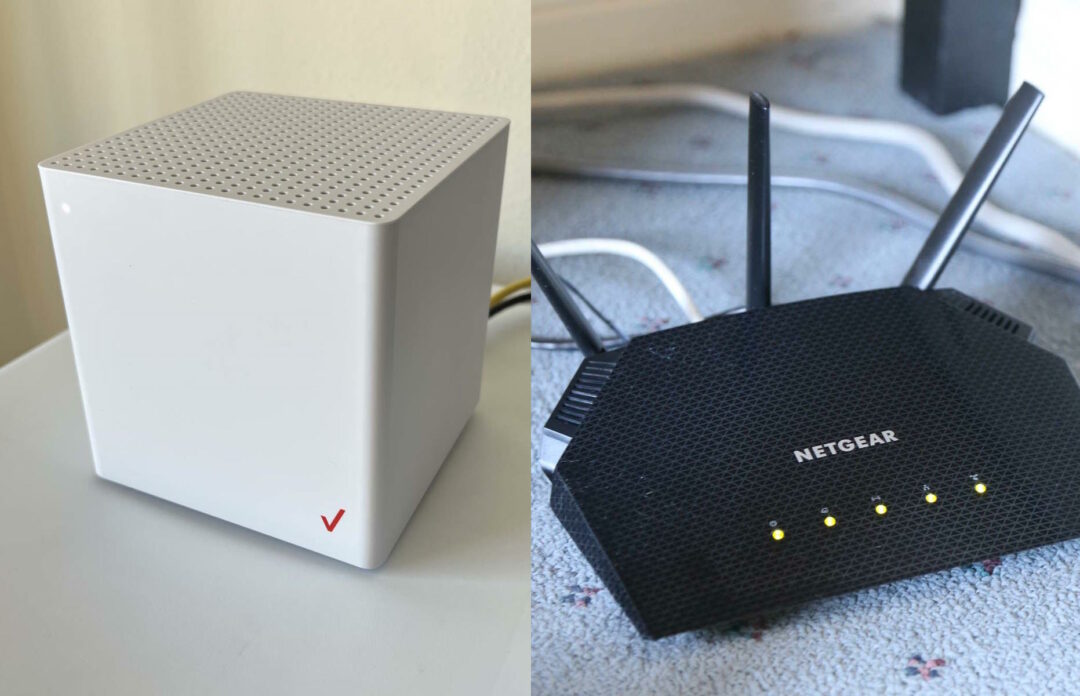
Got a new Wi-Fi router but your old devices aren't working so well? Those older devices may be having compatibility issues but it can be fixed.
This particular example perfectly highlights why Wireless Router Setup For Compatibility Issues is so captivating.
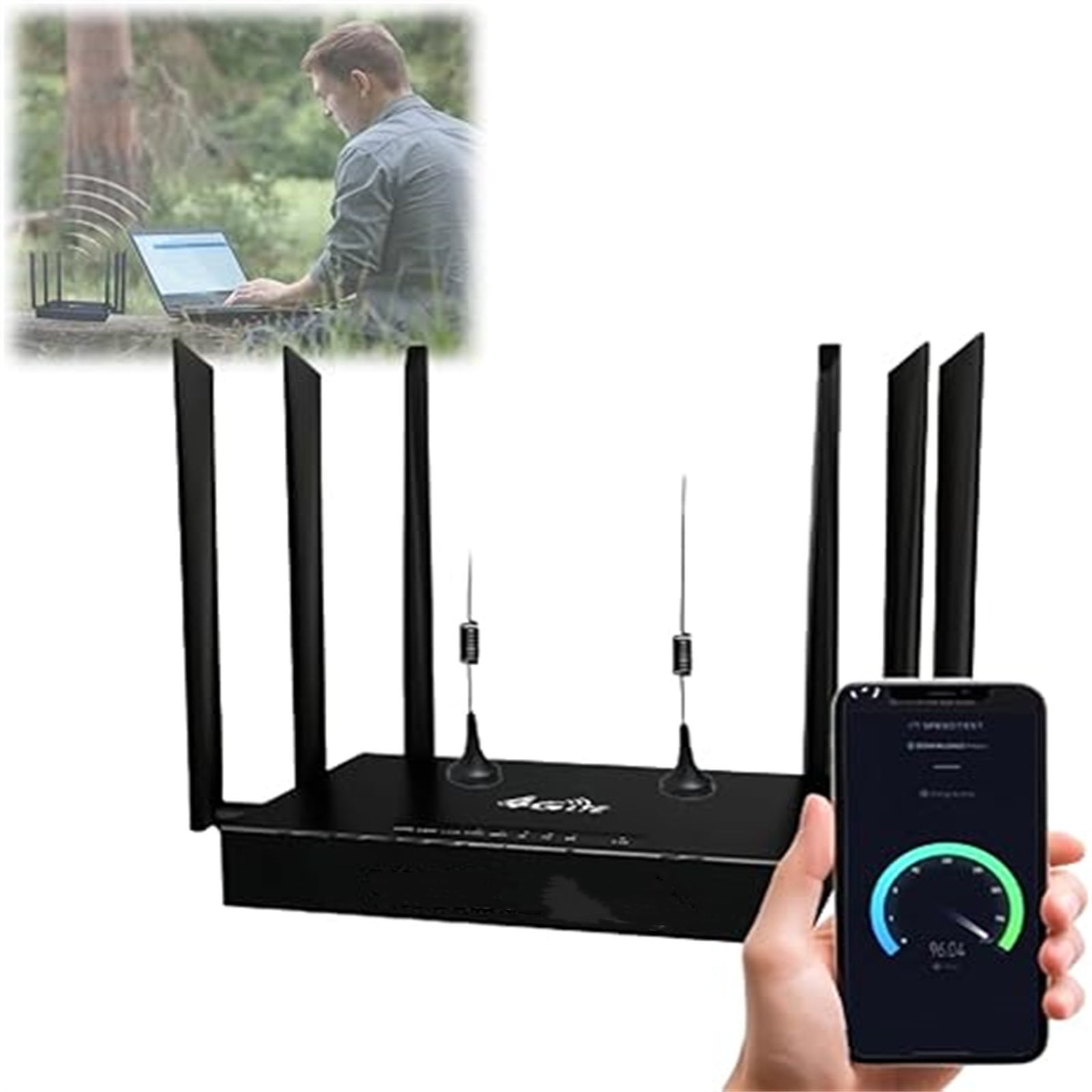
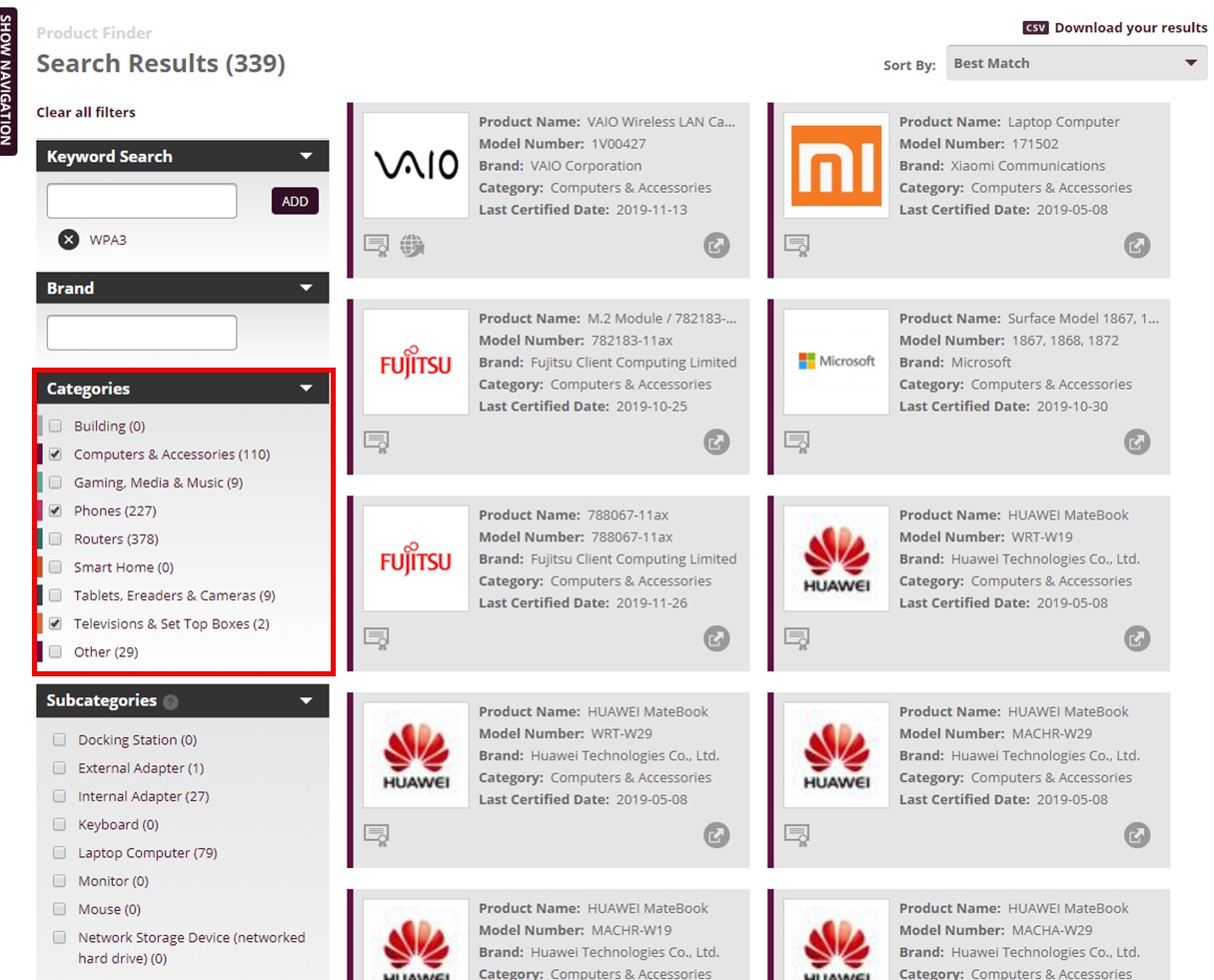
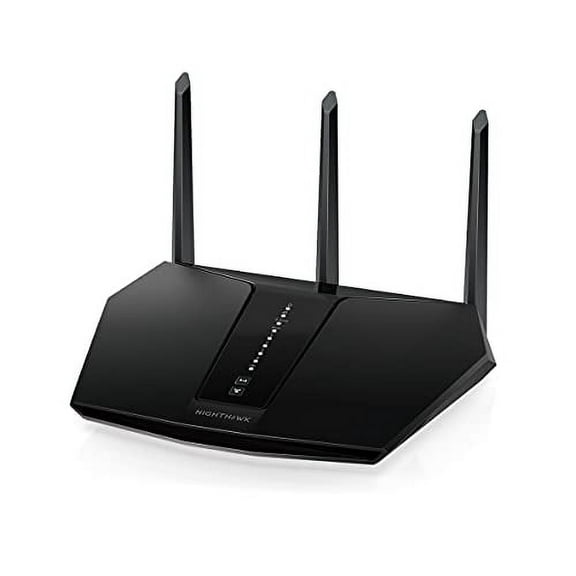
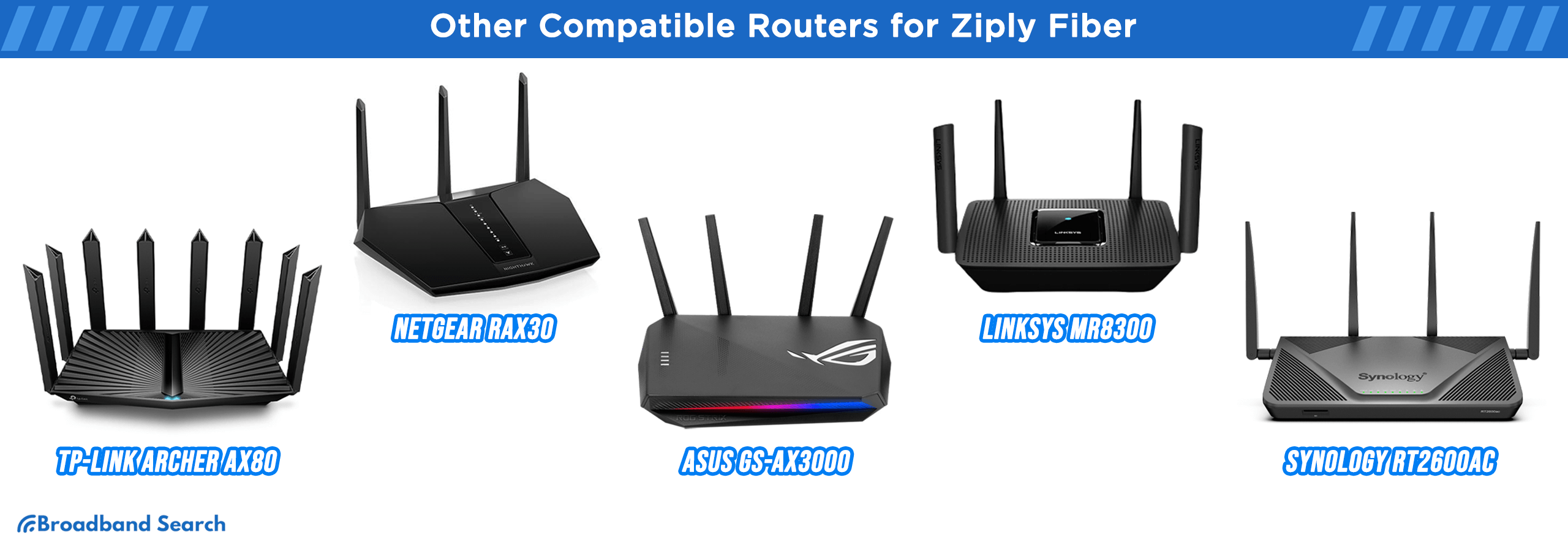
Upgrading to the newest Wi-Fi routers might overwhelm older devices. From Wi-Fi 6 compatibility to WPA3 security glitches, here's what you can do.
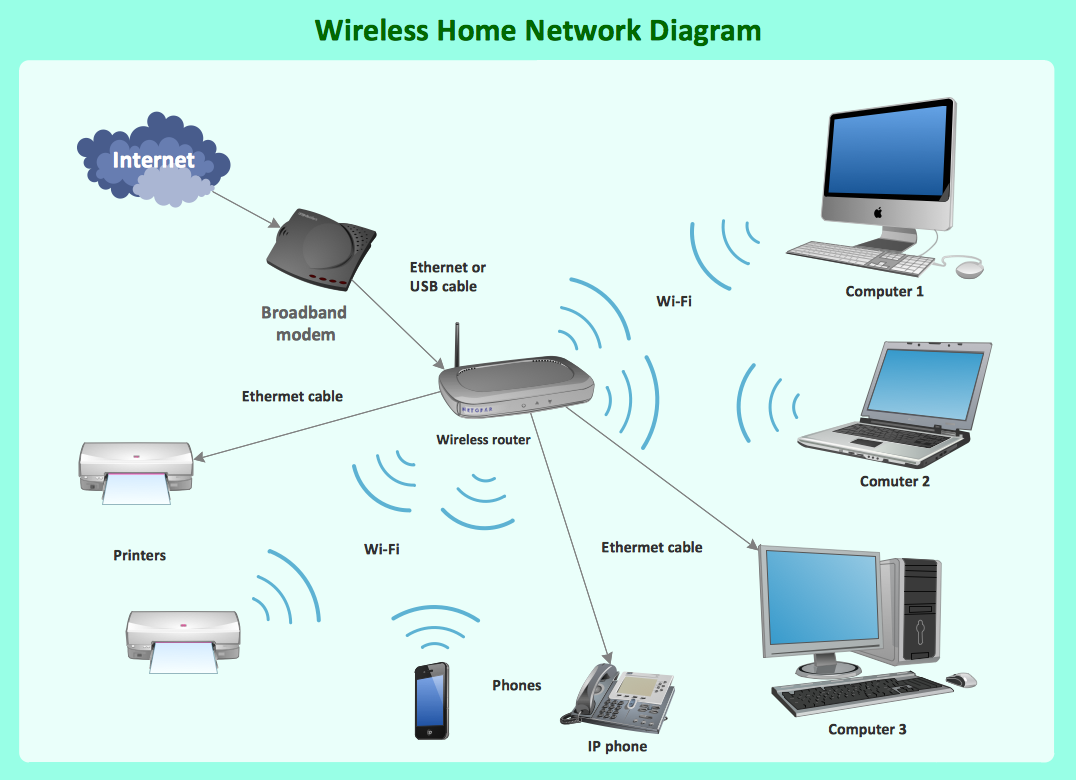
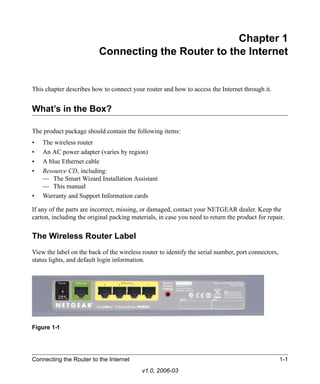
Optimize your Wi-Fi speed with a router setup guide covering placement, security, and mesh options for the best wireless performance.
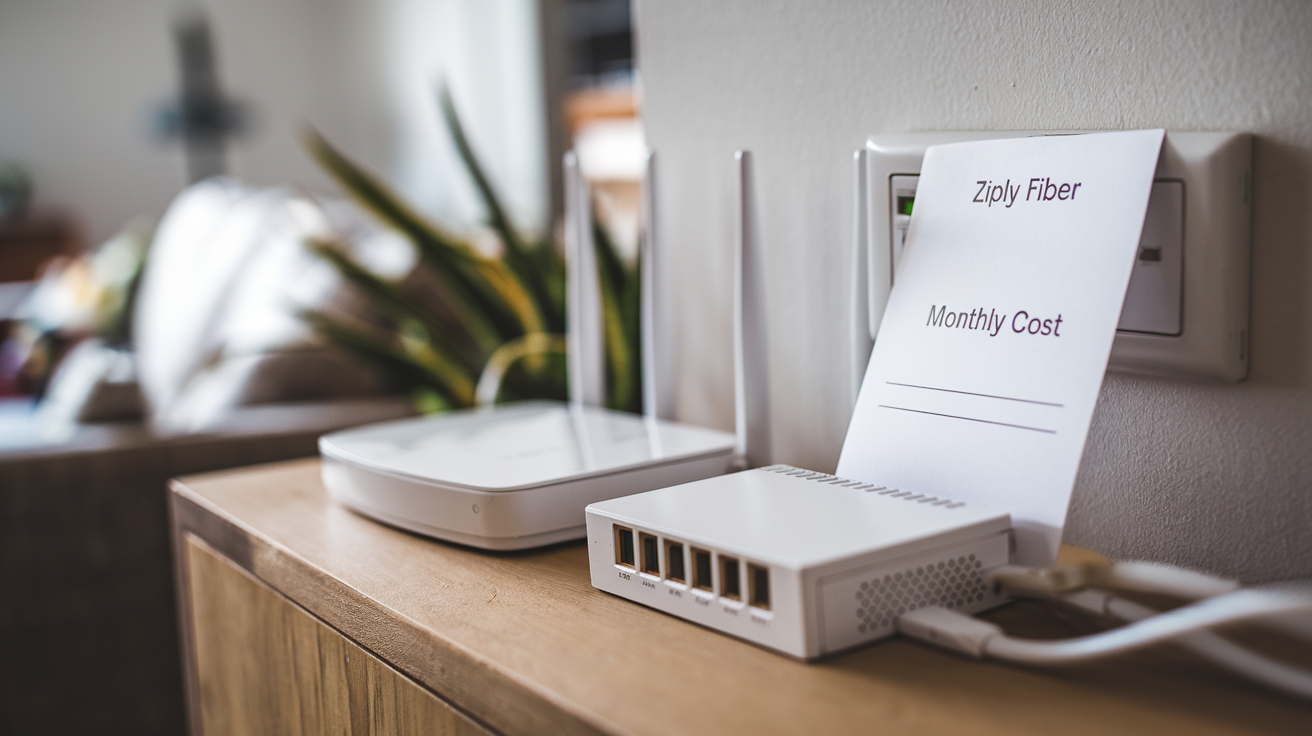
Wireless Router Tips to keep network connection stable
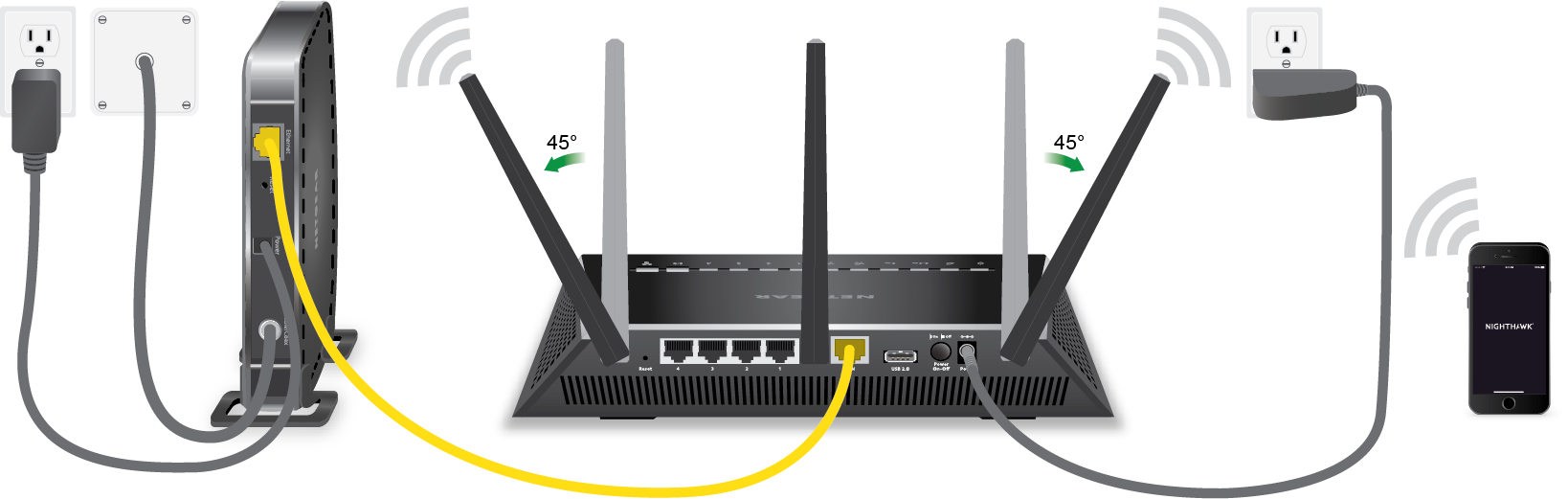
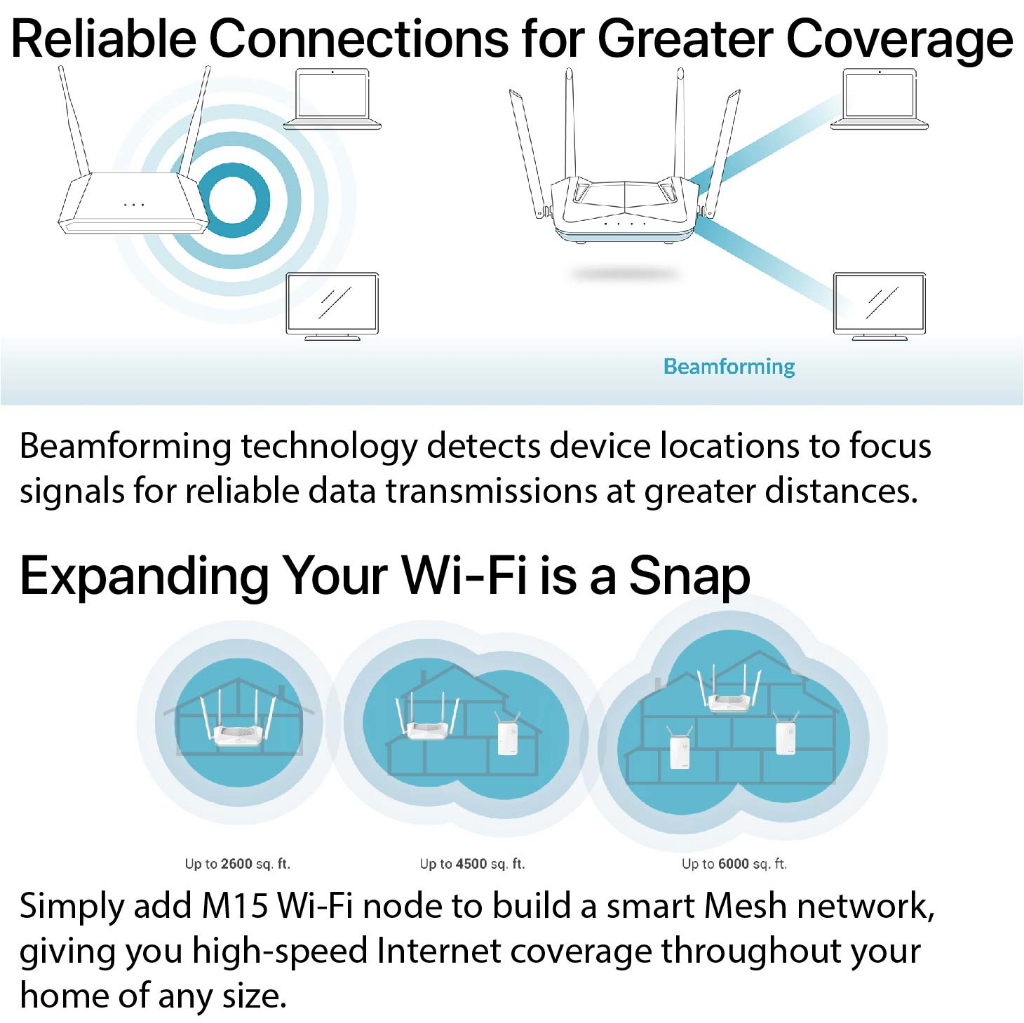
Stay close to the WiFi router , if you put device too far away from router , signal strength might not be good. If you have a large house or space, you might need to install mesh WiFi to get the best wireless coverage.

This article provides clear, step-by-step instructions for adjusting the TP-Link Wireless Router's wireless settings (SSID, password, channel, etc.), helping you secure your network and optimize Wi-Fi performance with verified configurations.