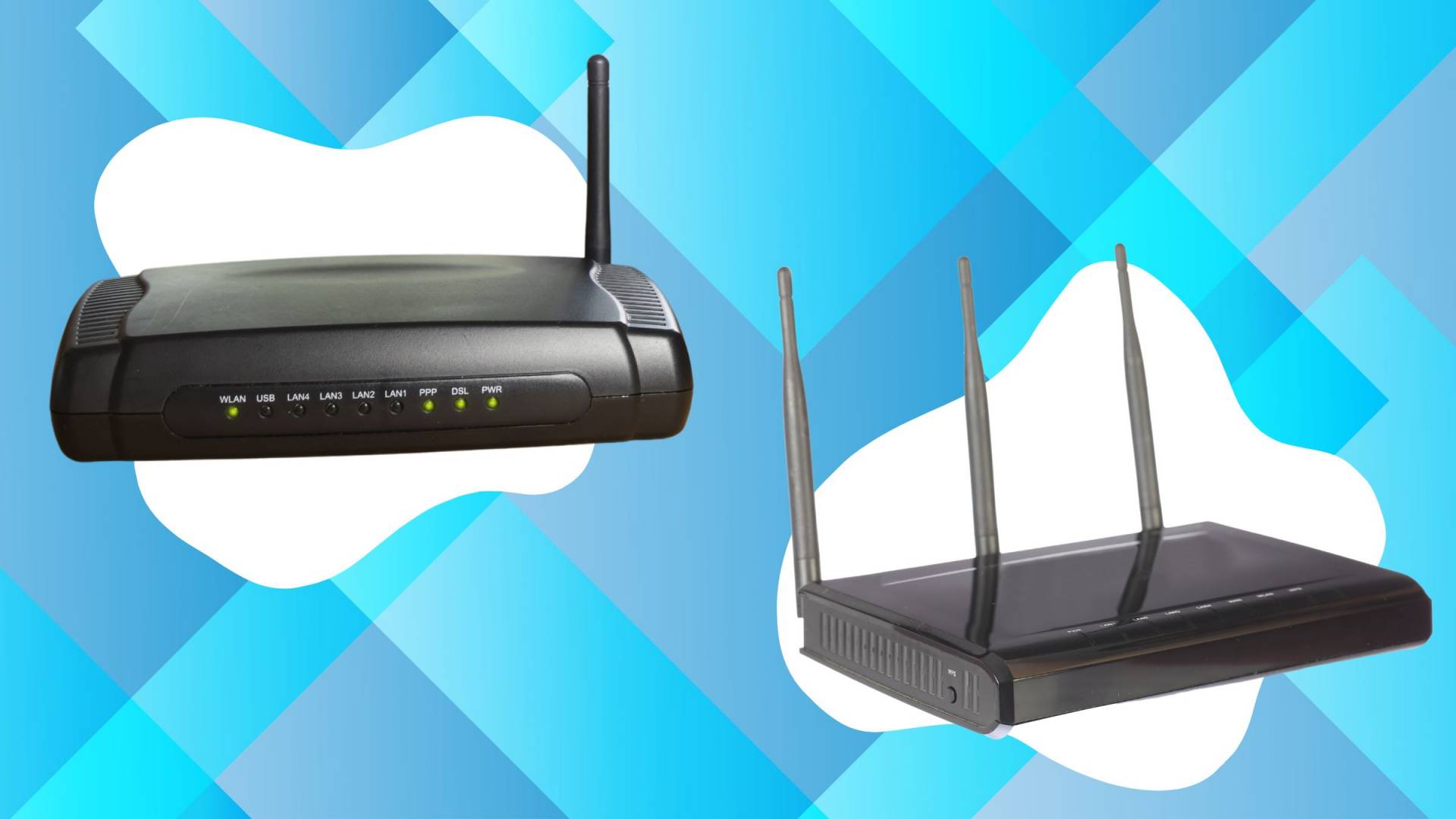
Wireless Router Setup For Smart Tv Explained Through Breathtaking Imagery
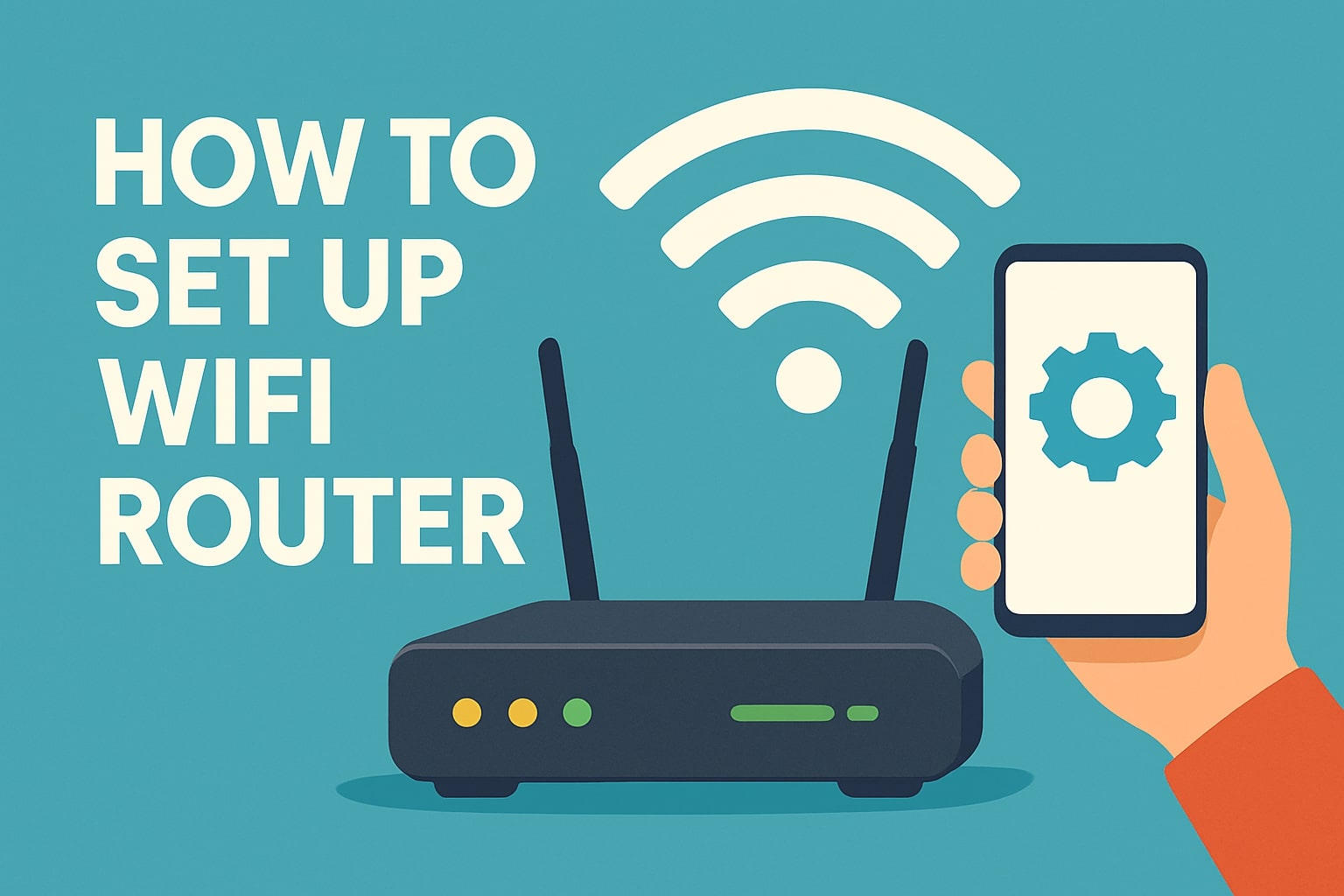
How To Connect Smart Tv To Router Wifi For Easy Setup
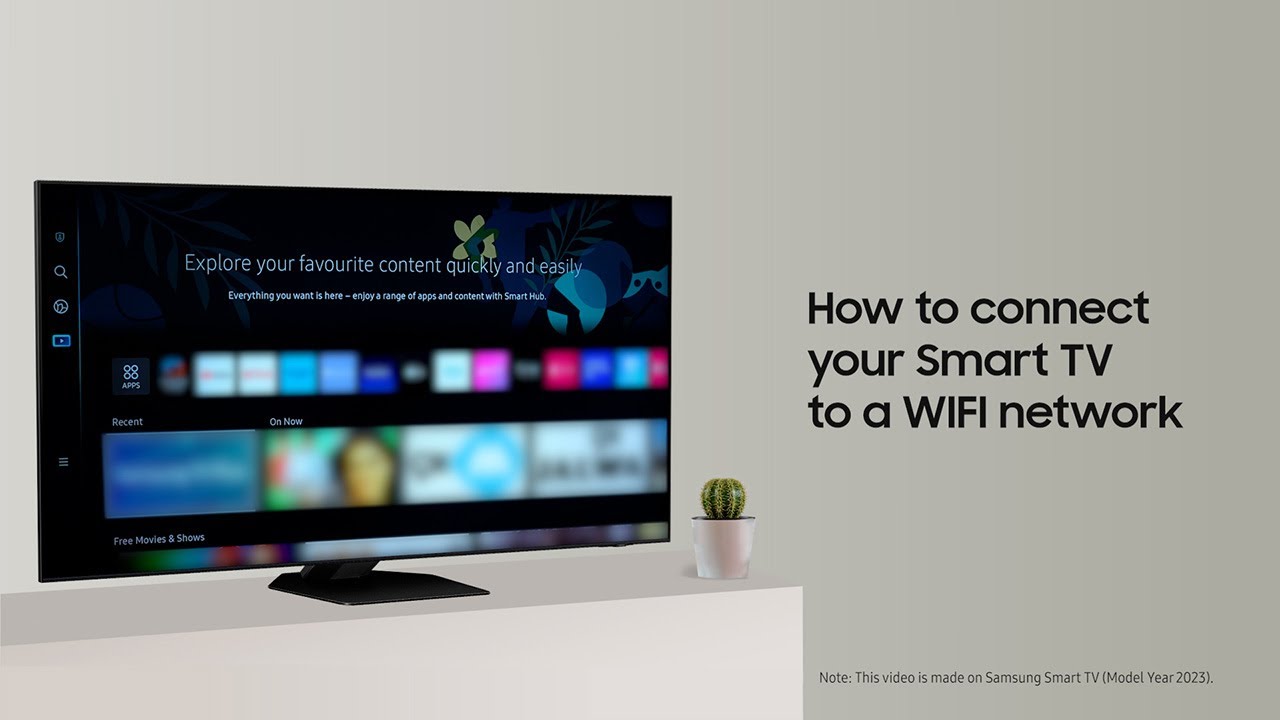
Connecting a smart TV to your WiFi router might seem challenging at first, but it's actually quite straightforward. Most modern smart TVs have user-friendly menus that guide you through the setup process step by step.
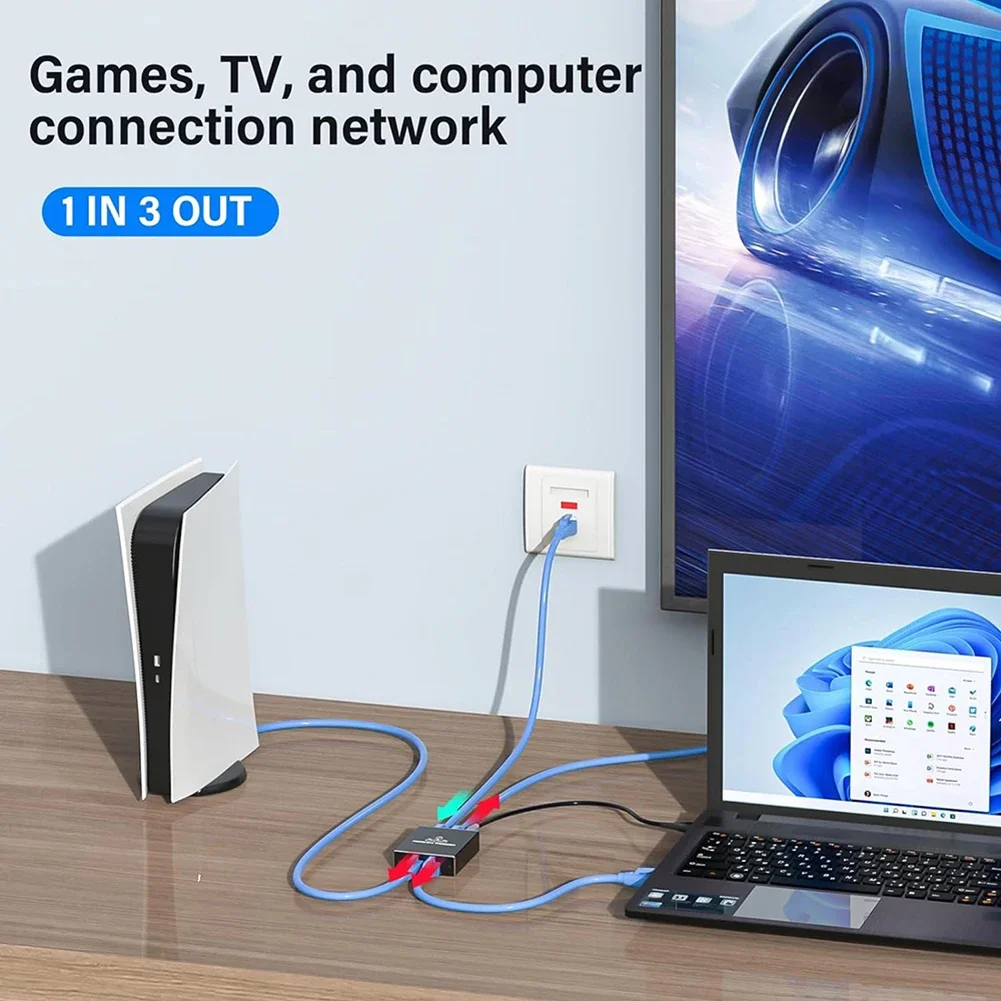
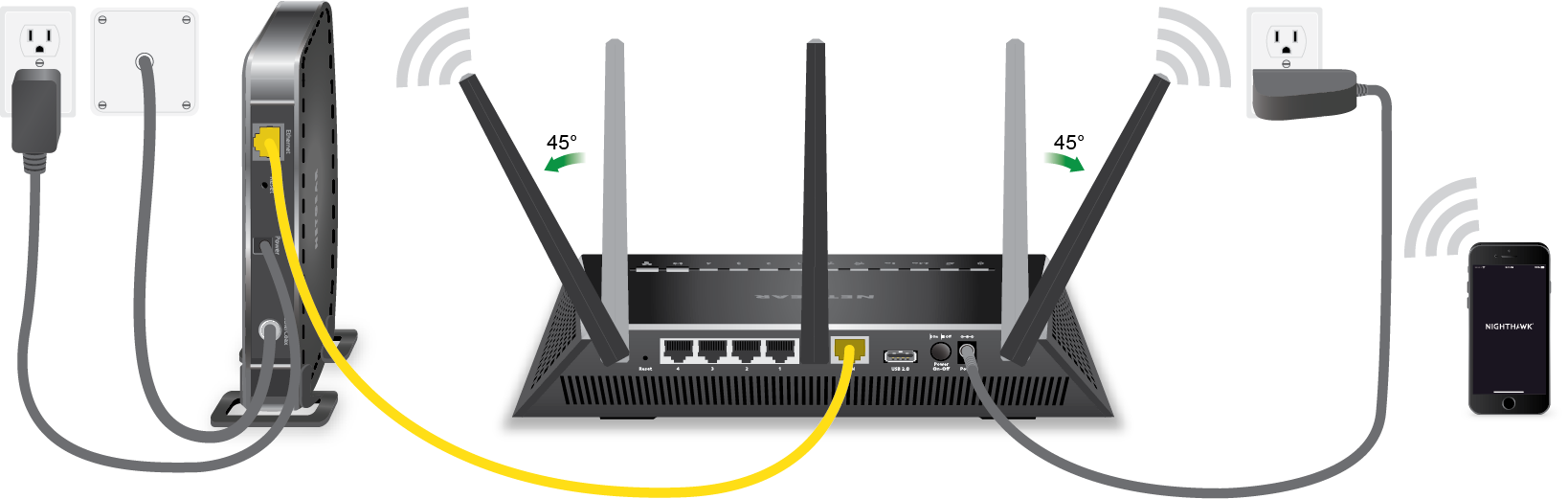
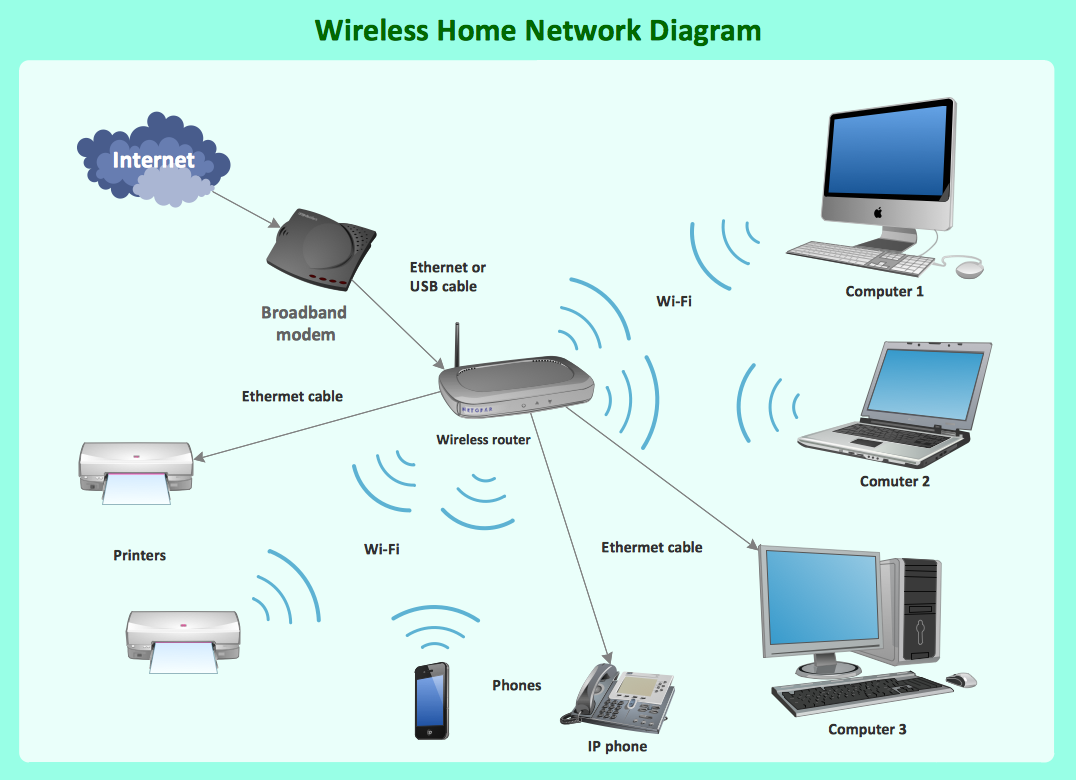
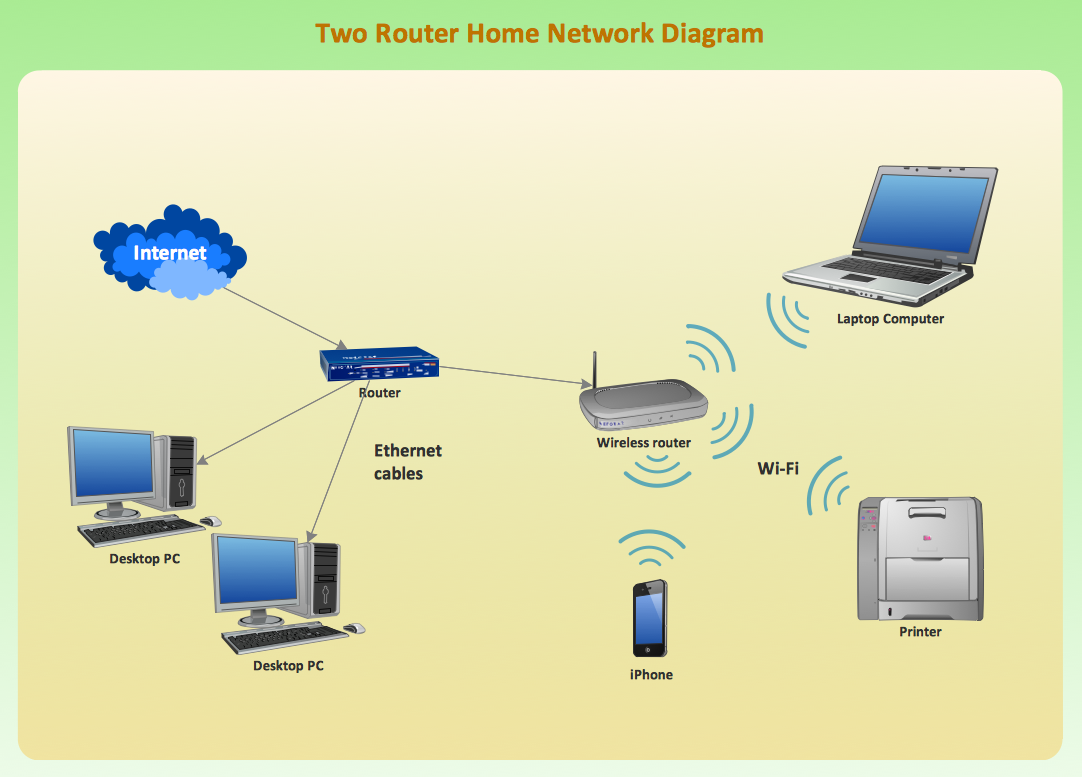
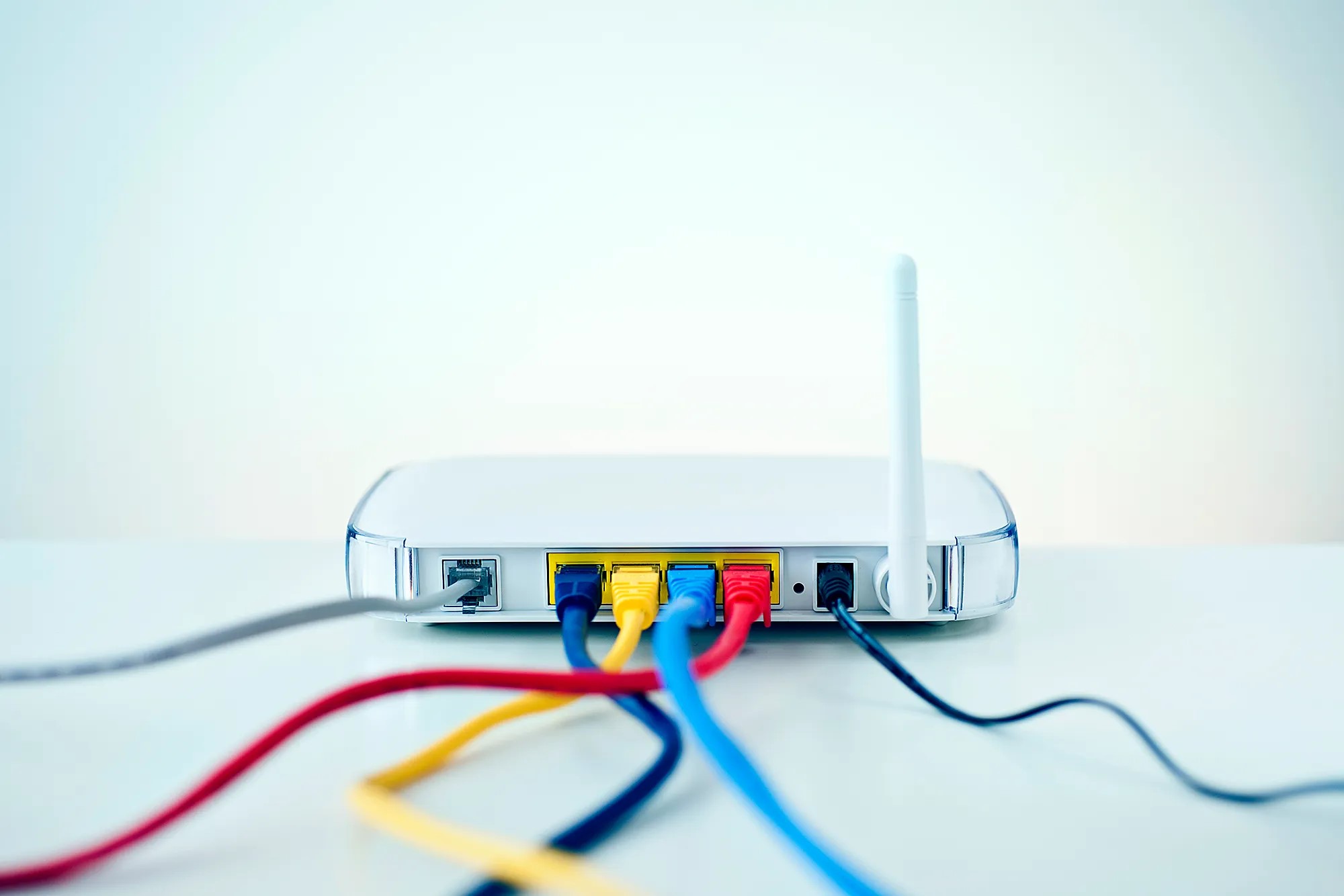
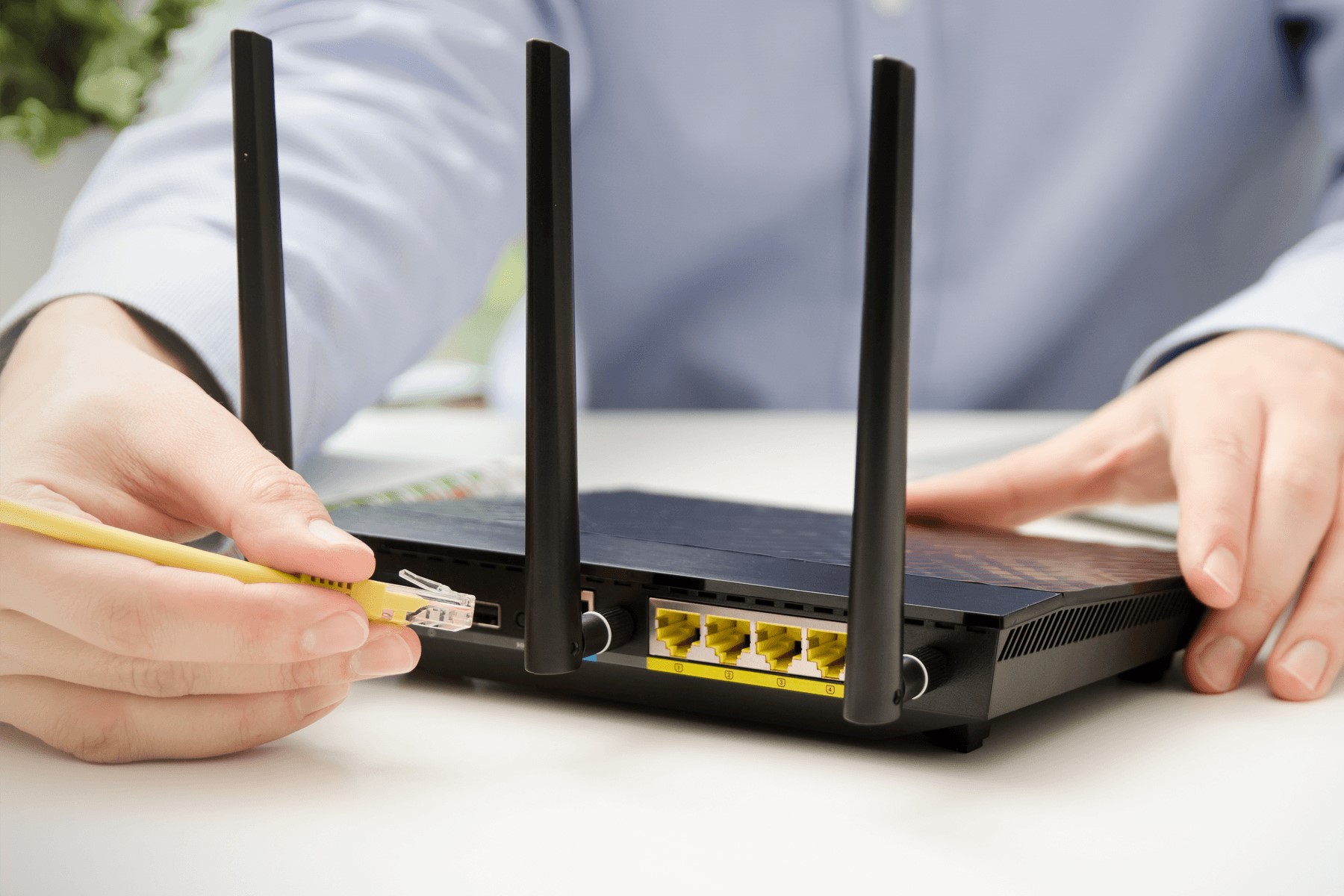
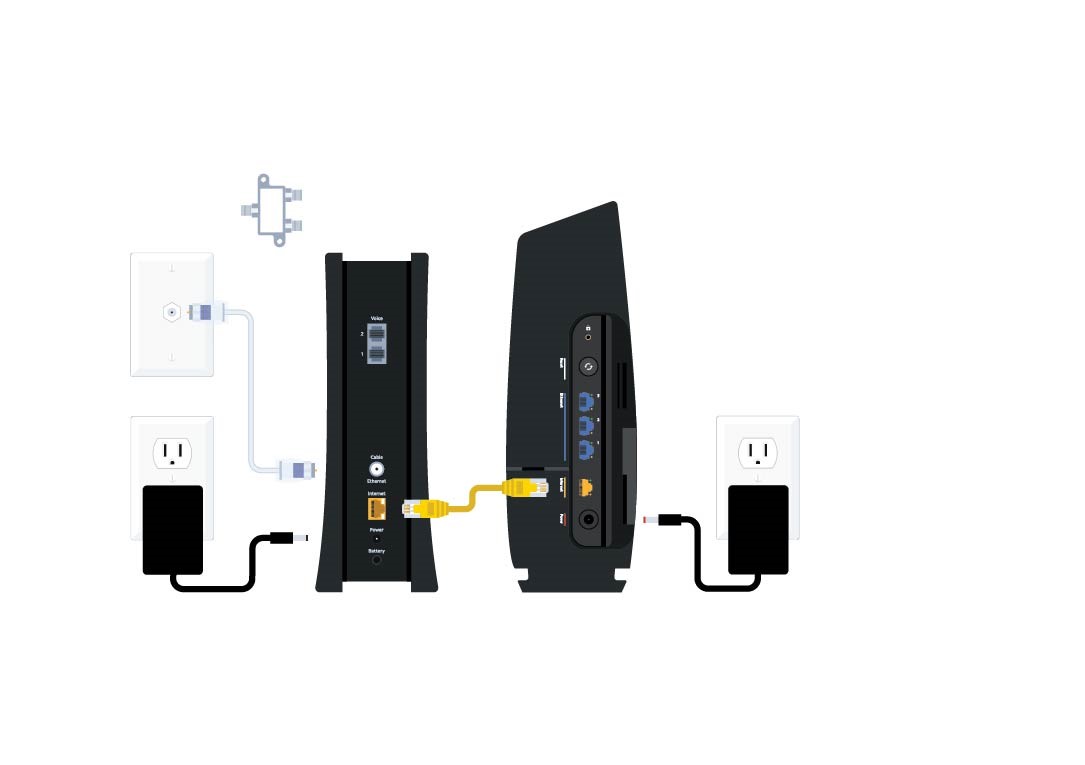
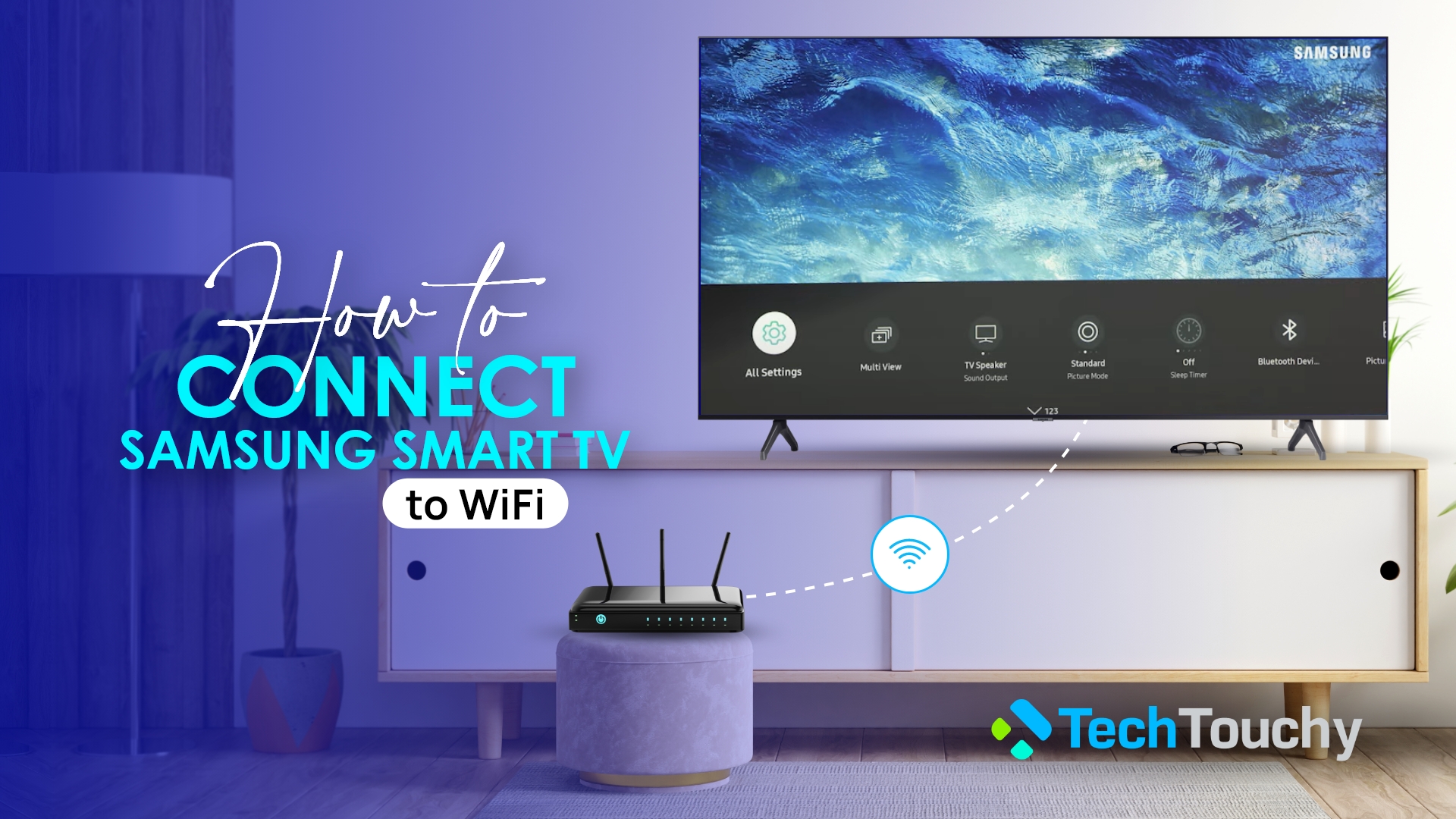
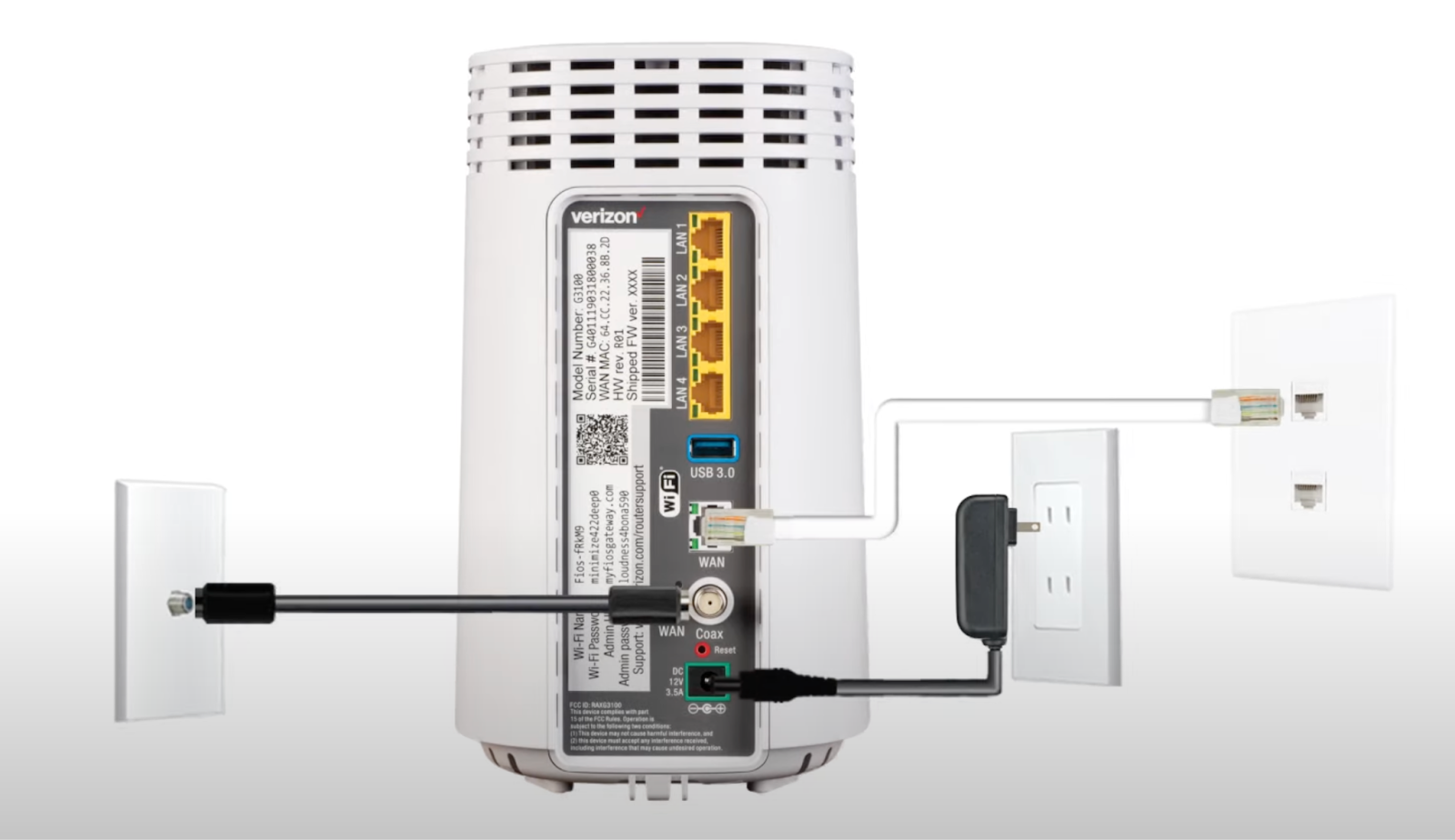
For Wi-Fi, go to your TV's Network Settings. Select the option to set up a new wireless connection. Select your Wi-Fi network and input the password. For wired connections, connect an ethernet cable to the port on your TV from your router . Go to Network Settings to enable wired internet connection. Open your smart TV's menu.
Wireless Router Setup For Smart Tv
How to connect smart TV to router
This guide explains every step clearly so you can connect to your home network even if you're setting up a smart TV for the first time. We also cover common WiFi connection issues, how to fix them, and what to check if your TV won't join your network.