In-Depth Look: The World of Wireless Settings On Router Turn On
How to turn on Wi
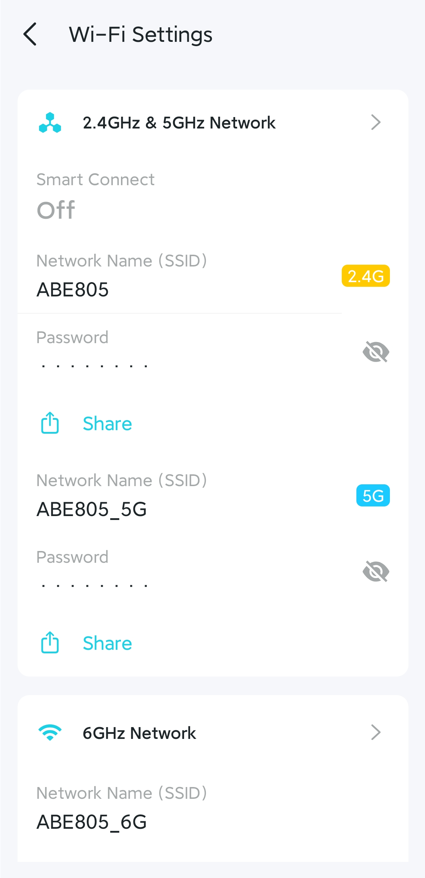
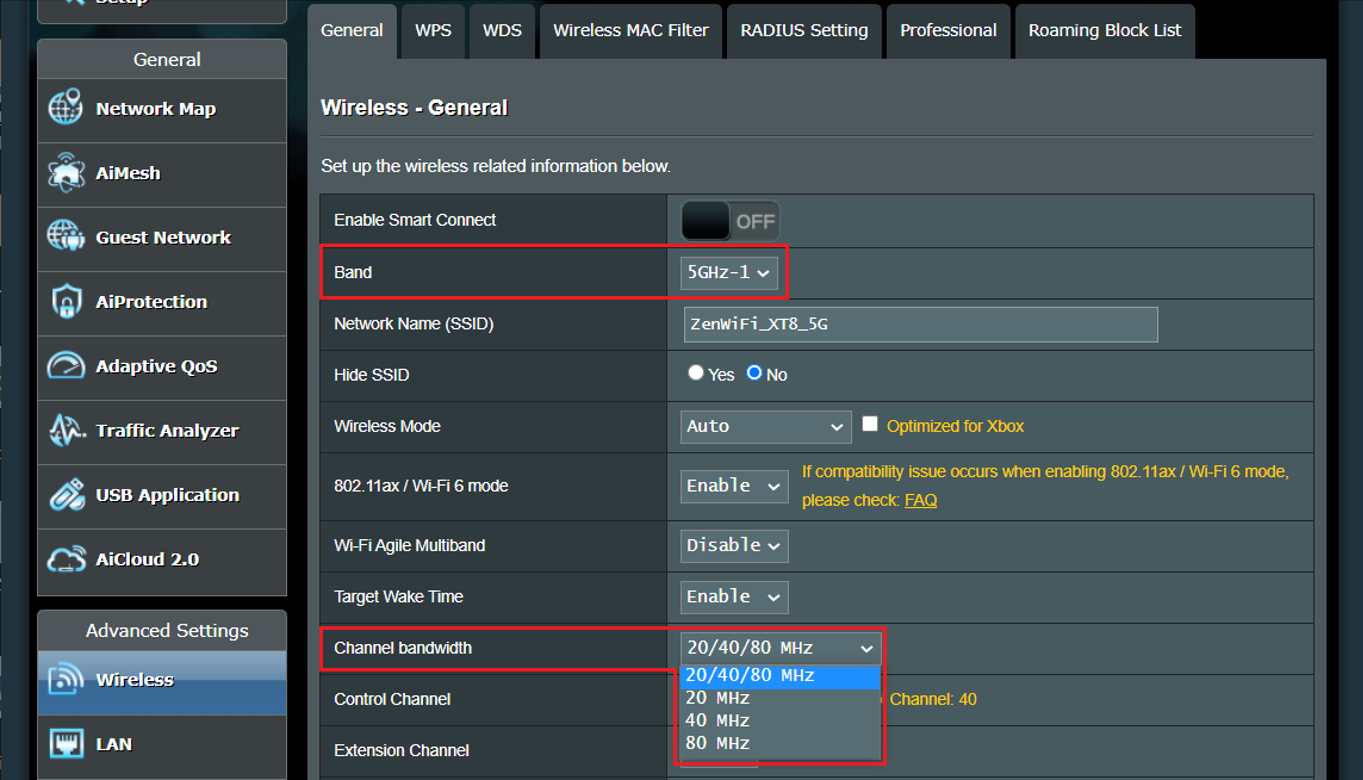
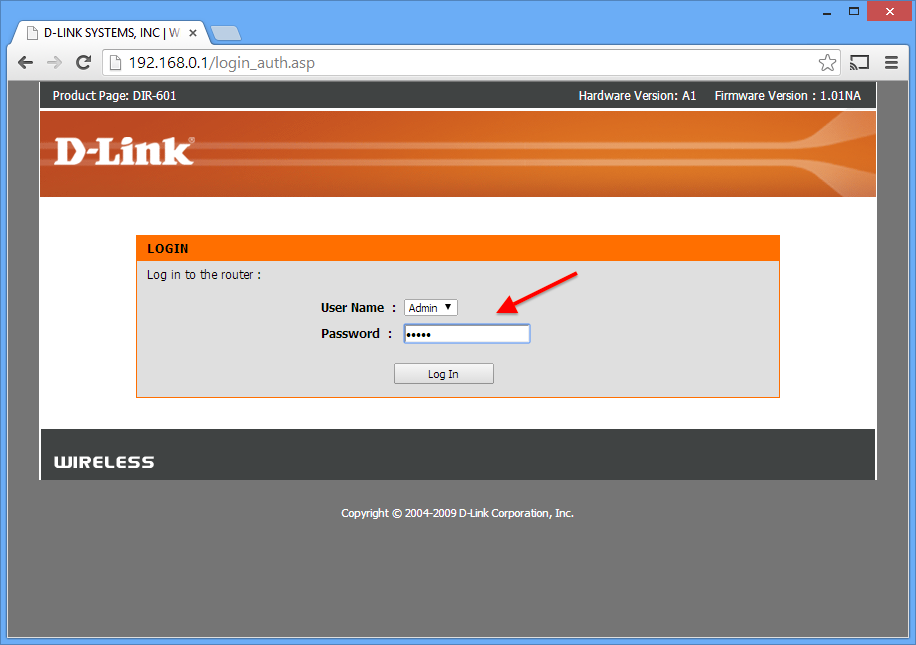
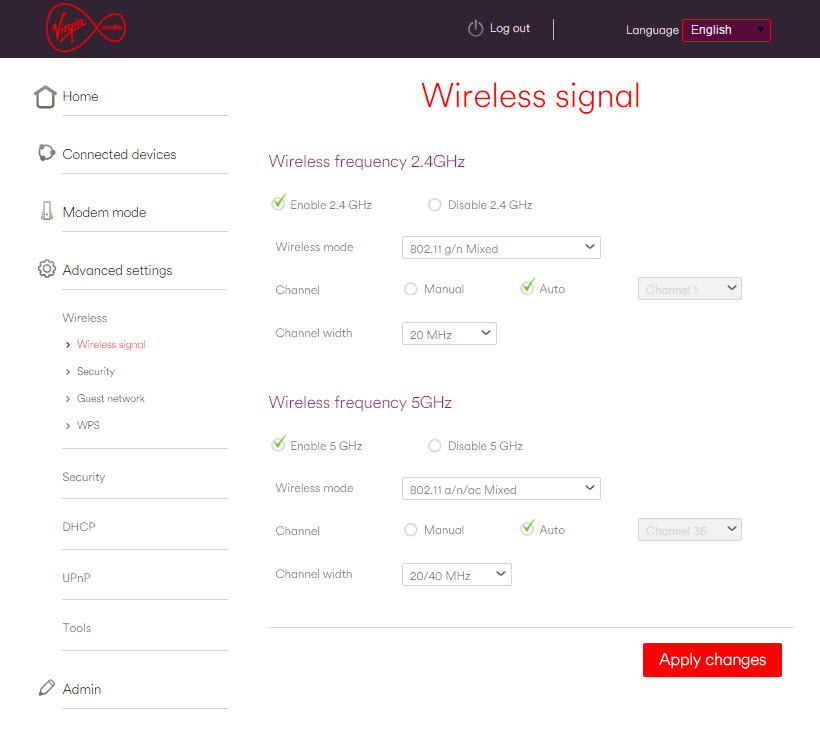
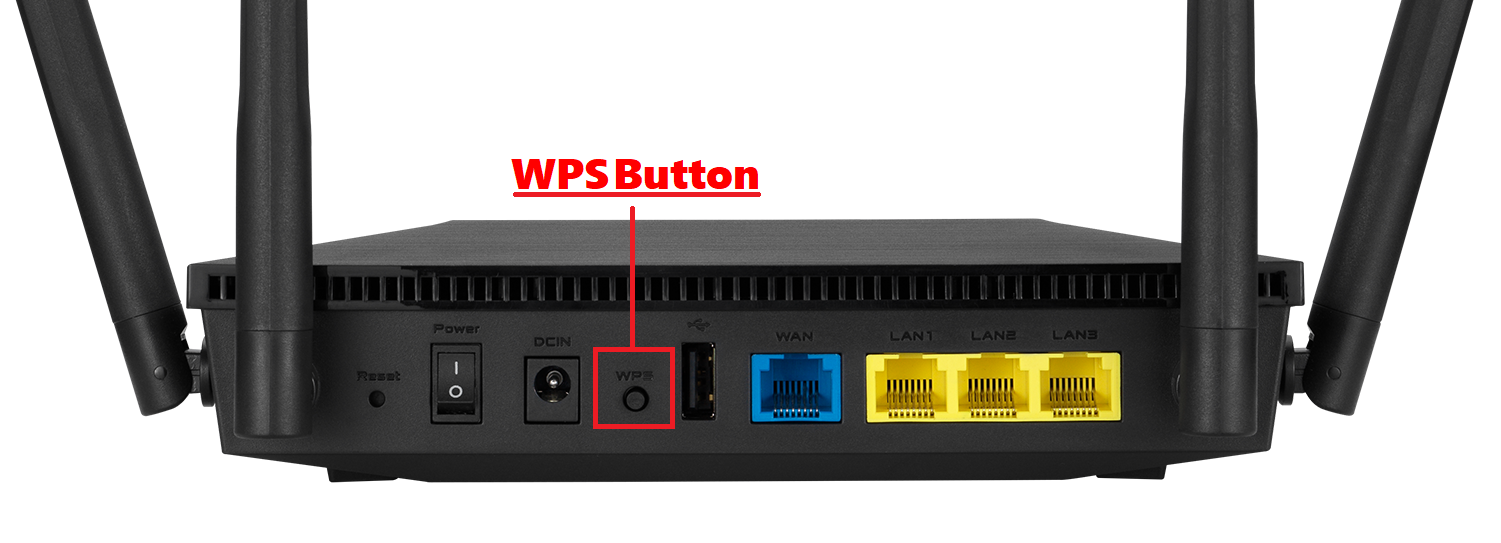
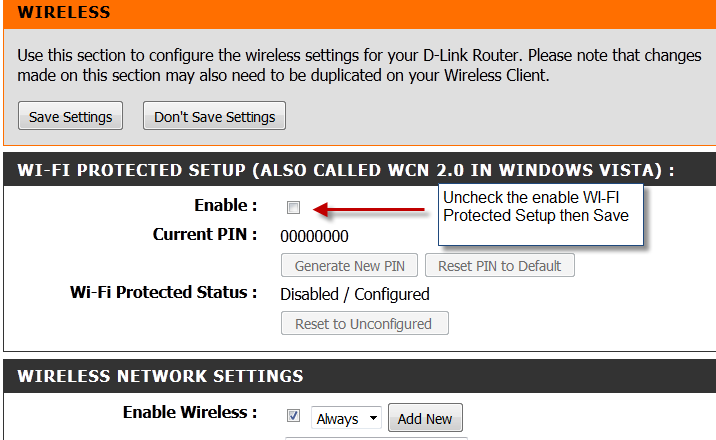
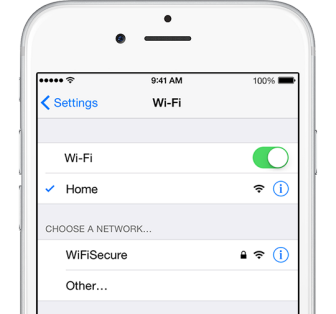
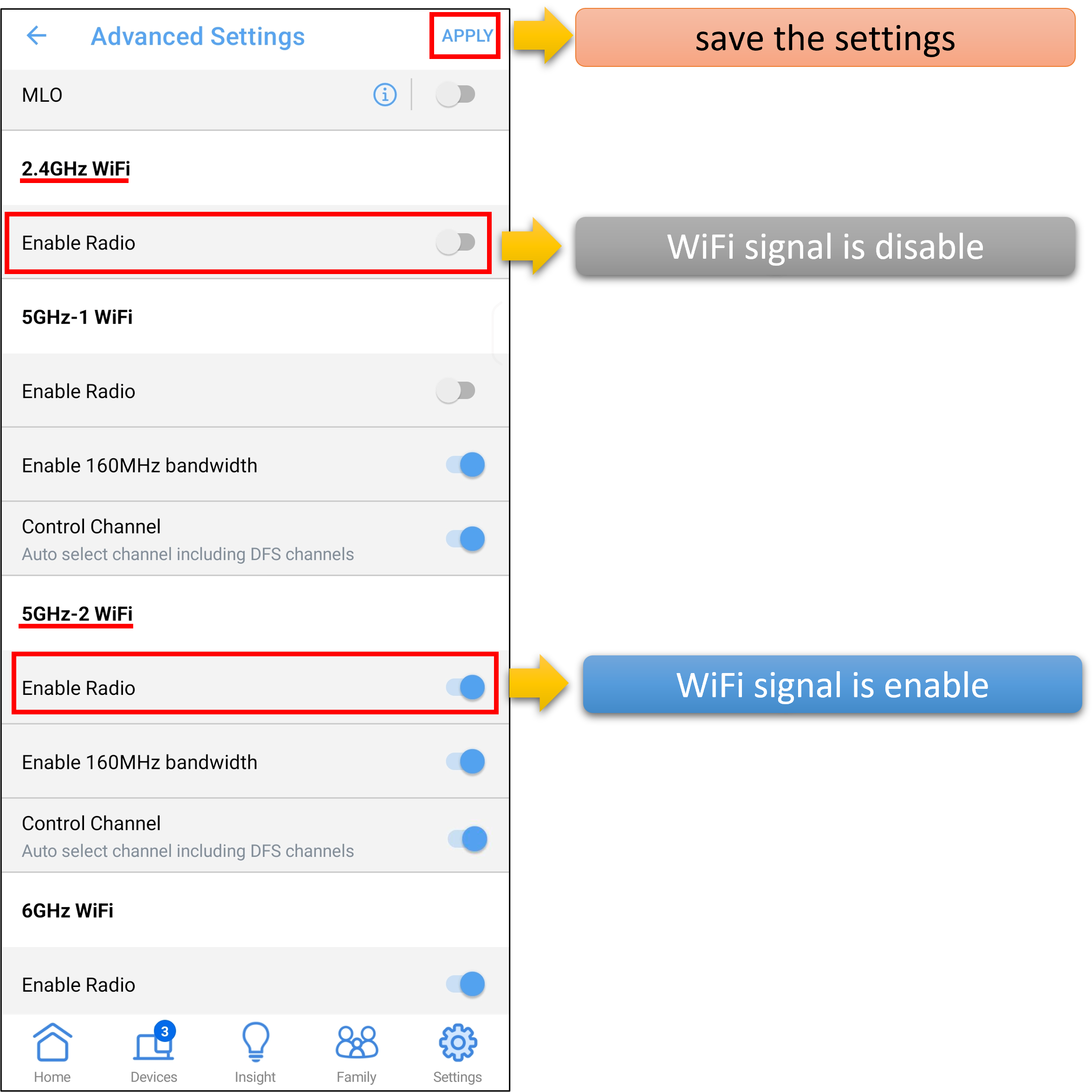
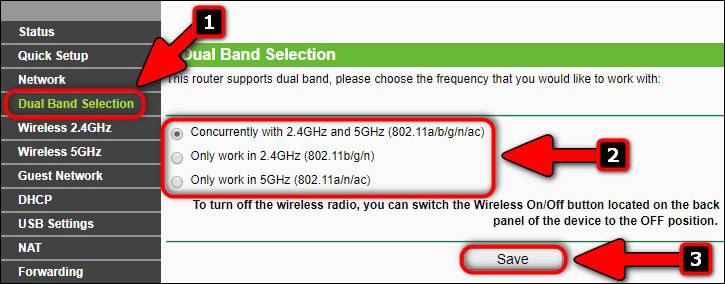
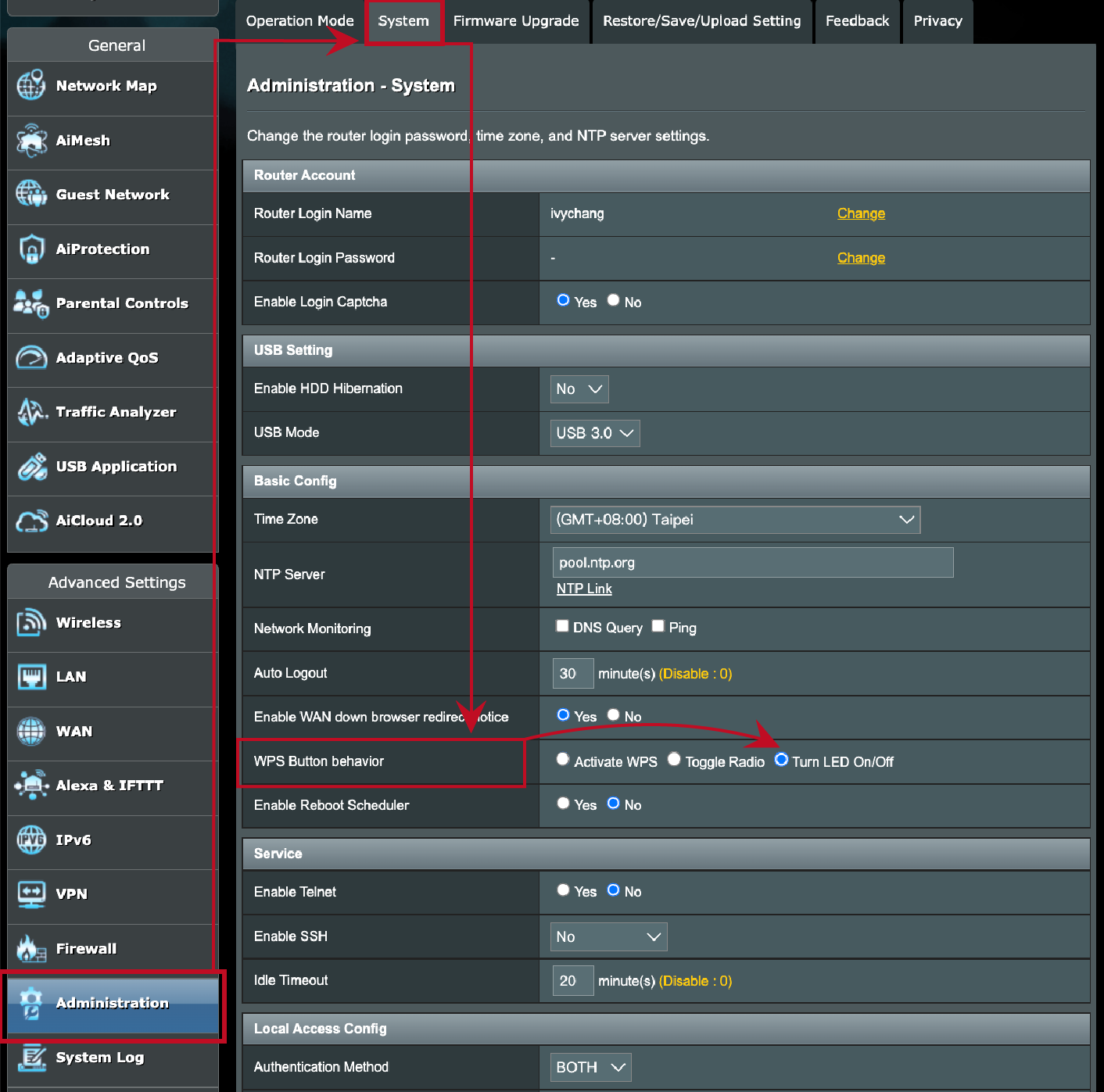
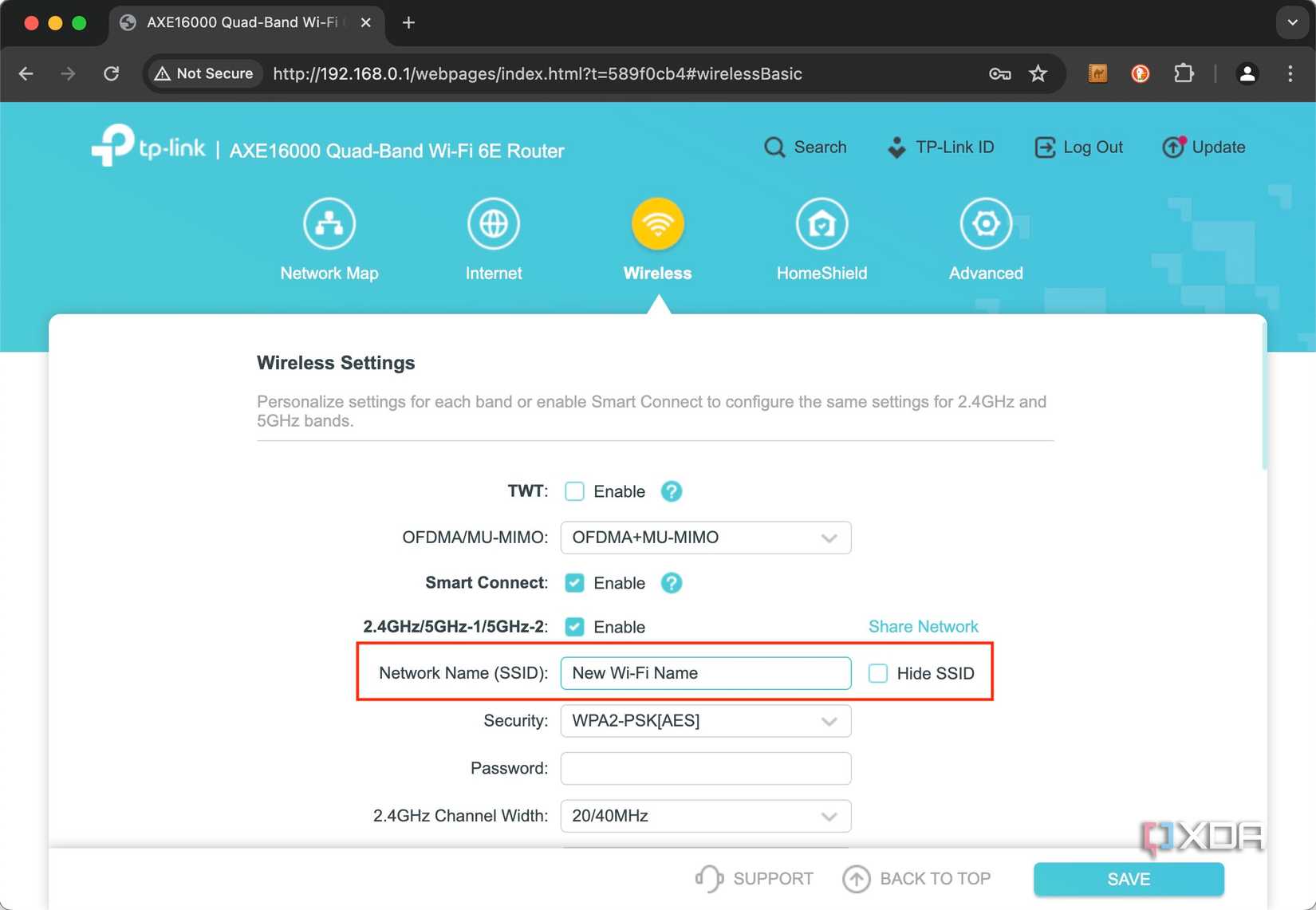
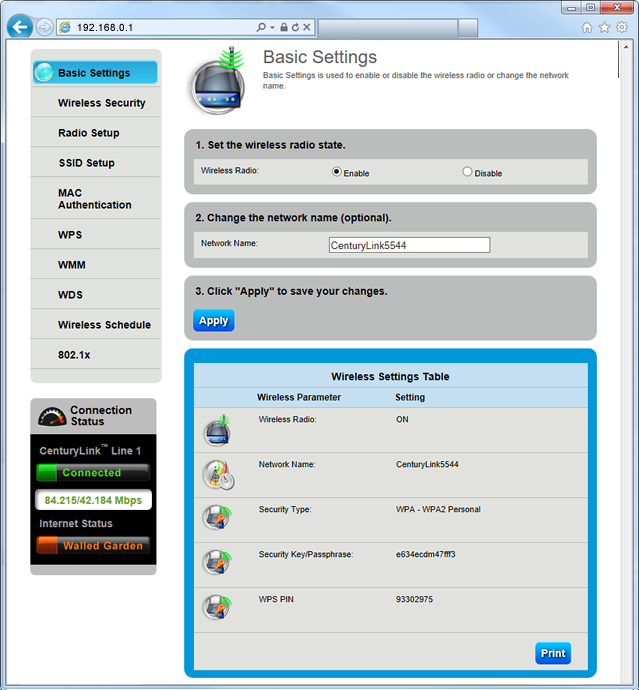
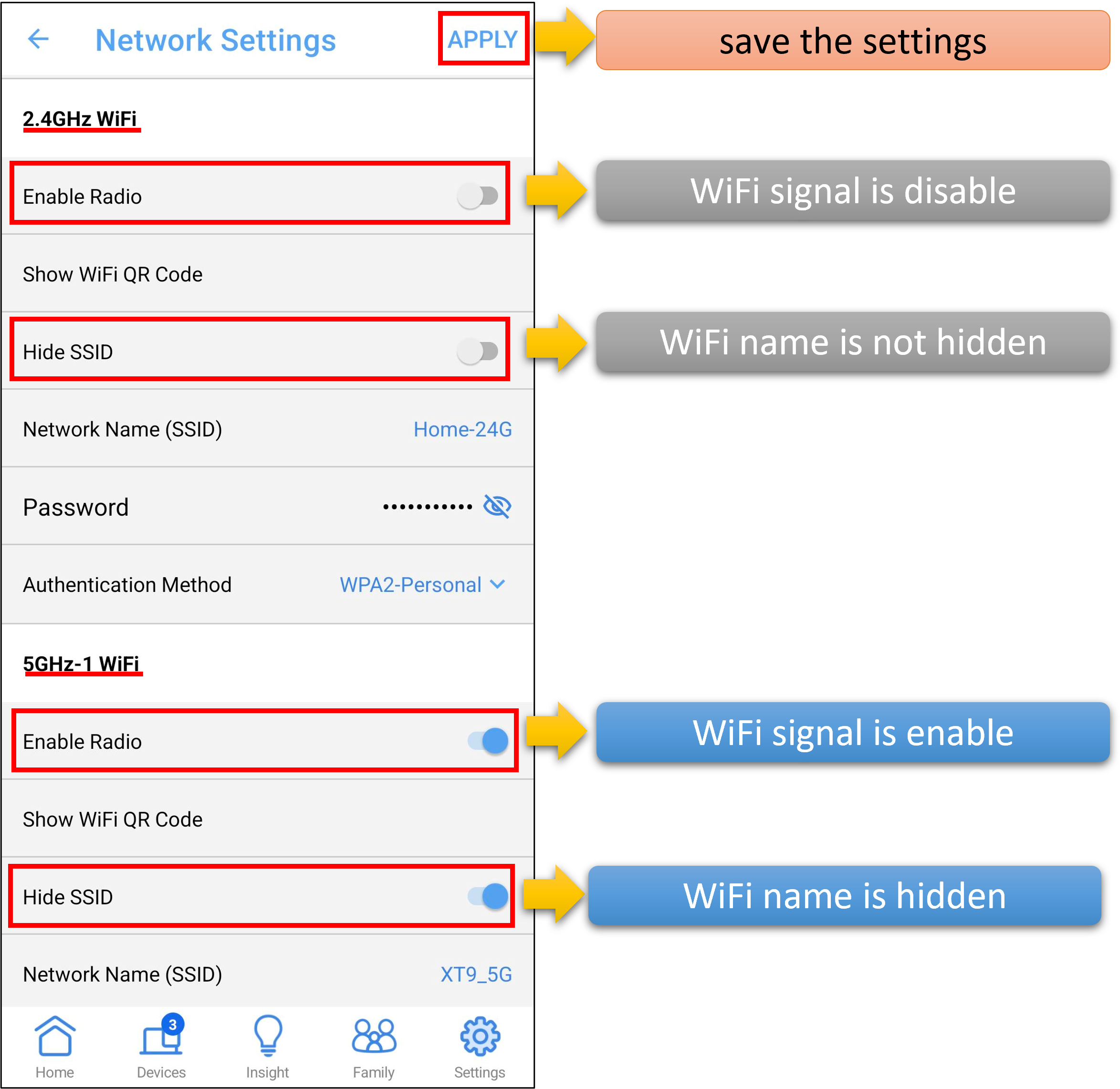
Turn on Wi-Fi: Once inside the router settings , look for the wireless or wifi settings section as you would on a desktop computer. Find the option to turn on or activate Wi-Fi and make the change.
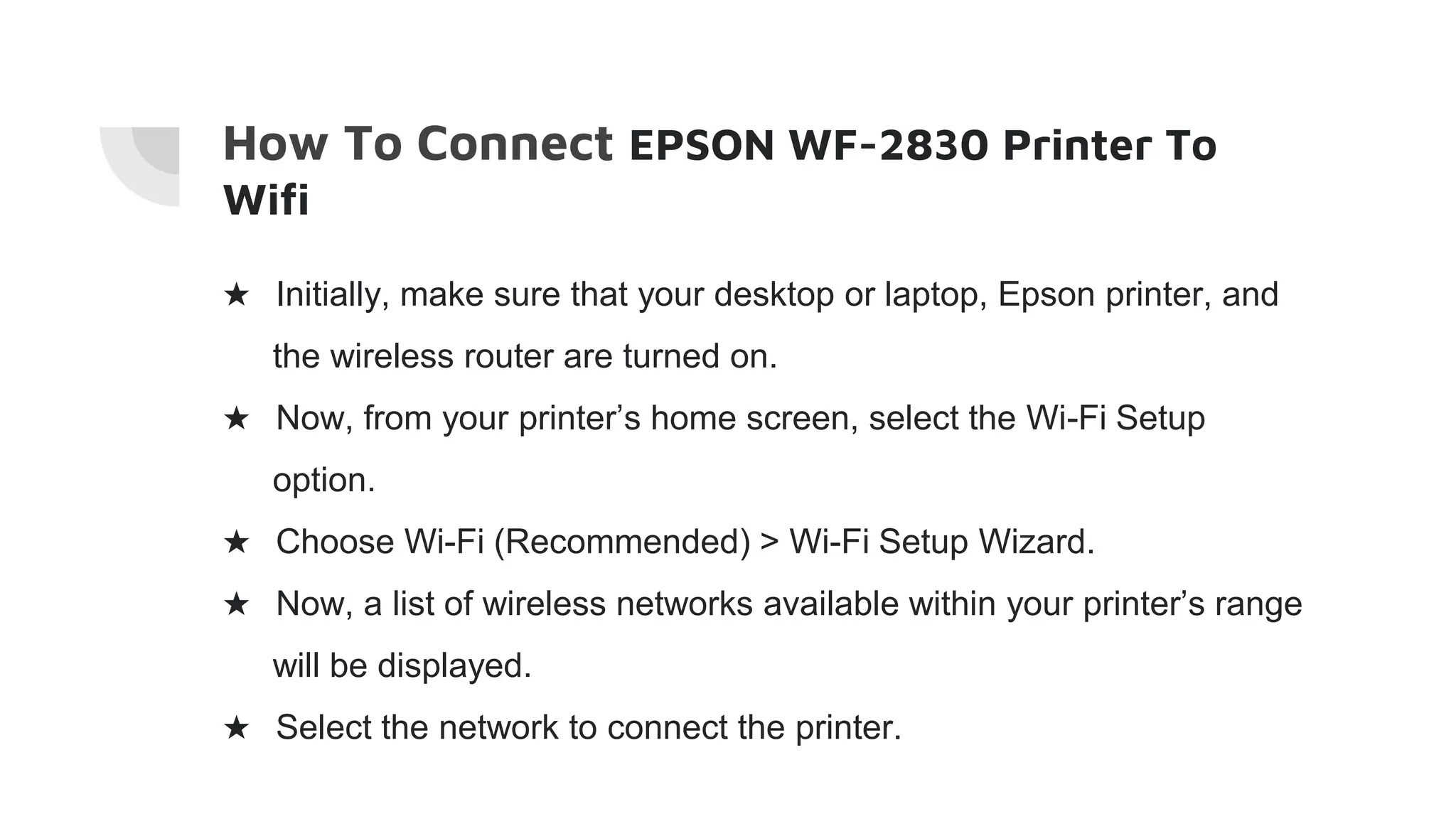
Wireless Settings On Router Turn On
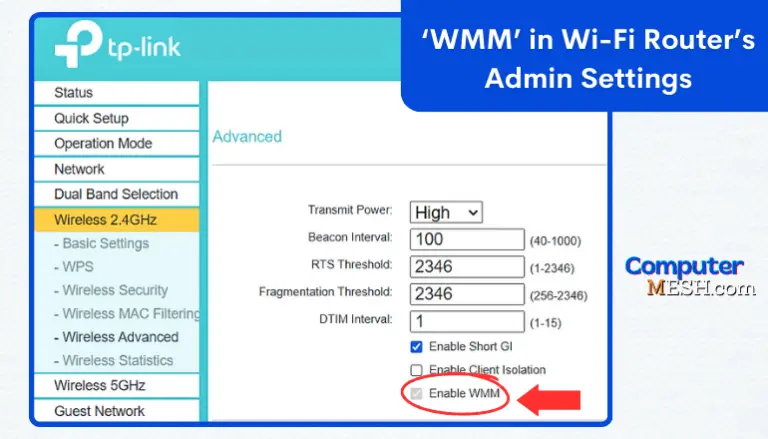
Furthermore, visual representations like the one above help us fully grasp the concept of Wireless Settings On Router Turn On.
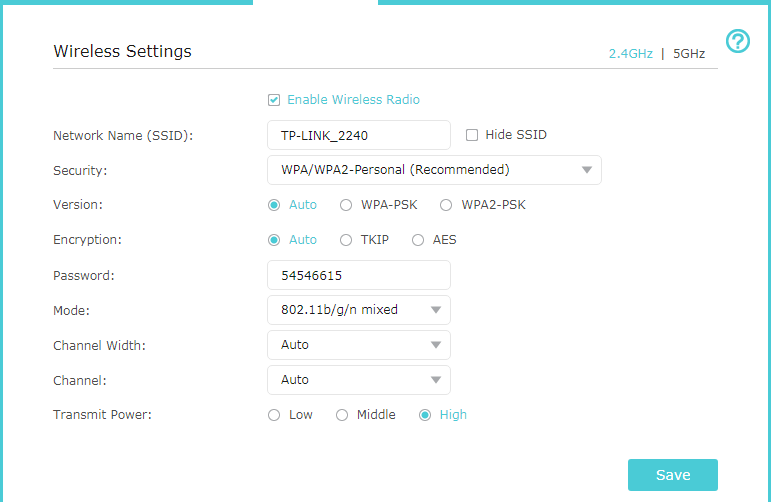
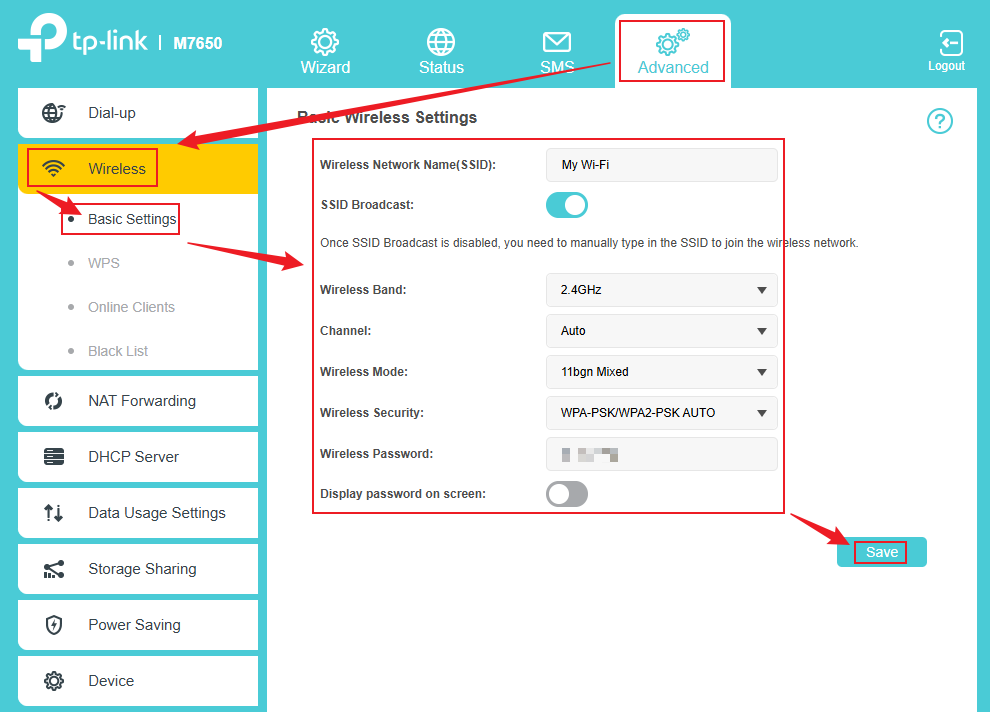
How to change wireless settings on TP
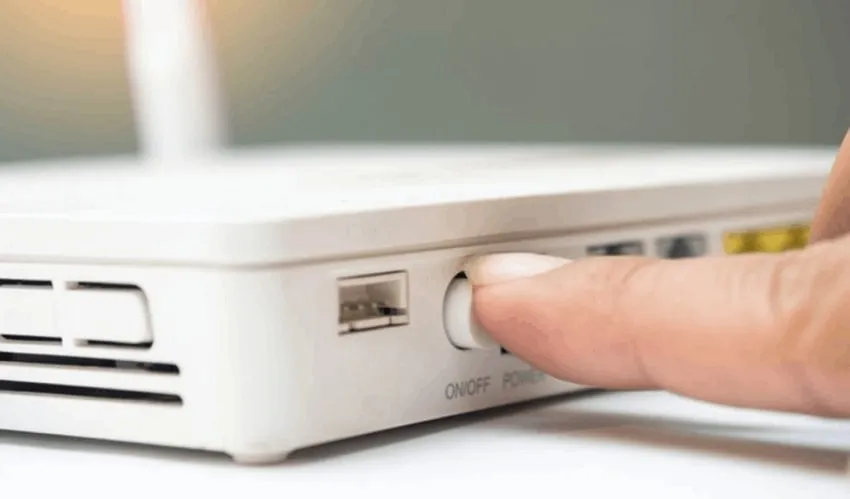
Wireless Settings On Router Turn On
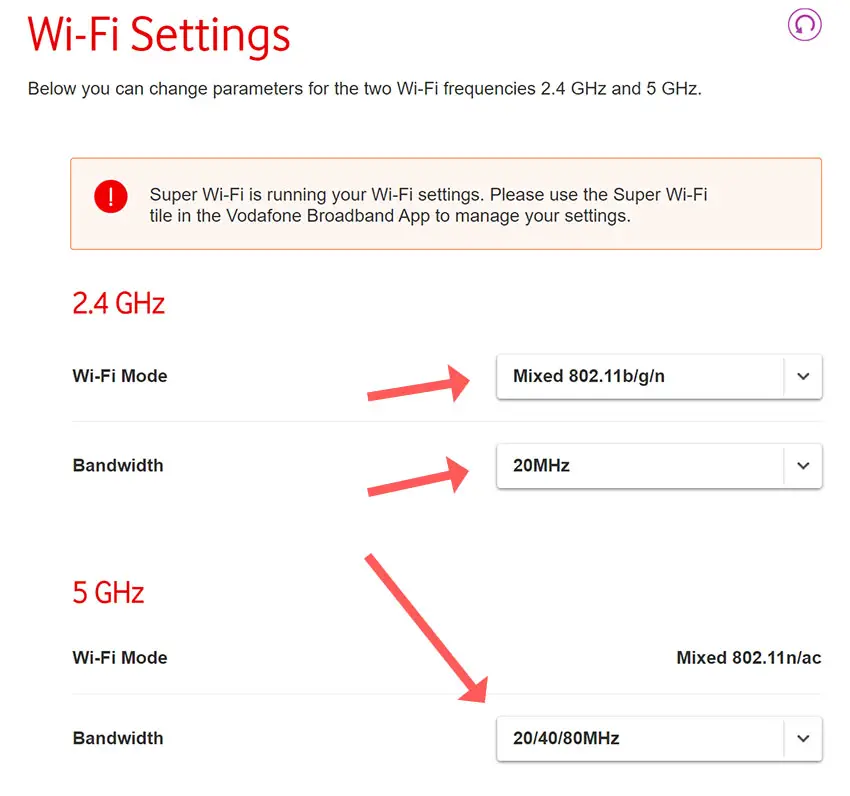
Furthermore, visual representations like the one above help us fully grasp the concept of Wireless Settings On Router Turn On.
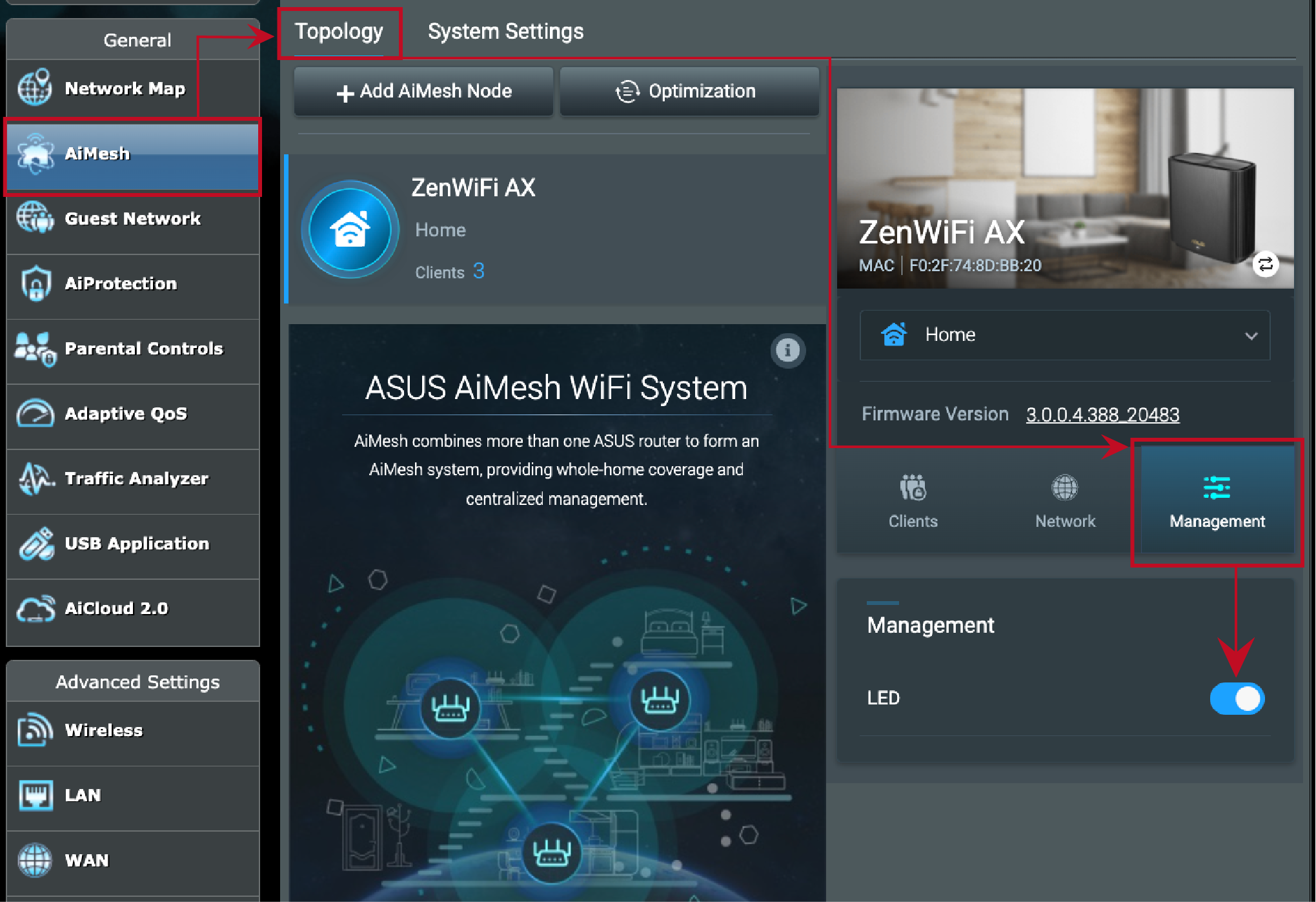
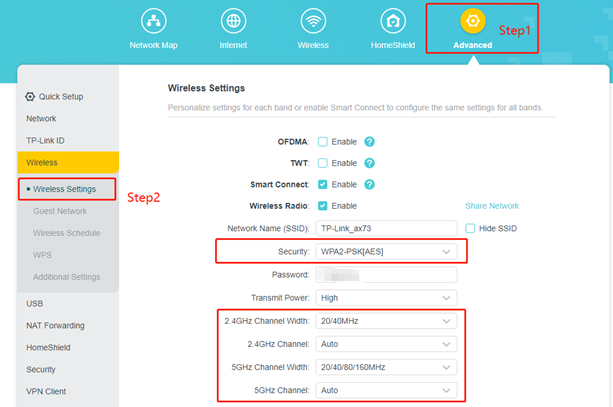
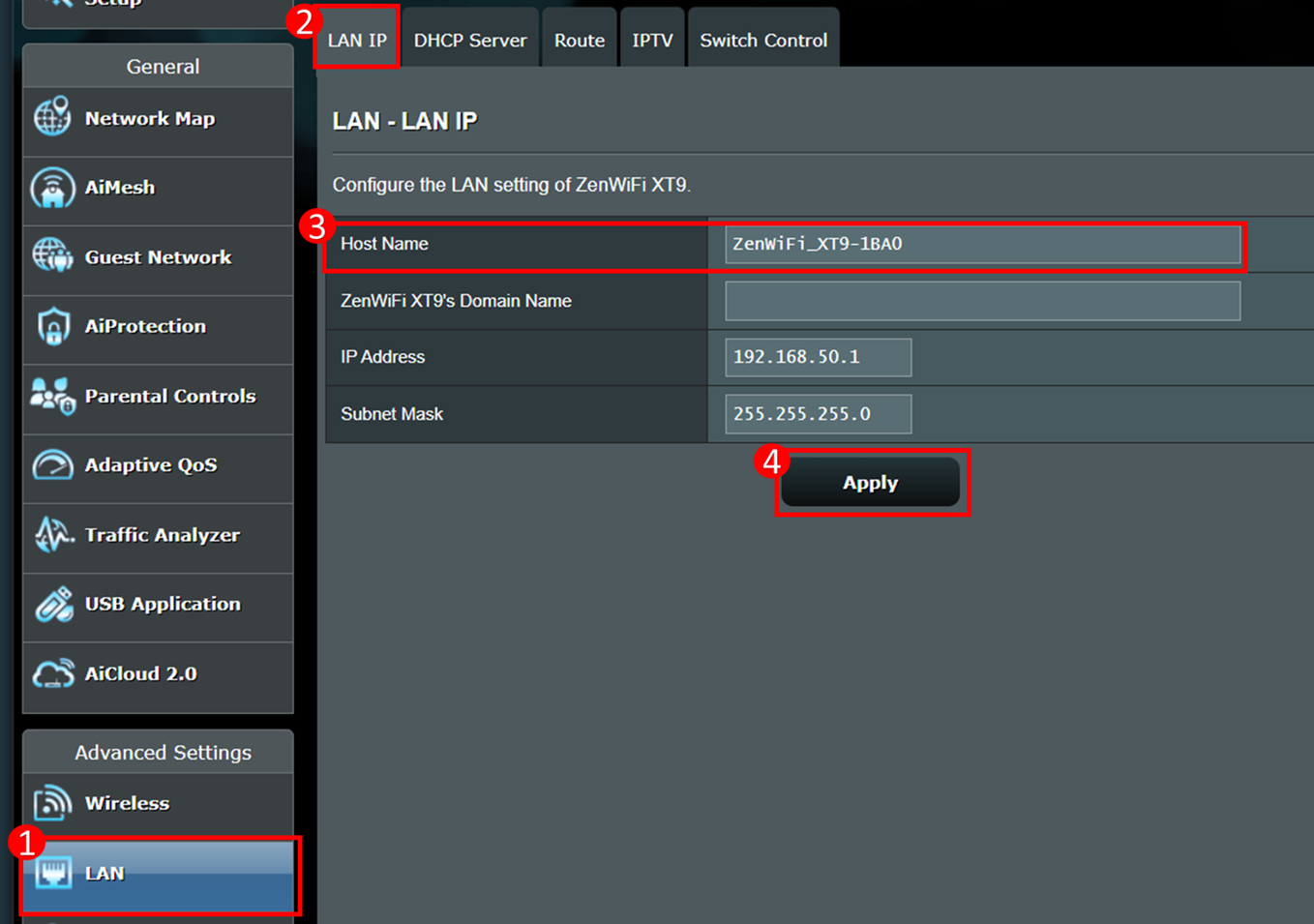
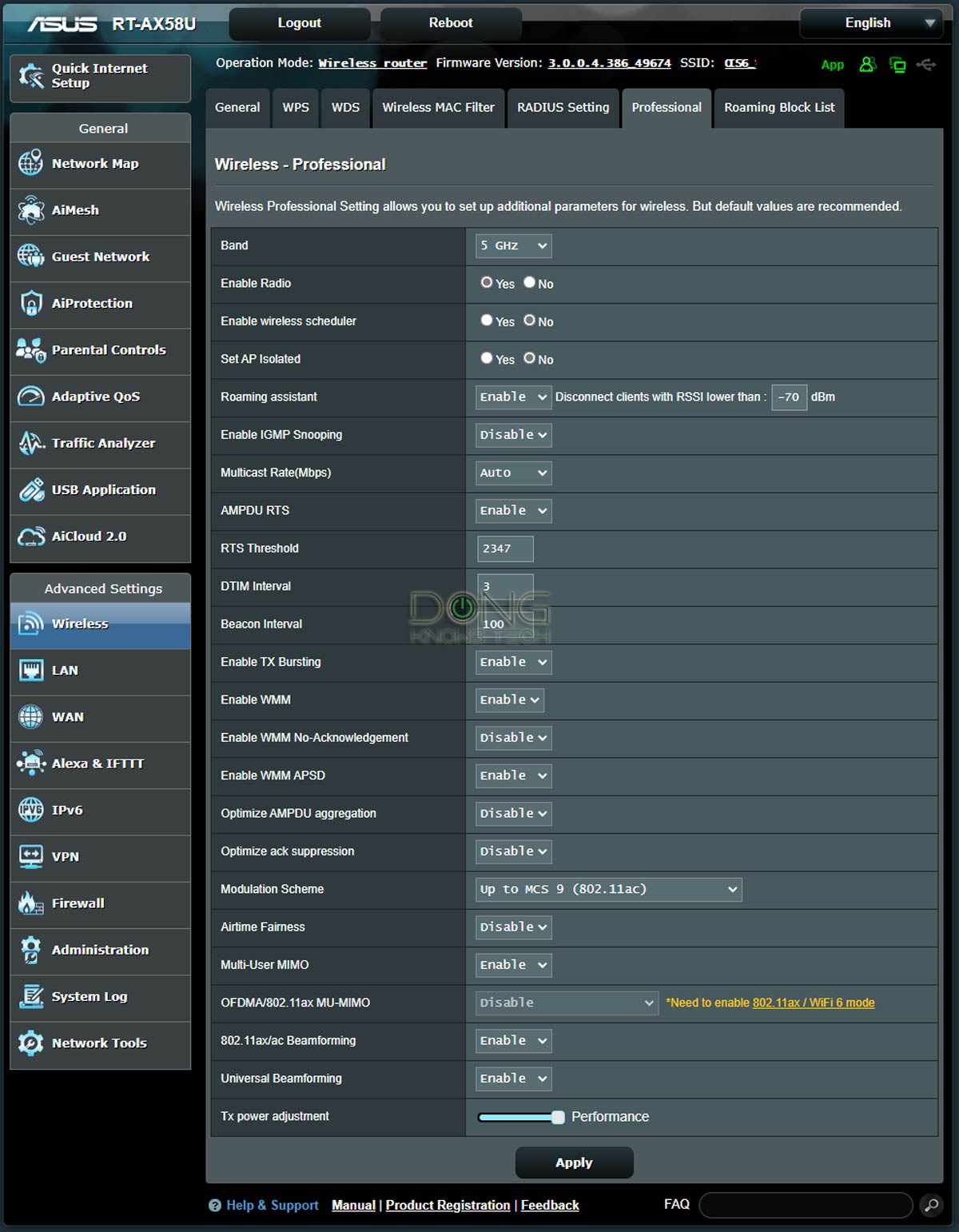
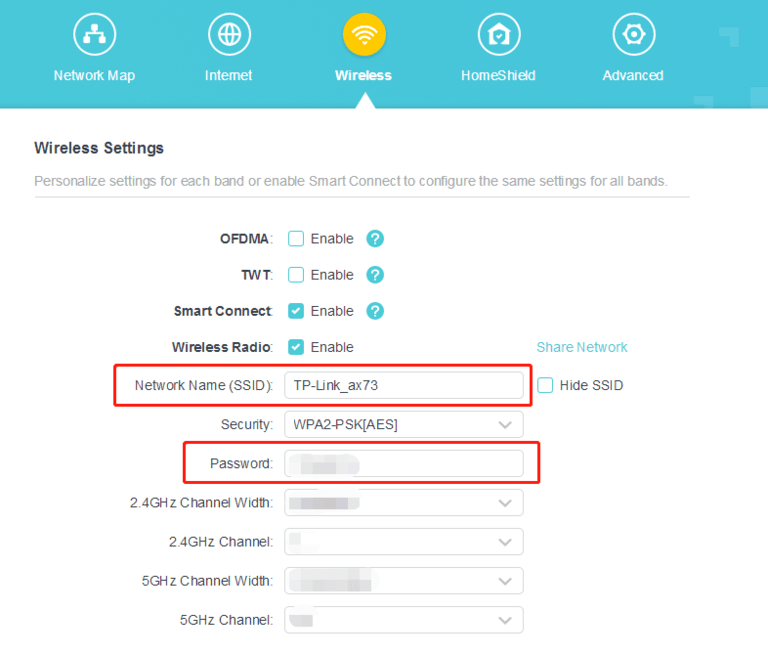
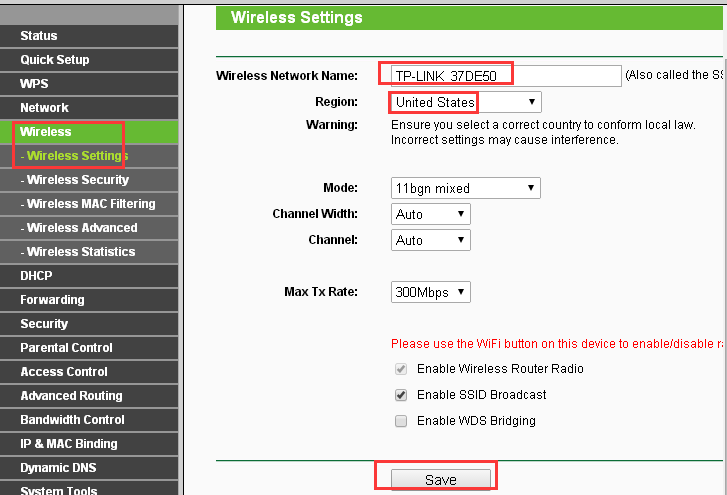
Step 2. Click Advanced > Wireless > Wireless Settings to open the wireless settings page. Step 3. Change the desired settings and click the SAVE button. Smart Connect When it is enabled, the router's 2.4GHz and 5GHz networks share the same SSID (network name) and password.
Wireless Settings On Router Turn On
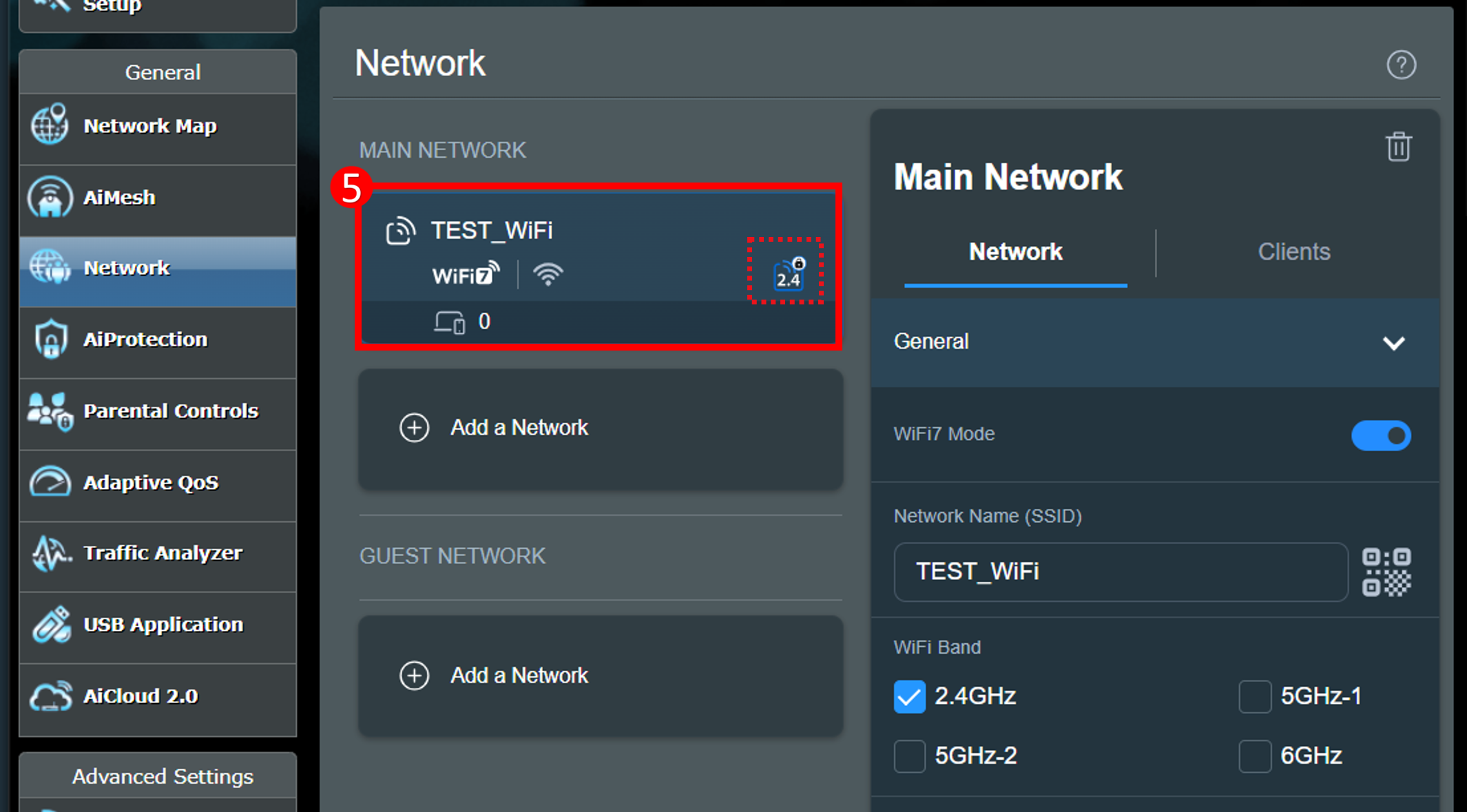
This particular example perfectly highlights why Wireless Settings On Router Turn On is so captivating.
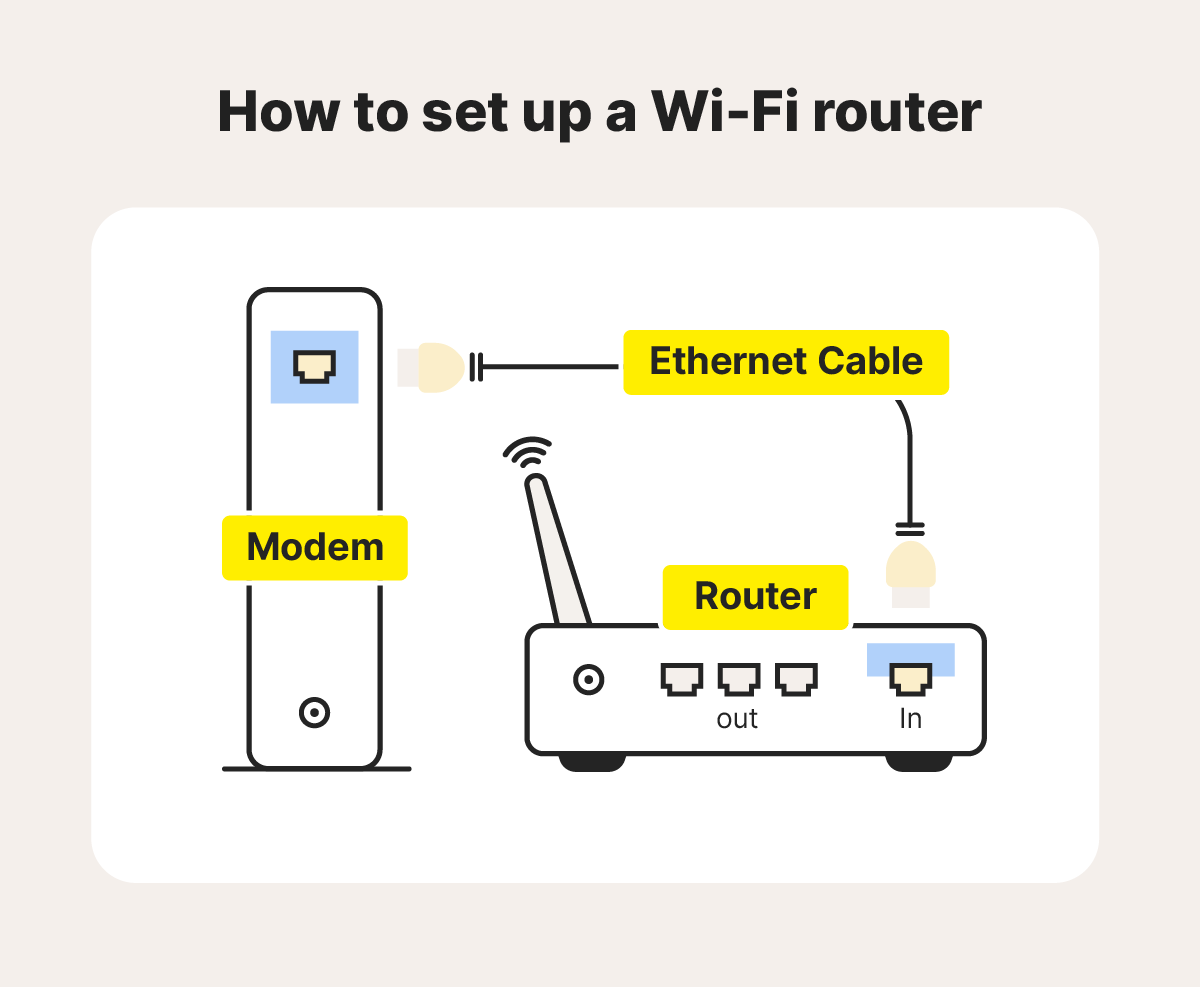
Wireless networks are the backbone of modern connectivity, and knowing how to enable and disable WLAN on your router can make a huge difference in managing your home or office internet. Whether you're boosting security, saving energy, or troubleshooting a pesky connection issue, mastering your router's wireless settings is a must.
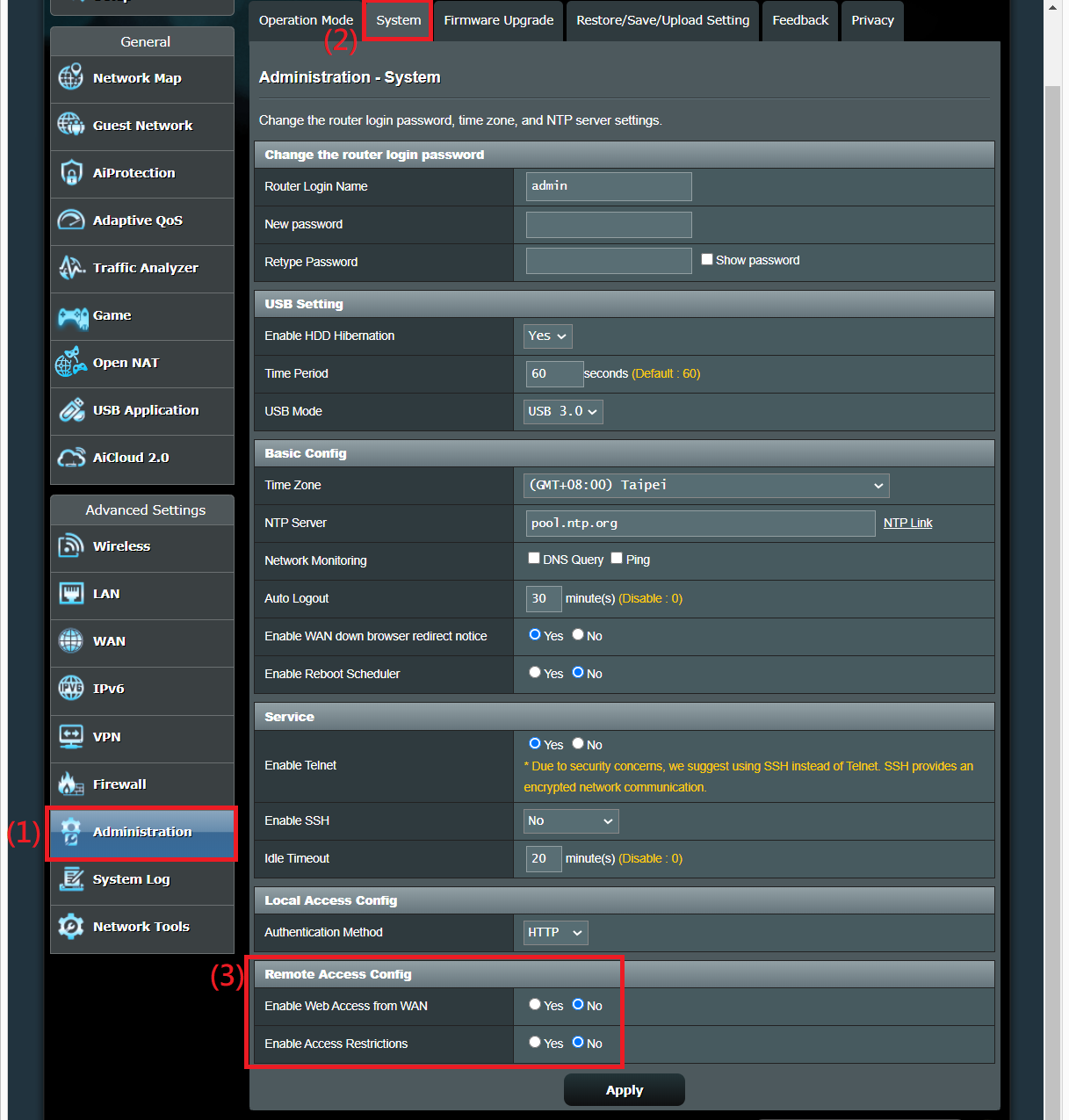
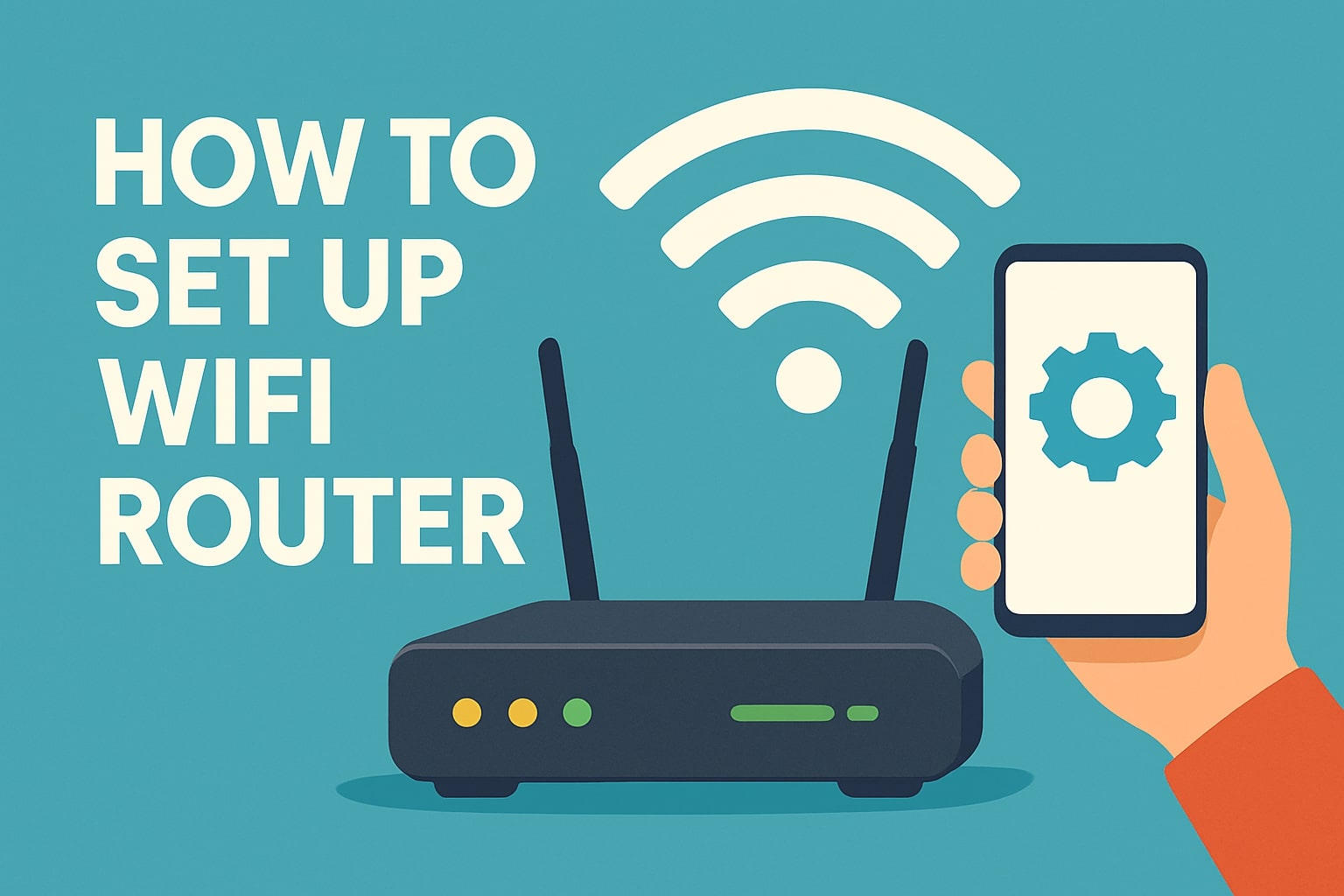
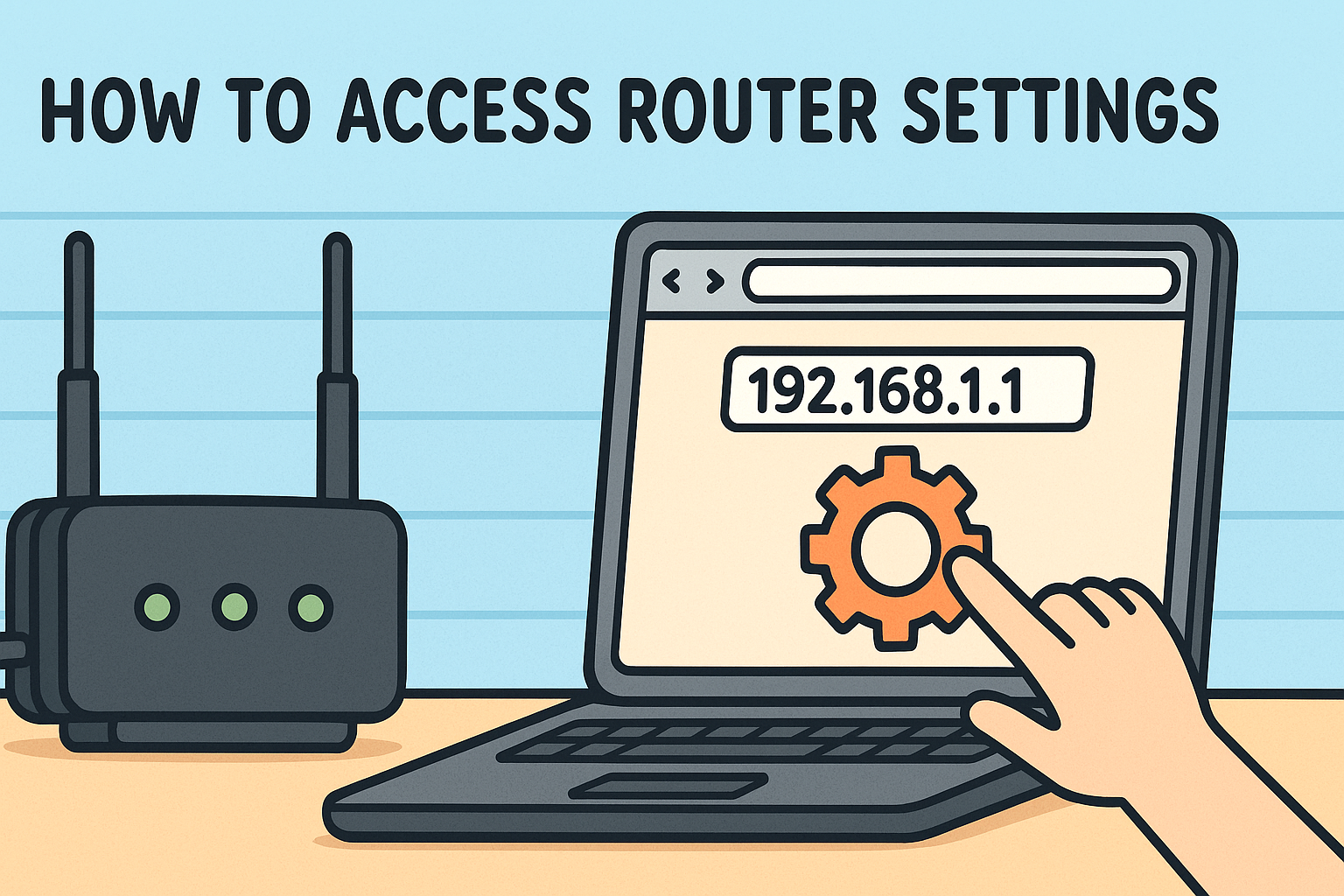
How to Access and Change Your WiFi Router Settings